Neon RS Night Stop
ai-image-editor
Any aspect ratio
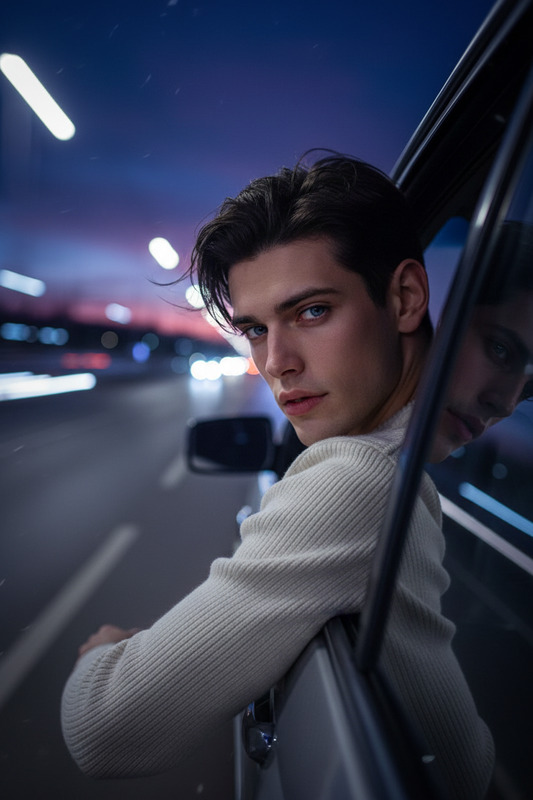
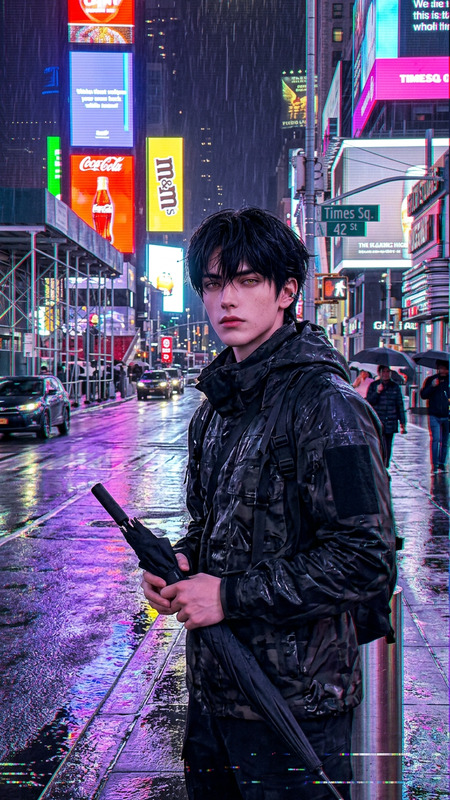
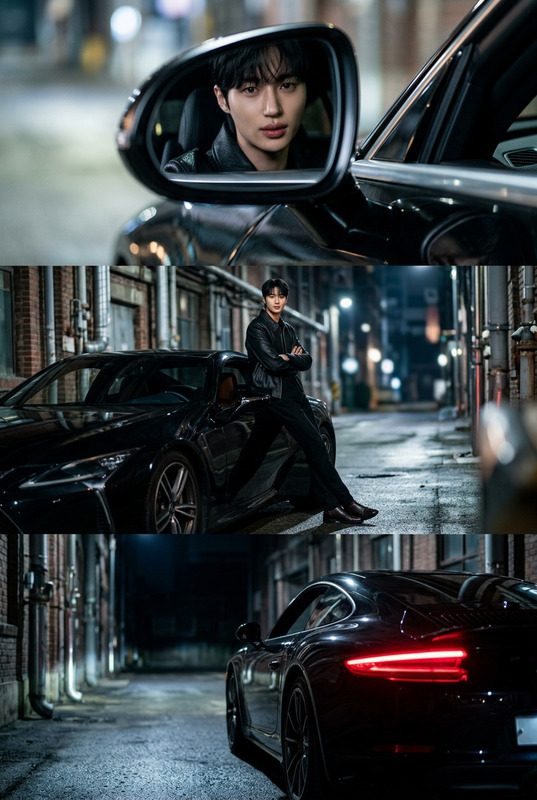
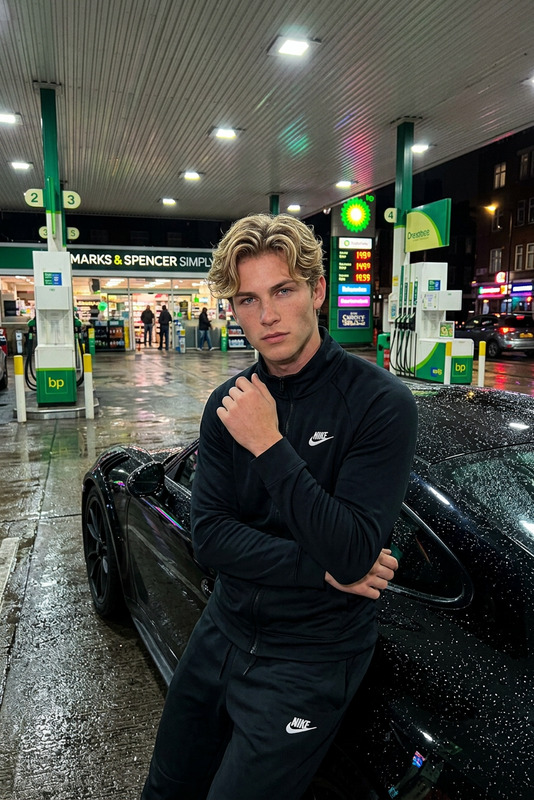
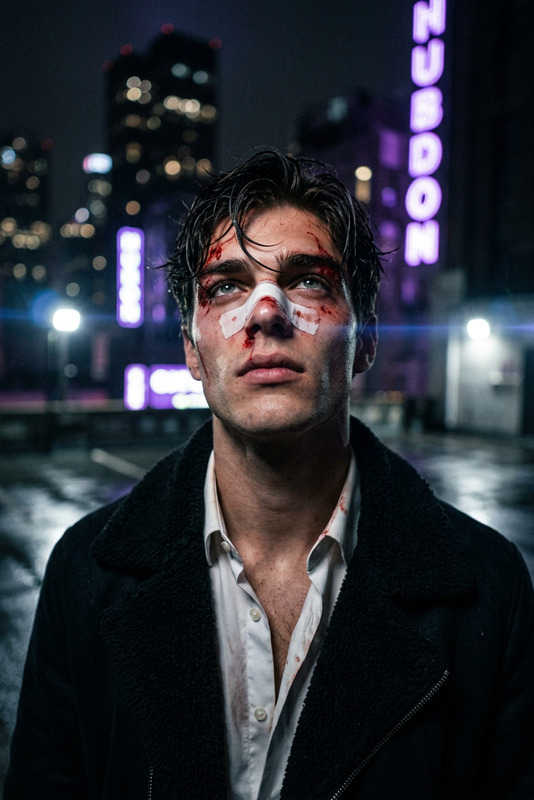
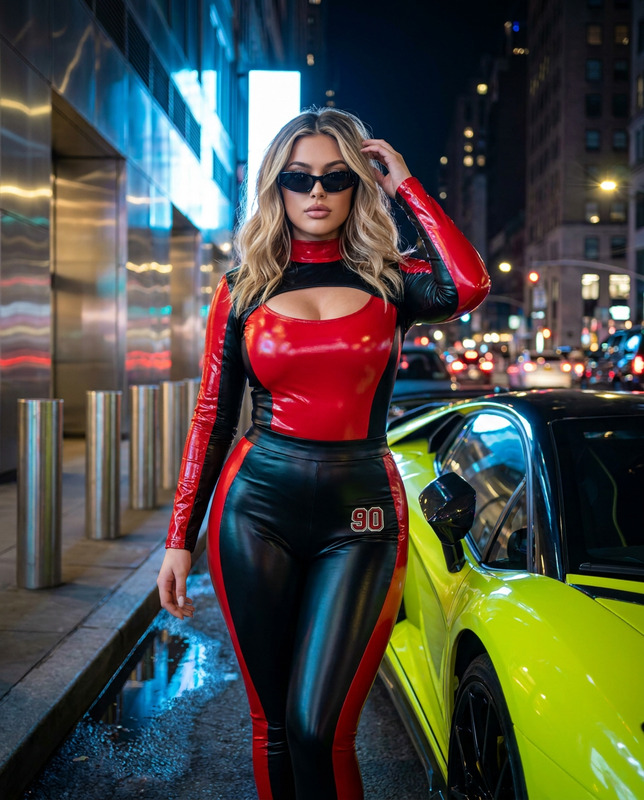
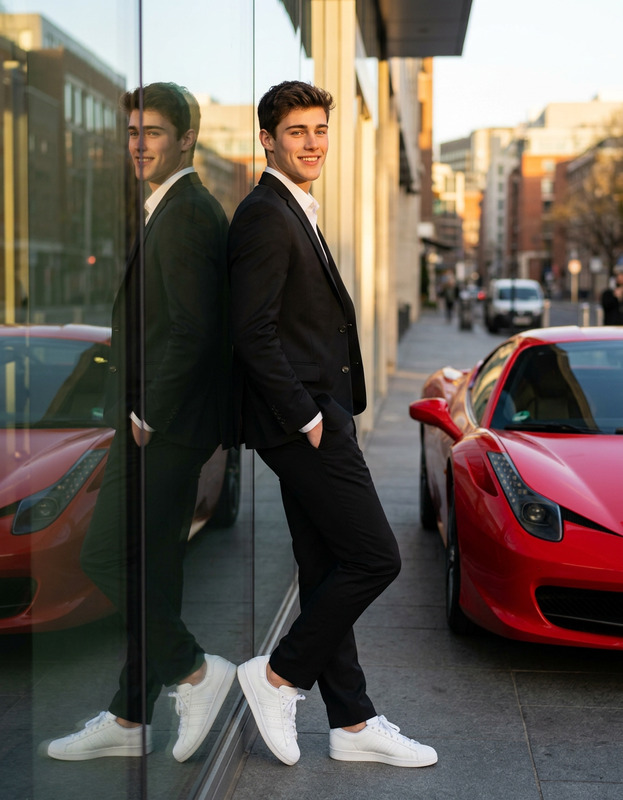
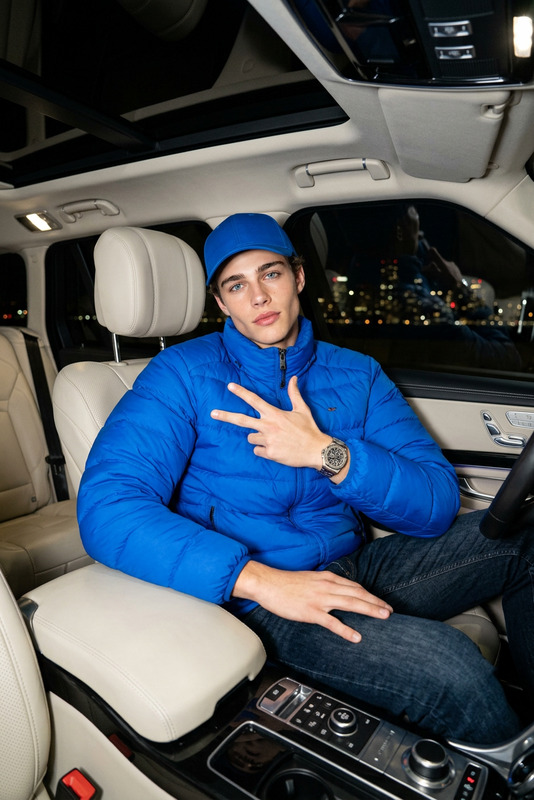
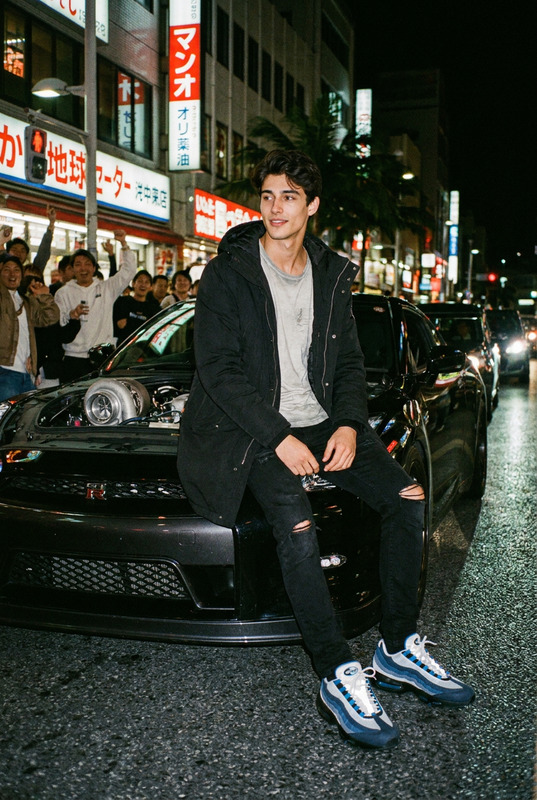
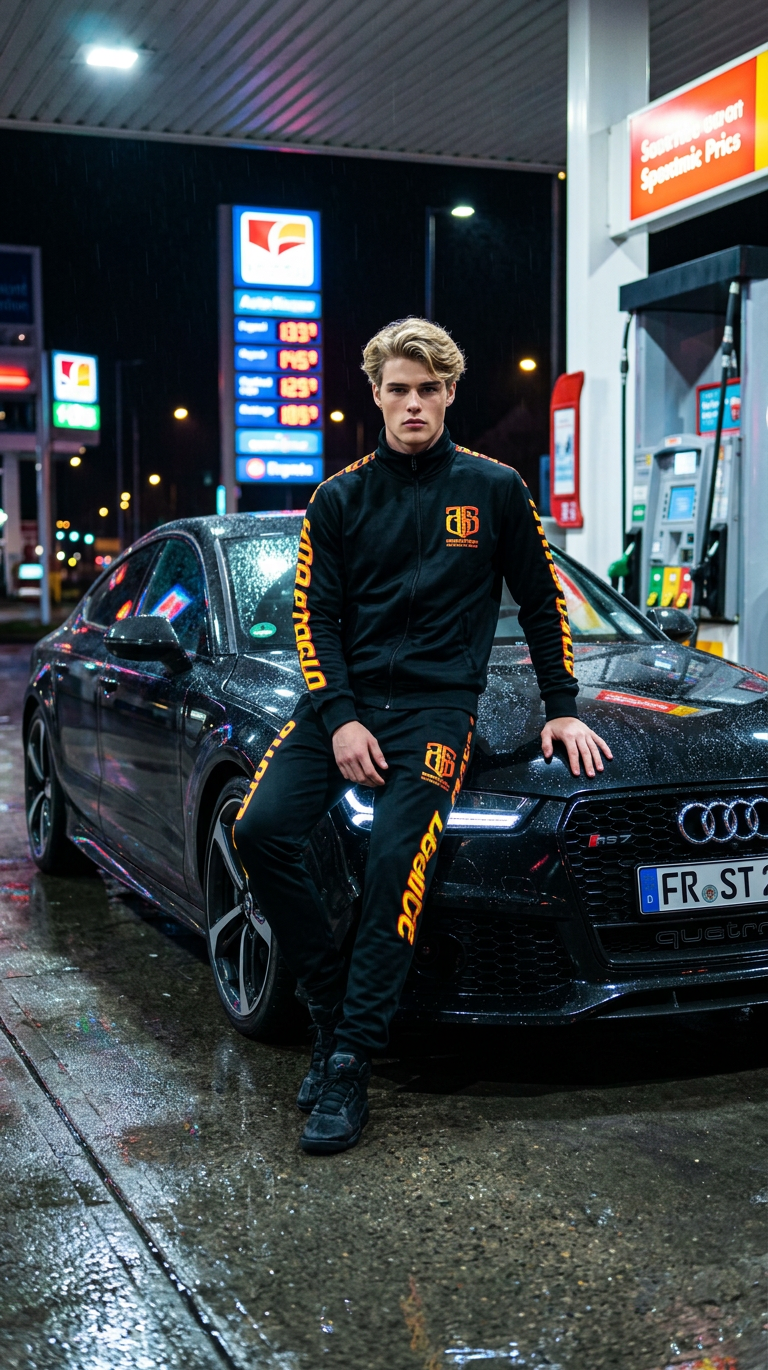
A cinematic, ultra-realistic portrait of a subject with the exact same face as the reference image (100% face match), leaning casually against a sleek black luxury sports car RS at a gas station at night. subject wears a black tracksuit with distinct orange and yellow lettering, styled in a relaxed, confident pose. The environment features a wet ground reflecting vibrant urban lights, with gas station elements and illuminated signage in the background. The mood is dark and moody, enhanced by cinematic night lighting with strong HDR contrast, colorful reflections, and glossy highlights across the car and surroundings. Captured in a flagship smartphone style with natural proportions, sharp detail, and realistic textures. The overall aesthetic is high-end, edgy, and modern, with ultra-detailed 8K quality, rich reflections, and a dynamic urban night atmosphere.
AI Image Editor Template: Precision Control for Your Visuals
Use this template to turn any image into polished, on-brand creative in a few clicks. It’s built on Magic Hour’s AI Image Editor, so you can erase, replace, enhance, and restyle specific parts of an image—without touching Photoshop or writing code.
What this template is best for
This AI Image Editor–powered template is optimized for fast, high‑quality visual edits such as:
Product and marketing visuals
- Swap backgrounds to match campaign themes
- Clean up distracting elements for ads, landing pages, or social
- Localize visuals for different markets by changing props, text, or scenes
Creator and personal branding
- Refresh profile photos, banners, channel art, and thumbnails
- Create consistent visual style across platforms
- Turn one photo into multiple variants (seasons, outfits, locations)
Content and concept exploration
- Quickly test visual concepts before committing to a full shoot
- Generate multiple creative directions for clients or stakeholders
- Turn sketches or rough ideas into presentation‑ready images
If you need to go beyond static visuals, this template also plays well with Magic Hour’s video and animation tools like Image to Video, Text to Video, and Animation.
How to remix this template in Magic Hour
You can use this template as‑is, or turn it into your own reusable editing flow. To remix it inside Magic Hour:
Open the template in Magic Hour
Start from this AI Image Editor template inside your Magic Hour workspace. You’ll see the base structure already set up around a single core action: precise, prompt‑based image editing.Replace the example image with your own
- Upload a product photo, brand asset, headshot, or any image you want to modify
- For best results, use high‑resolution images (e.g., >1024px on the shortest side)
Define what you want to change
- Use natural language to describe what should be removed, added, or transformed
- Be specific about:
- Objects (e.g., “remove the coffee cup on the left”)
- Style (e.g., “cinematic lighting, soft shadows, neutral background”)
- Context (e.g., “make it look like a studio e‑commerce photo”)
Iterate with variations
- Duplicate the template inside Magic Hour to create multiple “branches” for different looks:
- One version for social thumbnails
- One version for paid ads
- One version for decks and reports
- Save these as reusable flows so your team can apply them consistently.
- Duplicate the template inside Magic Hour to create multiple “branches” for different looks:
Connect to other Magic Hour tools (optional) Once you have a strong edited image, you can:
- Turn it into a short video using Image to Video
- Animate a face or character using AI Talking Photo
- Build GIFs or loops with the AI GIF Generator
- Prepare portrait‑style assets for AI Headshot Generator or Avatar Generator
You can clone the template, swap in your own inputs and instructions, and effectively build your own “private editing tool” on top of Magic Hour’s AI.
Practical use cases and workflows
1. E‑commerce & product marketing
- Clean, on‑brand product photos without reshoots
- Generate seasonal or themed variants of the same base shot
- Quickly test hero images for landing pages, A/B tests, and paid campaigns
Relevant tools to combine with this template:
- AI Image Generator – generate base product scenes
- AI Background Generator – create on‑brand backgrounds to drop behind your products
- Image Background Remover – isolate your product before restyling in this editor
- AI Image Upscaler – increase resolution for marketplace or print
2. Personal branding, creators, and social
- Upgrade profile photos, channel banners, or thumbnails
- Clean and enhance selfies for LinkedIn, portfolios, or pitch decks
- Create consistent style across multiple platforms (YouTube, TikTok, LinkedIn, personal site)
Useful complements:
- AI Selfie Generator – create new selfie‑style bases to refine in the editor
- AI Headshot Generator – generate professional portraits, then use this template to adjust backgrounds or styling
- Thumbnail Maker – design YouTube‑ready visuals after fine‑tuning the core image
3. Brand, design, and storytelling
- Rapid moodboards and creative directions for pitches
- Consistent art style across decks, case studies, and blog images
- Visual experiments for new brand territories without a full design sprint
Helpful tools to chain with this template:
- AI Art Generator – explore styles, then refine compositions and details in this editor
- AI Illustration Generator – generate illustrations, then make precise adjustments here
- Album Cover Generator, Book Cover Generator – refine covers with this template for final polish
Tips for getting strong results
From common best practices in generative imaging and inpainting (see, for example, “Inpainting with Stable Diffusion” and image editing guidance from OpenAI and Stability AI), a few patterns consistently improve output quality:
Be explicit in your edit description
Vague: “Fix the background.”
Better: “Replace the background with a clean, soft‑lit off‑white studio backdrop. Remove all clutter and keep the shadows subtle.”Describe both what to remove and what to add
The model does best when it knows what not to show and what the final state should look like.Call out style and mood
Terms like “product photography,” “editorial portrait,” “flat‑lay,” “cinematic,” or “minimalist UI illustration” give the model strong anchors.Use high‑quality sources
High‑resolution, well‑lit inputs give the model more detail to preserve. If your input is low‑res or blurred, you can first pass it through Unblur Image or AI Image Upscaler.
Example remix ideas
You can use this template as a starting point and evolve it into specialized internal tools:
“Ad‑ready product cleaner”
- Input: raw product photo
- Output: clean background, enhanced colors, consistent shadows, export‑ready for marketplaces
- Chain with: AI Image Upscaler and Video Upscaler if you later turn the product into video
“Founder headshot upgrader”
- Input: casual photo of a founder or team member
- Output: professional, consistent background and lighting for pitch decks and press
- Chain with: AI Headshot Generator and AI Voice Generator / AI Talking Photo to build talking‑head explainers or founder intros
“Concept‑to‑storyboard flow”
- Step 1: Generate key frames with AI Photo Generator or AI Art Generator
- Step 2: Refine each frame with this AI Image Editor template
- Step 3: Turn them into motion with Animation or Image to Video
Related templates and tools to explore
If you like this AI Image Editor template, you might also want to experiment with:
Video and motion
- Face Swap Video – drop edited faces from your images into videos
- Lip Sync – sync speech to your edited portraits or characters
- Video to Video – restyle footage using the visual language you develop with this template
- Animation – animate characters or scenes refined with the AI Image Editor
Face and portrait tooling
Cleanup and object removal
This template is designed to be a flexible, composable building block. Remix it to match your workflow, connect it to other Magic Hour tools, and turn one general‑purpose AI Image Editor into a stack of specialized, reusable editing “apps” for your team.