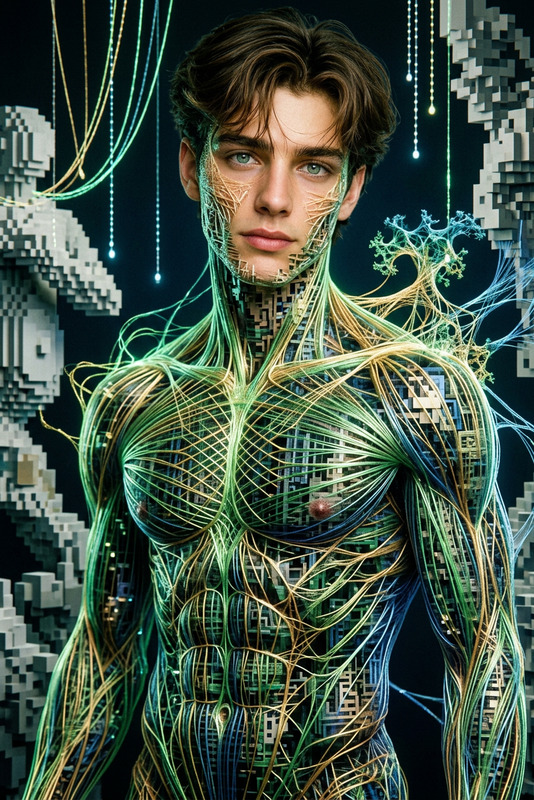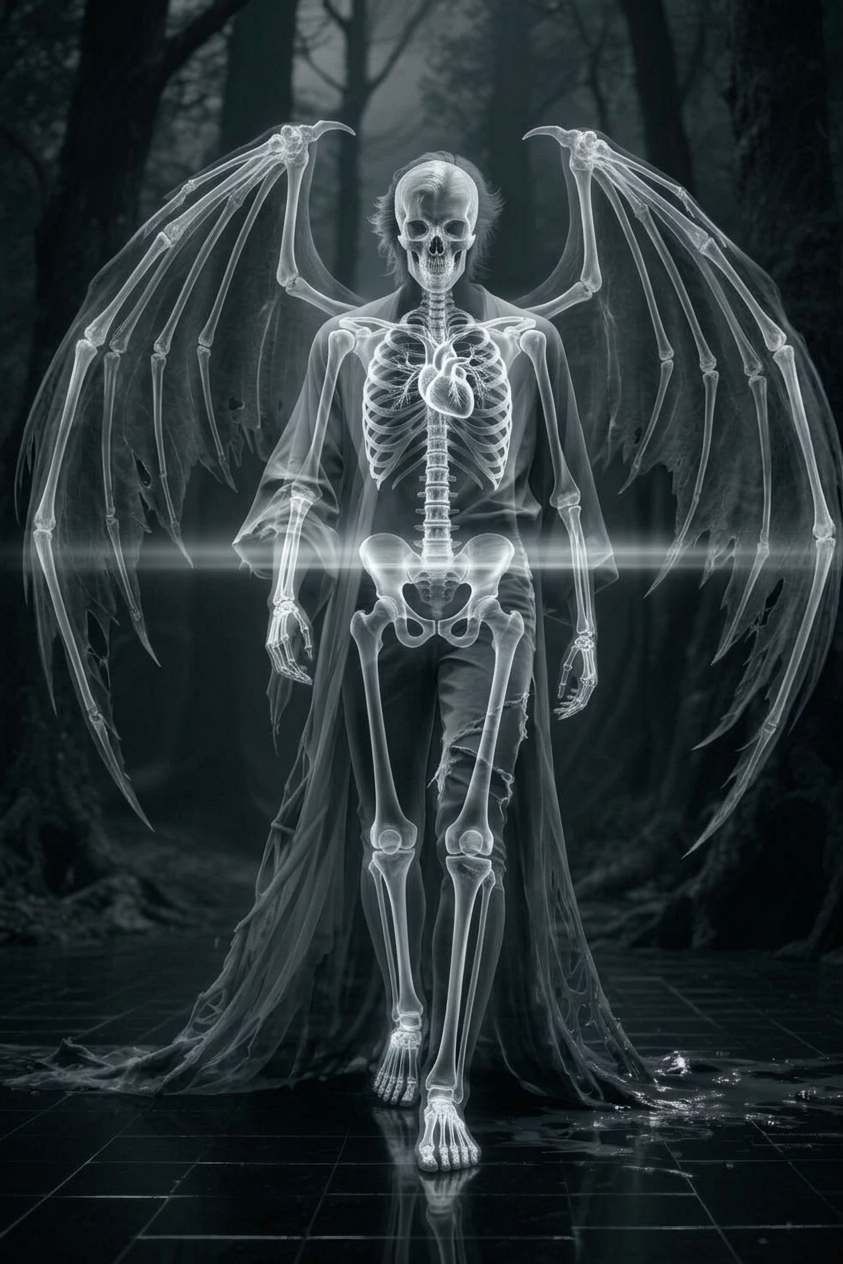
X-ray
- Model
- Nano Banana 2
- Image
- 843 × 1264 px
Prompt
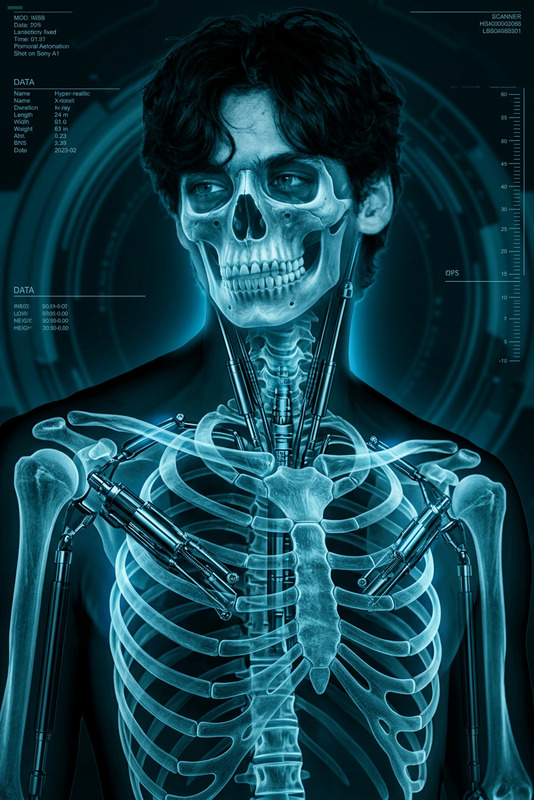
Cinematic shot of a subject revealed in X-ray style, outer form semi-transparent as bones and internal structure glow through. Subtle scan-like light passes across the body, creating a scientific yet eerie atmosphere. Monochrome tones with luminous highlights, surreal, ultra-realistic, HDR, high contrast, shallow depth of field
Any aspect ratio
Overview
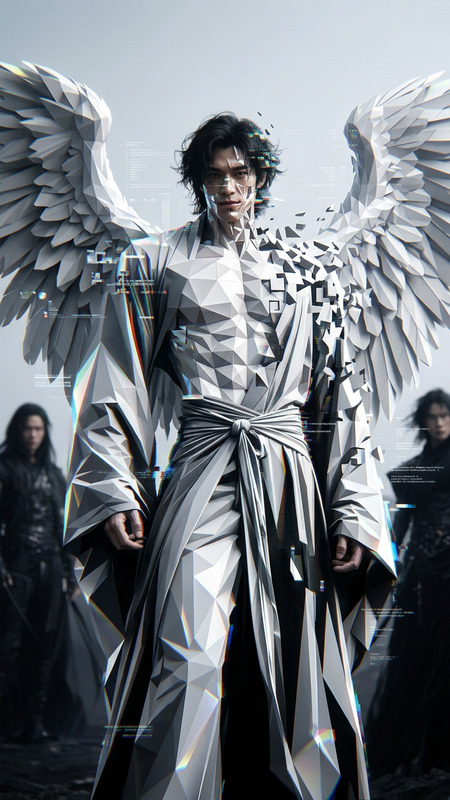
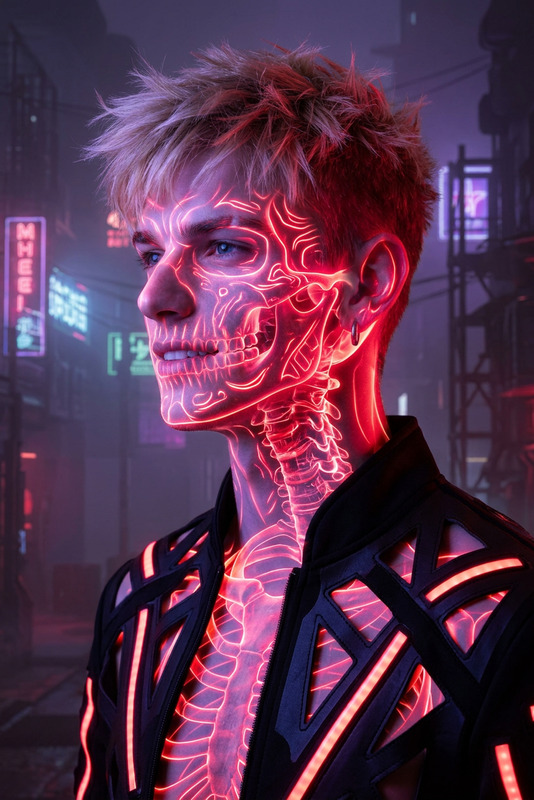
Discover the fascinating world of image editing with the X-ray AI Image Editor, powered by the nano-banana-2 model. Transform ordinary photos into extraordinary visuals that reveal an X-ray-like perspective. Ideal for enhancing artistic projects and scientific visual content.
What It Does
This template allows users to convert regular images into an X-ray style, highlighting internal structures with a glowing effect. It provides a monochrome tonal output with luminous highlights and a high-contrast, ultra-realistic finish—all achievable with a few clicks using the AI Image Editor.
Who It's For
Designed for designers, creatives, and educational content creators, this tool is perfect for anyone looking to add a unique, scientific angle to their visual content. It's also an excellent choice for those involved in fields like anatomy, forensic studies, and creative arts requiring surreal imagery.
Summary
With the X-ray AI Image Editor, users can achieve stunning visual effects that simulate an X-ray-like viewing experience. Whether you're in the science domain or the creative industry, this template offers a straightforward way to enhance your project with layers of detail and intrigue using AI Image Editor capabilities.
How To Use
Choose the Template

Customize Your Image

Generate and Download

Use Cases
Creative Projects
- Create dramatic album covers
- Design eye-catching posters
- Develop unique social media content
Scientific Illustrations
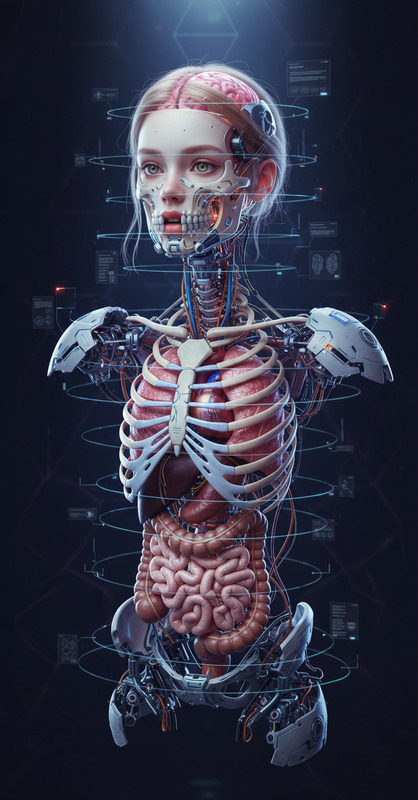
- Visualize anatomical structures
- Illustrate scientific concepts
- Develop educational content
Marketing Campaigns
- Design innovative ad creatives
- Create striking visual narratives
- Enhance product detail presentation
Best Practices
Select High-Resolution Images
For the best results, use images with a resolution that supports high-quality detailing in the X-ray transformation.Balance Contrast and Brightness
Adjust these settings carefully to ensure that the image retains clarity while highlighting internal structures.Experiment with HDR Settings
Utilize HDR techniques to emphasize contrasts and luminous highlights, enhancing the X-ray effect.