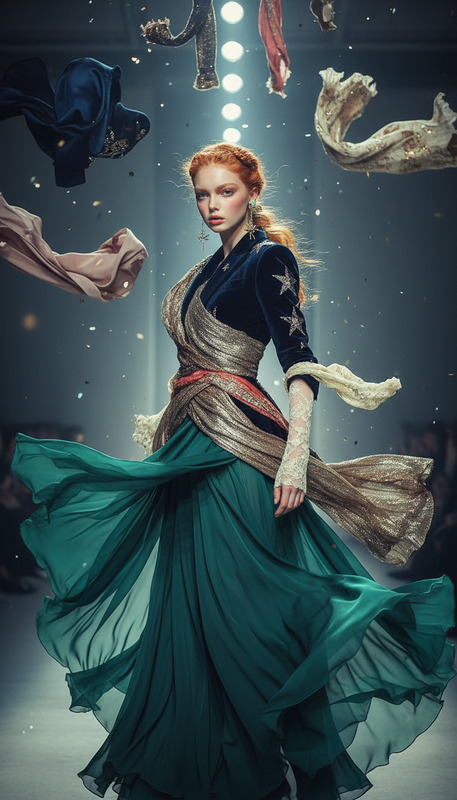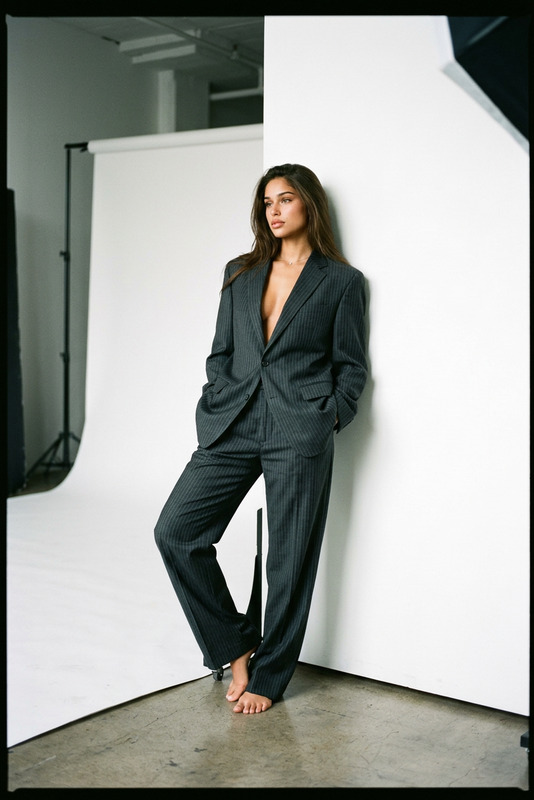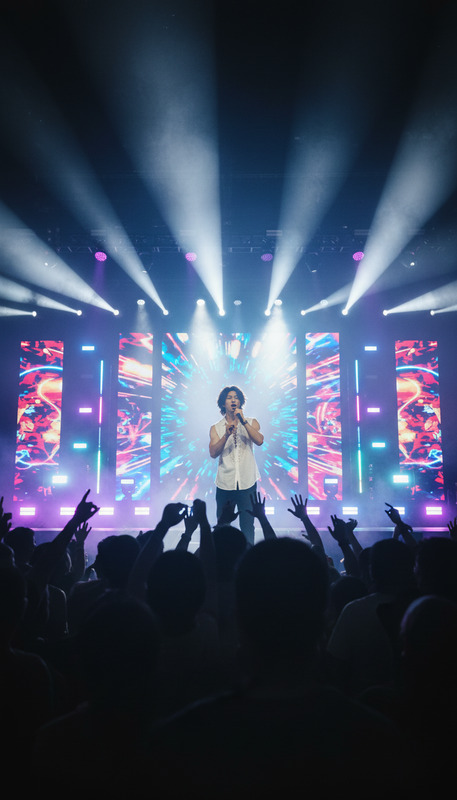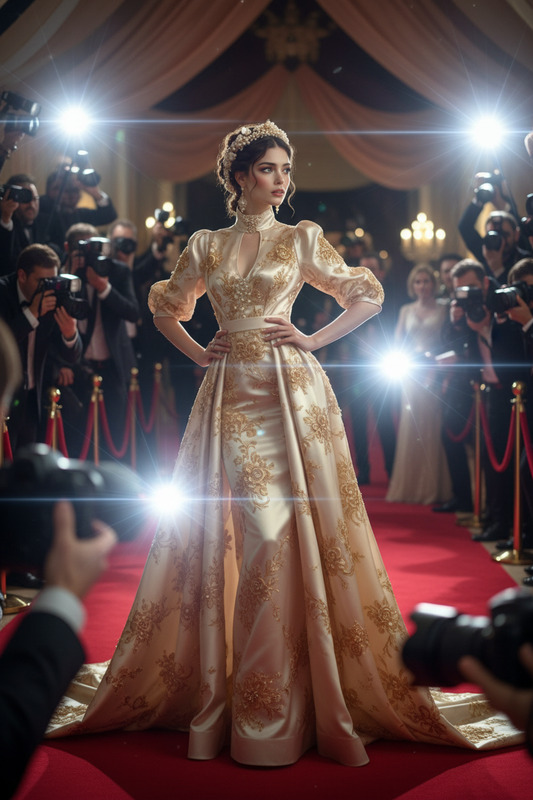
Paparazzi
- Model
- Nano Banana 2
- Image
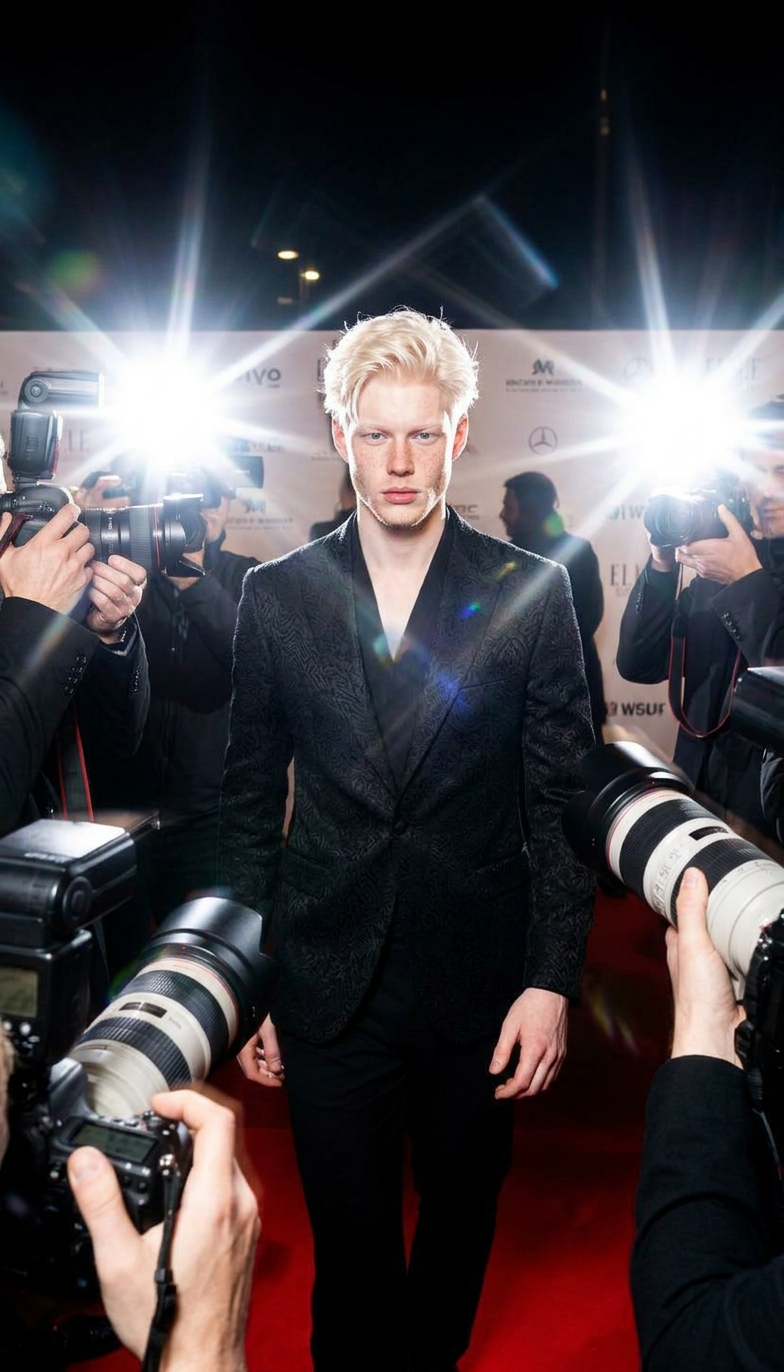
- 784 × 1372 px
Prompt
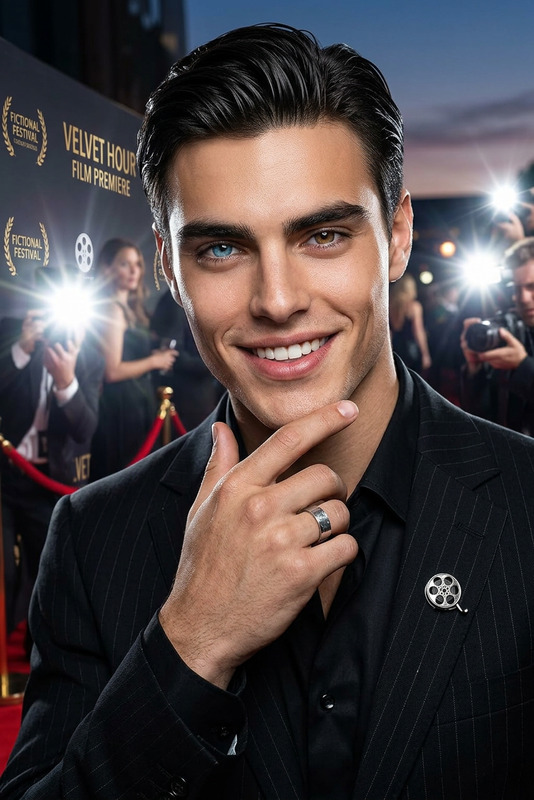
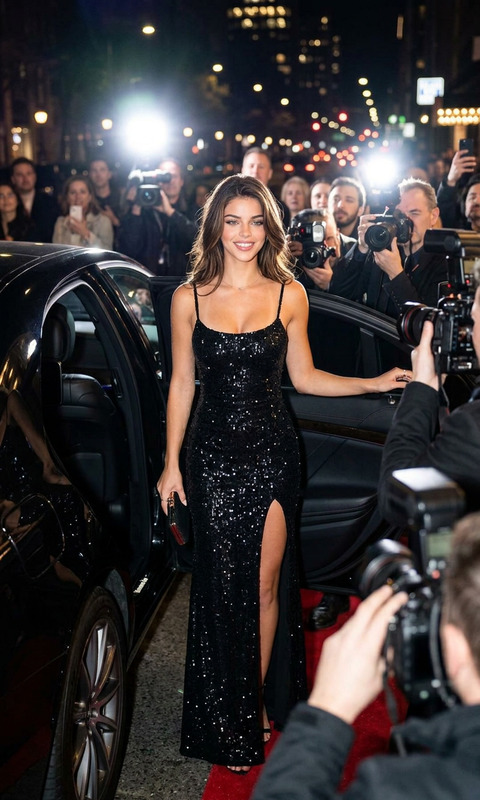
A stylish subject walking forward as intense paparazzi camera flashes burst rapidly from all directions, illuminating the scene in sharp white bursts, silhouettes of photographers crowding around, chaotic yet glamorous atmosphere, red carpet vibe, high fashion energy, motion blur and lens flares, cinematic lighting, ultra-detailed, 4K.
Any aspect ratio
Overview
The Paparazzi AI Image Editor template brings the glamour of high-fashion and red carpet events into your creative projects. With this template, experience the chaotic, yet dazzling world of celebrity photo ops. Each frame captures the intense flashes and flares, perfectly simulating a paparazzi scene.
What It Does
This template uses the nano-banana-2 model to bring your subject to life surrounded by dynamic camera flashes and a buzzing atmosphere. It creates a motion blur effect that mimics real-life movement while enriching the image with detailed textures and cinematic lighting.
Who It's For
Ideal for creators in the film and fashion industries, this template is also perfect for social media influencers looking to generate eye-catching posts. It's essential for anyone wanting to add a touch of Hollywood-style flair to their imagery, be it for advertising or personal branding.
Summary
With its dynamic features and advanced rendering, the Paparazzi template offers users the tools to transform ordinary images into cinematic experiences. Leverage its detailed graphics and high-energy scenes to stand out, whether you're enhancing a video or crafting a high-profile social media campaign.
How to Use
Choose Template

Customize Your Scene

Generate Image

Use Cases
Fashion Campaigns
- Design high-end fashion looks
- Enhance model portfolios
- Create vibrant magazine covers
Social Media Content
- Craft unique Instagram posts
- Boost brand visibility
- Engage followers with stylish visuals
Event Promotion
- Design eye-catching event flyers
- Enhance digital marketing
- Attract attention with visually striking advertisements
Best Practices
Focus on Detail
Ensure your subject is high-resolution to maximize the ultra-detailed capability of this template.Adjust Lighting
Experiment with lighting settings to enhance the cinematic feel of your image.Explore Different Angles
Try various subject positions and angles to see which works best with the paparazzi effect.