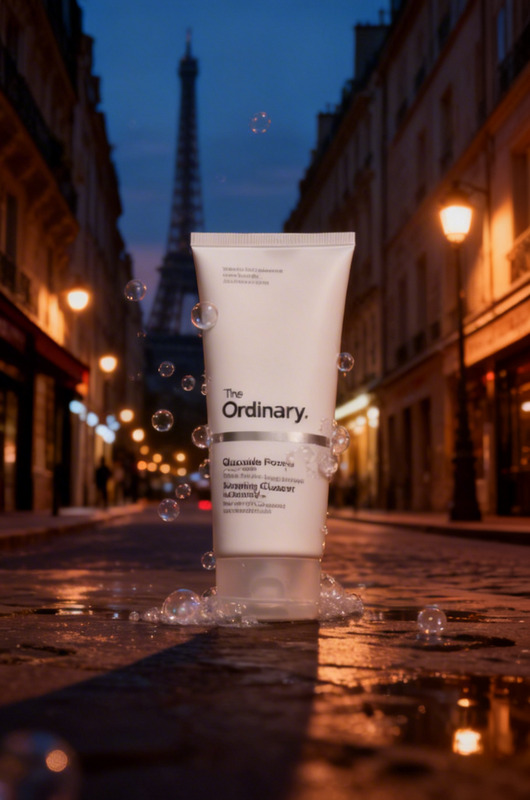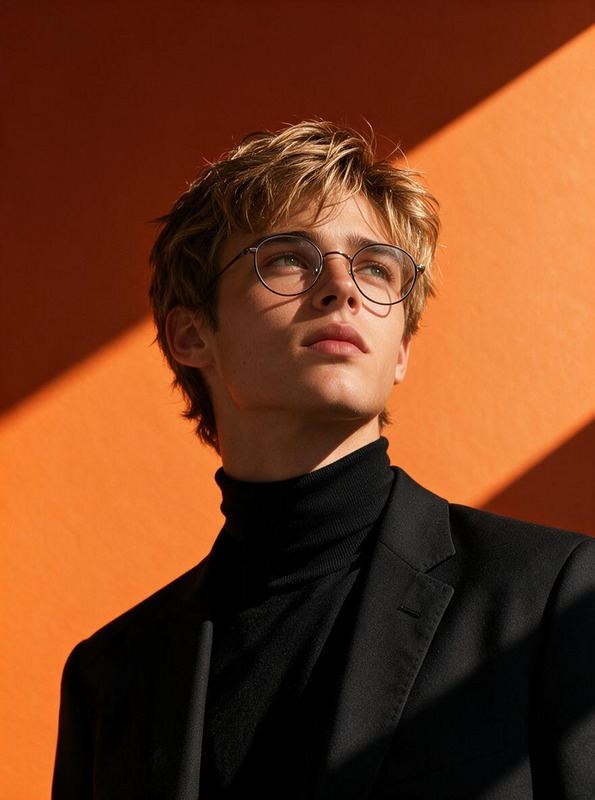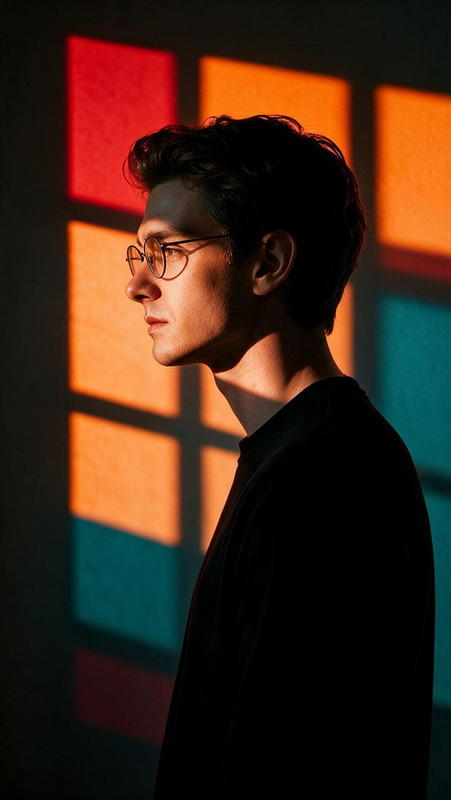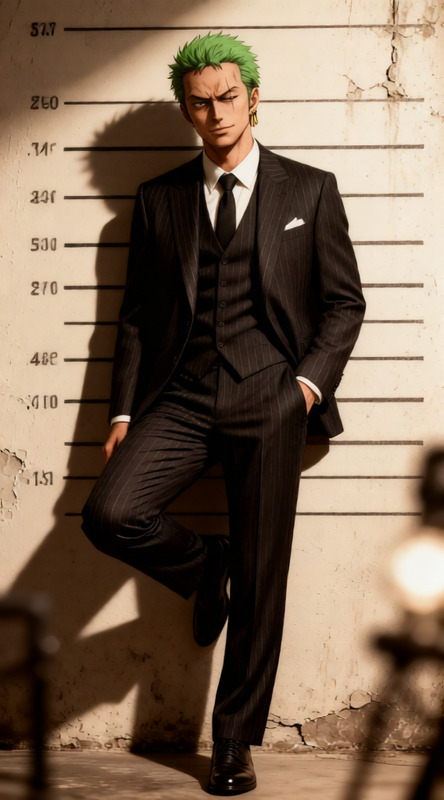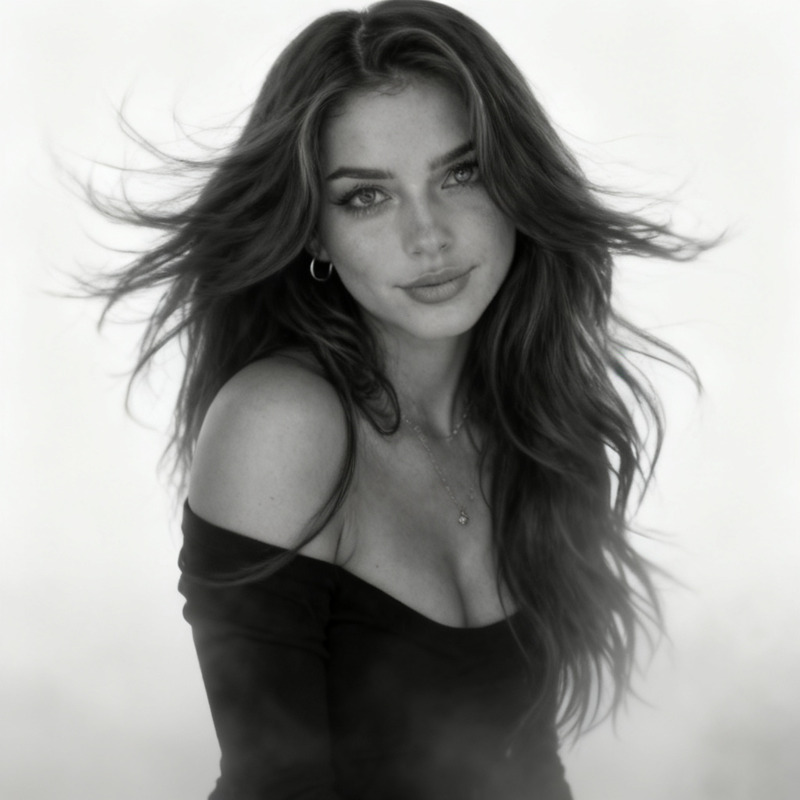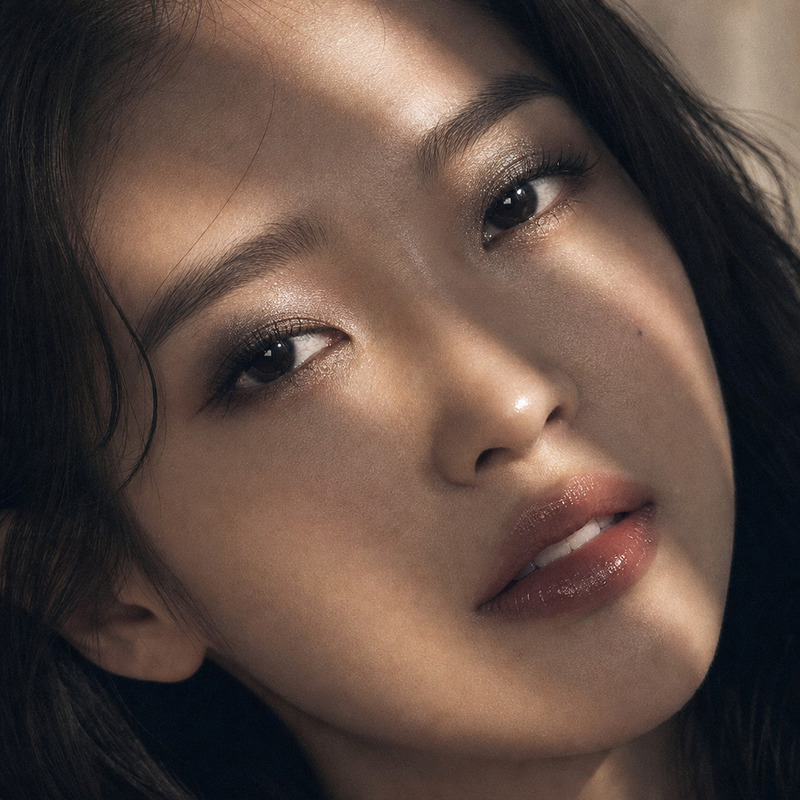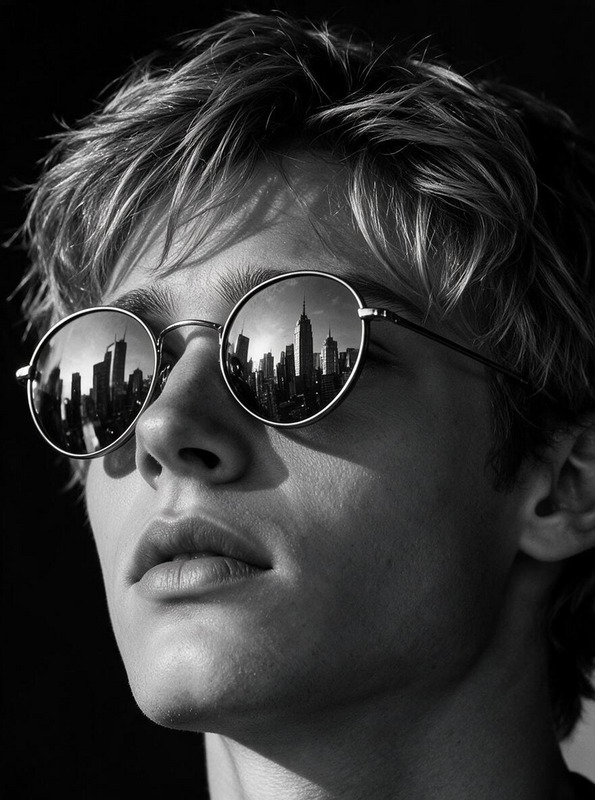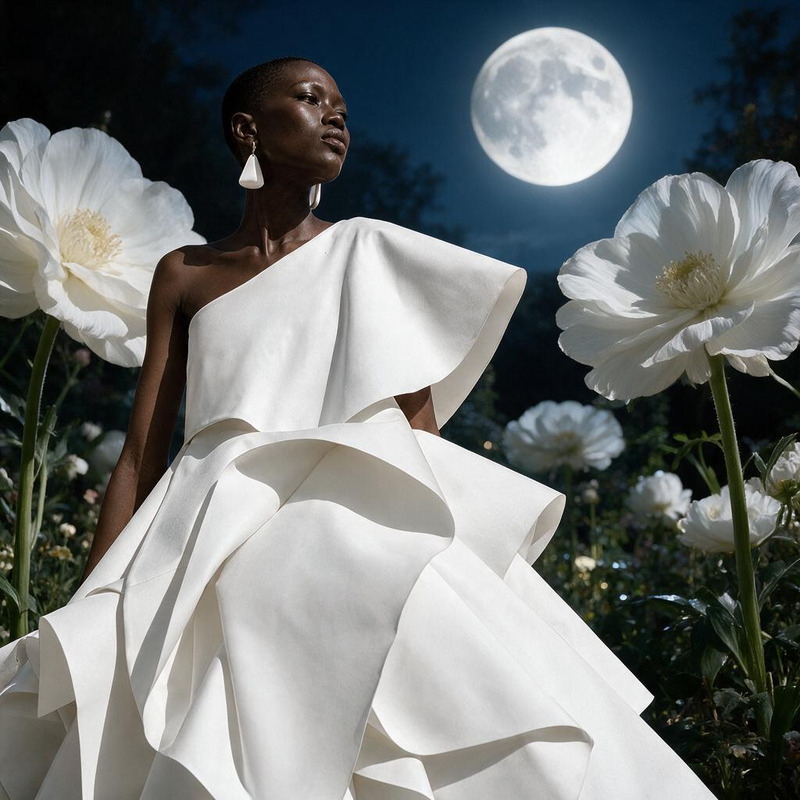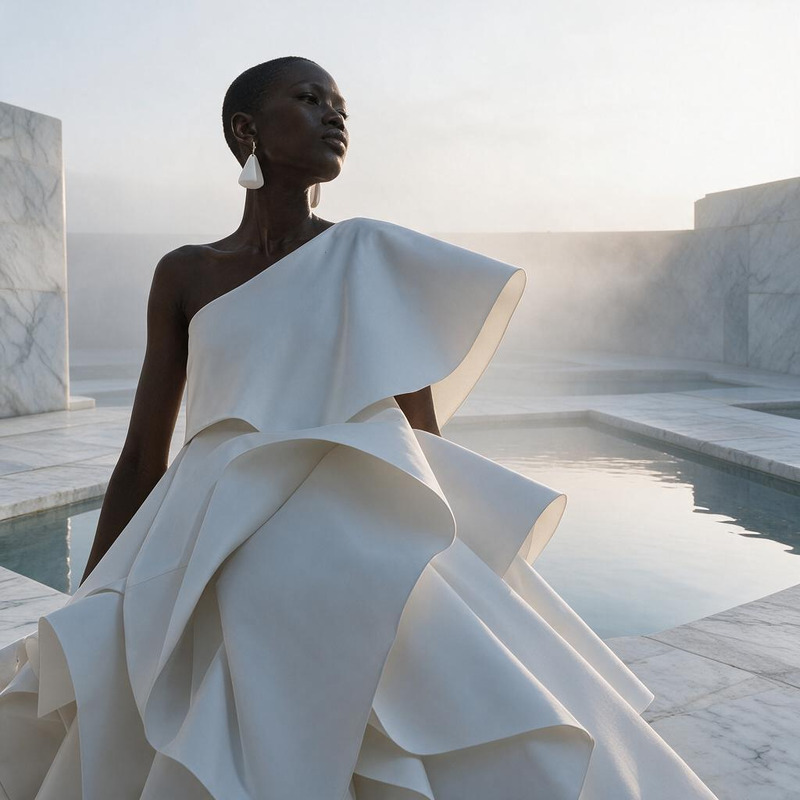
Aperture Comparison Portrait
- Model
- Seedream 4
- Image
- 574 × 1024 px
Prompt
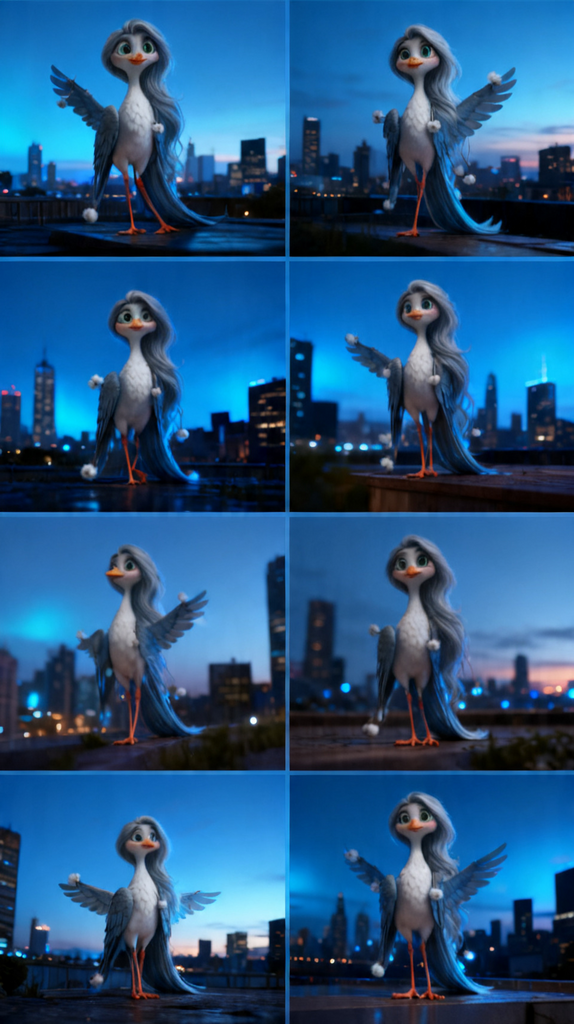
subject model posing gracefully in a city at blue hour after sunset; serene, elegant mood; photorealistic, high detail, 85mm prime lens; natural twilight lighting with soft blue ambient glow; four-panel comparison showing depth of field differences
Any aspect ratio
Overview
The Aperture Comparison Portrait template in our AI Image Editor empowers you to create visually captivating images with precise depth of field effects. Utilizing the advanced seedream-v4 model, this template enables effortless transformation of your images, highlighting the impact of different aperture settings.
What It Does
This template generates a four-panel image display showcasing depth of field variations achieved through different aperture settings. It captures a subject in a serene cityscape during the blue hour, highlighting the elegance and detail of the scene. The photorealistic editing enhances natural twilight lighting, creating comparisons with distinct visual impact.
Who It's For
The Aperture Comparison Portrait tool is ideal for photographers, digital artists, and content creators focused on understanding and showcasing depth of field effects. Whether you're developing educational content, marketing materials, or enhancing personal projects, this template provides the flexibility and realism needed to produce high-quality imagery.
Summary
With the Aperture Comparison Portrait template, you can easily create detailed visual comparisons of multiple aperture settings. Perfect for tutorials or professional portfolios, this AI Image Editor tool offers photorealistic results enhanced by the seedream-v4 model. Smooth integration with our AI Image Editor makes this a must-have for any creator.
How to Use
Choose Template

Customize Inputs

Generate Image

Use Cases
Educational Content
- Detailed depth of field exploration
- Comparison of various photographic techniques
Portfolio Enhancement
- Professional image panels
- Photorealistic comparisons
Marketing Materials
- Vibrant, eye-catching visuals
- Demonstrate product features through photography
Best Practices
Focus on Subject Detail
Ensure the subject is clear and prominently featured in the shot to highlight the aperture changes effectively.Use Natural Lighting
Leverage the natural twilight lighting settings within the prompt to maintain photorealism.Adjust Aperture Settings
Experiment with different aperture values to capture a broad perspective of depth differences in your shots.