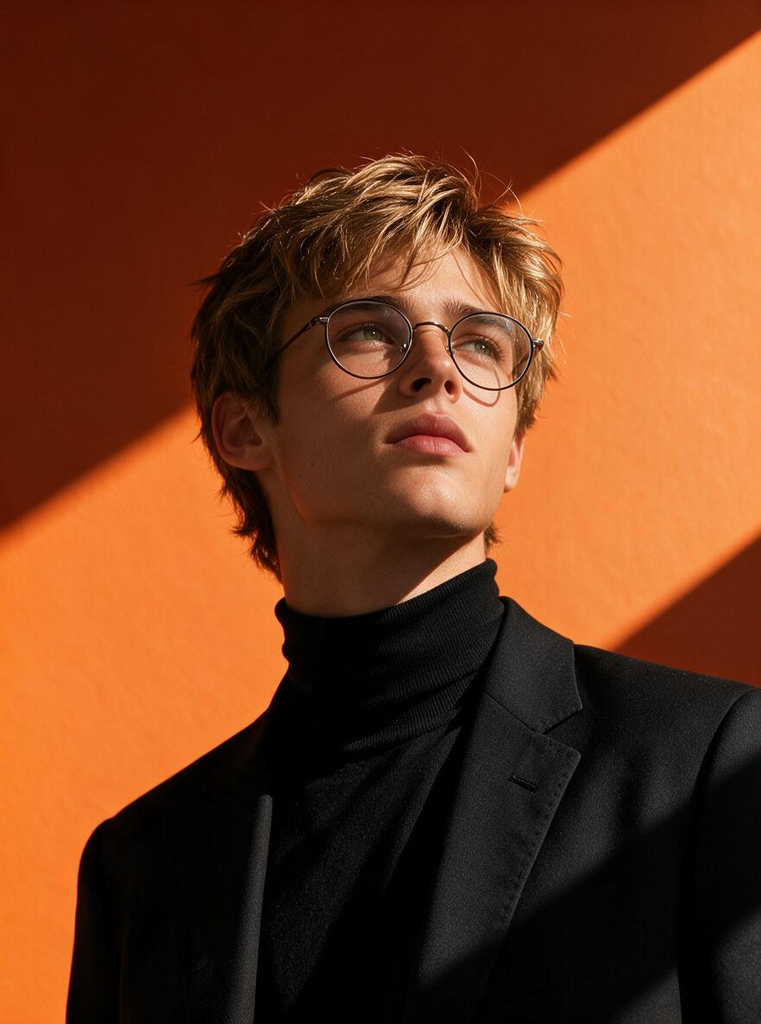
Orange Geometry
- Model
- Seedream 5 Pro
- Image
- 761 × 1024 px
Prompt
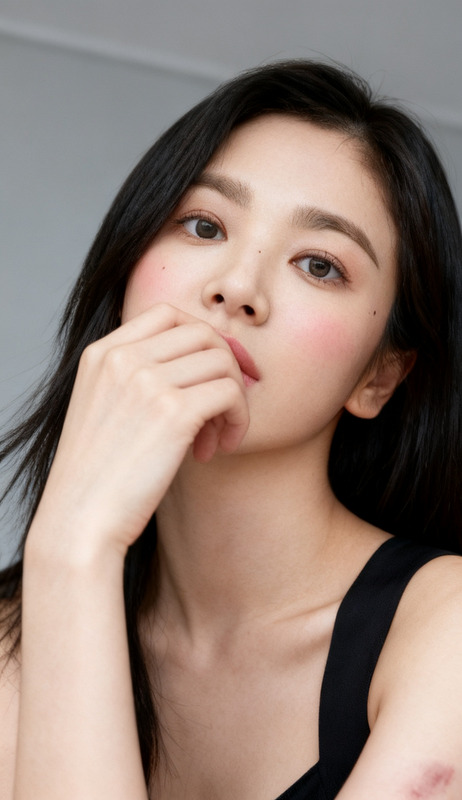
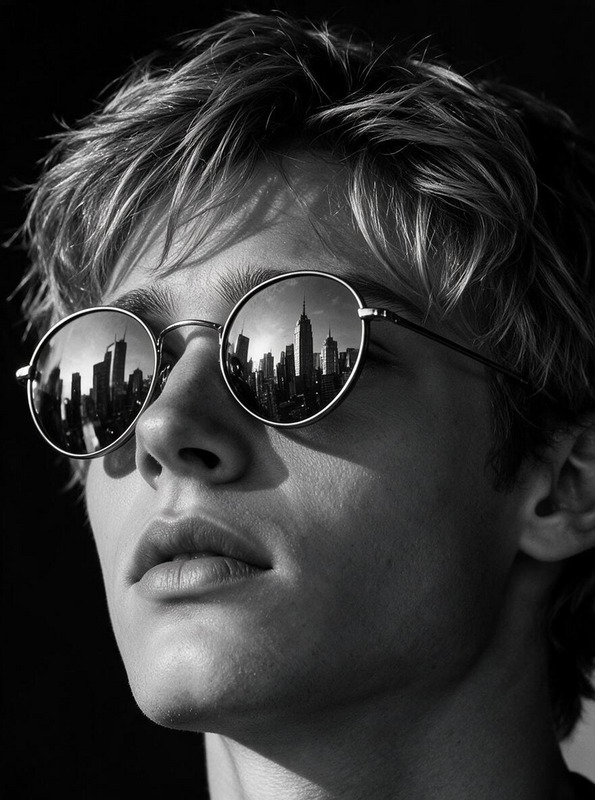
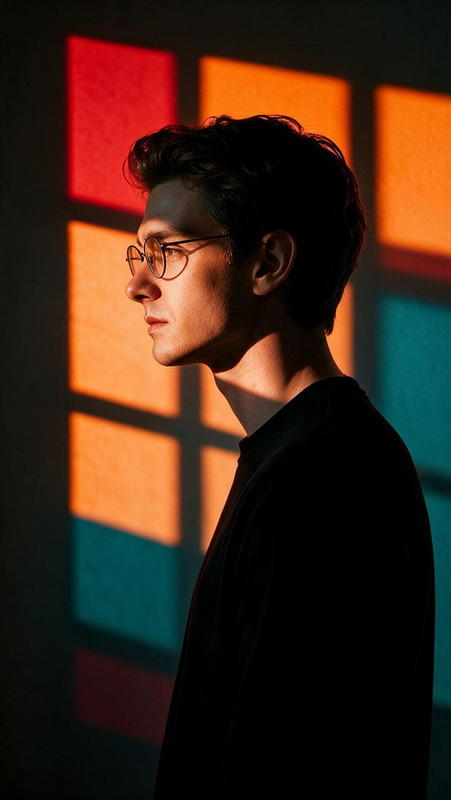
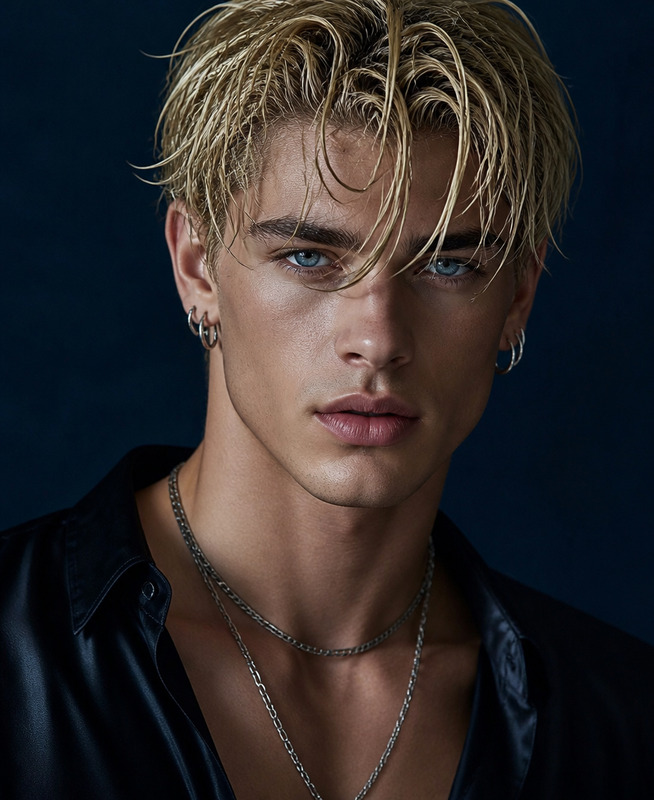
A cinematic, ultra-realistic portrait of a subject standing against a vivid orange wall, with bold diagonal sunlight casting striking geometric shadows across the background. Capture the subject from a low angle, with the head subtly tilted upward and the gaze directed toward the upper right, creating a confident, composed, and refined presence. Use natural hard sunlight to produce strong facial contrast, defined highlights, and deep directional shadows while preserving realistic skin texture and natural imperfections. The subject wears a black turtleneck, tailored black blazer, and thin round glasses, creating a sophisticated minimalist fashion aesthetic. When a reference face is provided, preserve its facial structure, proportions, skin tone, hairstyle, and natural characteristics while integrating it naturally into the composition. Keep the background, lighting direction, wardrobe, accessories, pose, camera perspective, and overall composition consistent with the original concept. Ultra-realistic skin and fabric textures, physically believable sunlight, cinematic tonal range, subtle depth of field, premium editorial photography, 8K detail, polished yet natural finish.
Any aspect ratio
Overview
Welcome to the Orange Geometry template, an advanced tool within our AI Image Editor suite that allows creators to produce ultra-realistic portraits with a striking geometric aesthetic. Using the powerful seedream-v5-pro model, this template enhances your images with premium editorial photography quality and a cinematic tonal range.
What It Does
The Orange Geometry template specializes in creating cinematic portraits featuring a subject against a vivid orange wall. It utilizes strong geometric shadows and natural hard sunlight to accentuate the subject's features and attire. The model maintains significant realism, including natural skin texture and imperfections, while also allowing for the integration of reference faces, all captured in 8K detail.
Who It's For
This template is perfect for photographers, art directors, and fashion designers who wish to elevate their images with a sophisticated minimalist aesthetic. It suits anyone looking to create high-quality portraits or editorial images with a unique geometric style. It's particularly valuable for those involved in digital content creation for social media ads or eCommerce campaigns.
Summary
The Orange Geometry template is part of our broader AI Image Editing capabilities, designed to transform portraits into editorial-quality images. With features that emphasize realism and fashion-forward aesthetics, this template offers unparalleled control over visual storytelling while ensuring a polished yet natural finish.
How to Use
Choose Your Template

Customize Your Image

Generate and Download

Use Cases
Fashion Photography
- Highlight modern clothing designs against bold backdrops.
- Create editorial-style portraits with cinematic lighting.
Social Media Content
- Capture attention with geometric shadow play and vivid colors.
- Complement personal or brand aesthetics.
Editorial Features
- Produce portraits with premium editorial standards.
- Seamlessly integrate text and other design elements.
Best Practices
Lighting Considerations
Utilize the template's natural hard sunlight to create dramatic shadows and highlights, enhancing the subject's presence.Pose Alignment
Ensure the subject's pose aligns with the template prompt to maintain the desired composition and mood.Reference Consistency
When importing reference faces, keep facial proportions and characteristics intact for the best natural integration.