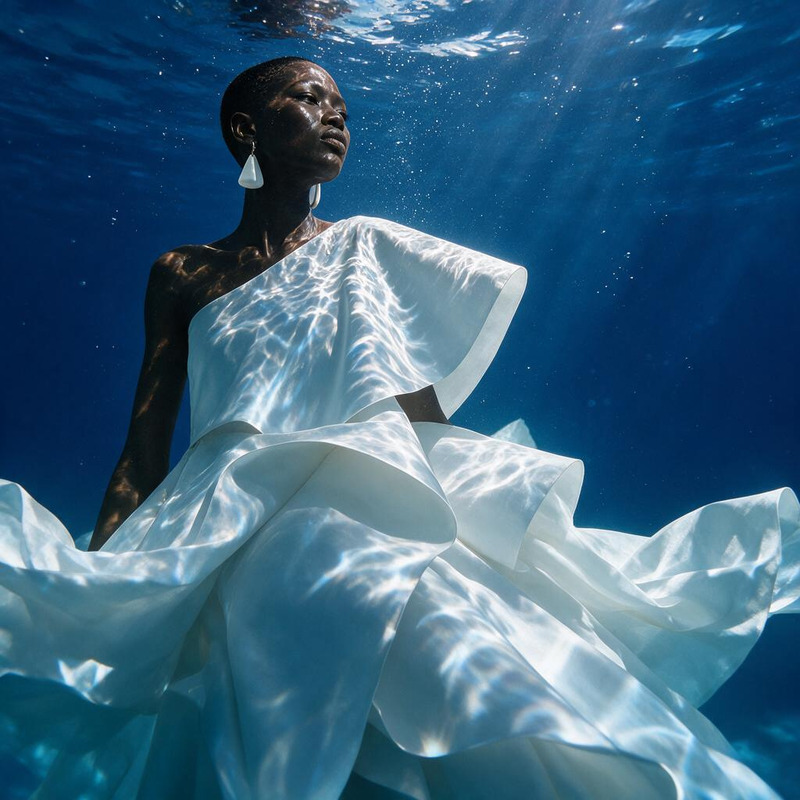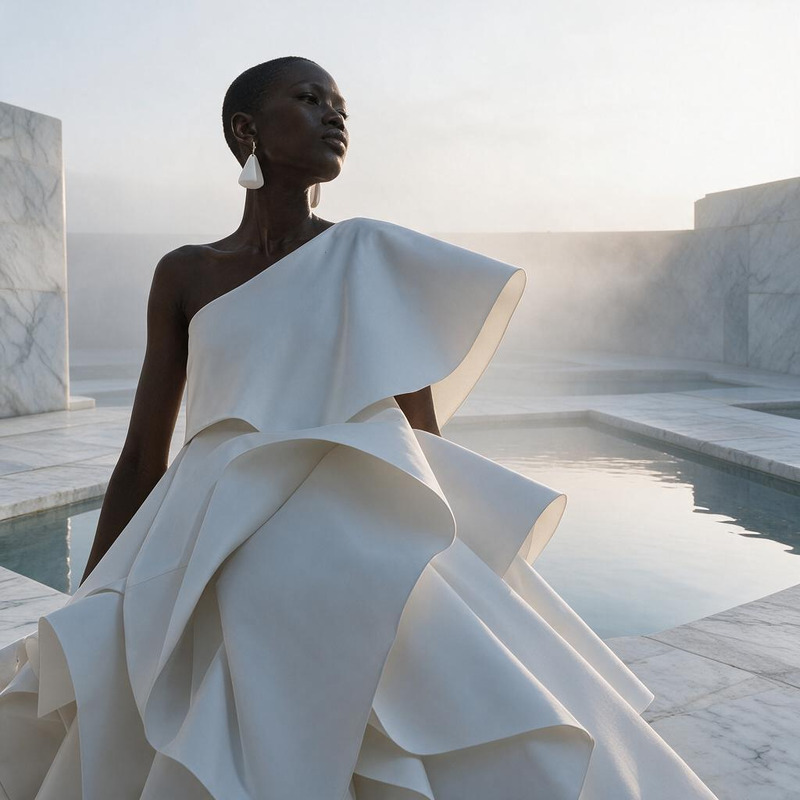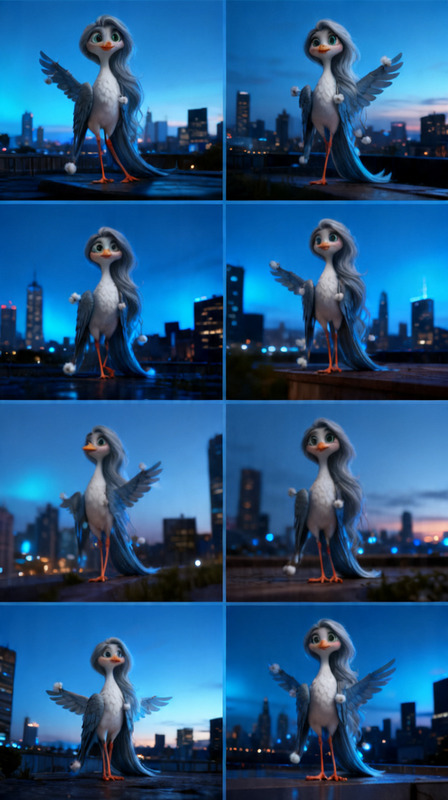
Vintage Paris Dusk Placement
- Model
- Seedream 4
- Image
- 679 × 1024 px
Prompt
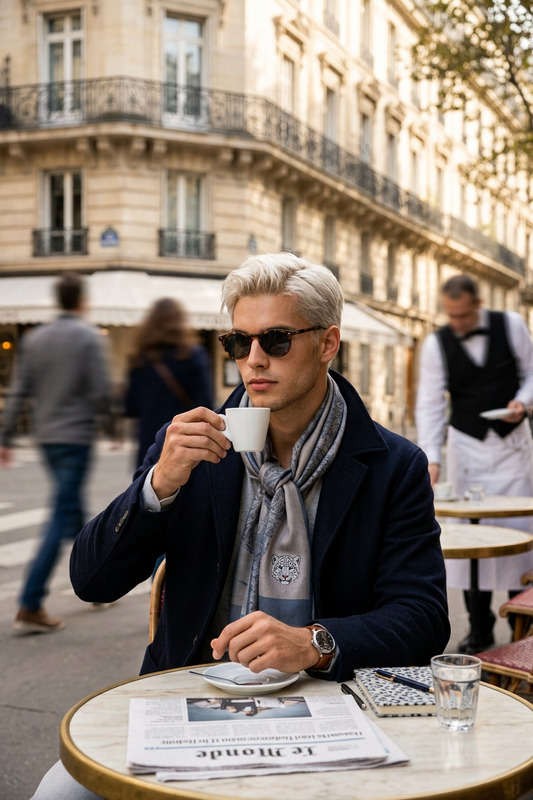
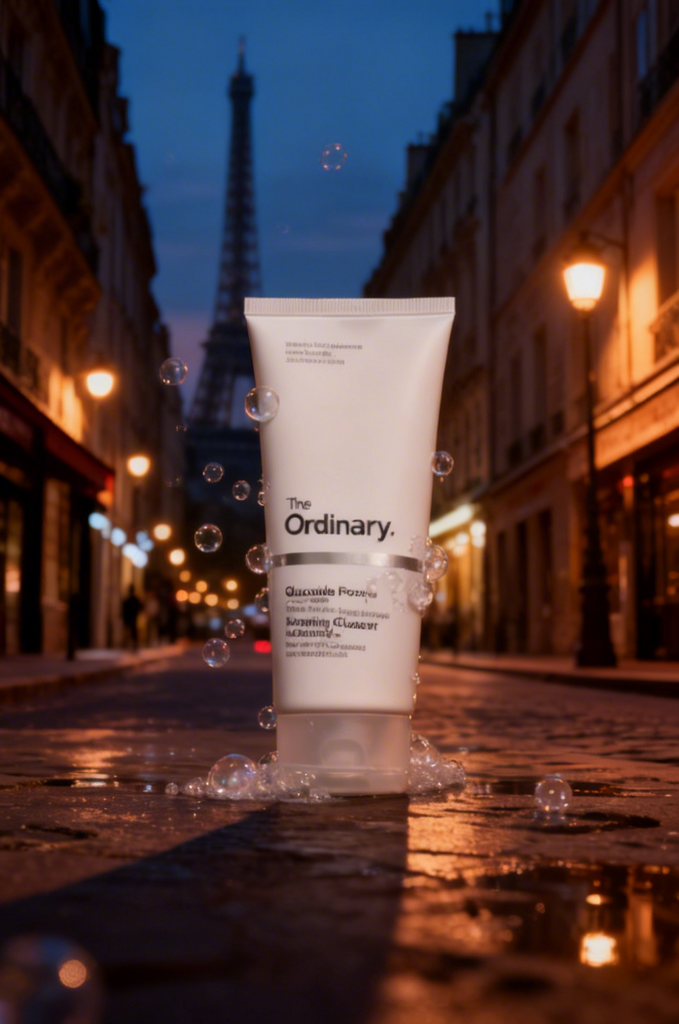
Place the product in a vintage Paris street scene at dusk, ensuring accurate perspective and scale. Match the ambient lighting with soft evening tones, warm streetlights, and subtle shadows. Keep the product’s original color and details true while blending it naturally into the environment. Add gentle reflections and atmospheric depth for a realistic, cinematic look.
Any aspect ratio
Overview
Embrace the elegance of a vintage Parisian street at dusk with the Vintage Paris Dusk Placement template. Offering a carefully crafted scene, this AI Image Editor tool by Magic Hour allows you to seamlessly insert your product while retaining its original colors and intricate details. With the seedream-v4 model, achieve breathtaking ambient lighting and cinematic depth that bring your creative vision to life.
What It Does
The Vintage Paris Dusk Placement template employs the advanced capabilities of the seedream-v4 model to merge your product into a stunning Paris street scene. This template focuses on realistic scaling, accurate perspective, and blending your product into the environment while maintaining its natural color integrity. Atmospheric elements such as soft evening tones, warm streetlights, and subtle shadows enhance realism and add a cinematic touch to your images.
Who It's For
This template is designed for creators who want to infuse a touch of vintage European charm into their projects. Whether you're a marketer aiming to create compelling product visuals or a designer crafting immersive scenes, the Vintage Paris Dusk Placement is an ideal choice. It's perfect for projects in ecommerce, lifestyle branding, or any context where atmospheric elegance is desired.
Summary
The Vintage Paris Dusk Placement template bridges your product with the romantic allure of Parisian streets at dusk. By using this template, you can ensure both accurate representation and artistic integration of your product, creating imagery that speaks volumes. Complement your creative tasks with this template by exploring our AI Image Generator for additional imagery needs.
How to Use
Access the Template

Customize the Scene

Create and Download

Use Cases
Product Photography Enhancement
- Ideal for fashion accessories
- Enhances luxury product presentations
Lifestyle Branding
- Great for lifestyle blogs
- Influencer content creation
Event Promotion
- Perfect for gala invites
- Use in virtual event graphics
Best Practices
Positioning Accuracy
Ensure the product's perspective aligns accurately with the scene to maintain visual coherence.Lighting Consistency
Match the lighting on your product with the ambient dusk tones to enhance realism.Scale Appropriately
Adjust the product size to fit naturally within the scene without overshadowing other elements.