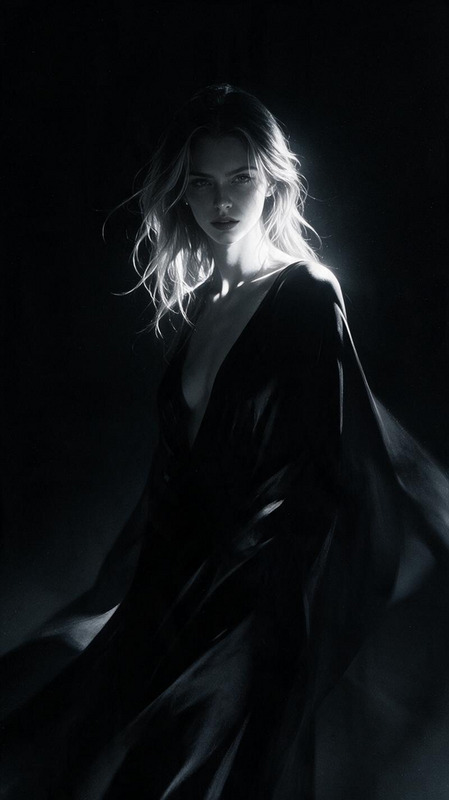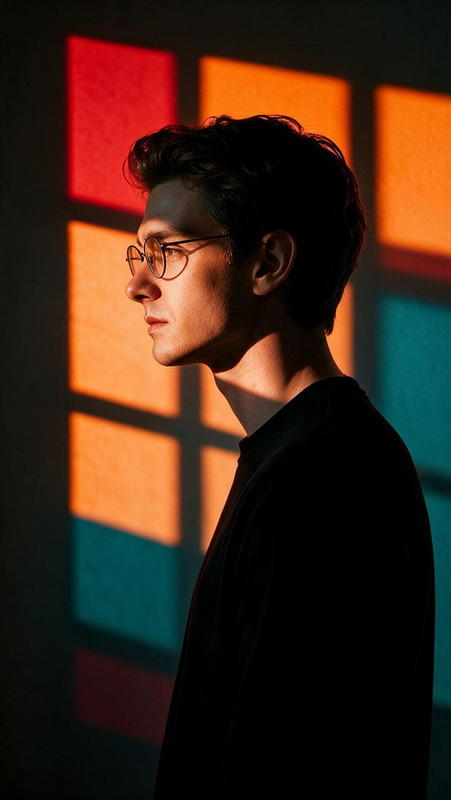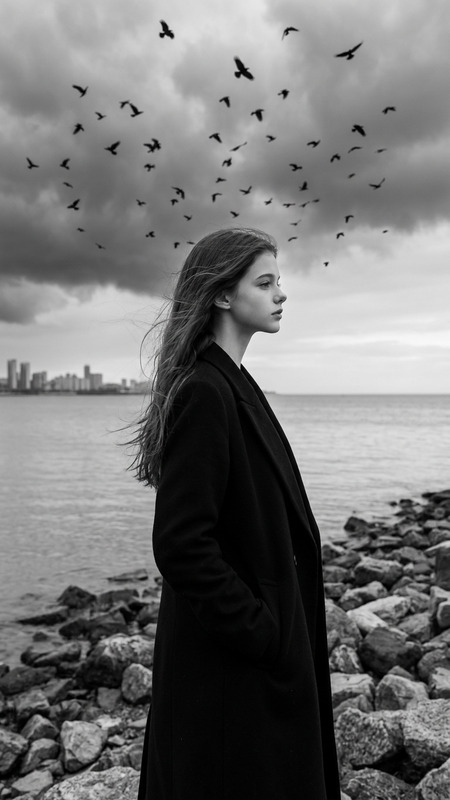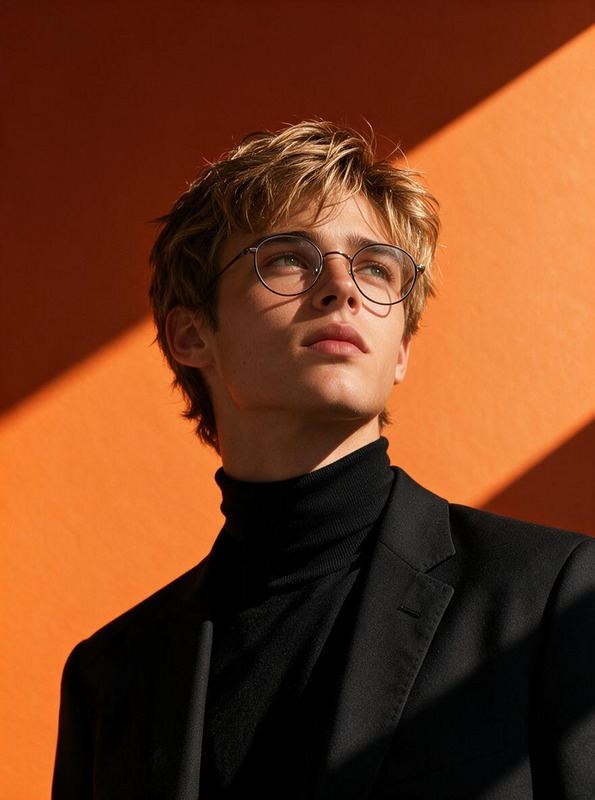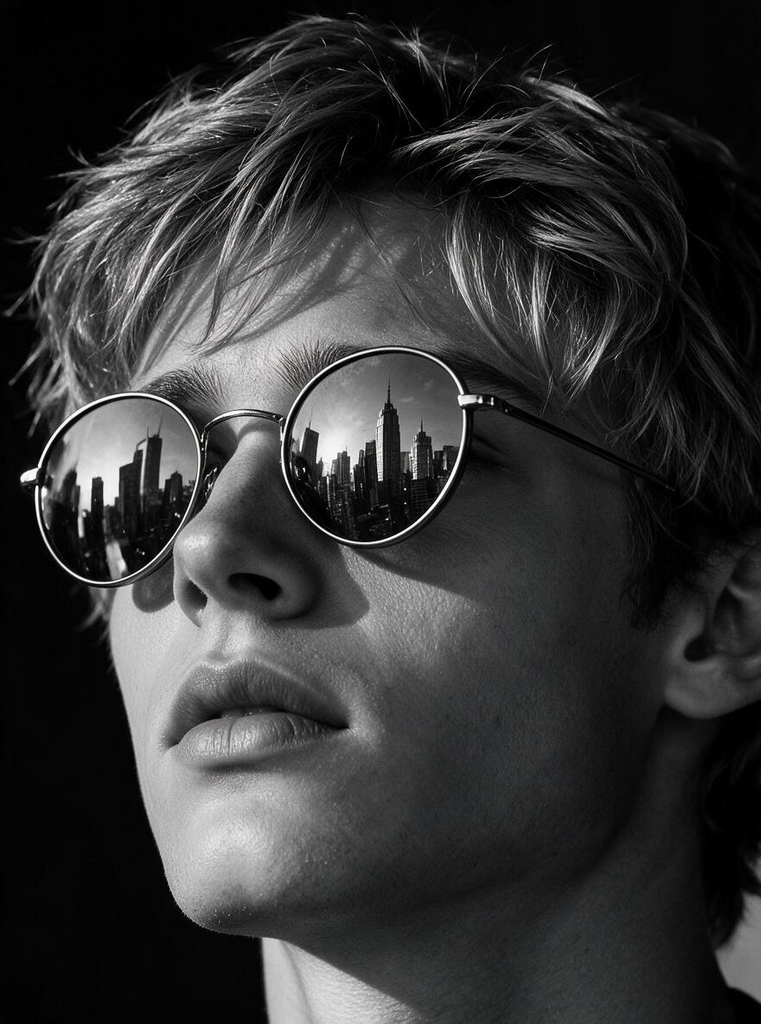
City in Reflection — Noir Portrait
- Model
- Seedream 5 Pro
- Image
- 761 × 1024 px
Prompt
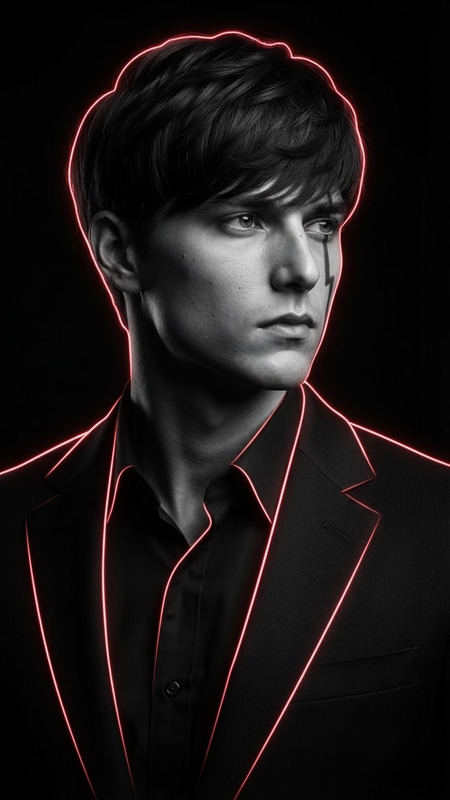
A dramatic, ultra-realistic close-up portrait of a subject rendered in striking black and white. Use high-contrast cinematic side lighting to sculpt the contours of the face and beard, creating deep geometric shadows while preserving natural skin texture, facial details, and realistic hair texture. The subject wears round reflective sunglasses and gazes confidently upward into a dark, empty space, creating a mysterious and powerful expression. The lenses contain a sharp, realistic reflection of a towering modern city skyline, with recognizable architectural silhouettes and subtle highlights captured naturally within the curved glass. Keep the subject’s original facial structure, proportions, hair texture, and defining features consistent with the reference image, without unnecessary alteration or beautification. Place the subject against a minimalist pure-black background, allowing the monochrome face and reflected cityscape to become the sole visual focus. Use dramatic directional lighting, rich blacks, deep shadows, controlled highlights, realistic reflections on the sunglasses, subtle skin pores, natural beard texture, and cinematic tonal depth. Premium editorial portrait photography, mysterious urban-noir atmosphere, shallow depth of field, ultra-sharp facial detail, realistic optical reflections, 4K photorealistic finish.
Any aspect ratio
Overview
The "City in Reflection — Noir Portrait" template is part of our AI Image Editor suite, specifically targeting those who wish to create dramatic, high-contrast black and white portraits. Using the advanced seedream-v5-pro model, this tool enhances your images with a rich urban-noir atmosphere, highlighting every detail in striking clarity. Ideal for photographers and artists looking to produce cinematic editorial-quality images.
What It Does
This template transforms standard portrait images into ultra-realistic black and white masterpieces. By introducing high-contrast side lighting, it sculpts facial features, adding depth with deep shadows. It also incorporates realistic reflections of city skylines in sunglasses, preserving natural textures and details. The result is a dynamic visual interplay, capturing every pore and strand with headache-inducing precision.
Who It's For
This tool is essential for photography professionals, graphic designers, and digital artists who specialize in creating powerful and enigmatic portraits. It's particularly suited for those working in AI Image Upscaler workflows, where high detail and sharpness are crucial. Creative directors in advertising or editorial fields looking for a surreal blend of reality and art will find this tool invaluable.
Summary
Utilize "City in Reflection — Noir Portrait" to transform your photos into vivid, high-contrast portraits that capture the mystery of urban life. This tool, part of the robust AI Image Editor product line, leverages the power of our advanced models to deliver photorealistic black and white imagery, complete with dynamic lighting and reflective cityscapes. Ideal for projects requiring a bold visual statement.
How-To
Choose Your Template

Customize Your Inputs

Generate and Download

Use Cases
Editorial Photography
- Fashion editorials
- Celebrity photography
- Magazine covers
Artistic Projects
- Gallery installations
- Photo books
- Digital art portfolios
Marketing and Advertising
- Billboards
- Social media campaigns
- Print advertisements
Best Practices
Select the Right Image
Choose portraits with strong facial features and contrast for best results. Ensure subjects have sunglasses for a realistic reflection effect.Adjust Lighting Carefully
Enhanced lighting control can dramatically impact the depth and texture of the image. Experiment with different directional lighting settings.Maintain Texture Detail
Preserve the natural texture and features of your subject to retain realism, using the AI Image Generator for supplemental elements.