Fragment Focus
- Model
- Nano Banana 2
- Image
- 1376 × 768 px
Prompt
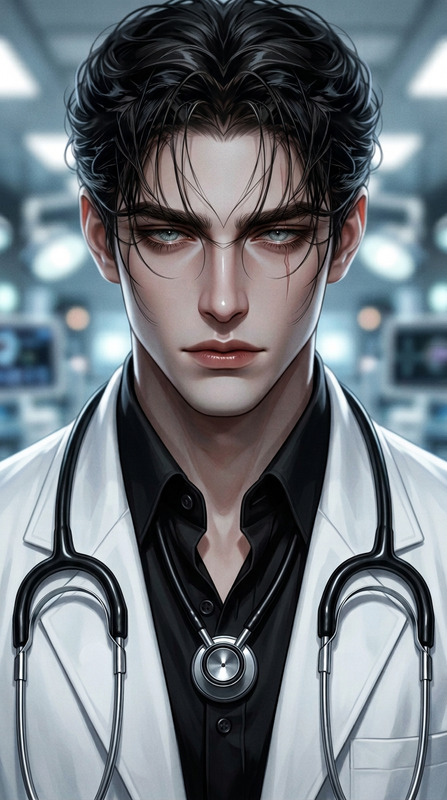
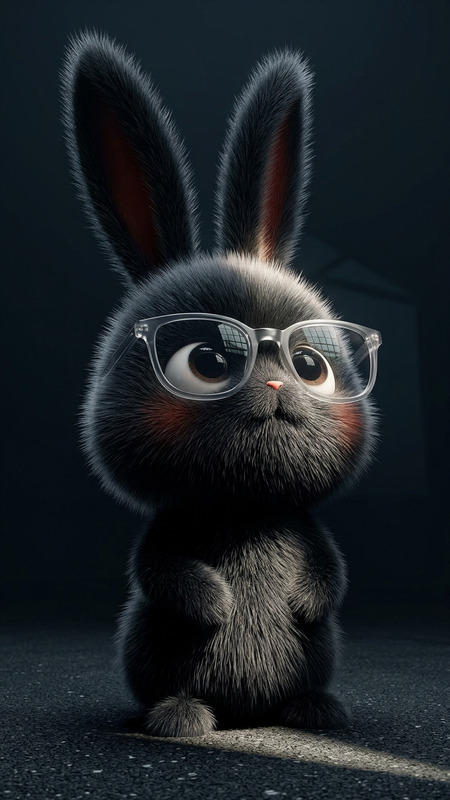
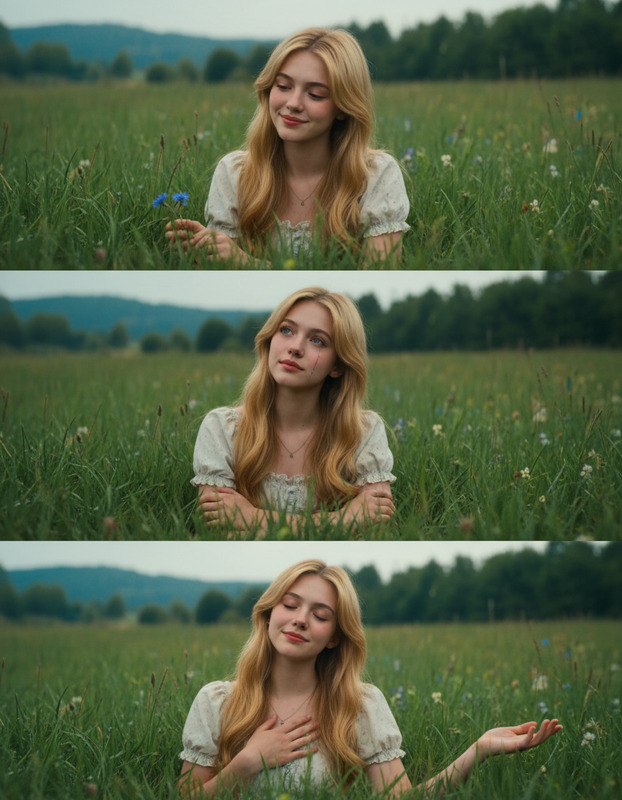
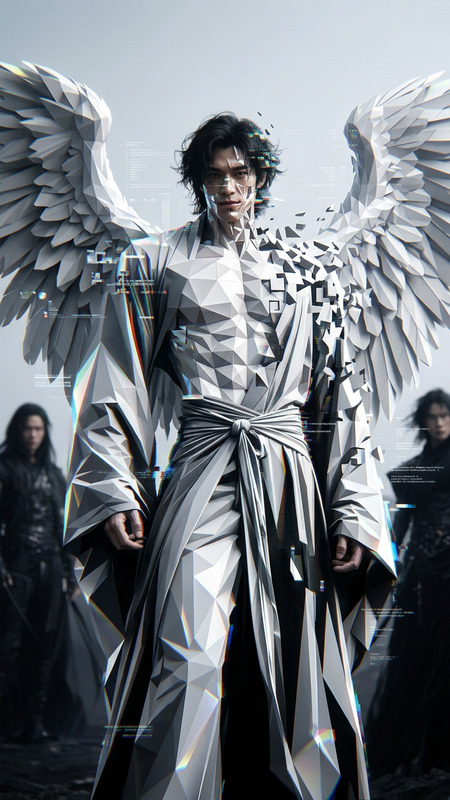
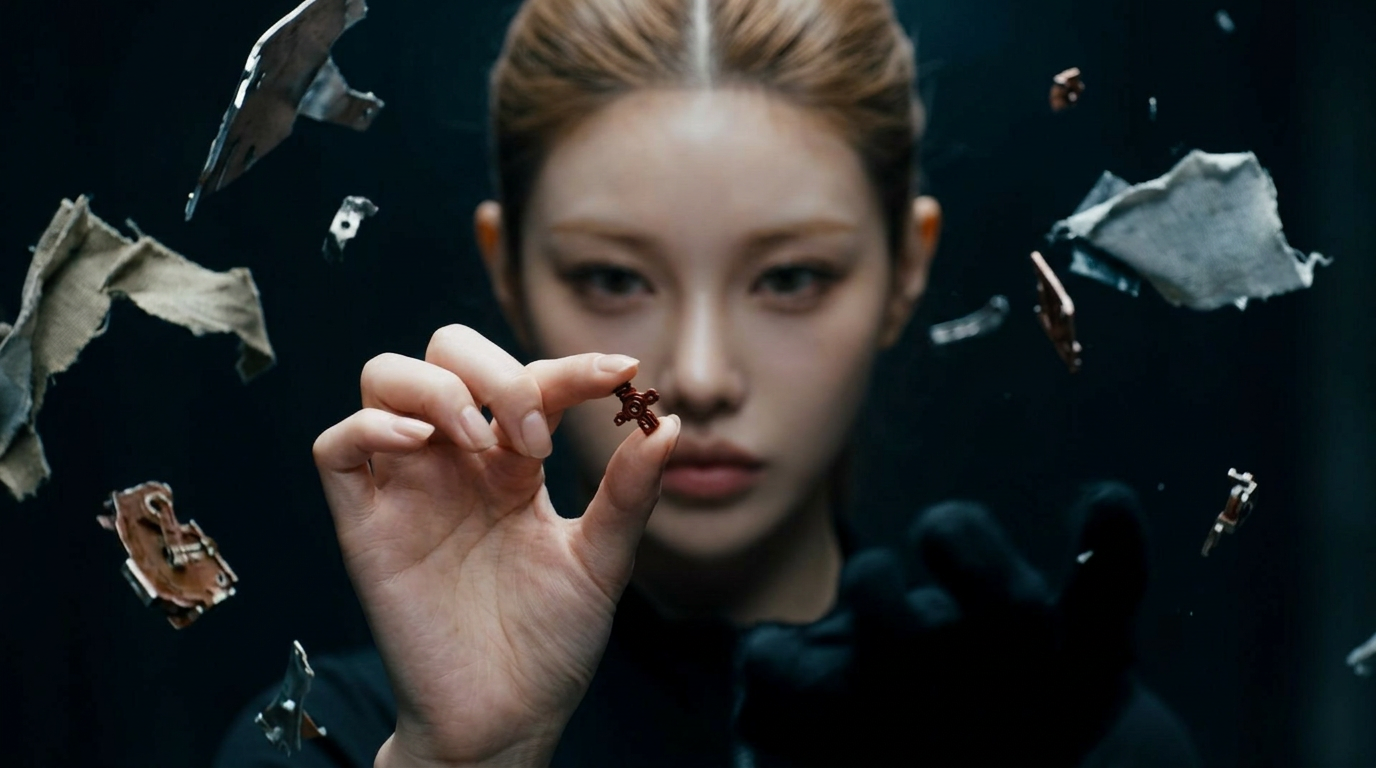
Subject in their 20s–30s with fair skin and light brown hair pulled back tightly, serious and focused expression. Eyes directed straight ahead, slightly out of focus, while the outstretched hand is in sharp focus holding a tiny reddish-brown object (gem, bead, or mechanical piece) between fingertips. Surrounded by floating fragments of metallic, cloth-like debris of varying sizes. Left hand obscured or lost in shadow. Cinematic horizontal composition, shallow depth of field, dramatic lighting, high contrast, intense and mysterious atmosphere.
Any aspect ratio
Overview
The Fragment Focus template in the AI Image Editor uses the advanced nano-banana-2 model to create stunning images. This template specializes in dramatic compositions with a cinematic touch, perfect for projects requiring attention to detail and mood setting.
What It Does
The Fragment Focus template allows you to generate images featuring a subject with a compelling and mysterious aesthetic. It focuses on a single tiny object in high contrast while surrounding them with floating fragments of metallic or cloth-like debris for a suspenseful atmosphere. The dramatic lighting and shallow depth of field enhance the overall image quality.
Who It's For
This template is ideal for creatives in fields like storyboarding, concept art, and animatics who need to convey a detailed and moody setting. It is also suitable for filmmakers and game designers looking to pre-visualize scenes with a strong narrative focus.
Summary
Whether you're a filmmaker, a game designer, or a visual artist, the Fragment Focus template helps you inject mystery and intensity into your visuals. By using the AI Image Editor's capabilities, you can create detailed and evocative imagery swiftly and efficiently.
How-To
Choose Your Template

Customize Your Inputs

Generate Your Image

Use Cases
Storyboarding for Films
- Capture intense emotions
- Depict critical moments
- Visualize dramatic scenes
Game Design References
- Visualize game scenarios
- Develop unique characters
- Design immersive environments
Concept Art
- Detail-focused artworks
- Atmosphere-rich scenes
- High contrast visuals
Best Practices
Focus on Detail
Ensure that the tiny object held by the subject is clearly detailed, as it enhances the mysterious essence of the image.Lighting Considerations
Experiment with different light positions to highlight the fragments and subject’s face for added drama.Prompt Variations
Try varying the element types or the subject's focus to see how changing one aspect affects the overall composition.