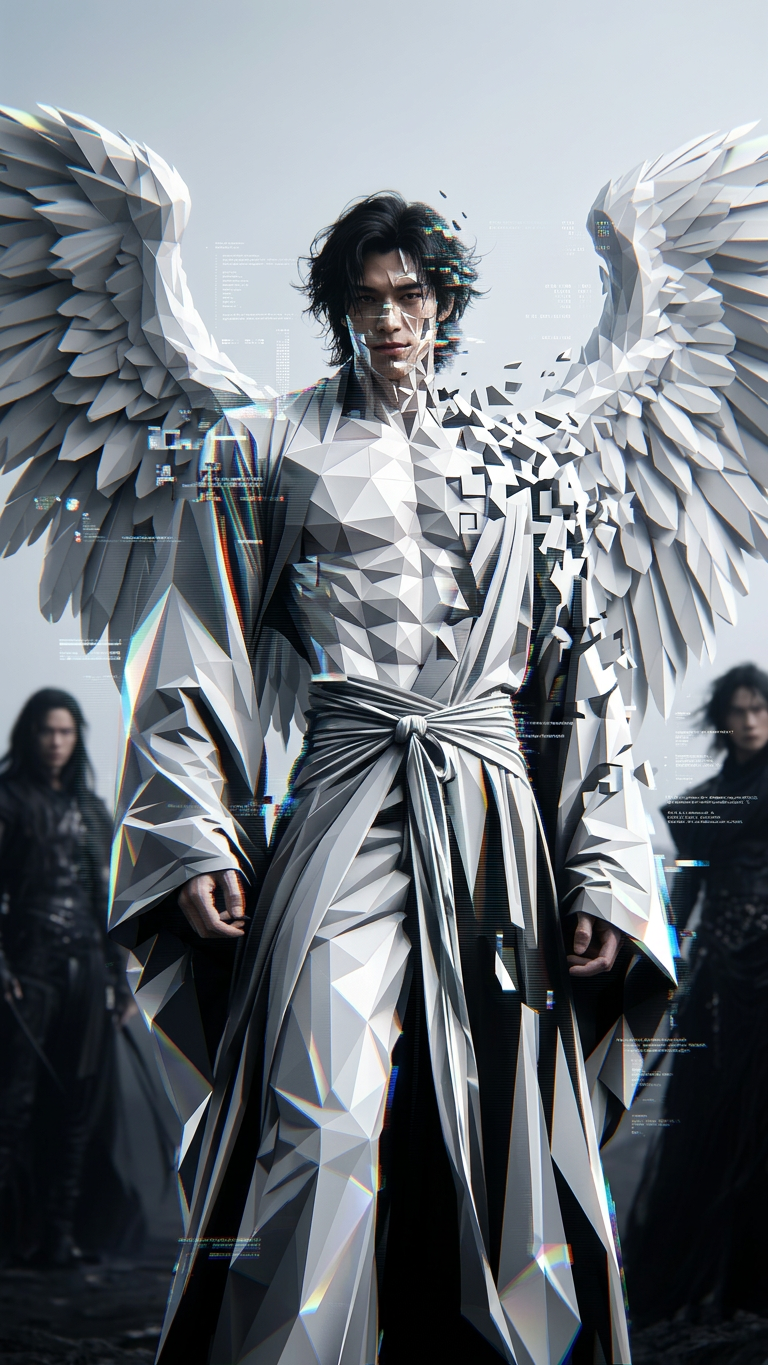
White polygon
- Model
- Nano Banana 2
- Image
- 768 × 1365 px
Prompt
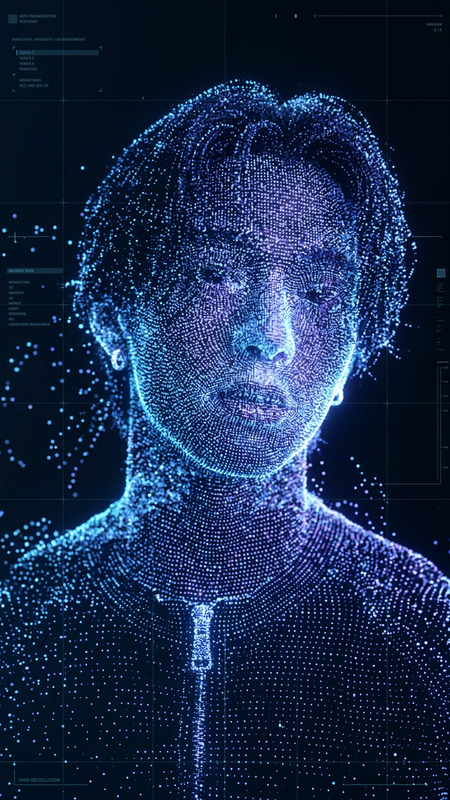
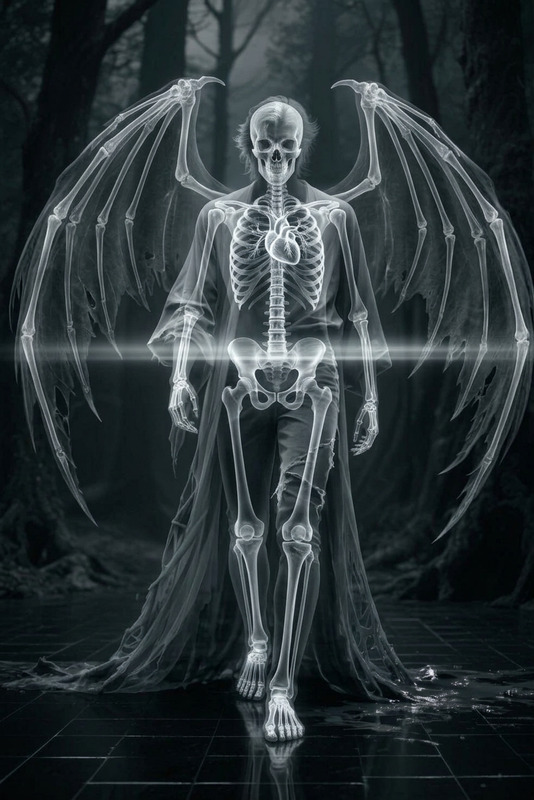
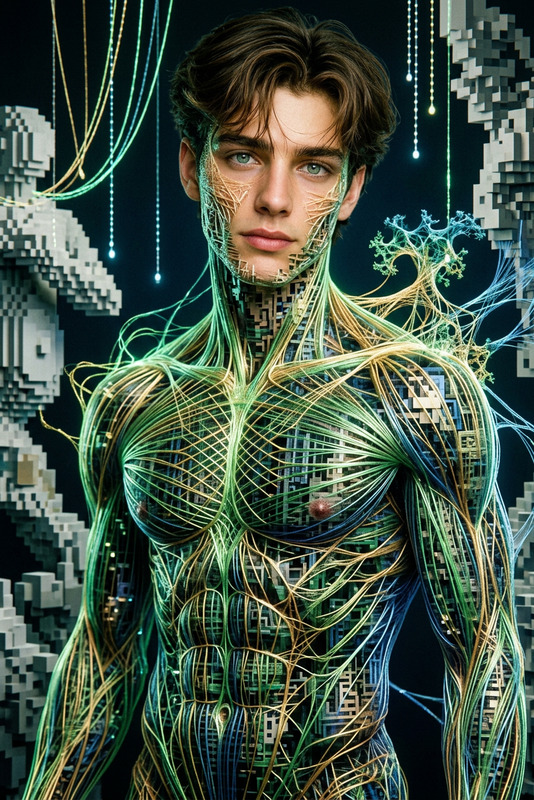
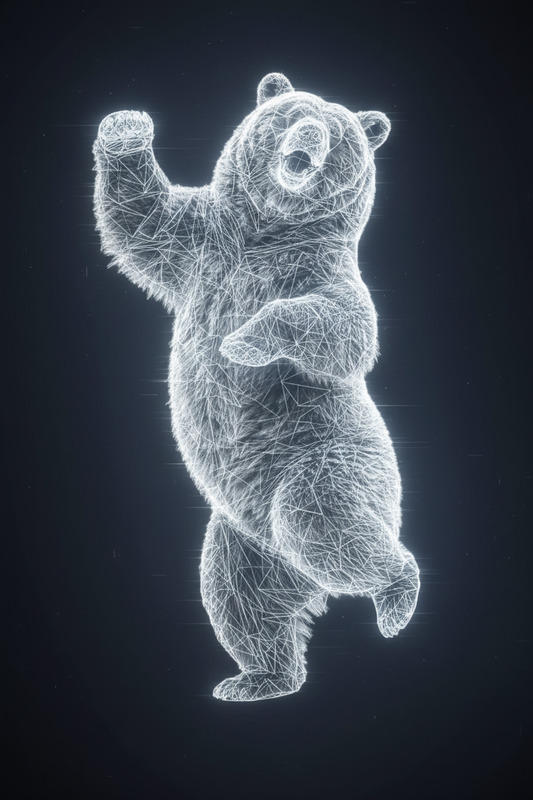
Cinematic shot of a subject transforming into white low-poly geometry, their body breaking into sharp, blocky facets and abstract digital shapes. Edges catch light with a faceted shimmer as subtle glitch effects ripple across the form. Tech-inspired, surreal aesthetic, ultra-realistic, HDR, high contrast, shallow depth of field.
Any aspect ratio
Overview
Transform your images into mesmerizing visual pieces with the "White Polygon" template, designed for the AI Image Editor. By utilizing the powerful capabilities of the nano-banana-2 model, this template converts subjects into striking low-poly geometric art. Whether you are a professional or just exploring creative outlets, this tool offers a new dimension in image editing.
What It Does
The "White Polygon" template provides a unique transformation of imagery, breaking down subjects into sharp, blocky facets and abstract digital shapes. It simulates a surreal, tech-inspired aesthetic with ultra-realistic, high-definition results. Users can expect cinematic, HDR quality with high contrast and a shallow depth of field, enhanced by subtle glitch effects for added sophistication.
Who It's For
This template is ideal for digital artists, graphic designers, and content creators looking to inject a distinct, tech-savvy aesthetic into their projects. It's also perfect for marketers and advertisers seeking to create engaging visuals for campaigns, aligning well with those who use the AI Ad Creative Generator for innovative ad content.
Summary
The "White Polygon" template is your gateway to highly stylized, ultra-realistic imagery. By leveraging the AI Image Editor with the nano-banana-2 model, it offers potent customization options to create stunning visuals. Perfect for expanding your creative toolkit and exploring new artistic terrains.
How To
Choose Your Template

Customize Your Image

Generate Your Image

Use Cases
Artistic Creations
- Tech exhibitions
- Online galleries
Marketing Materials
- Digital ads
- Social media posts
Content Creation
- YouTube thumbnails
- Instagram posts
Corporate Presentations
- Business slides
- Product launch visuals
Best Practices
Select High-Resolution Images
Ensure the source images are high quality to enhance the transformation effect, achieving the best results in high-definition setups.Experiment with Glitch Effects
Adjust the glitch intensity for varying artistic styles, finding the balance that best suits your project's theme.Use Dramatic Lighting
Manipulate lighting options to create striking contrasts that highlight the faceted shapes, enhancing the overall surreal effect.