Cyber Projection

Cyber Projection

ai-image-editor

1 clip
0 uses

Any aspect ratio

Prompt

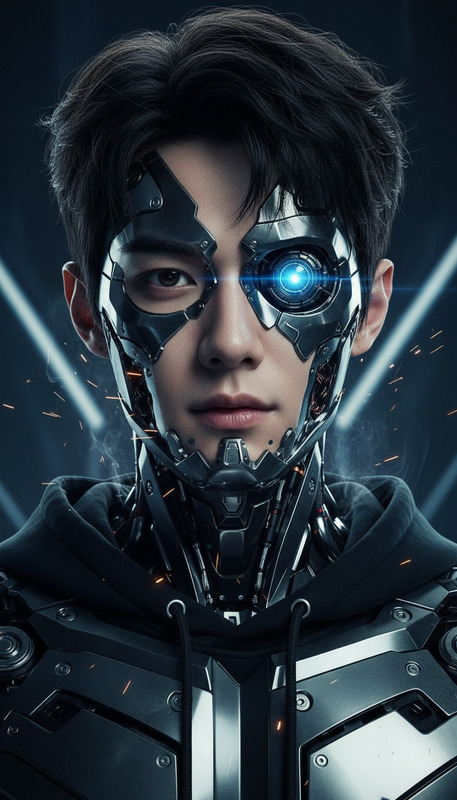
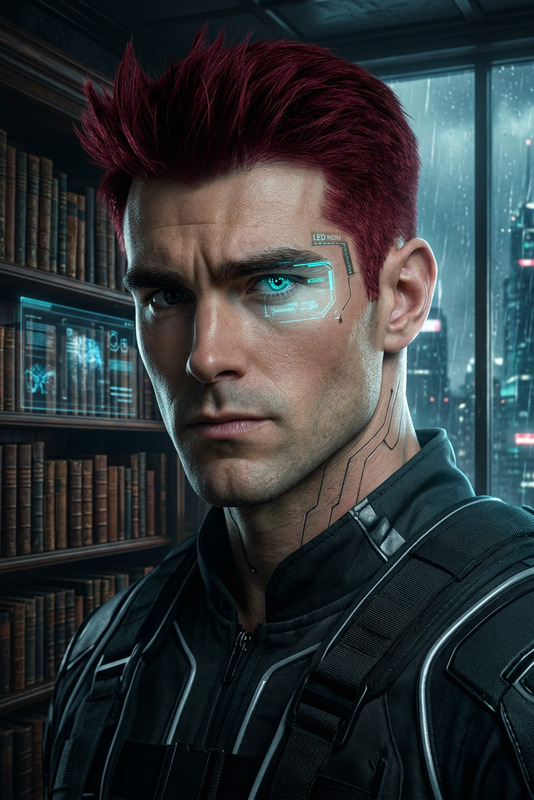
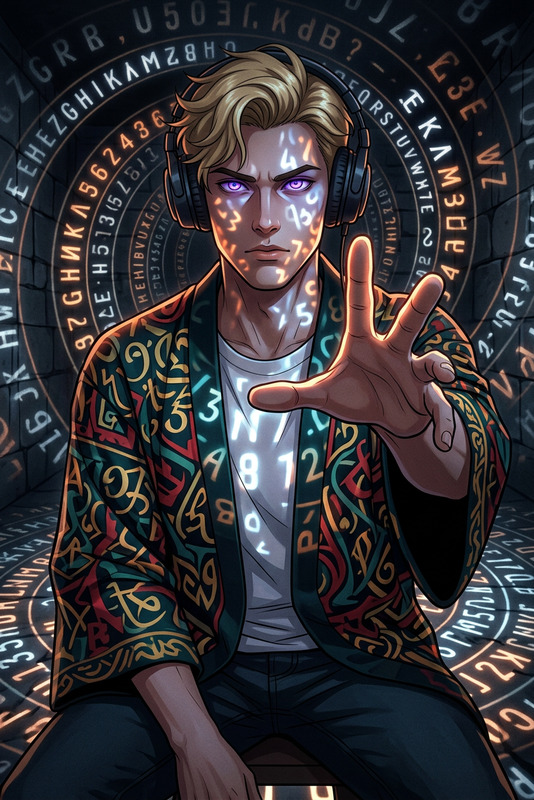
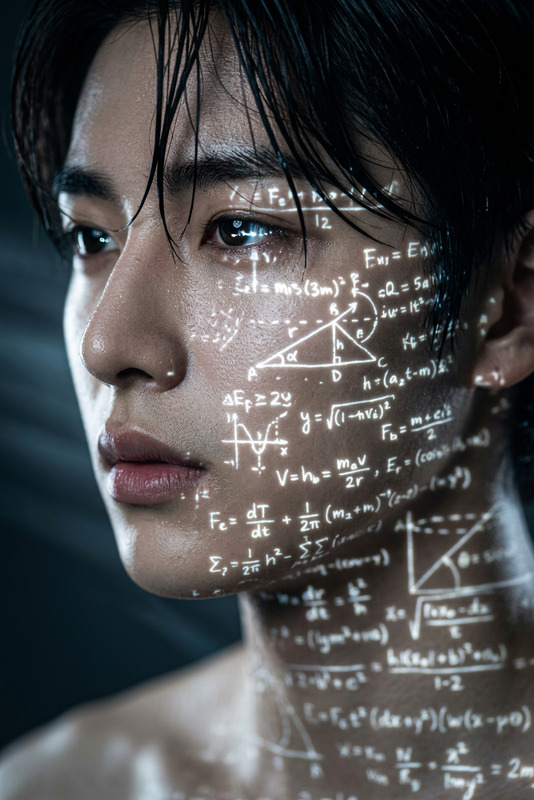
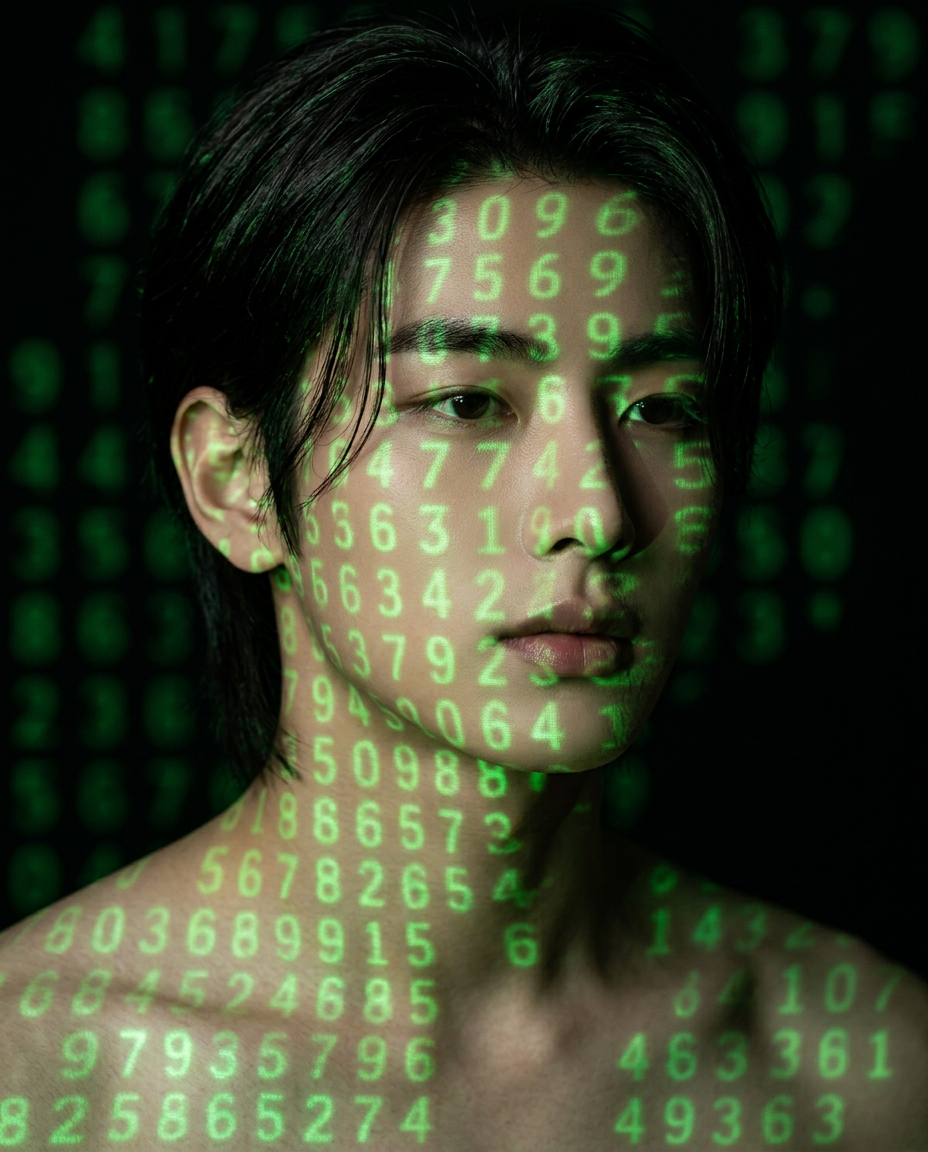
Subject in a dark studio, with green numeric projections wrapping naturally across subject face, neck, and shoulders; soft projector light creates realistic shadows and glow on skin; subject has a calm, intense expression, looking slightly to the side; long dark hair, clean natural makeup, realistic skin texture; background is dark with faint blurred green digits; moody low-key lighting, shallow depth of field, sharp focus on eyes, cinematic 85mm style, high detail, 4:5 ratio, no text or logos.

AI Image Editor Template: Smart, Fast Image Editing for Modern Creators

Use this AI Image Editor–powered template to transform images in minutes—without manual masking, layers, or complex design tools. It’s built for people who need production‑ready visuals quickly: marketers, founders, content teams, designers, and developers shipping real products.

This template shows how to:

  • Clean up or redesign product photos for landing pages and ads
  • Replace or remove distracting backgrounds
  • Edit faces and outfits for profile photos, headshots, and UGC
  • Add on‑brand, AI‑generated elements to existing images
  • Prepare assets for social posts, thumbnails, and campaigns

You can remix this template directly in Magic Hour and turn it into your own reusable AI editing workflow.


What You Can Do With This Template

This template uses the AI Image Editor as its core engine. With it, you can:

Because it’s a template, you can reuse the same editing flow for different campaigns, brand assets, or clients—without rebuilding from scratch.


How to Remix This Template in Magic Hour

You can turn this AI Image Editor template into your own custom tool inside Magic Hour. A typical remix flow looks like:

  1. Duplicate / Remix the Template

    • Open the template in Magic Hour and create your own version by remixing it.
    • Renaming your remix by use case (e.g. “Landing Page Product Cleaner”, “Founder Headshot Upgrader”) makes it easier for your team to reuse.
  2. Define What Users Upload

    • Decide what your remix is for:
      • Product shots
      • Portraits or headshots
      • Social content (memes, thumbnails, covers)
      • Art / concept images
    • Communicate clearly in your description what type of input images work best and what outcomes users should expect.
  3. Guide Users With Strong Prompts

    • This template relies on clear, reusable prompt patterns. In your description, document practical prompt structures like:
      • “Clean studio product photo on a [solid/light/brand] background, soft shadows, no text”
      • “Professional corporate headshot, soft lighting, subtle depth of field, realistic skin texture”
      • “Social media banner, bold typography space, high contrast, on‑brand colors”
    • Encourage users to reuse and tweak these prompt patterns rather than writing from scratch every time.
  4. Combine With Other Magic Hour Tools (Optional)
    You can document “recommended next steps” in your template description so teammates know how to chain tools together. For example:

  5. Document Best Practices in the Template Description
    Use the template description to tell your users:

    • What this template is for (and not for)
    • Ideal image resolution and framing (e.g. centered subject, minimal cropping)
    • Example use cases and sample prompts
    • Suggested follow‑up tools (upscaling, animation, voice, subtitles, etc.)

This written guidance is crucial for team‑wide adoption and repeatable results.


Example Use Cases for Creators, Marketers, and Builders

1. Startup & SaaS Marketing

Use the AI Image Editor template to:

You can then:

2. Ecommerce & DTC Brands

For ecommerce, this template is especially useful to:

  • Remove clutter from user‑generated product photos
  • Swap backgrounds to match marketplace or brand standards
  • Create seasonal / campaign‑specific visuals quickly
  • Enhance product detail then upscale with AI Image Upscaler

You can extend the workflow by:

3. Personal Branding & Creator Pipelines

Use the template to maintain a consistent, high‑quality visual identity:

4. Content, Media, and Education

Teams producing a lot of visual material can:

5. Creative Experiments & World‑Building

If you’re building IP, worlds, or concept art:


Turning Edited Images Into Video and Interactive Content

An edited image is often the starting point for richer media. From this template, you can create:


Related Templates and Tools Worth Exploring

If this AI Image Editor template fits your workflow, you may also want to explore:

Useful standalone tools you can chain with this template:


How to Get the Most From This Template

To make this AI Image Editor template a reliable part of your stack:

  • Define a narrow purpose: e.g. “clean DTC product photos for PDPs” or “generate consistent founder headshots.”
  • Standardize prompts: write 3–5 recommended prompts and keep them in the description so your team can reuse them.
  • Document input requirements: what kind of images perform best (framing, lighting, subject position).
  • Chain tools intentionally: define clear next steps (upscale → animate → add voice → subtitle) for each use case.
  • Treat it as a reusable asset: once dialed in, this becomes a repeatable part of your production pipeline, not a one‑off experiment.

Remix this template inside Magic Hour, adapt it to your brand and workflows, and use it as the backbone of a fast, consistent AI‑assisted image editing system.

More Like This