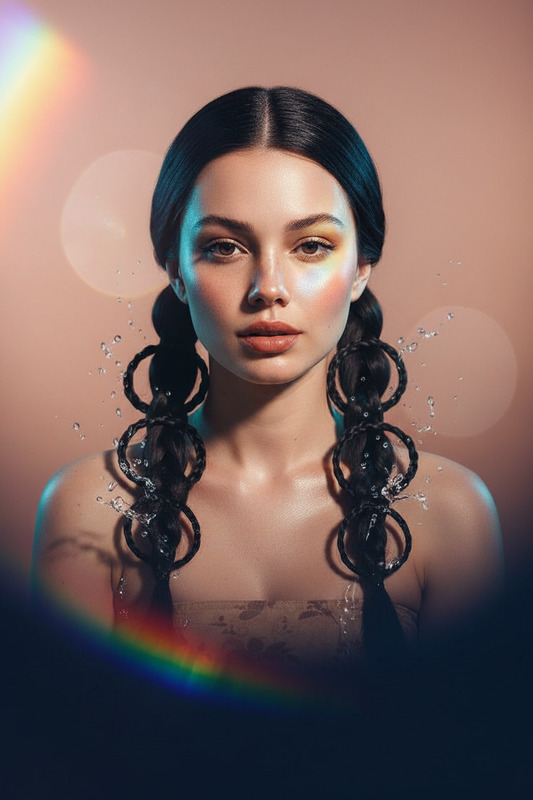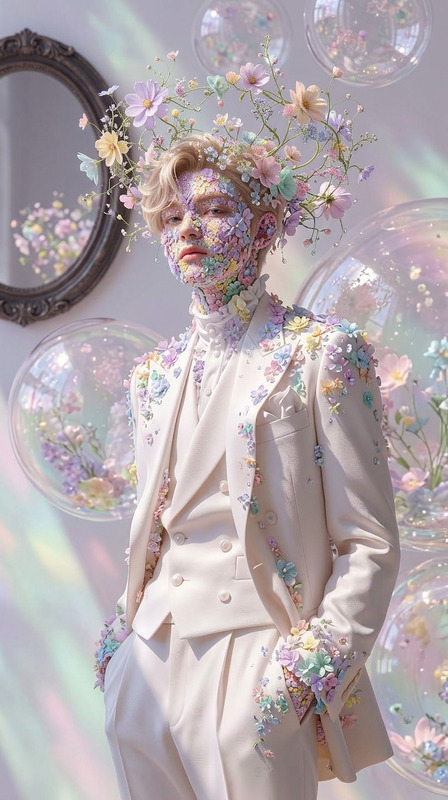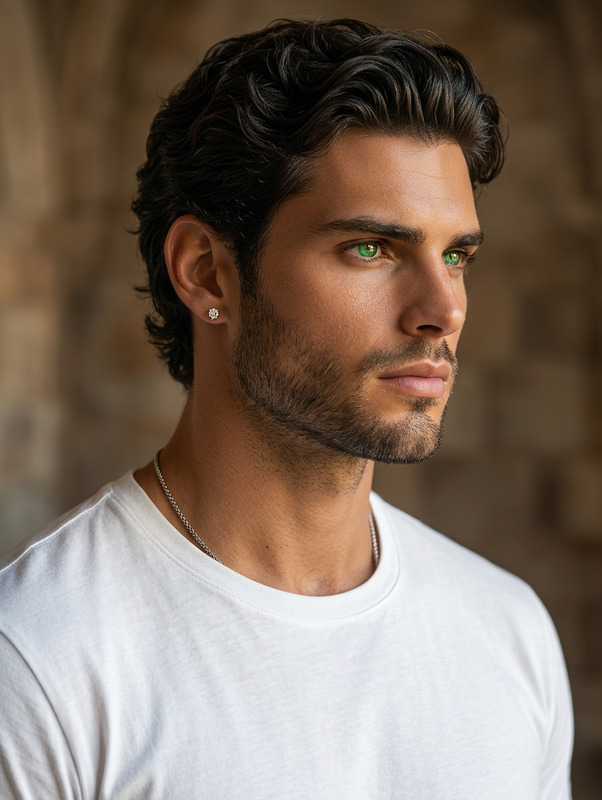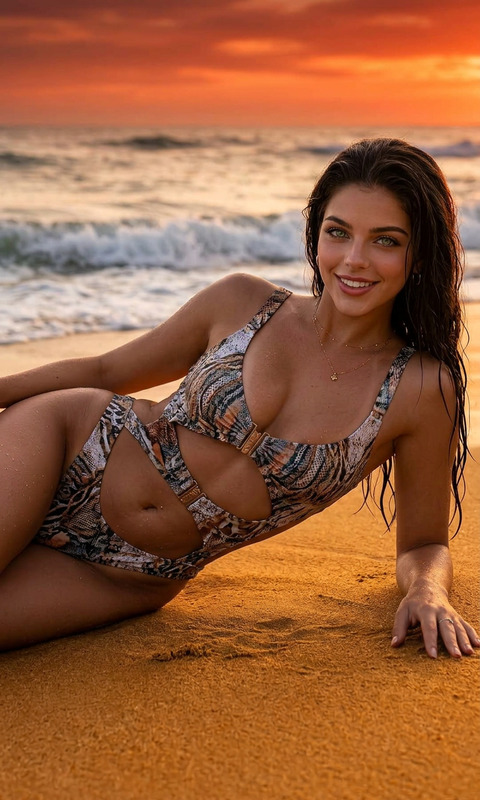
Elemental Editorial Glow
- Model
- Nano Banana 2
- Image
- 843 × 1264 px
Prompt
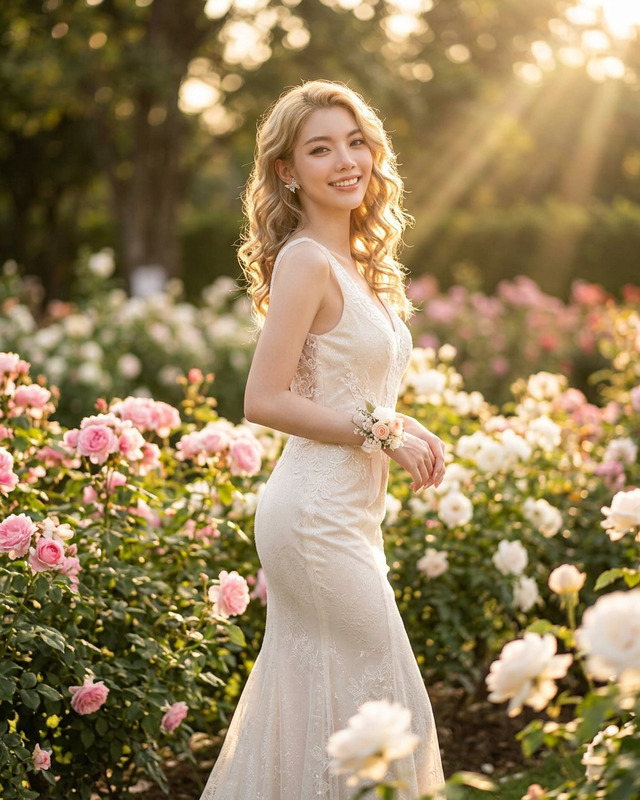
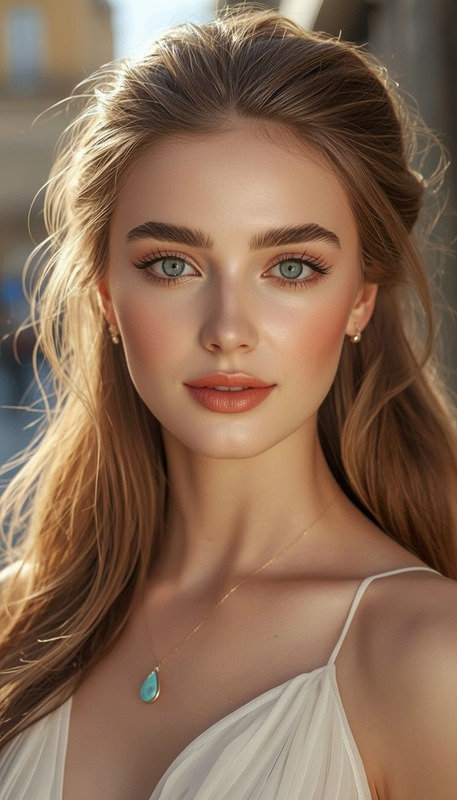
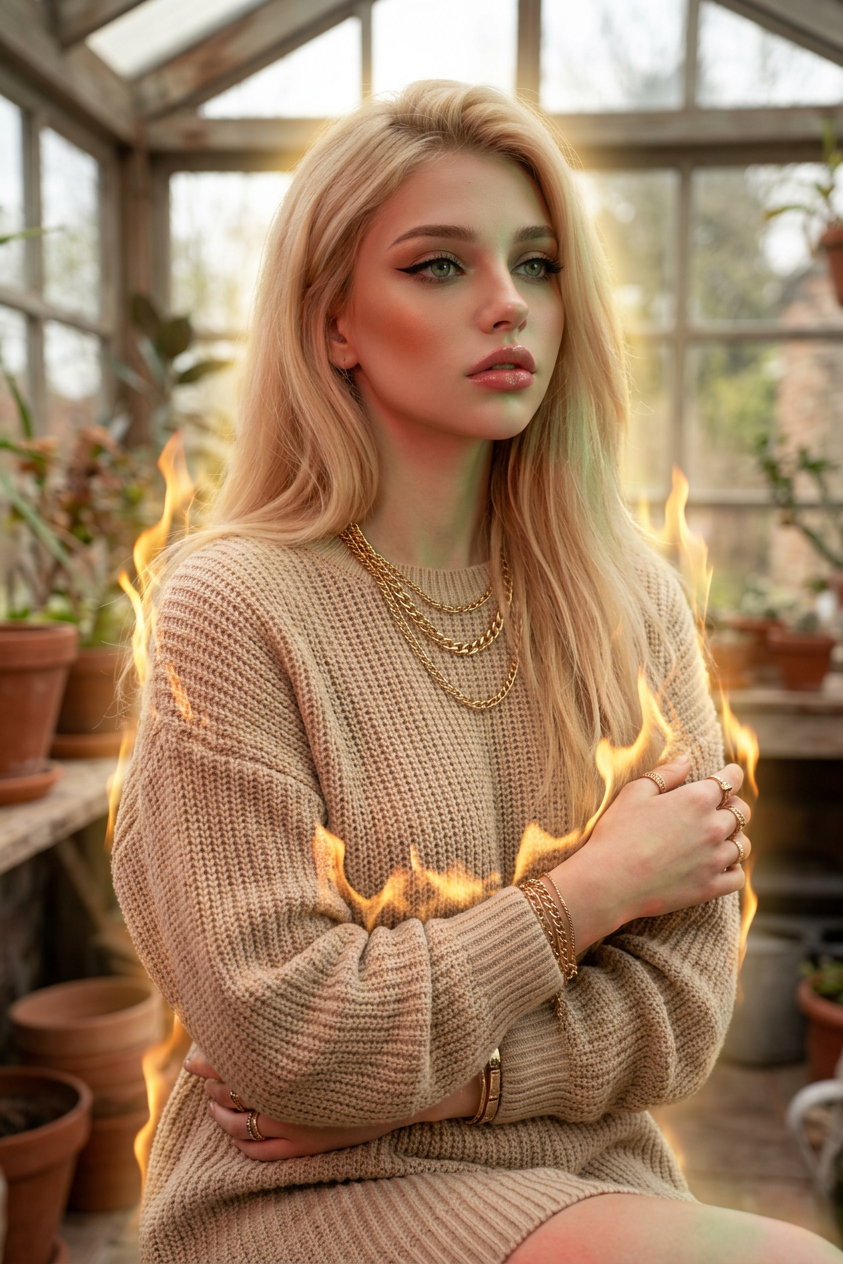
Subject with fair glowing skin, oval face, green-gray eyes with winged liner, pink glossy lips, bronzed cheeks. Wearing a loose beige knitted dress with stacked gold jewelry. Looking into a rustic sunroom-like space, soft natural light, shallow depth of field. Hyper-realistic portrait with surreal effects: subtle flames wrapping around the body, soft glow aura, and optional red or green skin tint. Cinematic lighting, high-fashion editorial, dreamy yet powerful atmosphere.
Any aspect ratio
Overview
Discover the intriguing world of high-fashion portrait editing with the Elemental Editorial Glow template. This advanced AI Image Editor leverages the powerful nano-banana-2 model to bring your images to life with ethereal effects and cinematic lighting.
What It Does
The Elemental Editorial Glow creates hyper-realistic portraits with surreal effects. It offers a high-fashion editorial look by combining natural elements such as subtle flames and soft glow auras, layered over a dreamy, yet powerful atmosphere. This tool allows for adjustments like red or green skin tints, making your images as unique as your vision allows.
Who It's For
This template is perfect for photographers, fashion editors, and content creators looking to add a magical touch to their portrait images. If you're working on editorial fashion shoots or need compelling visuals for a storytelling project, this template is tailored for you. Enhance your work with features similar to those found in our AI Photo Relighting and AI Profile Picture Generator tools.
Summary
With the Elemental Editorial Glow, transform any ordinary portrait into a hyper-realistic fashion statement. Ideal for projects that demand a dreamy yet dramatic look, this template ensures your visuals are captivating and memorable, incorporating both traditional and surreal elements to leave a lasting impression.
How to Use
Choose Template

Customize Settings

Generate and Download

Use Cases
High-Fashion Editorials
- Realize artistic visions with hyper-realistic quality
- Create compelling visuals that stand out in publications
Social Media Content
- Attract more engagement with striking visuals
- Set a distinctive style on platforms like Instagram
Brand Campaigns
- Create memorable ads with surreal and cinematic charm
- Enhance brand storytelling with unique images
Best Practices
Select High-Resolution Images
For best results, use high-resolution images to take full advantage of the template's features and ensure details are richly presented in your output.Experiment with Effects
Play with the flame intensity and glow aura effects to discover new artistic styles that may complement your project's unique theme.Combine with Other Tools
Integrate outputs with tools like the AI Image Upscaler for enhanced resolution or the AI Clothes Changer for varied wardrobe options.