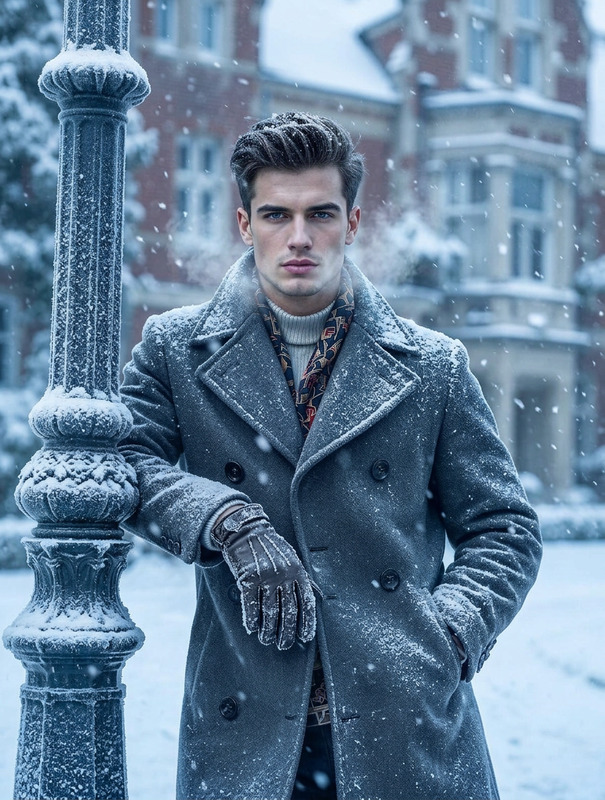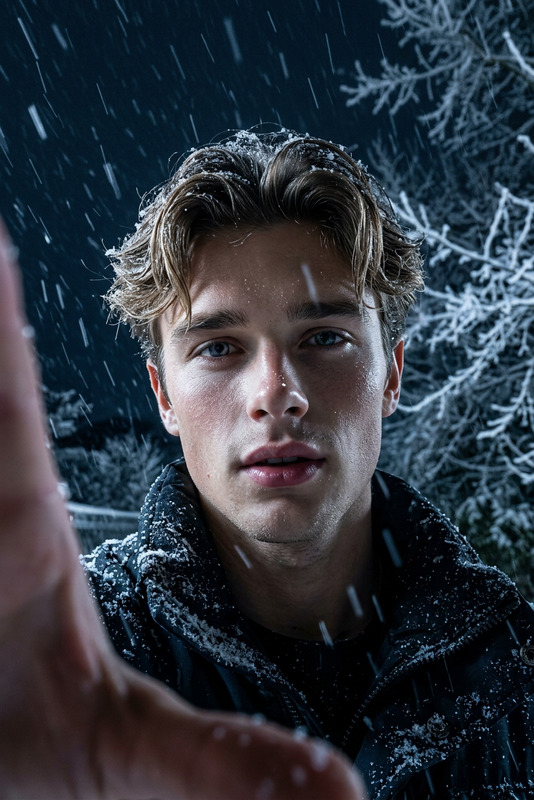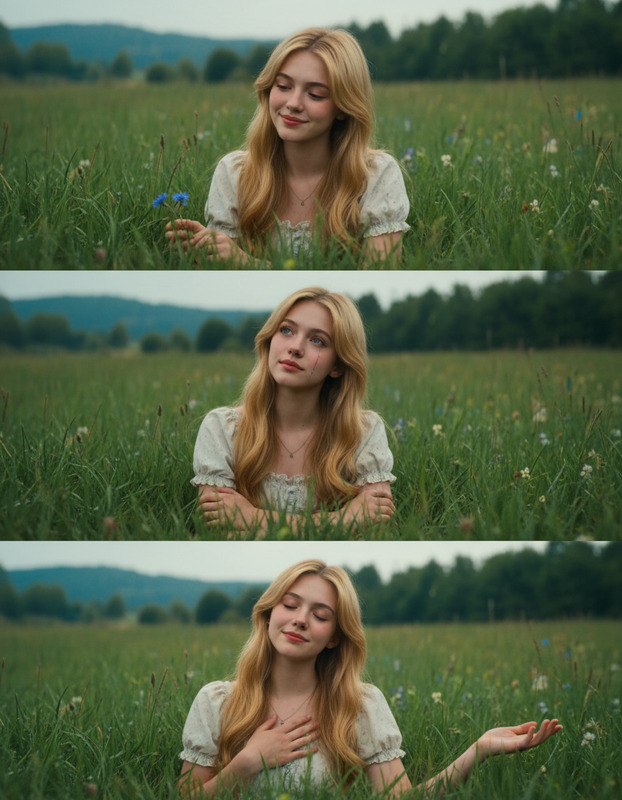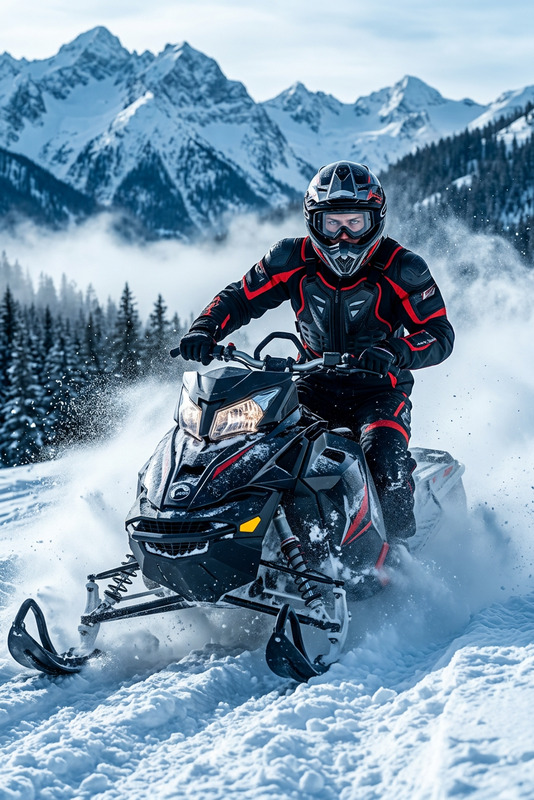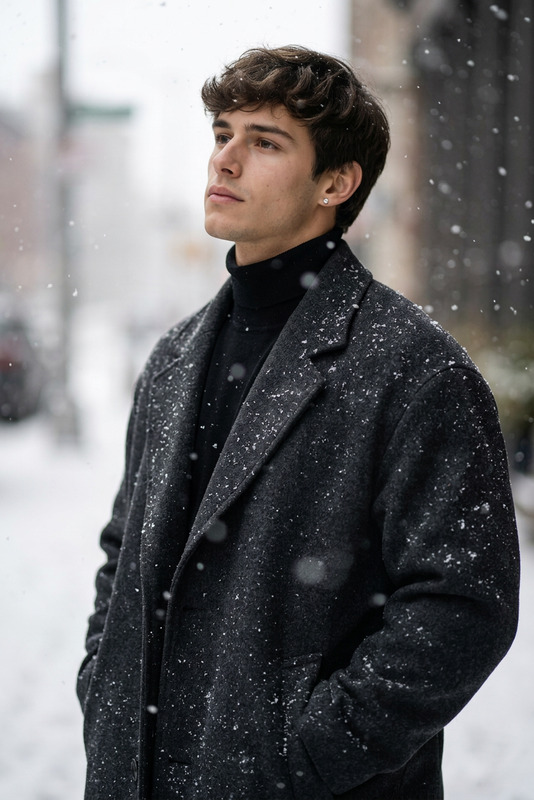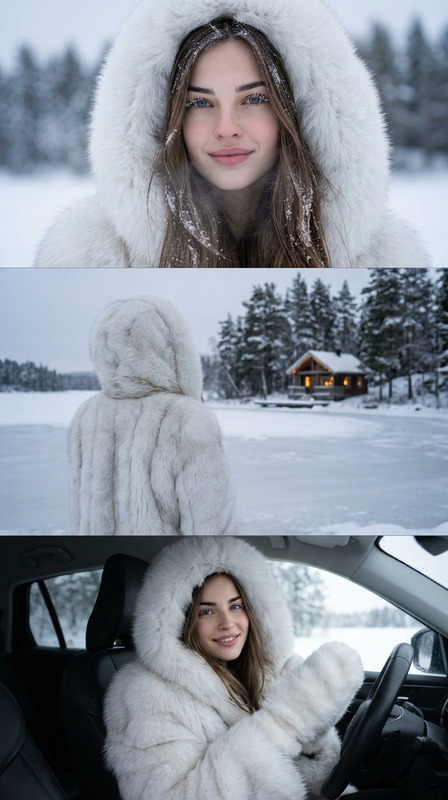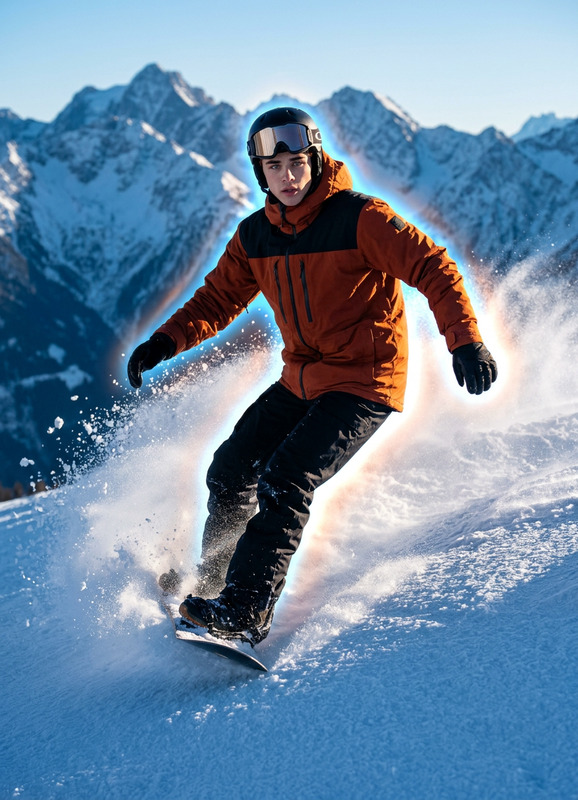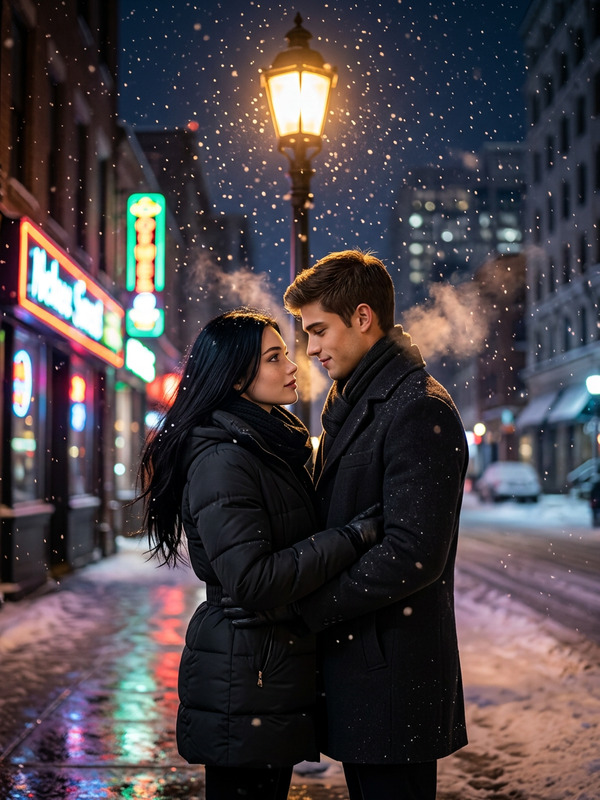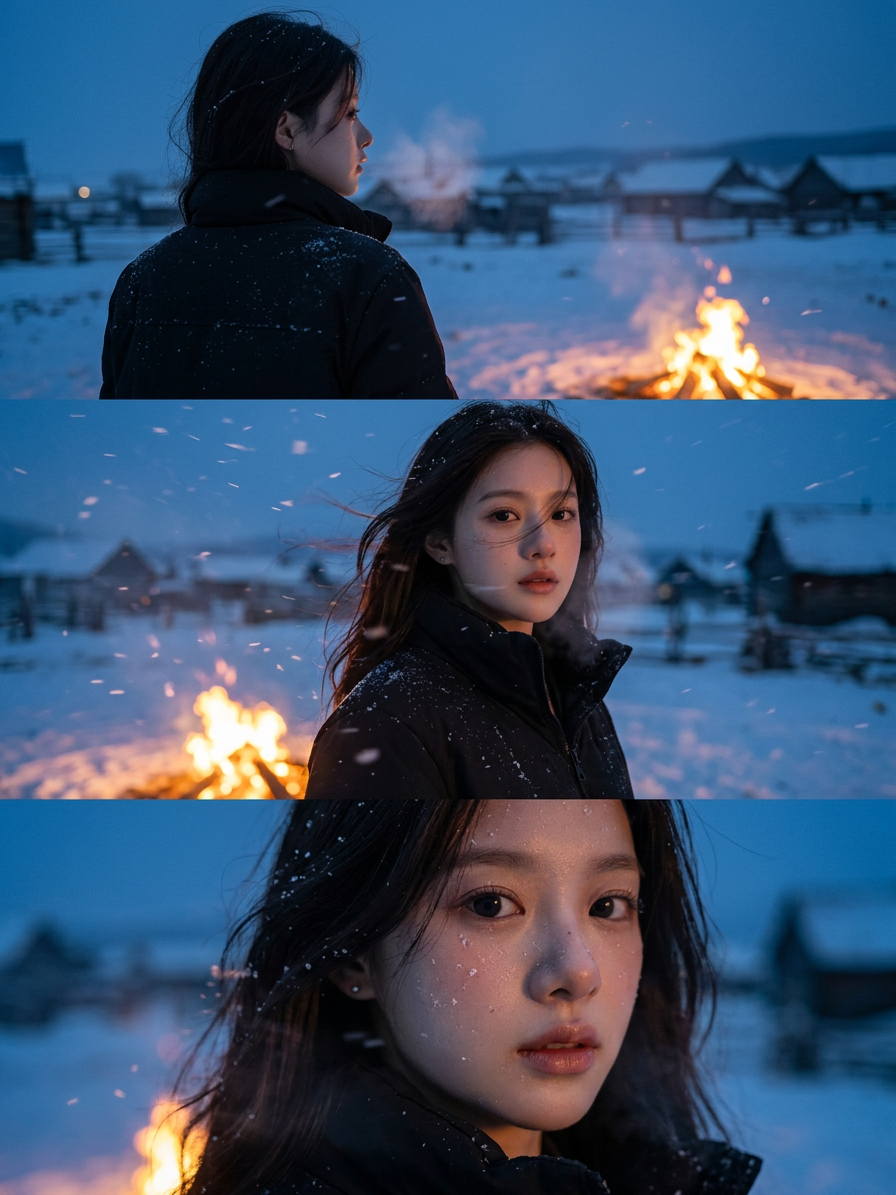
Cinematic Snow Village Triptych
- Model
- Nano Banana 2
- Image
- 896 × 1195 px
Prompt
Use provided user face. Same model and same character identity preserved across all panels, wearing a black jacket, slightly tousled by wind and dusted with snow. Triptych portrait collage (vertical stack or horizontal panels) in an ultra-realistic cinematic style. Consistent character across all frames in the same cold, windy, snowy smoky village environment. Deep blue evening sky with a warm glowing campfire as contrast lighting. Panel 1: Upper-body back view of subject facing the distant snowy village horizon. Panel 2: Cinematic medium portrait in the same setting with soft wind and drifting snow. Panel 3: Close cinematic variation maintaining same mood and location continuity. Open village landscape, cold atmospheric winter air, subtle motion in snow and fabric, warm vs cool color contrast, filmic grading, shallow depth of field, ultra-detailed, high-end cinematic portrait collage.
Any aspect ratio
Overview
The Cinematic Snow Village Triptych template allows users to create a captivating triptych portrait collage that captures the magic of a snowy village. Utilizing the AI Image Editor with the nano-banana-2 model, it ensures a consistent character portrayal across all panels, preserving the same identity and style throughout.
What It Does
This template leverages advanced AI to seamlessly integrate user-provided facial data with a cinematic winter scene. It meticulously crafts each panel to maintain atmospheric continuity, emphasizing warm vs cool color contrasts and ultra-realistic textures. Users can expect panels that portray a consistent character in various cinematic perspectives and distances, set against a deep blue evening sky.
Who It's For
Creators looking to generate high-quality, atmospheric portraits will find this template highly beneficial. It's ideal for filmmakers, photographers, and anyone who wants to enhance their project with a cinematic, winter-themed aesthetic. Whether you're crafting content for Instagram Reels or creating a personal photography portfolio, this tool offers the flexibility and quality needed.
Summary
With the Cinematic Snow Village Triptych template, users can effortlessly produce stunning, photorealistic portrait collages. It takes full advantage of AI technology to create consistent and realistic renderings in snowy, cinematic settings. For those interested in further exploration of AI-powered artistic tools, consider checking out the AI Meme Generator or the AI Photo Relighting options for more creative possibilities.
How To
Choose the Template

Customize Your Inputs

Generate Your Collage

Use Cases
Social Media Content
- Create memorable Instagram posts.
- Design unique TikTok video covers.
Film Pre-visualization
- Develop cinematic storyboards.
- Visualize scenes with atmospheric depth.
Personal Art Projects
- Design portfolio-worthy images.
- Explore new artistic interpretations.
Best Practices
Consistency in Character
Ensure that the facial image uploaded maintains a similar style and quality to achieve uniformity across all panels.Prompt Refinement
Adjust the script prompts for tone and mood matching your envisioned aesthetic closely.Review Details
Carefully examine the final collage for atmosphere consistency and detail refinement.