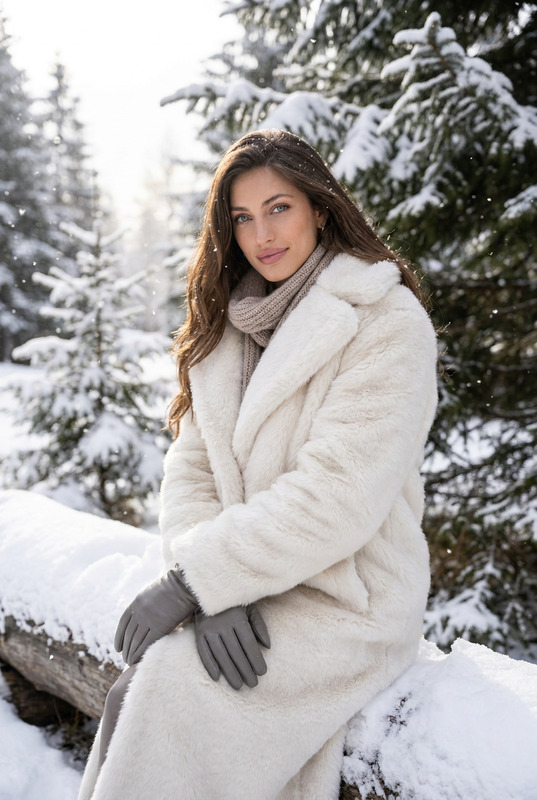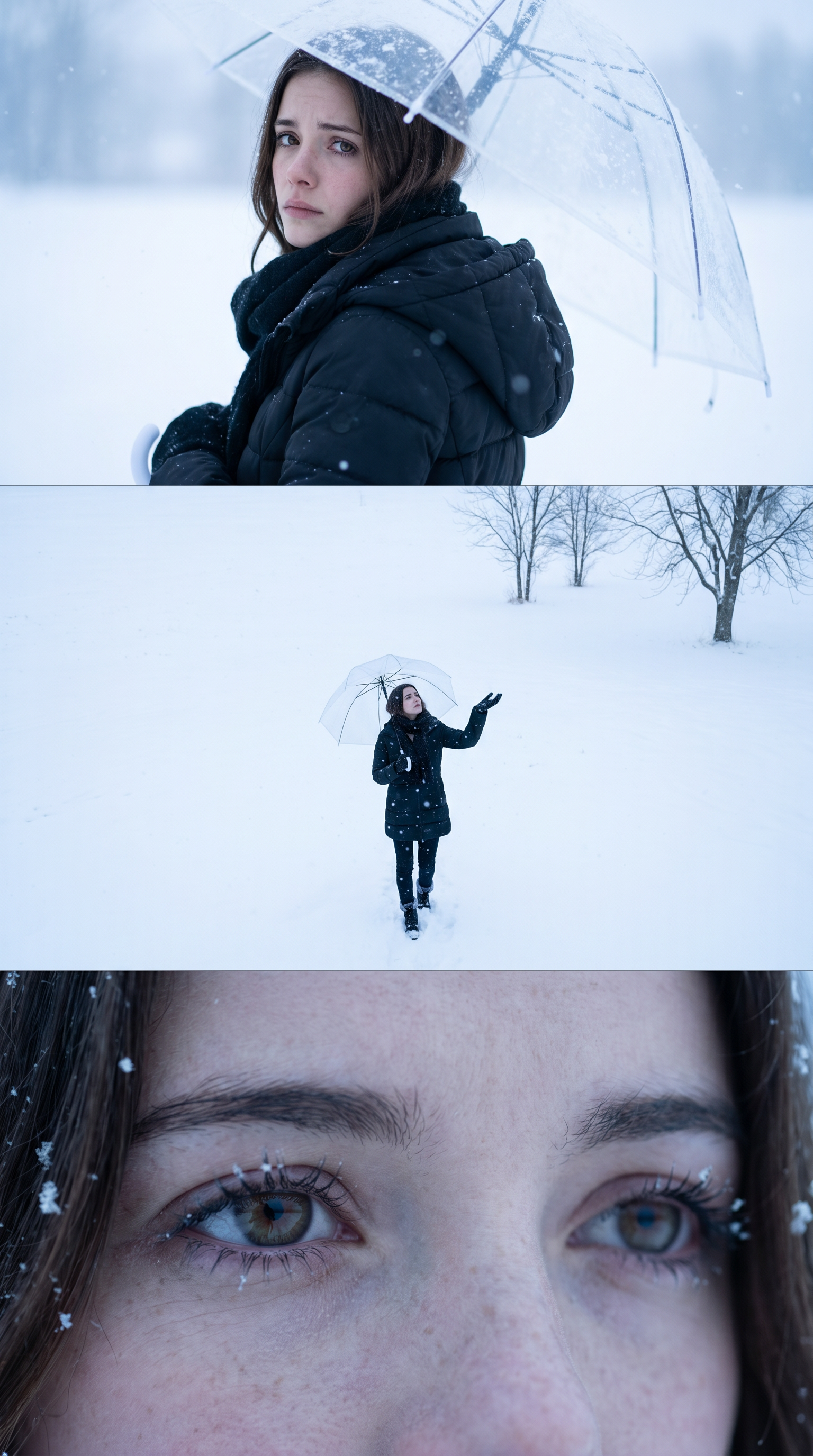
Winter Solitude
- Model
- Nano Banana Pro
- Image
- 1536 × 2752 px
Prompt
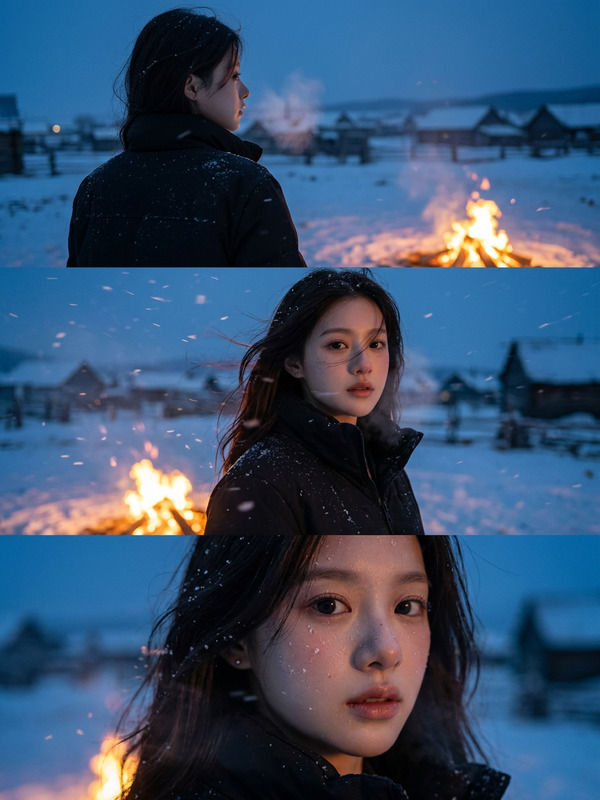
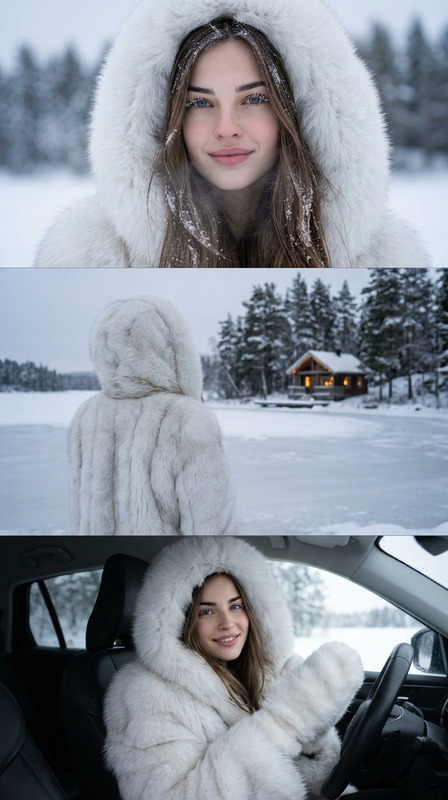
Create a vertical frame - size 2160x3840 pixels (4K quality) - divided into three equally sized horizontal images placed together. The main character is based on the reference face, hairstyle, and body: a young figure with an expression of sadness and nostalgia, deep eyes radiating loneliness. The outfit is a loose winter puffer set with wide- leg pants and a black scarf. The overall atmosphere is covered in white snow, with a cold color palette that evokes melancholy and solitude. Image 1 (portrait): The character holds a transparent umbrella, turning their head slightly back while looking directly at the frame. The expression is sorrowful, with soulful eyes. The background is blurred with snowy whiteness. Image 2 (full body): The character, with the umbrella, stands alone in a vast snowy field, walking while gazing at the sky. The camera angle looks downward from above, as if the character is raising a hand to catch falling snowflakes. In the distance, a few bare, leafless trees stand. The scene conveys smallness and isolation against the vastness of nature. Image 3 (close-up): A zoomed-in shot of the character's eyes, with a distant, sorrowful gaze that evokes feelings of loneliness and yearning.
Any aspect ratio
Overview
Immerse your audience in a story of melancholy and solitude with the 'Winter Solitude' template, part of our AI Image Editor suite, powered by the nano-banana-pro model. This template crafts a powerful narrative by dividing the frame into three compelling horizontal images, each depicting a unique aspect of loneliness and introspection amidst a snowy backdrop.
What It Does
The 'Winter Solitude' template allows you to create a coherent visual story that highlights a young character's journey through an emotional landscape. Each image segment is tailored to evoke specific emotions — from a soulful portrait revealing loneliness to a wide view demonstrating solitude in vast nature, and a close-up capturing the depth of the character's eyes. This high-resolution frame captures every nuance in 4K quality, perfect for high-impact displays.
Who It's For
This template is ideal for storytellers, digital artists, and brands seeking to convey deep emotions through visual imagery. It's an excellent tool for those in fields such as mood boards creation, animatics for film or animation, and any project where the portrayal of subtle, human emotions is key.
Summary
With 'Winter Solitude', you'll create a visually stunning narrative that speaks volumes about the human condition against the backdrop of winter. Leveraging advanced features of our AI Image Editor, this template ensures your images are not just seen, but deeply felt, making it an essential tool for impactful visual storytelling.
How To
Select

Customize

Generate

Use Cases
Emotional Storytelling
- Digital comics
- Art installations
- Emotional ads
Marketing Campaigns
- Luxury brand winter collections
- Charity awareness visuals
- Seasonal promotions
Film Pre-visualization
- Storyboarding
- Scene exploration
- Concept visualization
Best Practices
Emphasize Depth
Use the template to highlight depth in emotions; the eyes should hint at deeper stories.Balance Colors
Ensure the cold color palette enhances the mood without overpowering the subject.Contextual Integration
Incorporate each image seamlessly within its context, maintaining consistency across all frames.