Silver Snowfall
- Model
- Nano Banana 2
- Image
- 843 × 1264 px
Prompt
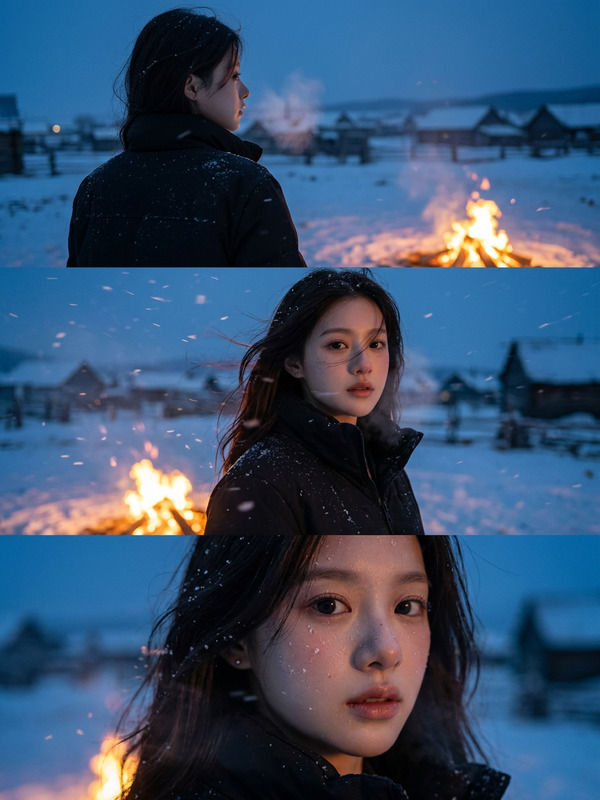
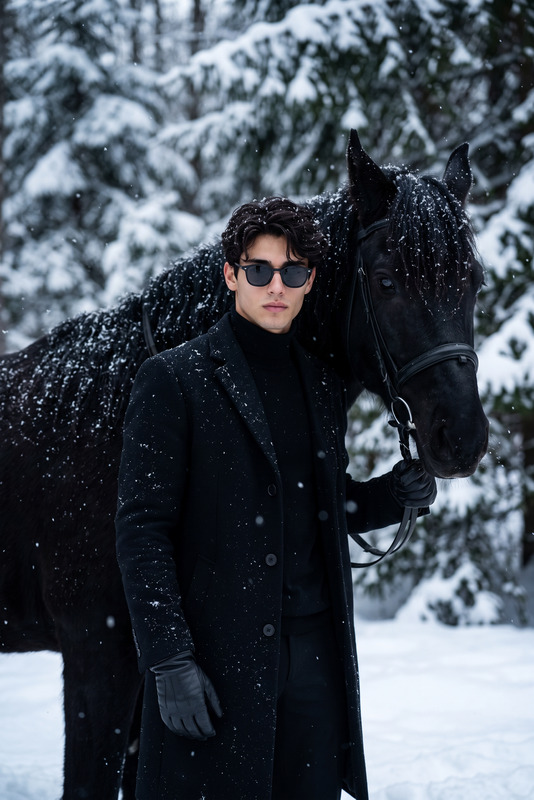
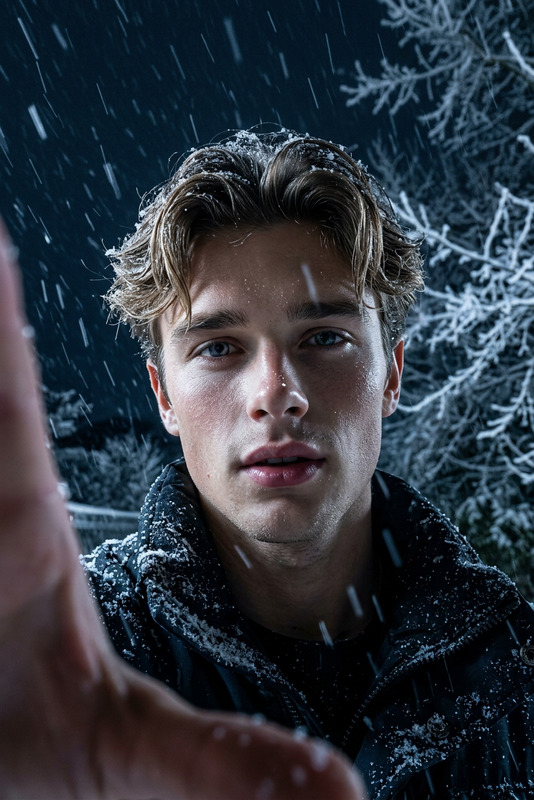
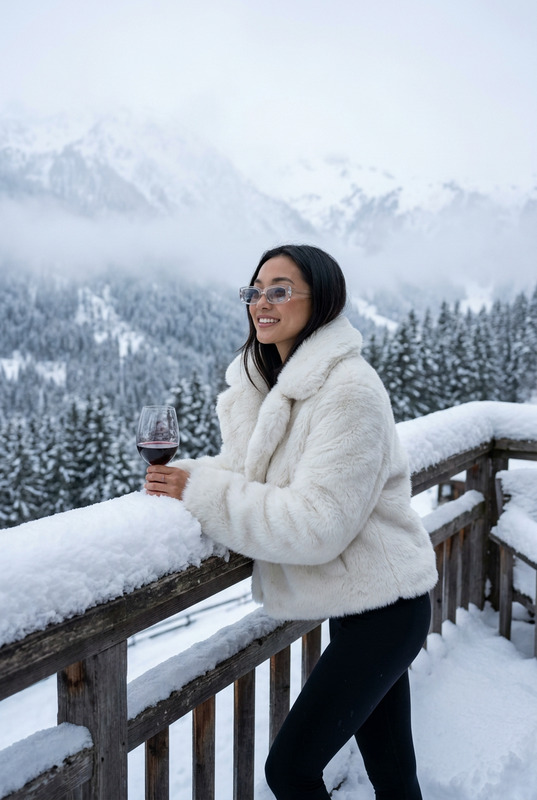
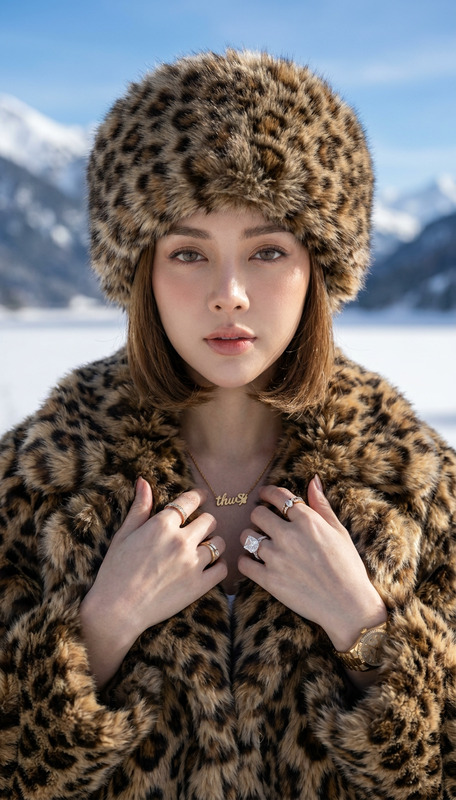
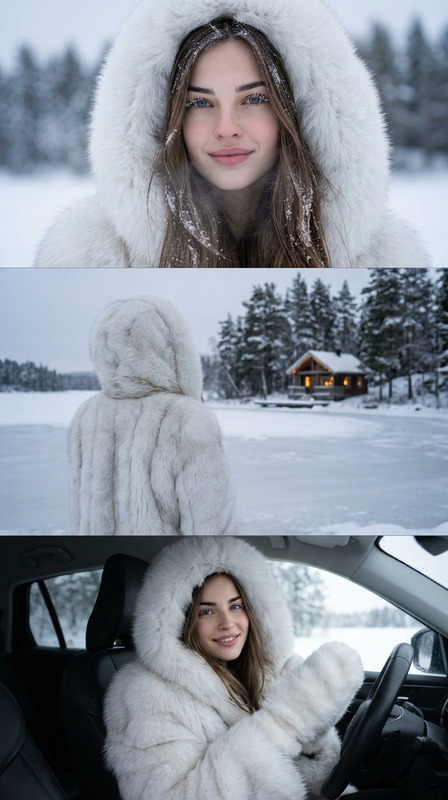
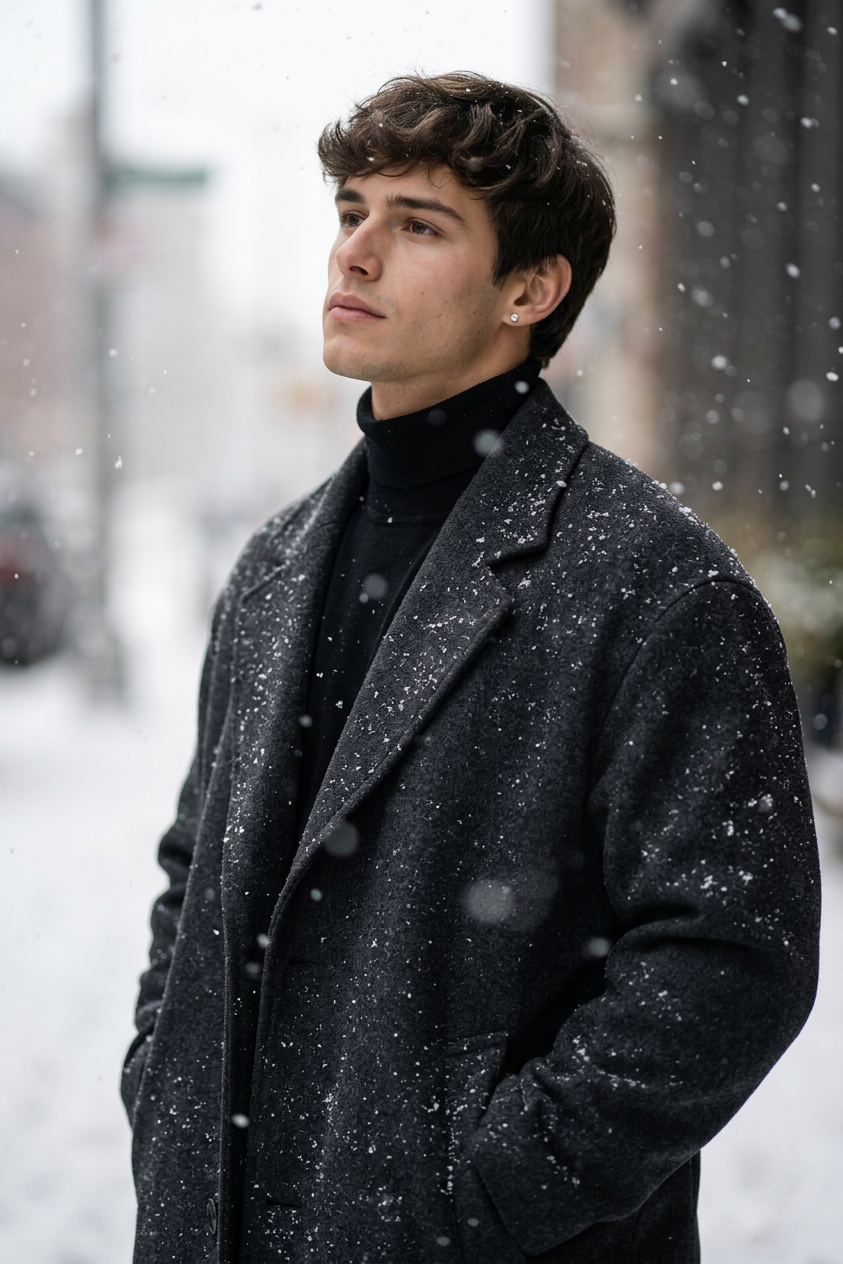
Use the face from the uploaded reference image and preserve the same facial features - do not alter the face. Cinematic and hyper realistic portrait of a young white man standing in falling snow, wearing an oversized dark wool coat dusted with snowflakes over a black turtleneck and diamond earrings. The person stands confidently with hands in pockets, tilting his head slightly upward, striking a calm and contemplative pose. Shallow depth of field with blurred snow in the foreground, high detailed texture on the coat, captured with a professional DSLR lens in soft natural light, portrait taken from a side angle.
Any aspect ratio
Overview
Silver Snowfall is an AI Image Editor template designed to craft cinematic and hyper-realistic portraits. Utilizing the nano-banana-2 model, it specializes in combining exact facial features from your reference photo with a beautifully detailed snowy backdrop. This tool ensures a perfect blend of realism and artistry, elevating your portrait photography projects.
What It Does
The Silver Snowfall template allows you to create stunning portraits featuring the precise face from your reference image, maintaining its original expression and features. The generated image artfully places the subject—a young white man—in a snowy scene, dressed in an oversized wool coat. With its emphasis on cinematic effects and shallow depth of field, the template provides a rich, high-quality output ideal for professional use.
Explore more features like these with the AI Image Editor and bring your creative visions to life.
Who It's For
Photographers and digital artists looking to produce high-quality, cinematic portrait imagery will find this template invaluable. It's perfect for those seeking to maintain facial integrity while adding stylistic elements that enhance the overall composition. Ideal for professionals in advertising, editorial, or personal projects that require a sophisticated, wintry aesthetic.
Discover more possibilities for your creative works with the AI Face Editor and enhance your portrait edits with utmost precision.
Summary
The Silver Snowfall AI Image Editor template is your gateway to generating hyper-realistic, cinematic portraits that combine the integrity of your source image with artistically crafted snowy scenery. Perfect for both professional and personal projects, it delivers results that impressively reflect modern portrait standards.
For expanding your creative suite, check out other templates in our AI Clothes Changer tool collection.
How To
Choose Silver Snowfall Template

Customize Your Inputs

Generate and Download

Use Cases
Editorial Photography
- Winter-themed editorials
- Fashion spreads with thematic elements
Advertising Campaigns
- Product promotions featuring seasonal attire
- Luxury brand advertisements
Personal Branding
- Profile images for social media
- Website portfolio portraits
Best Practices
Maintain High-Quality Source Images
Ensure the reference image you upload is of high resolution to achieve the best editing results.Leverage Natural Lighting
When customizing, focus on replicating soft natural lighting to enhance the portrait's cinematic quality.Experiment with Angles and Depth
Utilize the shallow depth of field and side angles to add depth and intrigue to portraits.