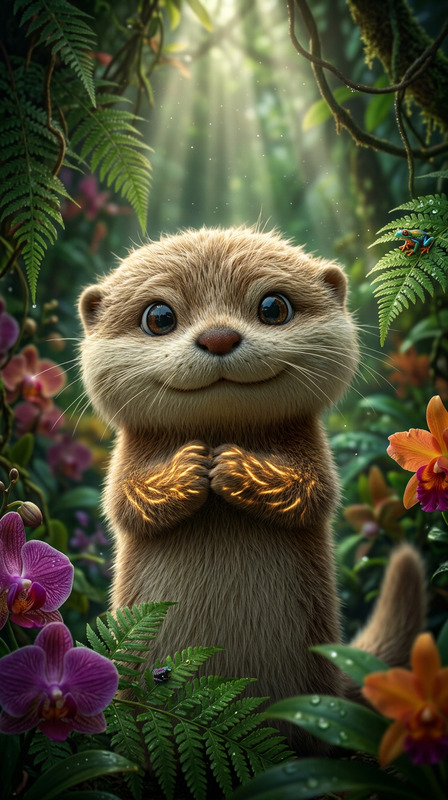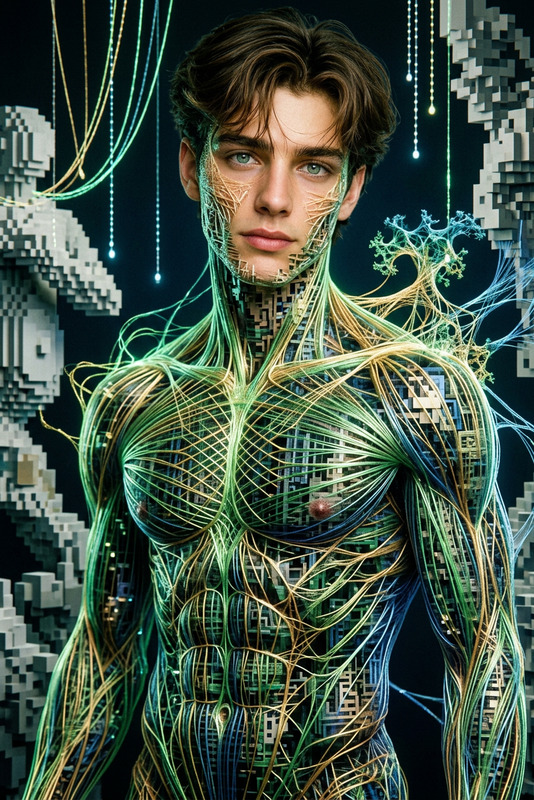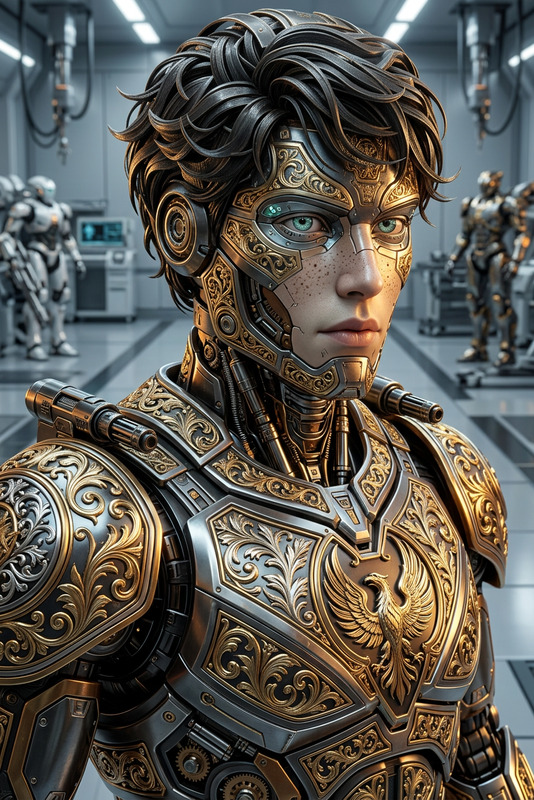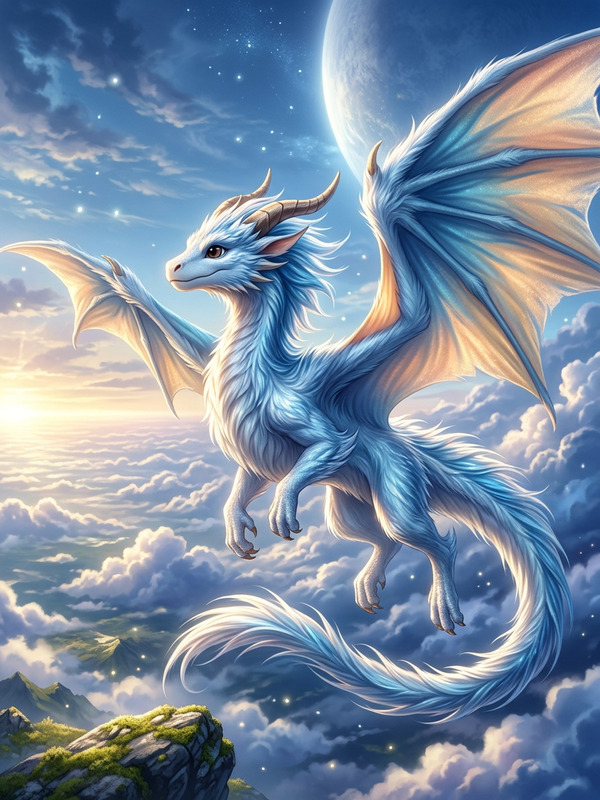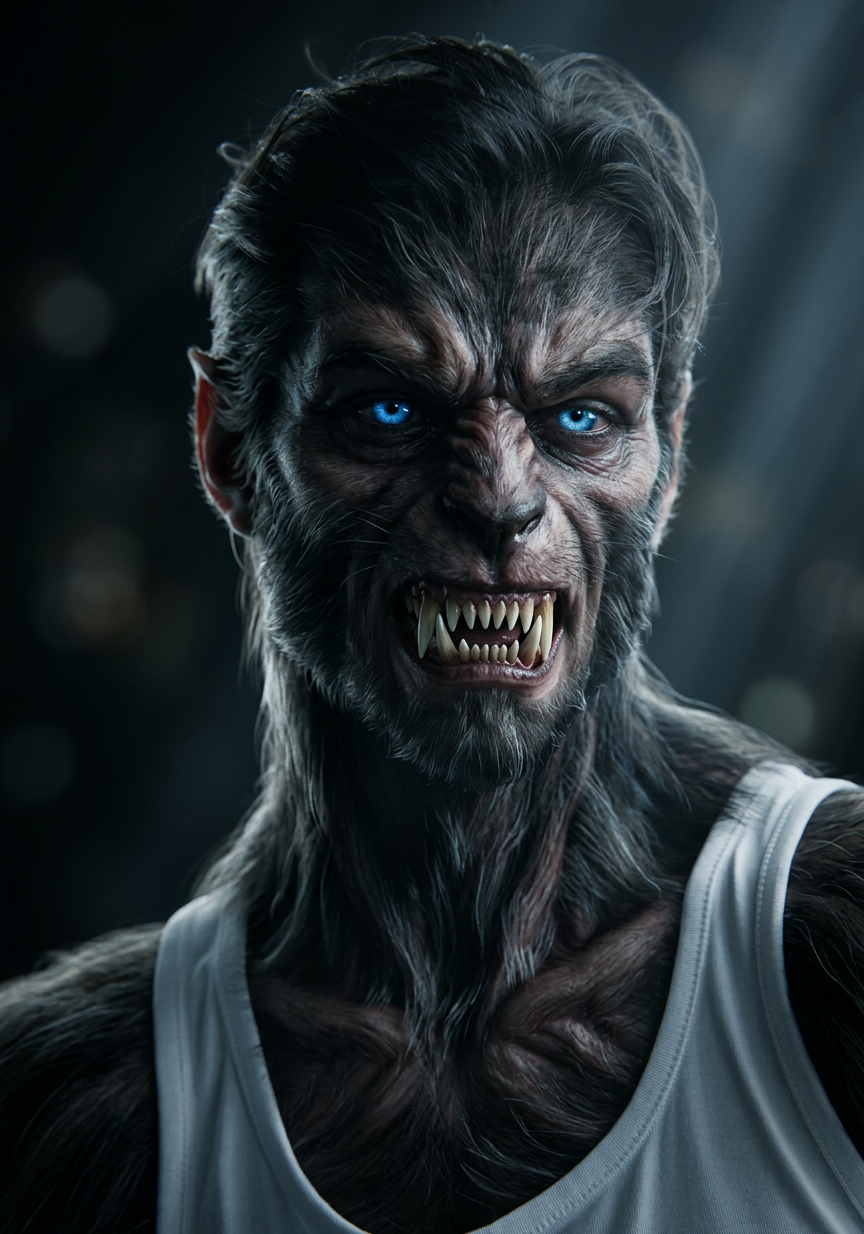
Luminous Beast Portrait
- Model
- Nano Banana 2
- Image
- 864 × 1234 px
Prompt
Subject transforms hyper-detailed menacing beast form with intricate fangs, glowing piercing eyes, and flowing silken fur. Scene uses dramatic cinematic and volumetric lighting with soft bokeh background. Rendering style shows lifelike realism with intricate design, utilizing Unreal Engine and Octane, HDR, subsurface scattering, and Fresnel lighting. Captured with high-end medium format camera and fast lens, creating a chilling yet captivating presence.
Any aspect ratio
Overview
The Luminous Beast Portrait template brings your creative visions to life through advanced image editing capabilities. Designed for creators seeking hyper-realistic and dramatic transformations, this AI-powered tool leverages cutting-edge technology to deliver stunning visual results. Whether for art projects, digital storytelling, or personal fascination, this template offers a sophisticated rendering of your inspirations.
What It Does
This template transforms any subject into a menacing beast with intricate fangs, glowing eyes, and silken fur. Using Unreal Engine and Octane for cinematic effects, and incorporating HDR, subsurface scattering, and Fresnel lighting, it offers a lifelike realism that's perfect for dramatic scenes. The result is a chilling yet captivating image with a soft bokeh background.
To further enhance your images, explore the AI Image Editor for additional improvements.
Who It's For
The Luminous Beast Portrait is ideal for digital artists, filmmakers, and storytellers who aim to create impactful and memorable visuals. This template is also suitable for anyone in the creative industry looking to expand their portfolio with striking high-end digital artworks. By tapping into this tool, creators can easily incorporate stunning visual narratives into their art.
Summary
With its emphasis on realism and dramatic lighting, the Luminous Beast Portrait leverages sophisticated nano-banana-2 technology to deliver incredible detail. Whether you're enhancing ai-photo-relighting or crafting new visual styles, this template provides the resources to push your creative boundaries. Explore its potential in extending the storytelling capabilities of your projects.
How To
Choose the Template

Customize Your Beast

Generate and Download

Use Cases
Art Projects
- Fantasy art installations
- Illustrative projects
- Gallery exhibits
Digital Storytelling
- Interactive stories
- Graphic novels
- Visual podcasts
Animations
- Character design
- Special effects
- Cutscene enhancement
Best Practices
Refine Lighting
Experiment with various lighting settings to achieve dramatic effects that match the mood of your project.Focus on Details
Pay attention to the intricate details like fangs and eyes to enhance realism and impact.Blend with Other AI Tools
Combine outputs with tools like the Image to Video to create dynamic sequences and extend storytelling.