Rust Wasteland Survivor
- Model
- Nano Banana
- Image
- 800 × 1280 px
Prompt
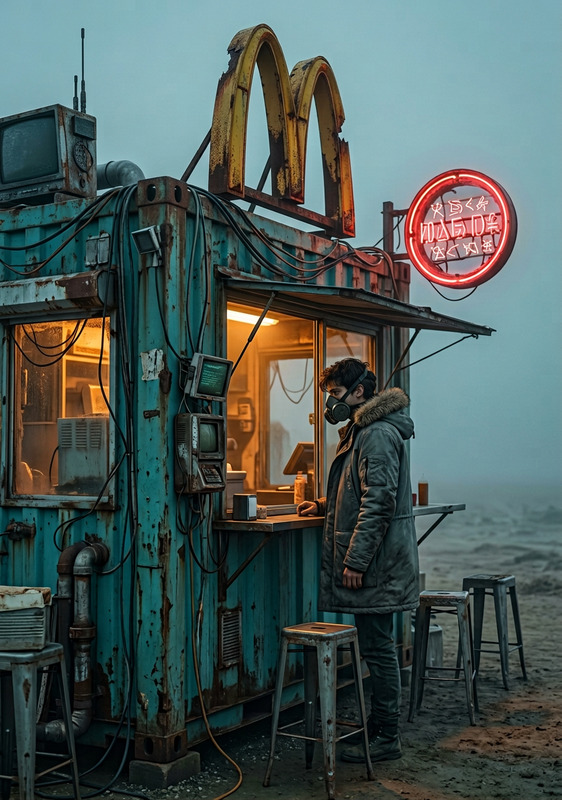
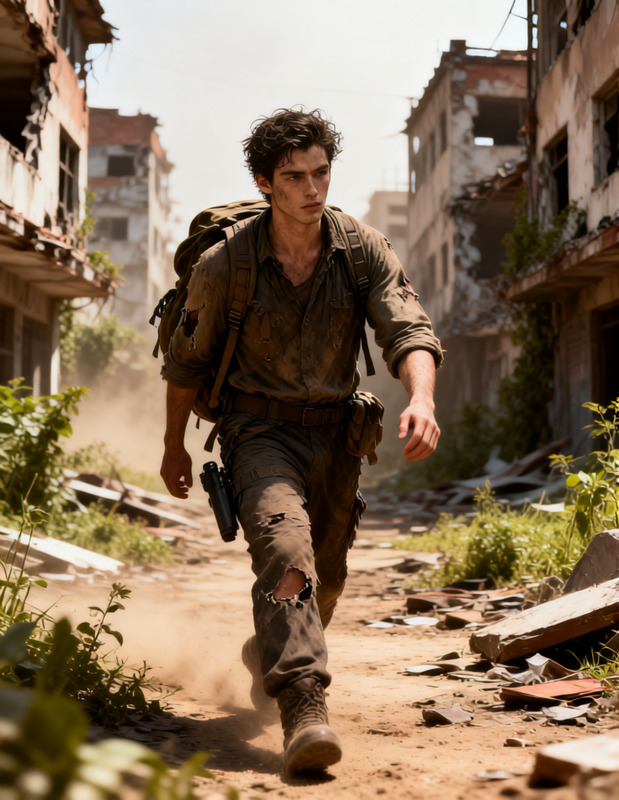
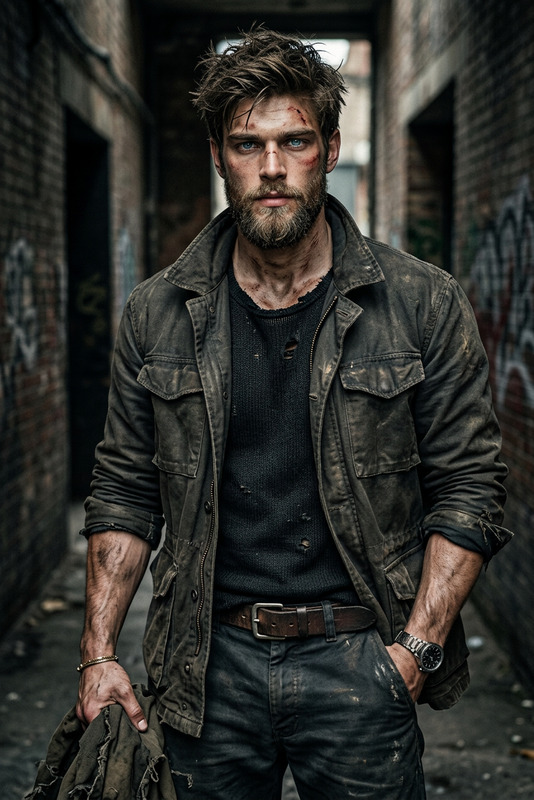
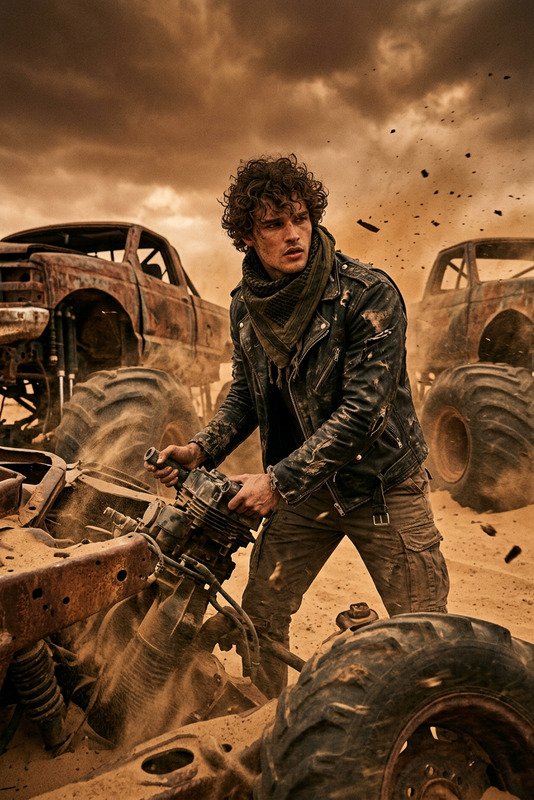
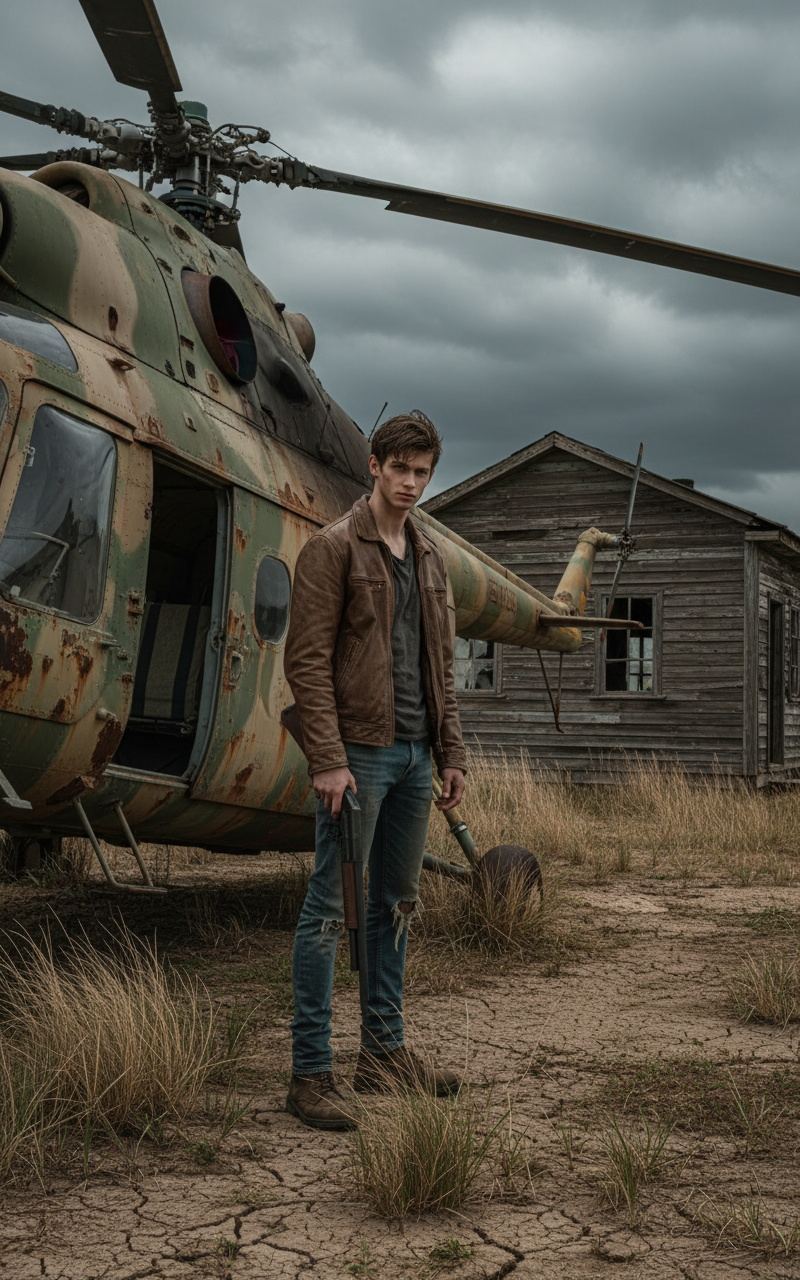
The subject stands holding a shotgun beside an old, rusted helicopter near a weathered wooden building. The subject wears dusty, worn clothing — a leather jacket, jeans, and boots. The helicopter is covered in faded paint and rust streaks. The ground is dry and cracked, with tall brown grass swaying in the wind. The subject is surrounded by an overcast sky filled with dramatic gray clouds. The atmosphere feels tense and post-apocalyptic, with cinematic lighting and soft shadows, ultra-realistic and highly detailed.
Any aspect ratio
Overview
Welcome to the Rust Wasteland Survivor template, an AI Image Editor that helps you create captivating post-apocalyptic scenes. Inspired by cinematic visual styles, this template is designed for artists and creators looking to establish a tense, atmospheric setting with rich details and dramatic elements.
What It Does
The Rust Wasteland Survivor template crafts intricate images featuring a weathered landscape and a rugged survivor persona. Using the nano-banana model, it enhances the realism of your visuals by focusing on elements like worn-out clothing, rusted machinery, and a dramatic sky. The template offers a detailed portrayal of a uniquely dystopian environment.
Who It's For
This template is ideal for artists, game designers, and storytellers who want to set the stage for Rust-themed narratives. Filmmakers and content creators working on projects requiring wasteland aesthetics can leverage this template's detailed and ultra-realistic outputs for storyboarding and promotional content.
Summary
The Rust Wasteland Survivor template is a comprehensive tool for generating post-apocalyptic scenes. Equipped with the capabilities of the Gender Swap and the Full Body Generator, it allows creators to produce compelling imagery that captures the essence of a desolate, yet detailed, universe.
How to Use Rust Wasteland Survivor
Choose the Template

Customize Your Scene

Generate Your Image

Use Cases
Artistic Creations
- Develop character illustrations
- Create high-impact concept art
Gaming Environments
- Create story-driven background settings
- Envision game scenes with realistic landscapes
Storytelling and Film
- Design thematic storyboards
- Enhance cinematic presentations
Best Practices
Use High-Resolution Inputs
For the best results, use high-resolution images as inputs to maintain clarity and detail, especially for the character's features.Adjust Lighting for Mood
Experiment with different lighting settings to convey the desired emotional tone and atmosphere in your scene.Incorporate Texture Variations
Add varied textures to the environment, like rusty metals and cracked earth, to enhance the realism of the post-apocalyptic setting.