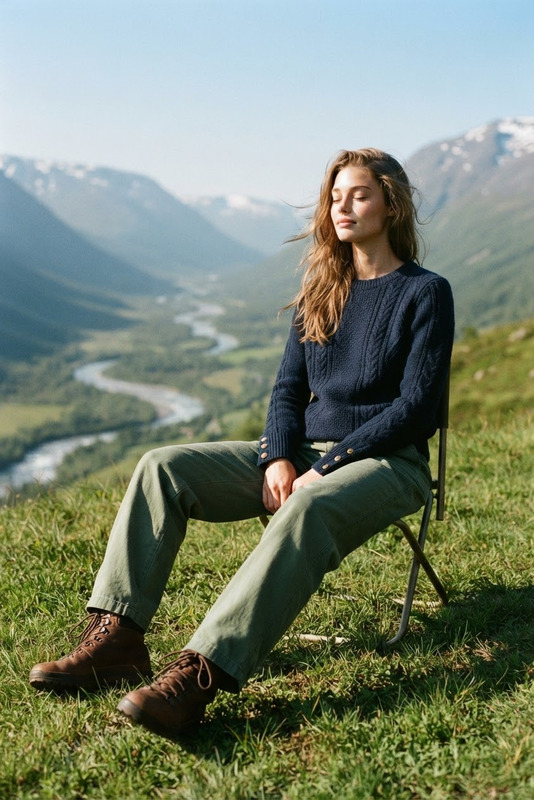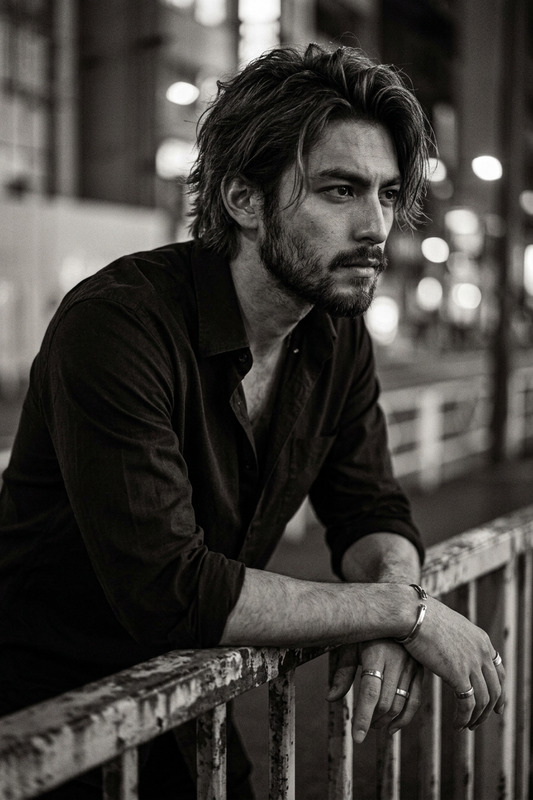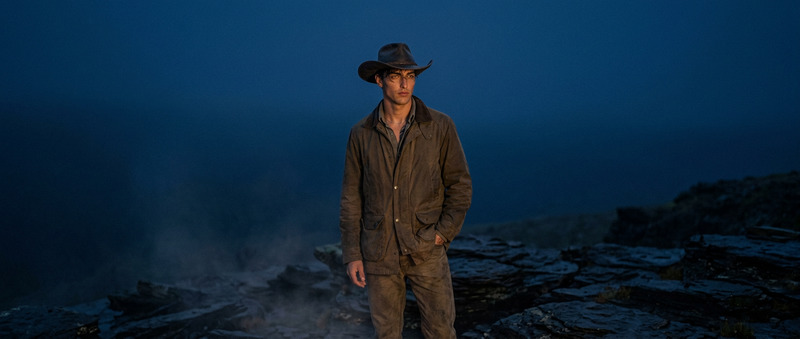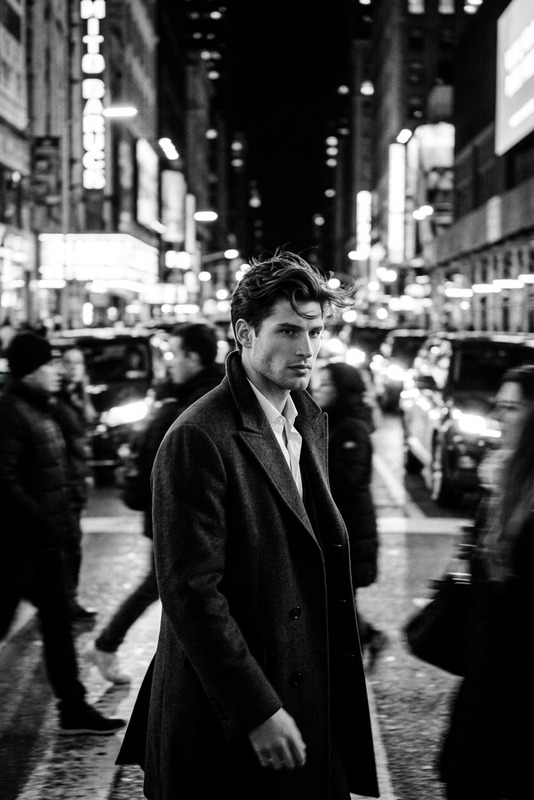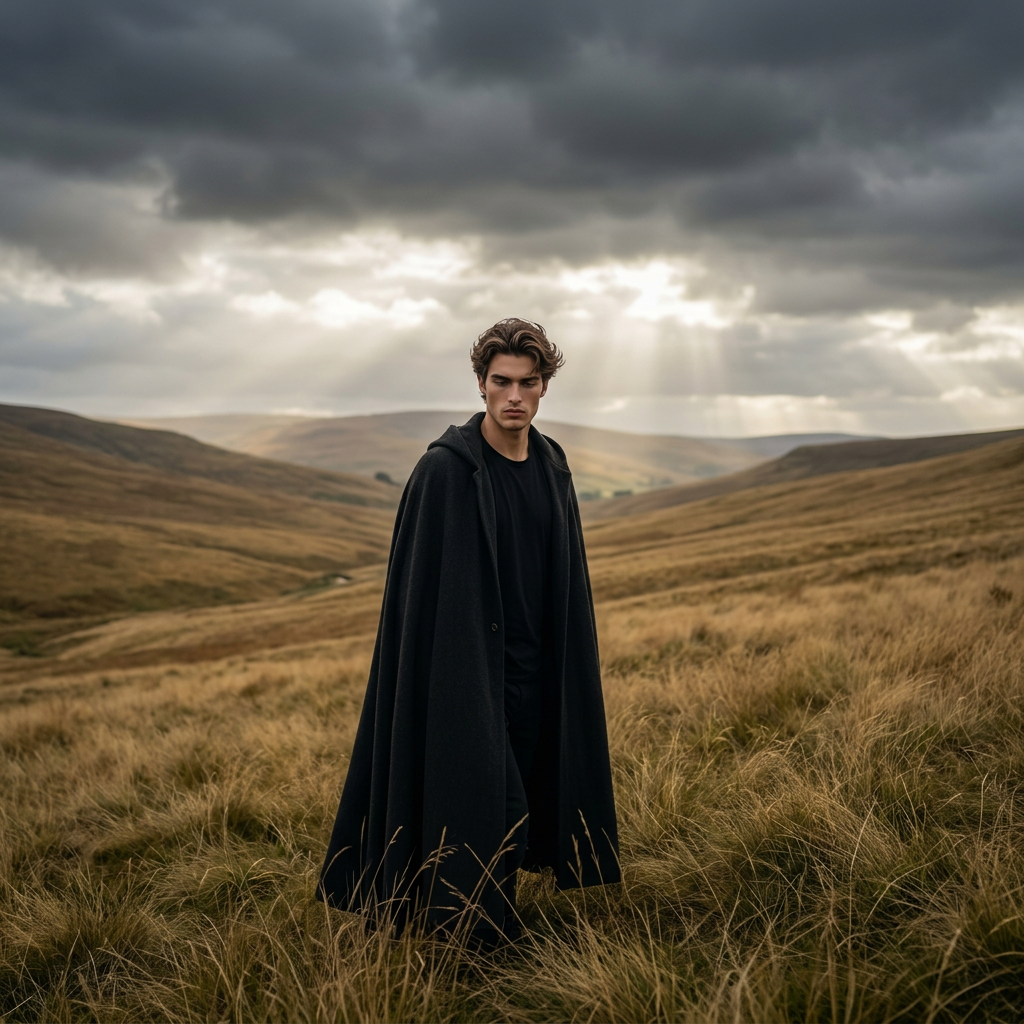
Solitary Wanderer in Golden Hills
- Model
- Nano Banana 2
- Image
- 1024 × 1024 px
Prompt
A cinematic, realistic portrait of a lone subject walking through a vast landscape of rolling golden-brown hills, surrounded by tall, wind-swept grass reaching knee height. The subject wears a long, dark medieval-style cloak or hooded coat, standing upright with a contemplative posture and head slightly lowered. The atmosphere is moody and dramatic, with dark, brooding clouds overhead while soft, diffused sunlight breaks through, creating illuminated patches across the land. Captured with a professional DSLR using a wide-angle lens to emphasize the grandeur of the environment while keeping the subject centered in a 1:1 composition. The color grading is natural with subtle cinematic contrast, enhancing the solitary, atmospheric, and introspective mood.
Any aspect ratio
Overview
The Solitary Wanderer in Golden Hills template is crafted for creators who want to evoke a sense of introspection and solitude through dramatic landscapes. This AI Image Editor utilizes the advanced nano-banana-2 model to generate stunning, cinematic scenes captured with a DSLR-like quality.
What It Does
This template transforms your images into cinematic landscapes featuring a lone figure amidst sweeping golden hills. With a focus on mood and atmosphere, it enhances the natural beauty and grandeur of scenes captured through a professional lens, emphasizing color and contrast to bring out the moody tones.
Who It’s For
Perfect for filmmakers, photographers, and digital artists seeking to dramatize landscapes with a solitary figure, this template suits those involved in projects like storyboarding or visual storytelling. It's also ideal for anyone wanting to create mood boards or visual content for social media campaigns.
Summary
Utilize the Solitary Wanderer in Golden Hills template to breathe life into your visual projects, emphasizing dramatic landscapes with solitary figures in focus. For those pursuing realistic yet cinematic outputs, this tool provides an unmatched depth and brilliance through its sophisticated image editing capabilities.
How to Use
Choose Your Template

Customize Inputs

Generate Your Image

Use Cases
Digital Campaigns
- Social media posts
- Blog headers
- Website banners
Storyboarding
- Film previews
- Animated scene development
Mood Boards
- Concept development
- Creative pitching
Best Practices
Focus on Lighting and Contrast
Use lighting adjustments to create depth and draw attention to the subject, especially under dramatic clouds.Center the Subject
Ensure the subject remains at the center to optimize the wide-angle perspective that emphasizes the landscape's grandeur.Use DSLR Settings Simulation
Emphasize cinematic qualities by emulating DSLR settings, adding realism and engagement to your images.