Dystopian fashion
- Model
- GPT Image 2
- Image
- 1024 × 1024 px
Prompt
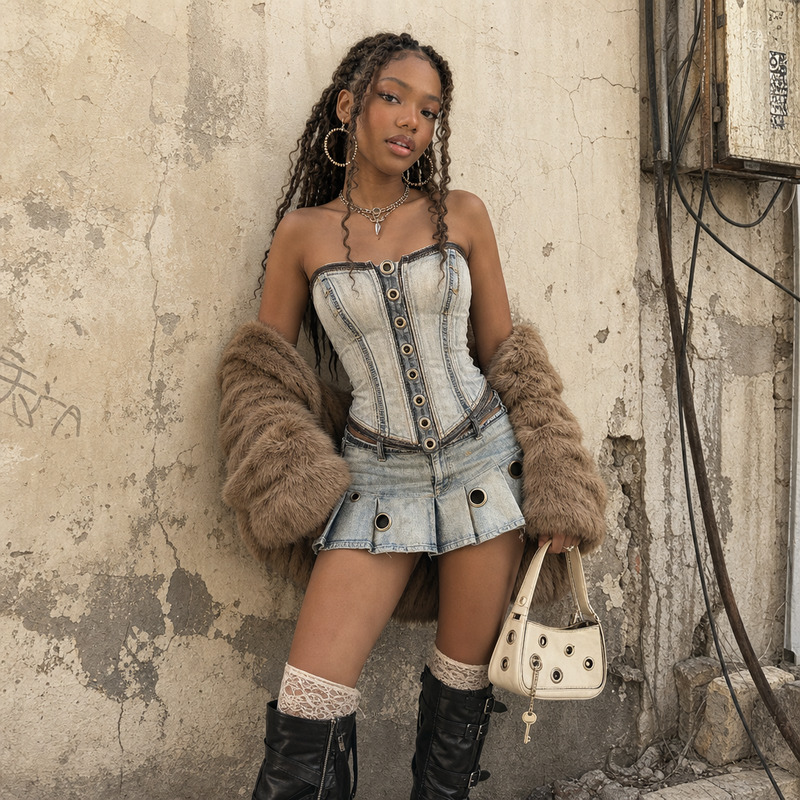
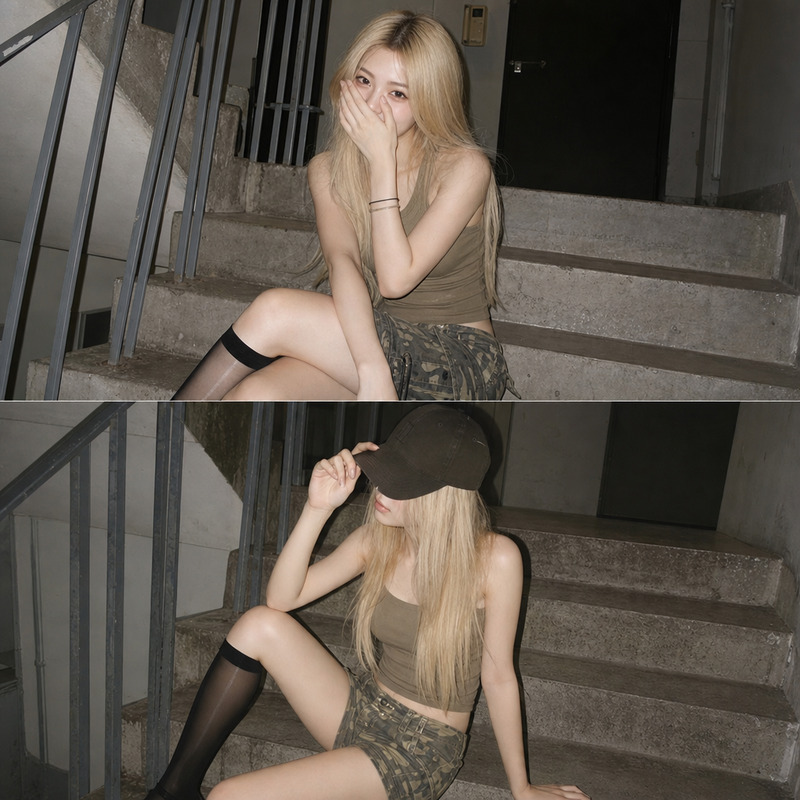
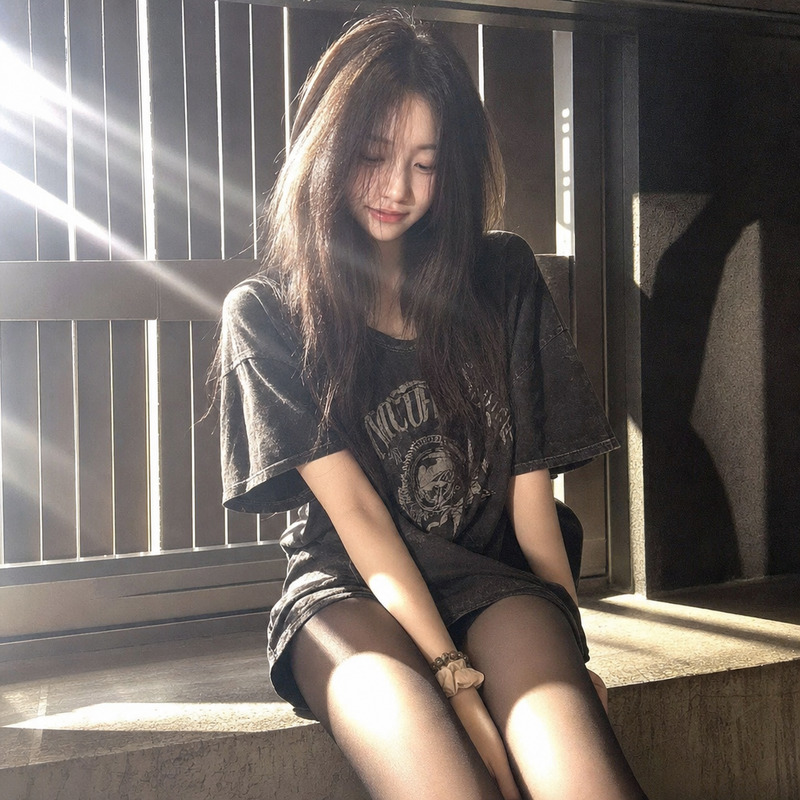
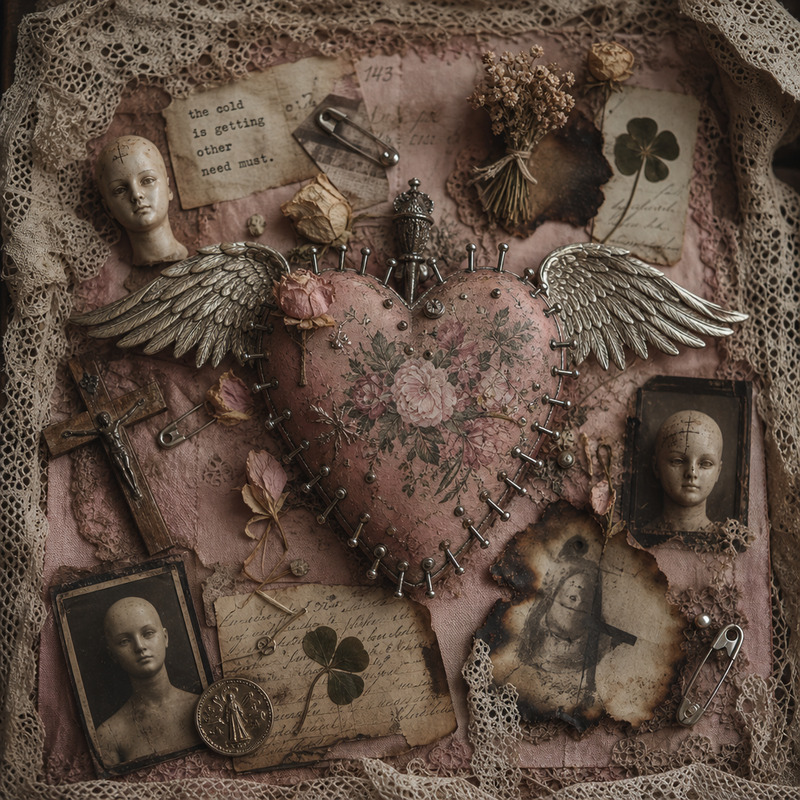
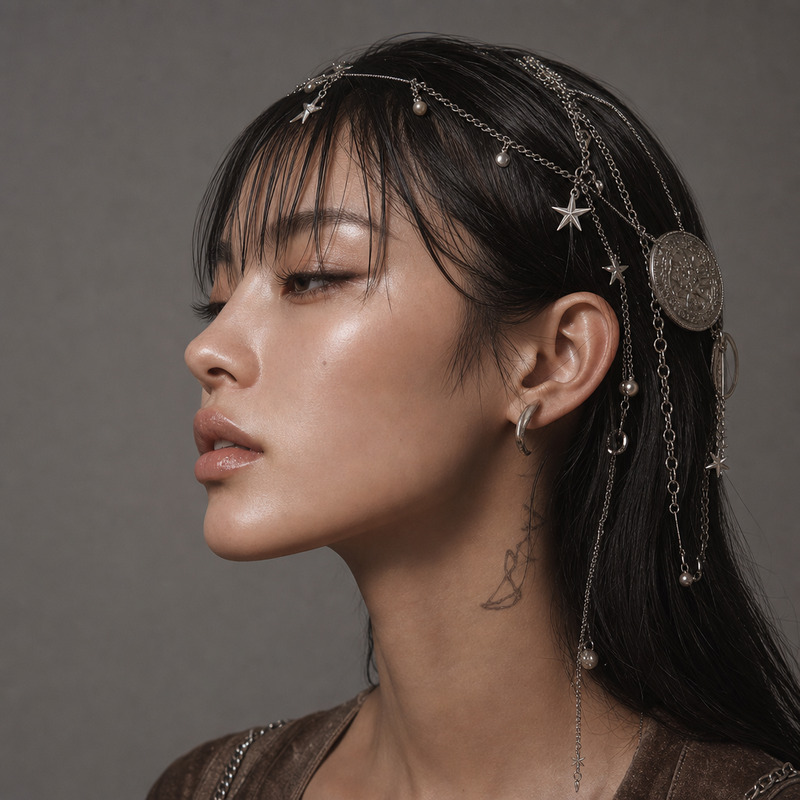
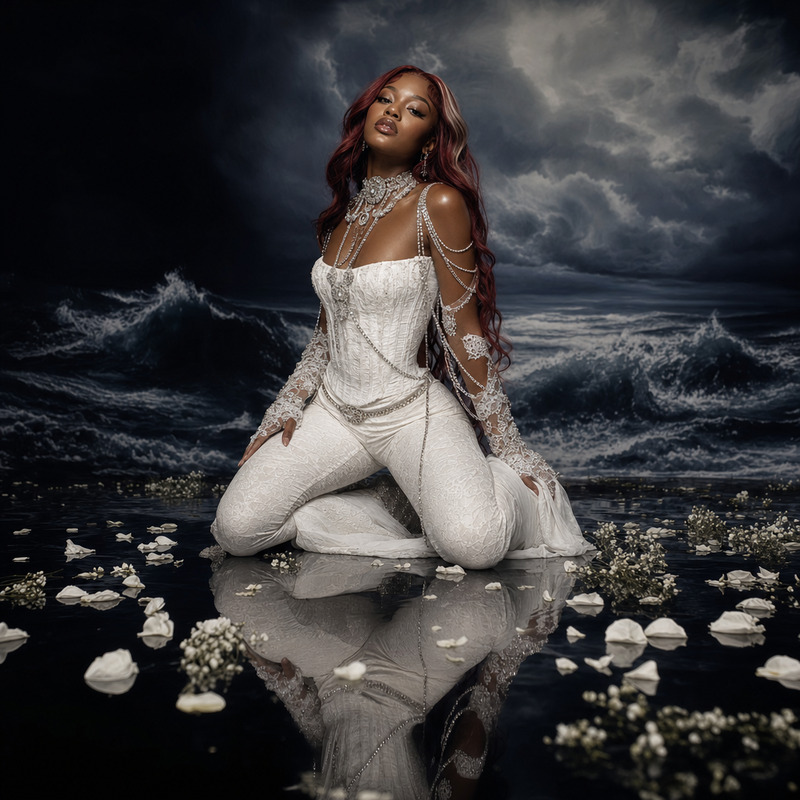
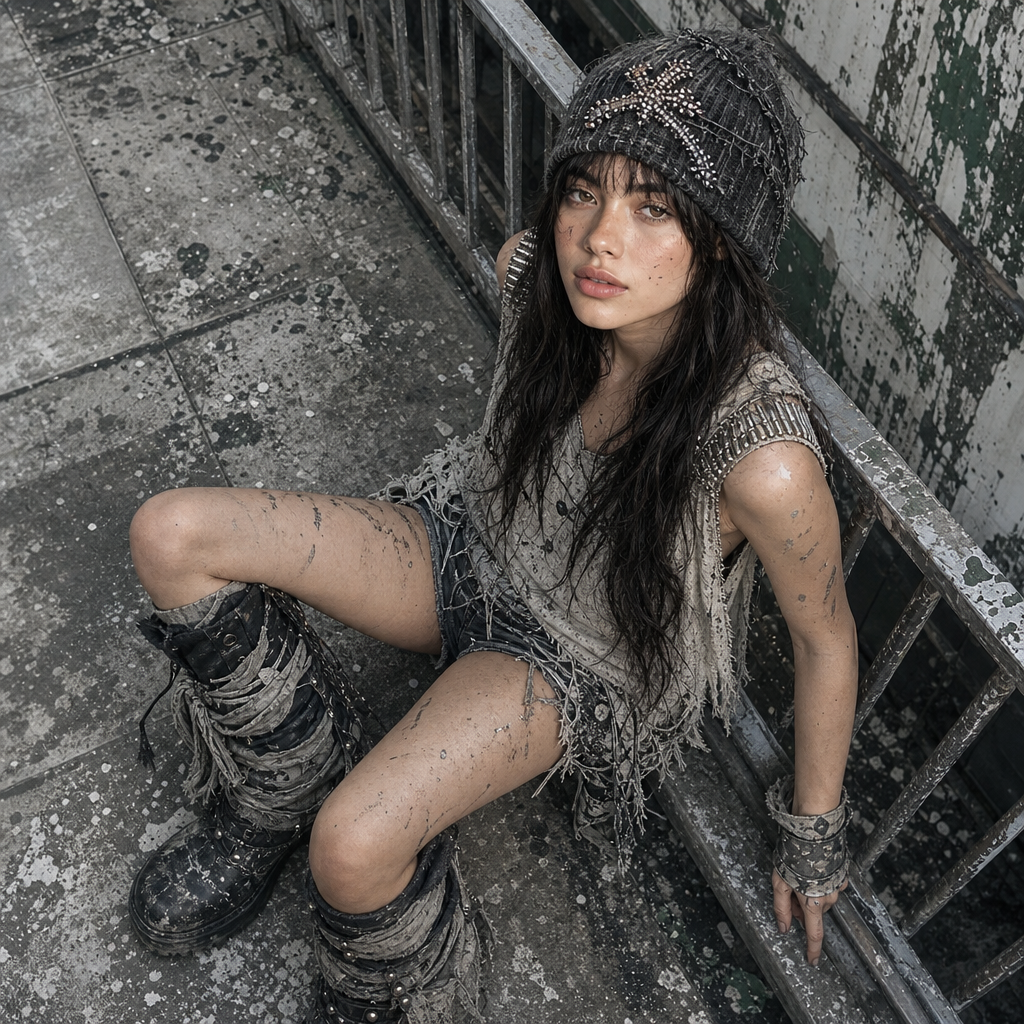
A high-angle shot captures a young woman sitting on a metal railing in an urban, rundown setting. Her ethnic group is ambiguous due to her covering a cap, but her skin tone appears light. She has long, black, wavy hair, partially concealed by a distressed, knit cap with beaded embellishment. Her outfit is eclectic and rugged, consisting of a sleeveless, loose-fitting top with metallic bullet-like ornaments on the shoulders, distressed shorts, and oversized, worn-out black boots with tattered wraps. Her skin and clothing show smears of dirt or paint, accentuating the worn aesthetic. The setting features weathered metal railings and a dirty concrete floor, with green and white paint peeling off the surrounding surfaces, suggesting decay. The lighting is natural and diffused, possibly from an overcast sky, casting soft shadows and even light across the scene. The overall atmosphere is grungy and desolate, with a palette dominated by gray, black, and muted green tones, captured digitally with a gritty, textured quality. HEX VALUES: ["#6c7070", "#9d9f9e", "#5f6262", "#7a7e7d", "#acaeae", "#8f9392", "#4f5252", "#878887", "#3c3f40", "#bdbebe", "#0a0c0e", "#25292a", "#cecfce", "#e5dad3"]
Any aspect ratio
Overview
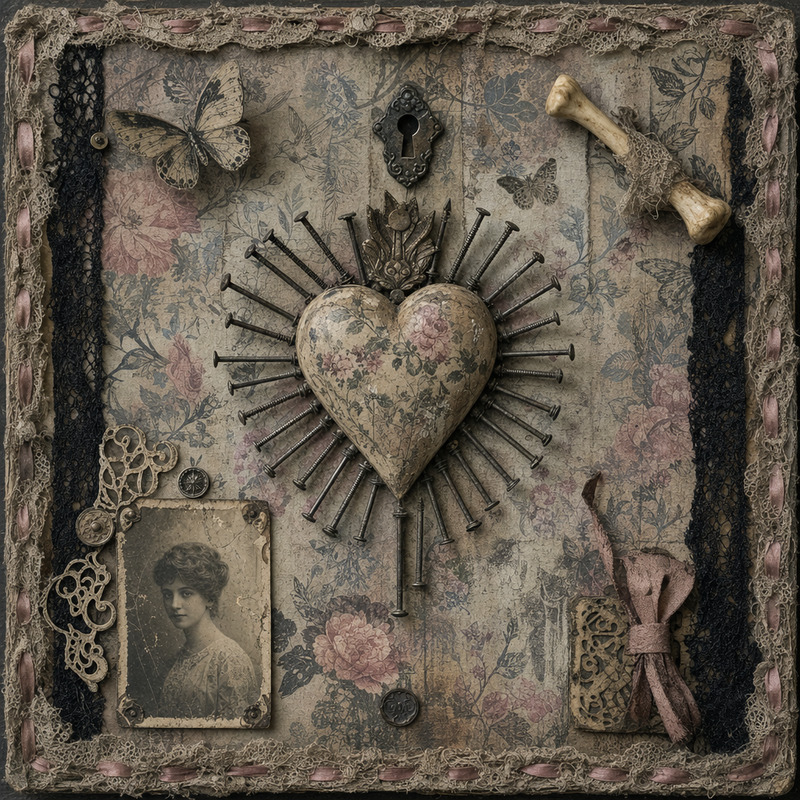
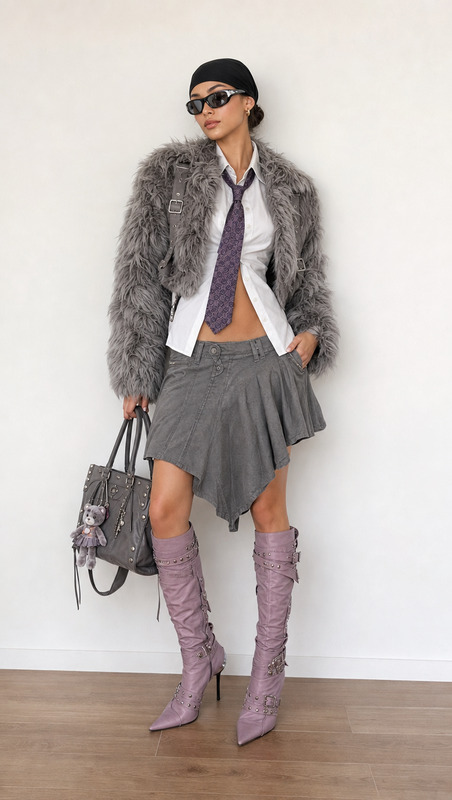
Step into a dystopian world with our "Dystopian Fashion" AI Image Editor template. This template uses the gpt-image-2 model to create a gritty and textured visual experience, perfect for fans of urban and rugged aesthetics. Whether you're recreating scenes in a novel or designing graphics for a game, this template brings desolate atmospheres to life.
What It Does
This AI Image Editor template enables you to transform standard images into dystopian art pieces. Utilize it to craft high-angle shots that capture characters in urban decay settings. The model focuses on color palettes like grays, blacks, and muted greens from your images to enhance their gritty and textured qualities, while also allowing intricate detailing like metallic bullet-like ornaments and distressed clothing effects.
Who It's For
If you're a game designer wanting to develop dystopian visuals or a content creator aiming to add a rugged edge to your photography, this template is for you. It offers versatility for designers and artists specializing in post-apocalyptic and urban grunge themes. It's also a powerful tool for filmmakers and photographers seeking to infuse a cinematic look into their projects.
Summary
With its focus on creating an atmospheric urban decay scene, the "Dystopian Fashion" AI Image Editor template provides rich details from lighting effects to clothing textures. Use this to complement broader projects with a AI Background Changer or fine-tune your visuals with the AI Image Upscaler for enhanced resolution. Ideal for projects that require a defined visual style.
How to Use
Choose Template

Customize Inputs

Generate Image

Use Cases
Post-Apocalyptic Game Design
- Create atmospheric game backgrounds
- Design intriguing character outfits
Conceptual Artwork
- Experiment with gritty textures
- Develop unique stylistic pieces
Film Set Visualization
- Plan visual aesthetics
- Scout for appropriate shooting locations
Best Practices
Focus on Textures
Leverage texture layering to enrich your scene, ensuring the gritty feel is consistently portrayed across all elements.Complement with Lighting
Utilize soft, diffused lighting to enhance the overall mood of the image, mimicking overcast skylines.Color Palette Consistency
Maintain a palette of grays, blacks, and muted greens to ensure the dystopian theme is coherent throughout your project.