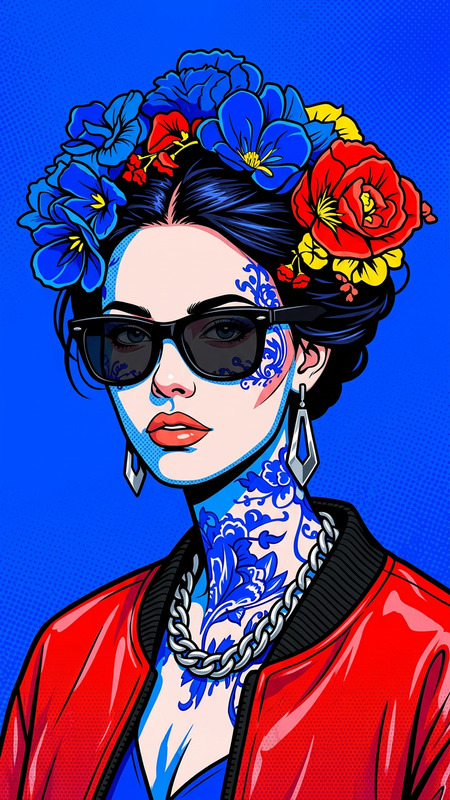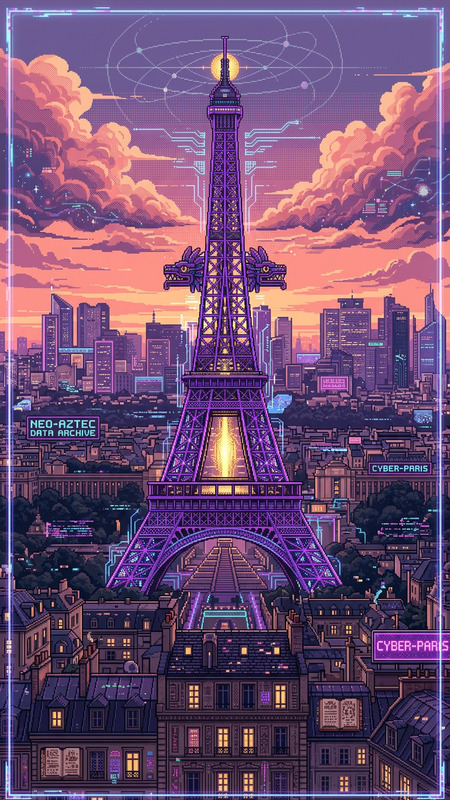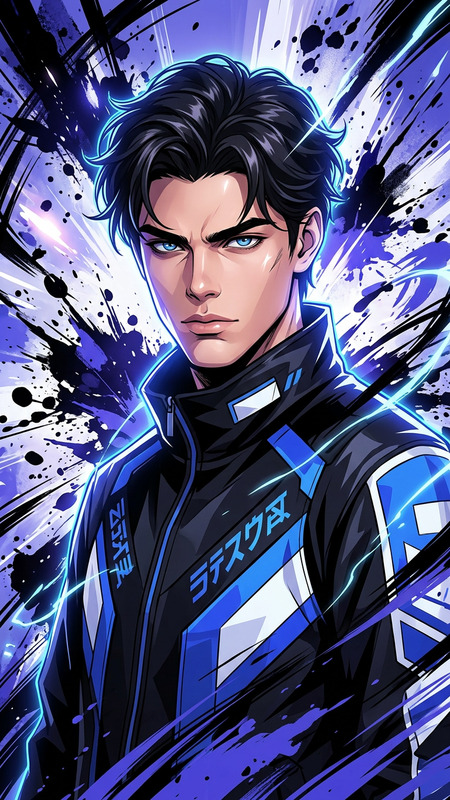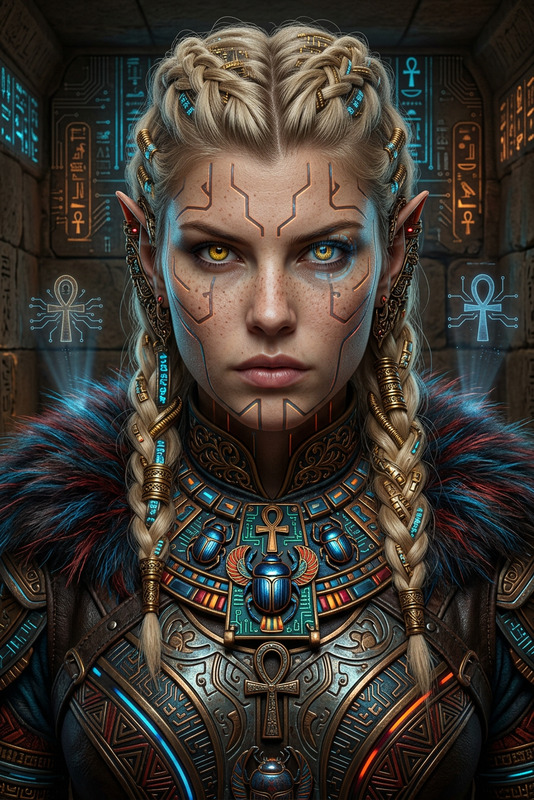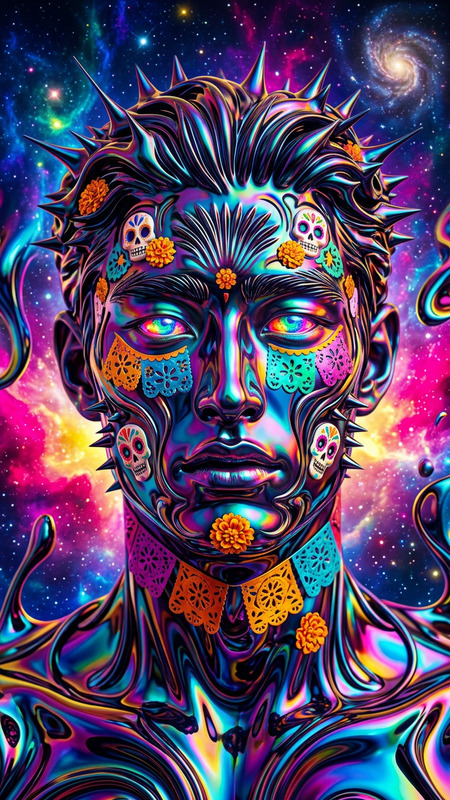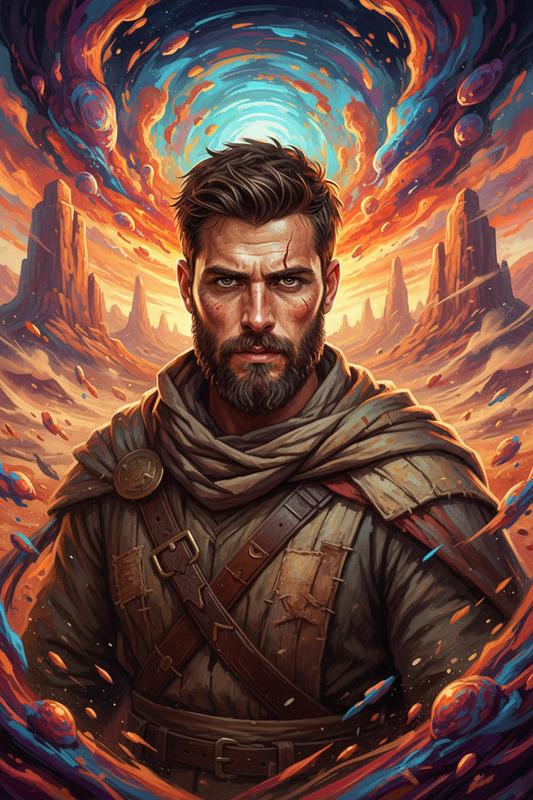
Psychedelic Expressionist Fusion
- Model
- Nano Banana 2
- Image
- 880 × 1214 px
Prompt
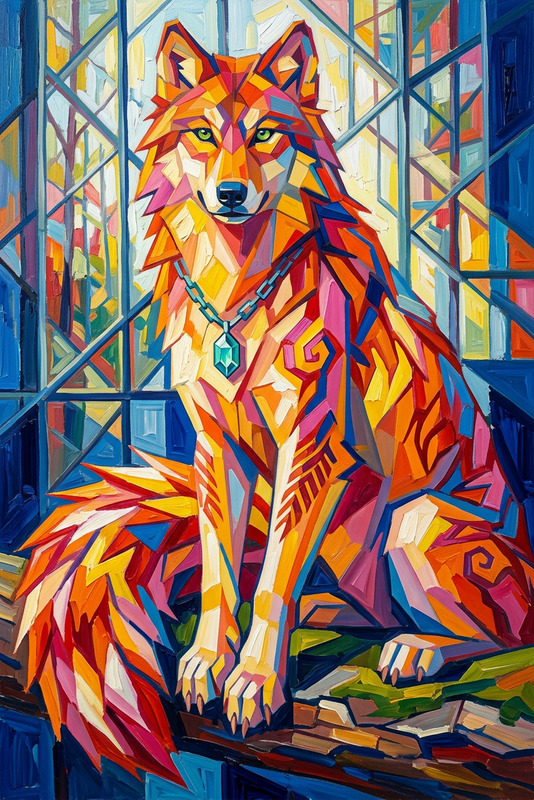
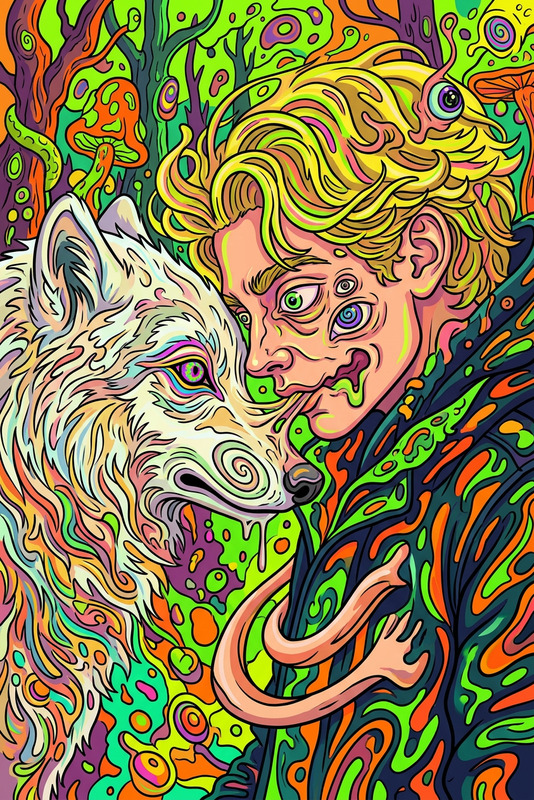
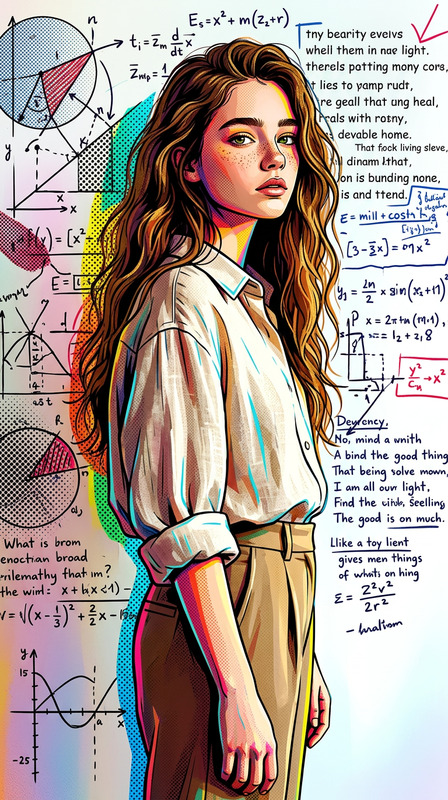
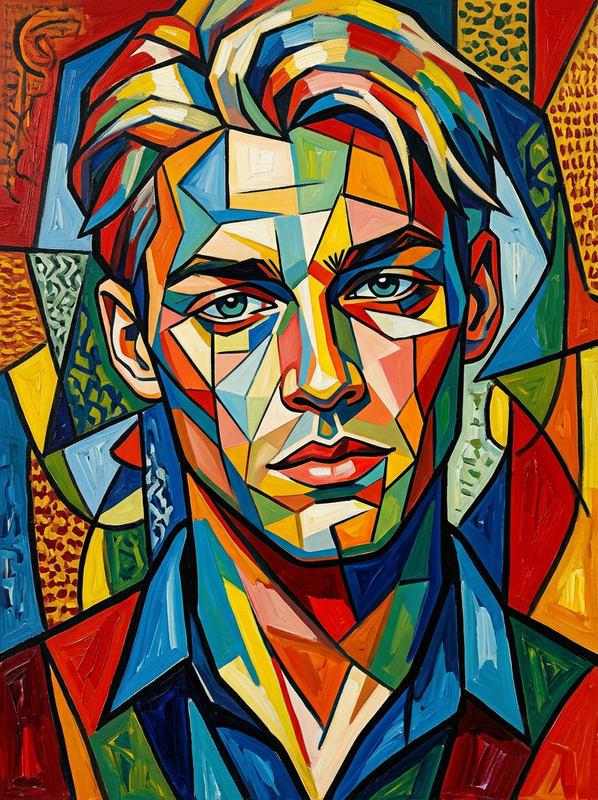
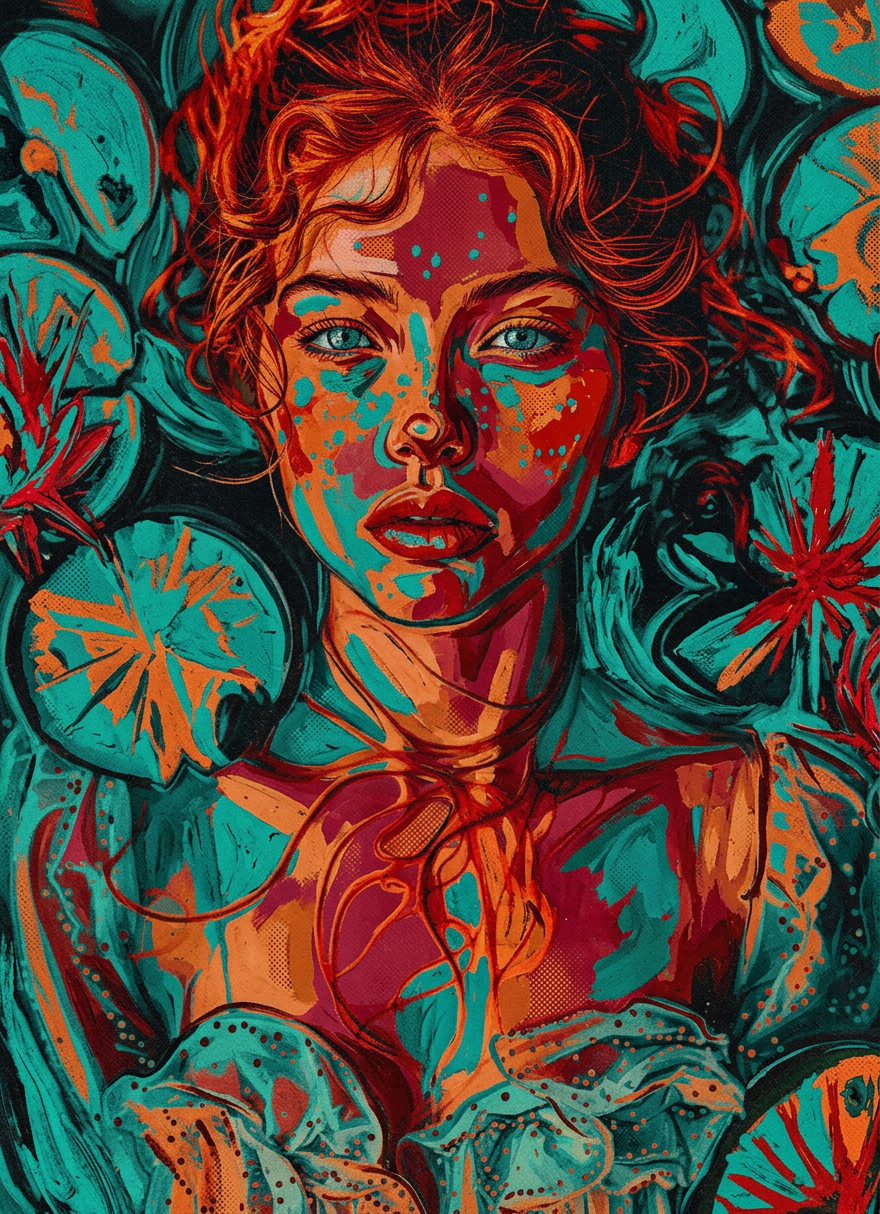
Subject and background transform into a psychedelic neo-expressionist scene, distorted figure with warped features, bold high-contrast red, orange, and teal color blocks spreading across body and environment, thick textured brush strokes, raw emotional hand-painted style, warped perspective, vintage screen print aesthetic, gritty ultra-detailed artistic chaos.
Any aspect ratio
Overview
Transform your images into eye-catching artworks with the Psychedelic Expressionist Fusion template. This AI Image Editor template leverages the nano-banana-2 model to introduce a vibrant mix of colors and textures into your visuals. Enhance your creative projects with bold techniques and a unique neo-expressionist style that stands out.
What It Does
This template morphs subjects and backgrounds into a psychedelic, neo-expressionist scene. It introduces distorted, warped figures and high-contrast color blocks of red, orange, and teal. The result is a chaotic yet artistically rich composition marked by thick, textured brush strokes and a raw hand-painted touch.
Who It's For
Artists, designers, and content creators seeking to incorporate an expressive, psychedelic look into their projects will find this template invaluable. It's perfect for those working on social media ads, mood boards, or storyboarding. Whether you're crafting visuals for marketing or personal projects, this tool provides a distinct edge.
Summary
Using the Psychedelic Expressionist Fusion template allows you to create visually stunning images with a gritty, ultra-detailed artistic flair. It blends a vintage screen print aesthetic with modern AI capabilities to offer an innovative way to reinvent your visuals. Unlock the energetic spirit of this style in your projects by exploring image transformations that defy conventional boundaries.
How to Use It
Choose the Template

Customize Your Input

Generate the Image

Use Cases
Artistic Storytelling
- Add depth to digital art projects
- Create unique visuals for stories and comics
Marketing Materials
- Develop unique advertisements
- Improve brand identity with striking visuals
Social Media Content
- Create vibrant posts
- Engage with followers through art
Best Practices
Optimize Image Selection
Choose images with clear subjects for best results. The transformation process enhances defined figures.Experiment with Prompts
Vary the prompt to see how different descriptions affect the outcome. This can help you discover new creative directions.Leverage High-Contrast Settings
The template performs best with images that already have high contrast as it accentuates the neo-expressionist style effectively.