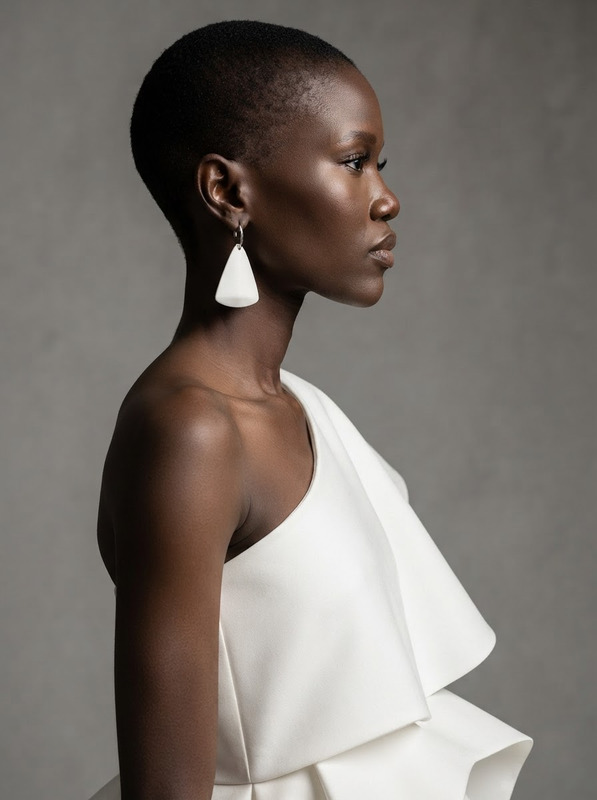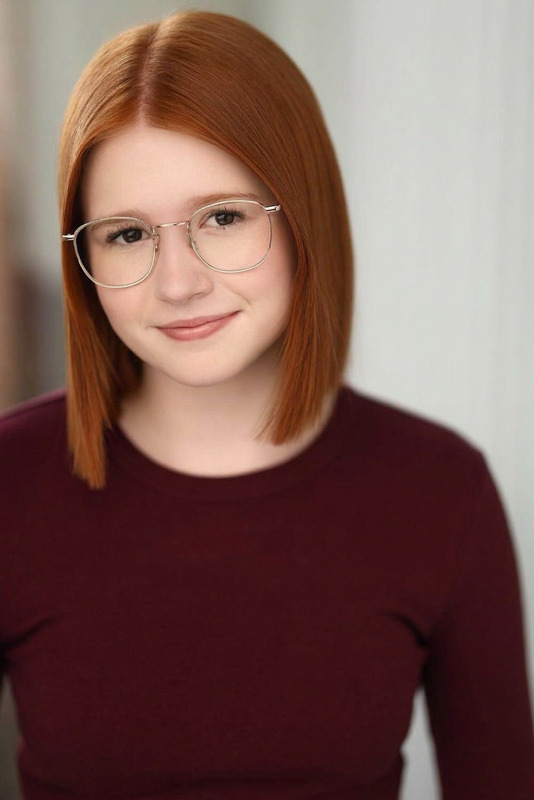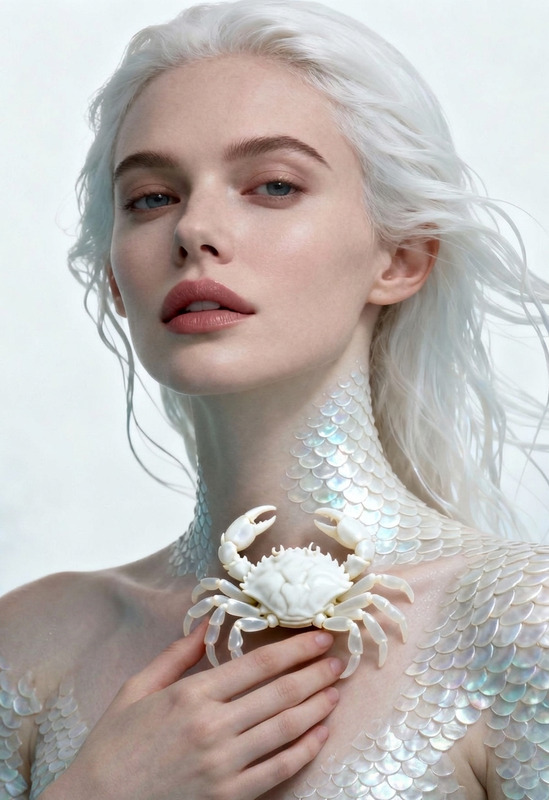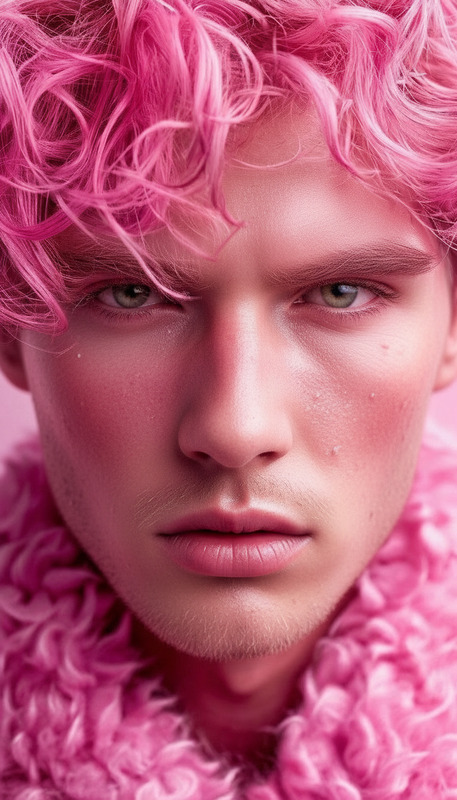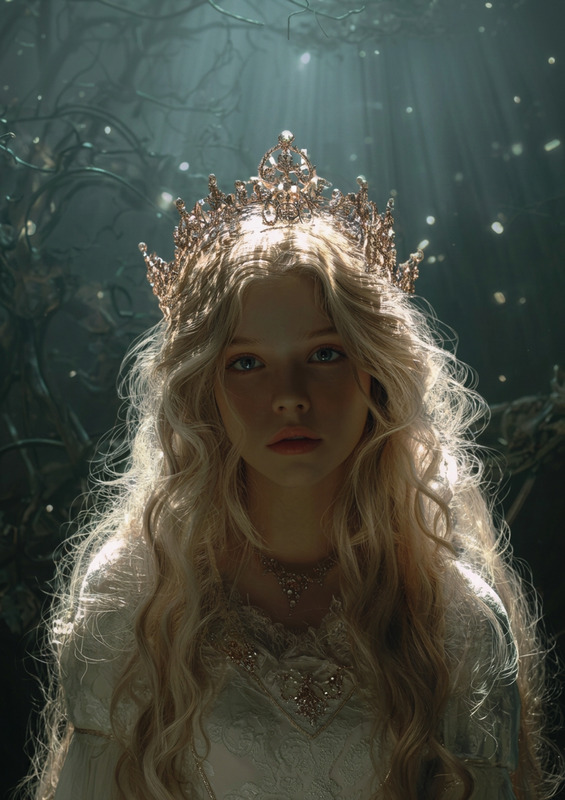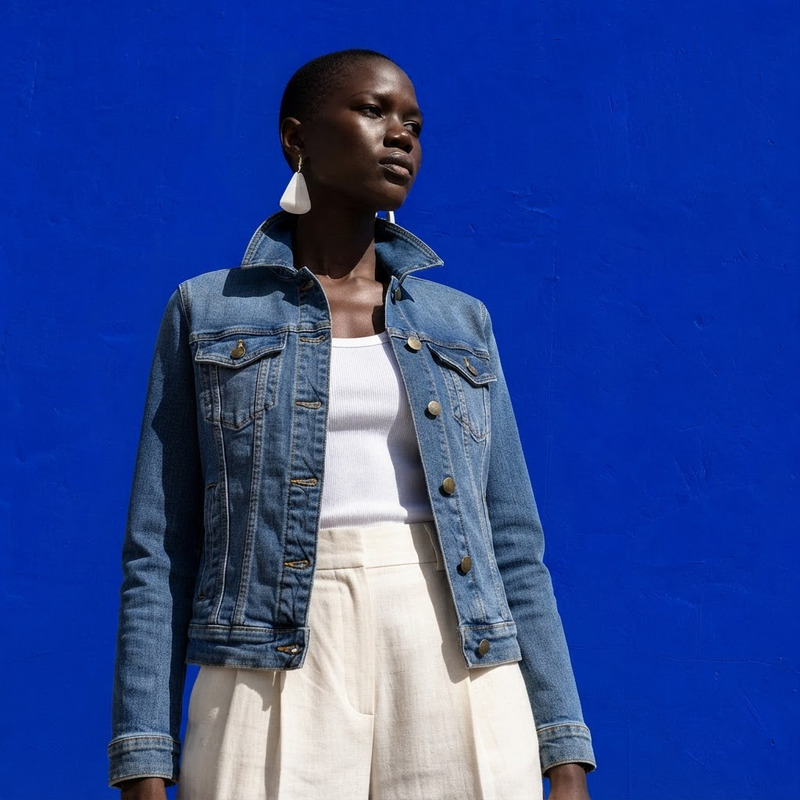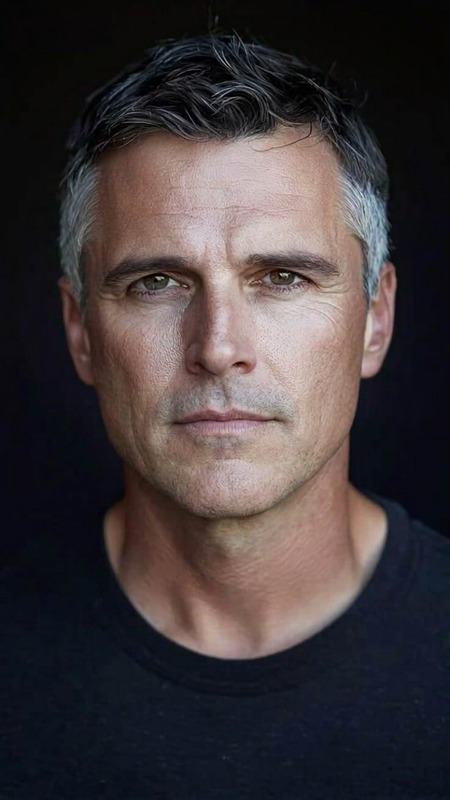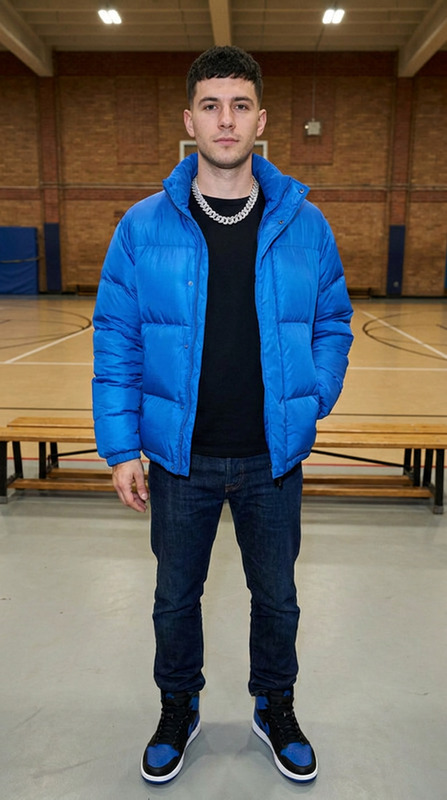
Text Removal Clean Edit
ai-image-editor
Any aspect ratio
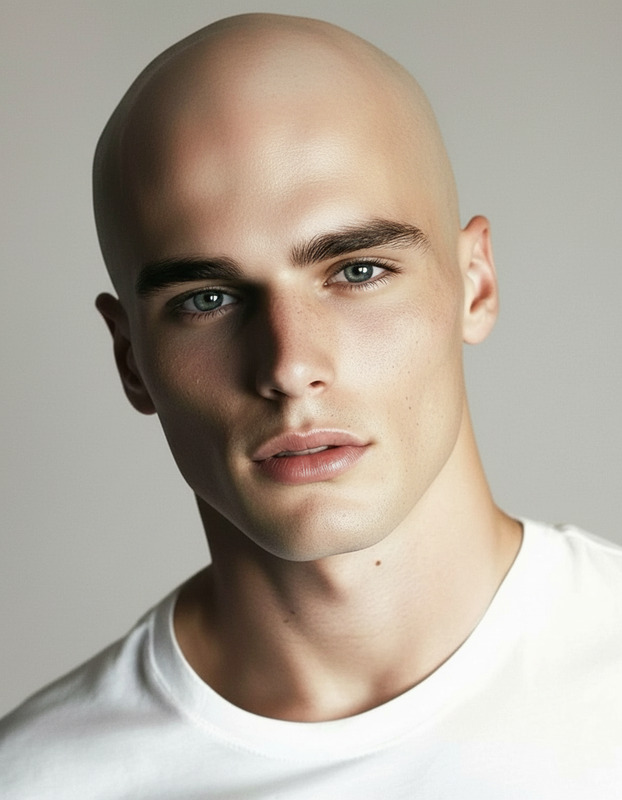
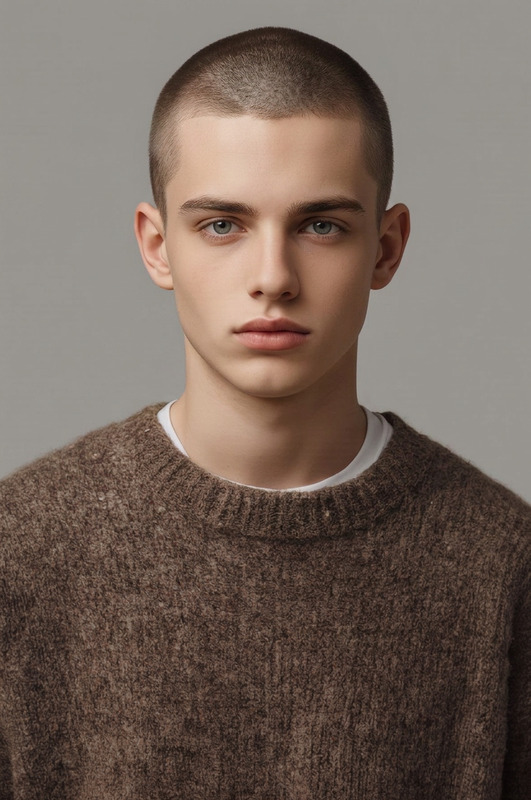
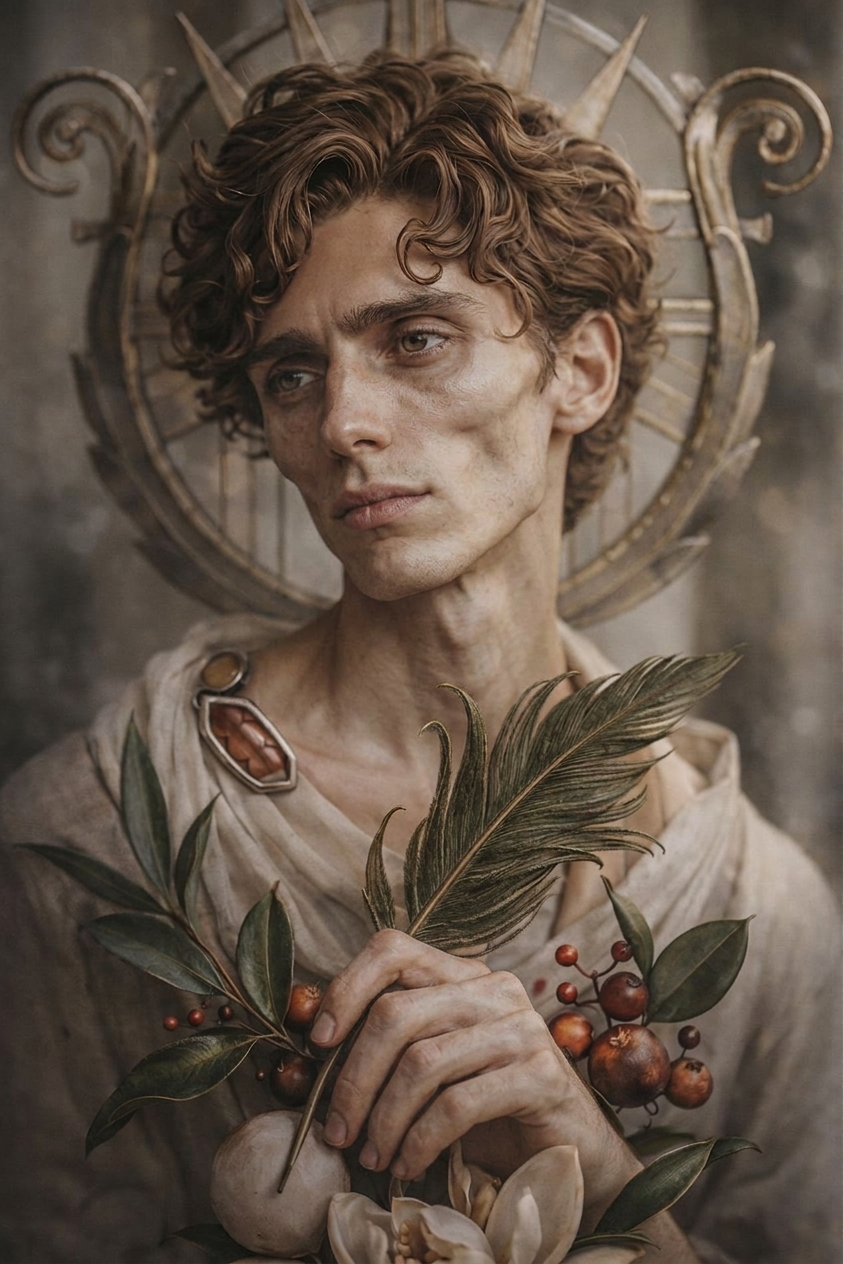
make this individual skinny with a chistled facial structure
AI Image Editor Template – Remixable Workflow for Fast, High-Quality Visual Edits
Use this template as a starting point to build your own AI-powered editing workflow in Magic Hour. It’s designed for creators and teams who need to transform images quickly—without sacrificing control, brand consistency, or output quality.
What This Template Does
This AI Image Editor–based template is ideal for:
- Removing or replacing objects and backgrounds
- Cleaning up photos (blemishes, distractions, artifacts)
- Swapping styles (realistic, cinematic, anime, illustration, etc.)
- Reframing assets for social, ads, and product shots
- Enhancing resolution and clarity for print or high-res campaigns
Under the hood, it uses the AI Image Editor as the core tool, and can be easily remixed into more advanced pipelines with:
- AI Image Upscaler for higher resolution
- AI Background Remover for clean cutouts
- AI Face Editor for portraits and headshots
- AI Remover or Remove Object From Photo for distraction-free images
How to Remix This Template in Magic Hour
You can treat this template as a “base workflow” and customize it for your own use case. A simple way to remix:
Start from the Template
- Open this template in Magic Hour.
- Use it as-is to understand its editing flow: upload → edit → export.
Swap or Add Tools
Enhance the core flow by chaining additional Magic Hour products:- Add AI Image Upscaler after editing to create print-ready or ad-ready images.
- Insert AI Background Generator to replace plain backgrounds with on-brand scenes.
- For portraits, connect AI Headshot Generator or AI Selfie Generator for consistent profile images.
Adapt for Your Channel or Use Case
Common customizations:- Social & thumbnails: Pair with Thumbnail Maker, AI Meme Generator, or Album Cover Generator.
- Brand & marketing: Integrate AI Logo Generator, AI Icon Generator, and Book Cover Generator for asset systems.
- Creative concepts & IP: Combine with AI Character Generator, AI Art Generator, AI Manga Generator, or Comic Book Generator.
Turn Stills Into Motion (Optional)
Once you have edited images, you can extend the pipeline:- Use Image to Video or Text to Video to create animated sequences.
- Convert characters into animation with the Animation template.
- Turn edited photos into short GIFs for social with the AI GIF Generator.
High-Impact Use Cases for Creators & Teams
1. Marketing & Growth Teams
- Rapidly create ad variations by editing hero images, backgrounds, or product arrangements.
- Localize creatives (e.g., environment, signage, text elements) without reshooting.
- Improve clarity and conversion by removing distracting objects using AI Remover.
2. Product, E‑commerce & DTC
Standardize product imagery:
- Remove messy backgrounds with Image Background Remover.
- Add on-brand, studio-style scenes via AI Background Generator.
- Upscale to marketplace-quality with AI Image Upscaler.
Quickly test new product visuals: colorways, styles, or environments using the AI Clothes Changer and AI Fashion Generator.
3. Founders, Indie Hackers & Startup Builders
- Create landing page and pitch assets from one base photoshoot by remixing poses, environments, and formats.
- Generate professional headshots for teams using AI Headshot Generator and refine them with this AI Image Editor template.
- Build consistent brand imagery across product, blog, and investor decks without hiring a full creative team.
4. Creators & IP Builders
Develop characters, scenes, and worlds:
- Start with AI Character Generator or AI Face Generator.
- Refine details, lighting, and style in this template.
- Expand into motion via Video-to-Video or Animation templates.
Explore genres and aesthetics with tools like:
Example Remix Workflows
Use these to inspire your own template variants:
Brand-Ready Social Image Flow
- Edit a raw photo with the AI Image Editor template.
- Remove clutter with Remove Object From Photo.
- Replace background with AI Background Generator.
- Upscale with AI Image Upscaler.
- Generate a thumbnail or story asset using Thumbnail Maker or AI Meme Generator.
Character-to-Animation Flow
- Create a character using AI Character Generator or Animated Characters Generator.
- Refine facial features, outfit, and pose with the AI Image Editor template and AI Face Editor.
- Convert the edited image to motion with Image to Video or the Animation template.
- Add dialogue using AI Talking Photo and AI Voice Generator or AI Voice Cloner.
From Static Photo to Talking, Lip-Synced Clip
- Clean and enhance a portrait using this AI Image Editor template.
- Turn the photo into a talking avatar with AI Talking Photo.
- Add speech with AI Voice Generator or clone your own voice with AI Voice Cloner.
- Use the Lip Sync template for precise lip-sync videos.
- Automatically add subtitles via Auto Subtitle Generator.
Related Magic Hour Templates & Tools
If you like this AI Image Editor template, you may want to explore:
Templates with ready-built flows
- Face Swap Video template – Turn edited faces into dynamic face-swap clips.
- Lip Sync template – Sync speech to faces from your edited images.
- Video-to-Video template – Stylize or transform existing videos to match your edited images.
- Animation template – Animate characters refined in this editor.
Image tools that pair well
- AI Photo Generator
- AI Image Generator
- AI Outfit Generator
- AI Tattoo Generator
- AI QR Code Generator for branded, scannable visuals.
Best Practices for Using & Remixing This Template
- Work non-destructively: Keep your original uploads; use the template to create multiple variants for A/B testing.
- Standardize your look: Decide on a visual direction (lighting, color palette, style) and reuse similar prompt patterns across the AI Image Editor and related tools like AI Art Generator.
- Chain tools intentionally: For production work, a robust flow often looks like: generate → edit → clean → upscale → export → (optional) animate.
- Document your remix: If you’re a team, note which tools you chained (e.g., “Image Editor → Background Remover → Upscaler”) so teammates can reproduce the same results.
Who This Template Is For
This AI Image Editor template is particularly useful if you are:
- A marketer or growth lead who needs a repeatable way to ship new creatives weekly
- A founder or product owner who wants production-quality visuals without a full in-house design team
- A content creator or YouTuber building a consistent visual identity across thumbnails, shorts, and posts
- A designer, illustrator, or art director looking to prototype concepts and variations quickly using AI, then refine manually if needed
Use this template as your foundation, then remix it with other Magic Hour tools to build a visual pipeline that matches your brand, your product, and your timelines.