Miniature Capsule Diorama
- Model
- Nano Banana 2
- Image
- 843 × 1264 px
Prompt
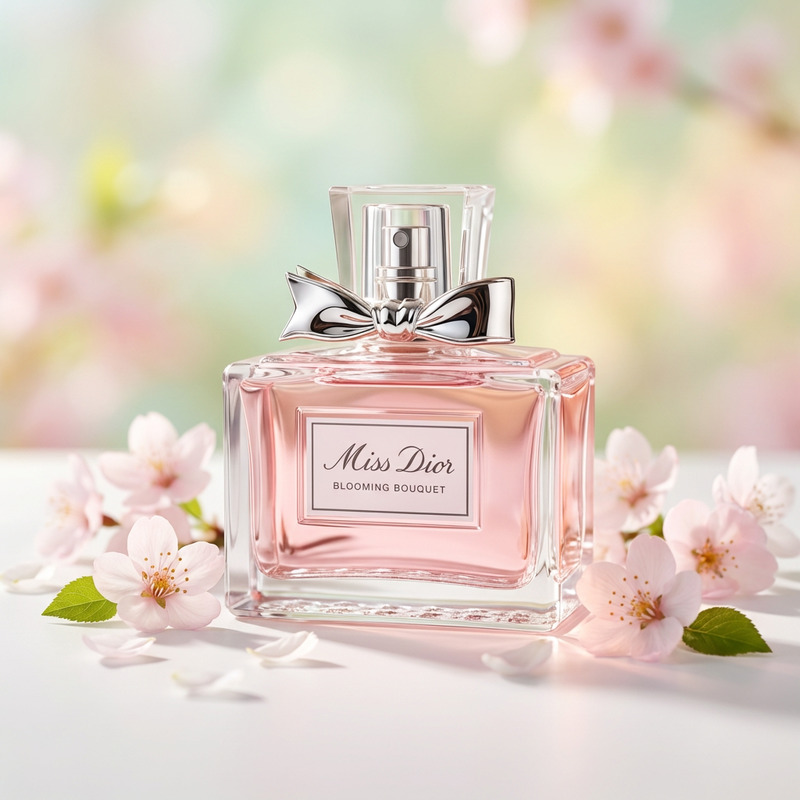
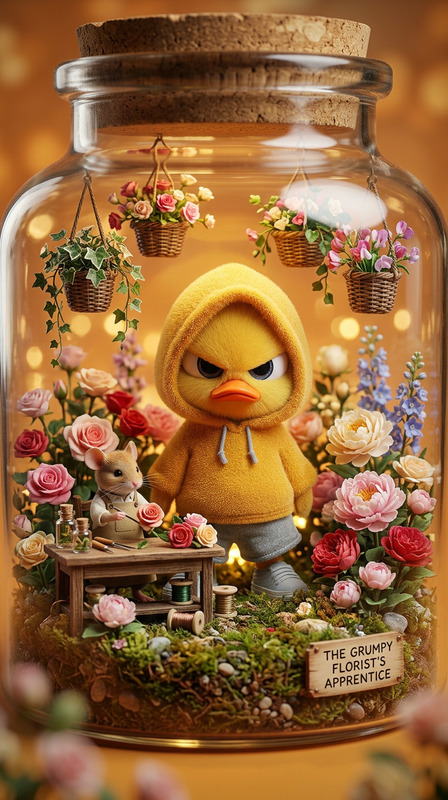
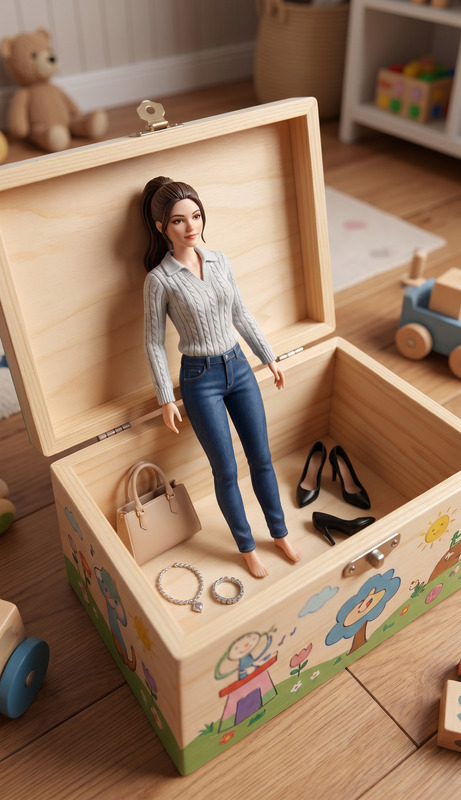
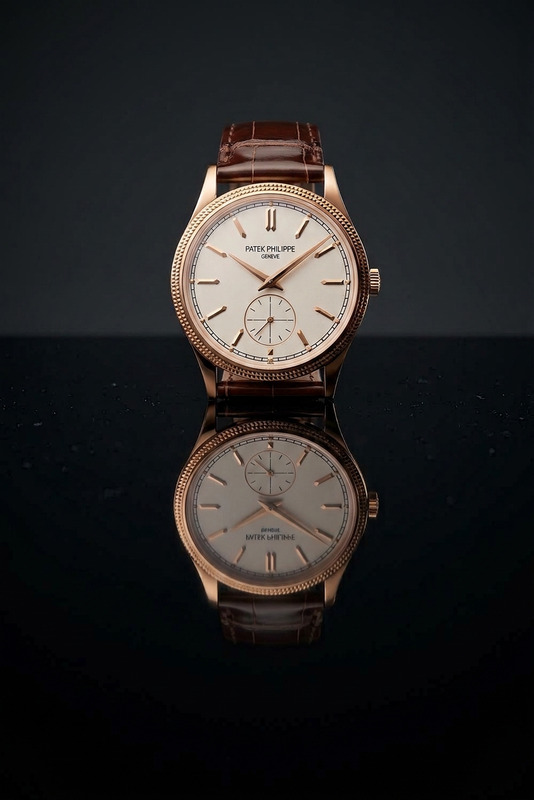
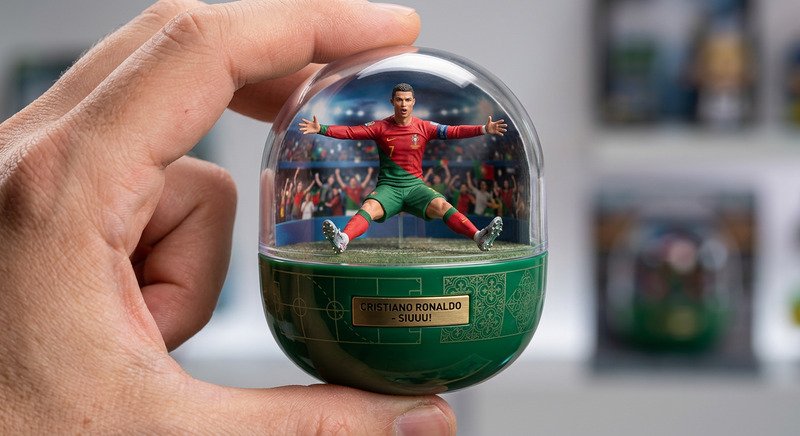
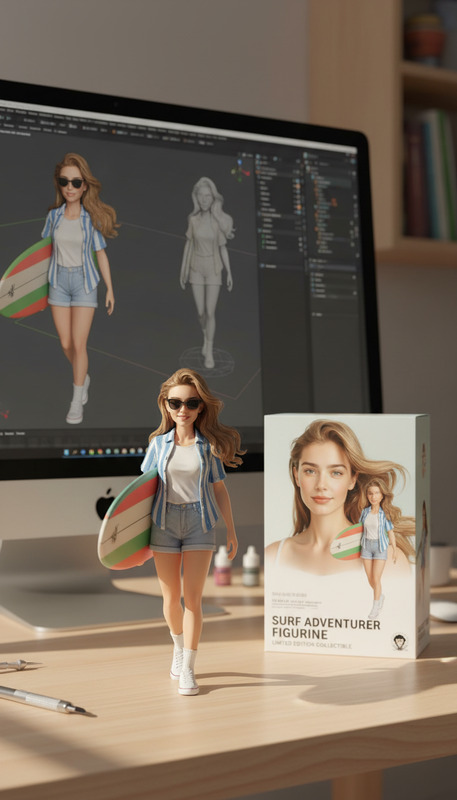
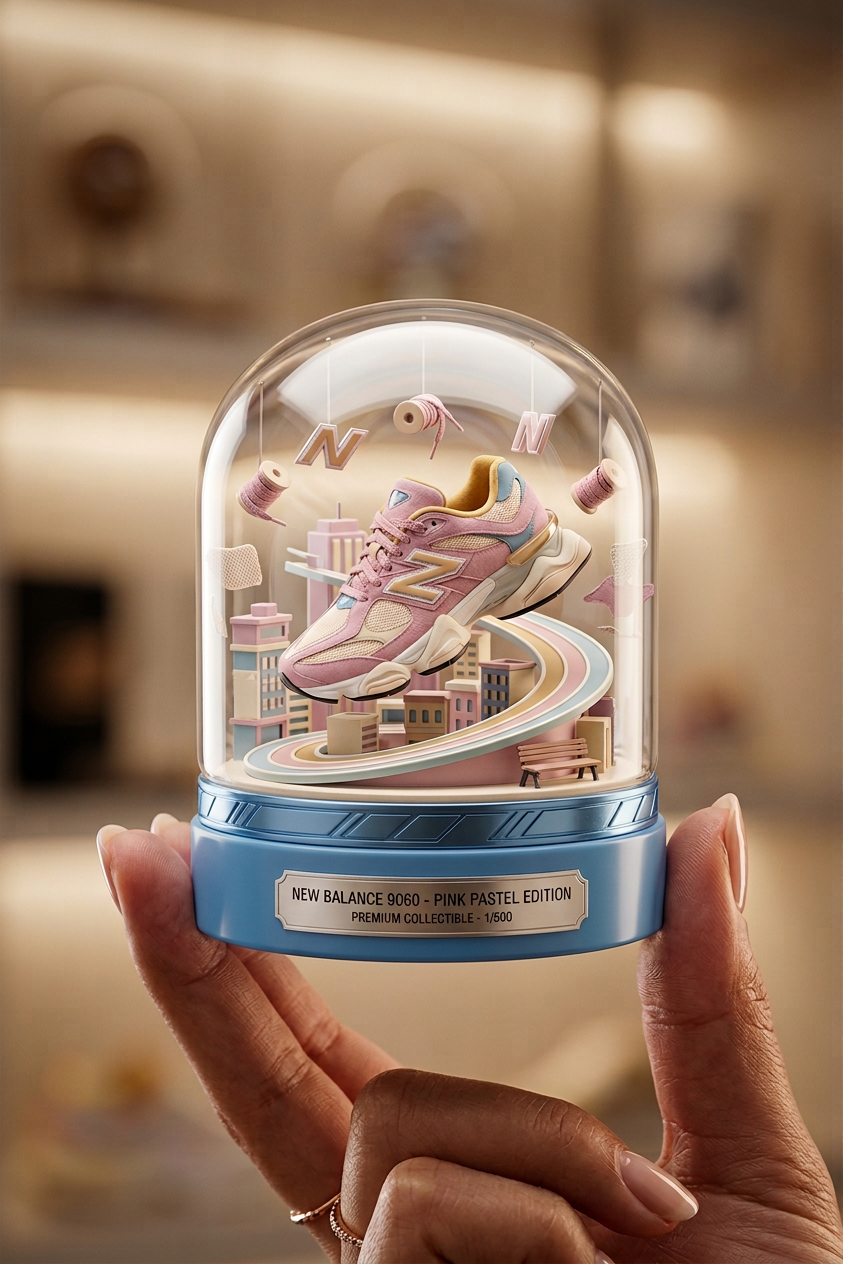
Create a realistic product-style image of a transparent capsule held between fingers. Inside the capsule, place a miniature figure of the subject posed dynamically, surrounded by small themed elements and a tiny background scene that matches the concept. The capsule should have a clear glossy top and a colored base with decorative motifs and a visible label/name. Use cinematic lighting, soft reflections, and shallow depth of field to emphasize scale and realism. High detail, sharp focus on the capsule, premium collectible aesthetic.
Any aspect ratio
Overview
The Miniature Capsule Diorama template offers creators the ability to craft visually stunning, highly detailed product-style images featuring miniature scenes inside transparent capsules. Utilizing the AI Image Editor powered by the advanced nano-banana-2 model, this template brings your imaginative concepts to life with cinematic lighting and professional-grade realism.
What It Does
This template allows users to embed a dynamically posed miniature figure inside a transparent capsule, complete with themed elements and a background scene. The capsule itself is designed with a clear glossy top, decorative motifs, and a softly lit environment that enhances the collectible appearance. By integrating AI Image Generator capabilities, creators can achieve precise, high-resolution images ready for presentations or product showcases.
Who It's For
The Miniature Capsule Diorama template is ideal for artists, designers, and product marketers looking to create intricate visual narratives. It's a perfect tool for those in advertising or e-commerce who require unique, eye-catching images that stand out in product catalogs or marketing campaigns. Additionally, hobbyists passionate about diorama creation will find this tool invaluable for conceptualizing and sharing their ideas.
Summary
With the Miniature Capsule Diorama template, creators gain access to a powerful visual storytelling tool that transforms detailed prompts into breathtaking images. Take advantage of this template to capture the essence of a concept in miniature form, fostering engagement and creativity. Explore more advanced features with our Photo Colorizer, enhancing the realism and appeal of your creations.
How To
Choose Your Template

Customize Your Inputs

Generate Your Image

Use Cases
Advertising Campaigns
- Product teasers
- Event promotions
E-Commerce and Retail
- Unique product displays
- Themed scene showcases
Portfolio Development
- Showcase artistic skill
- Expand creative boundaries
Best Practices
Focus on Detail
When crafting your prompt, pay attention to the intricate details of the miniature and themed elements to maximize the visual impact.Lighting Matters
Use the cinematic lighting option to highlight the capsule's contents and create a realistic depth-dimension effect.Match Themes
Ensure that the background scene complements the miniature figure to create a cohesive and engaging diorama.