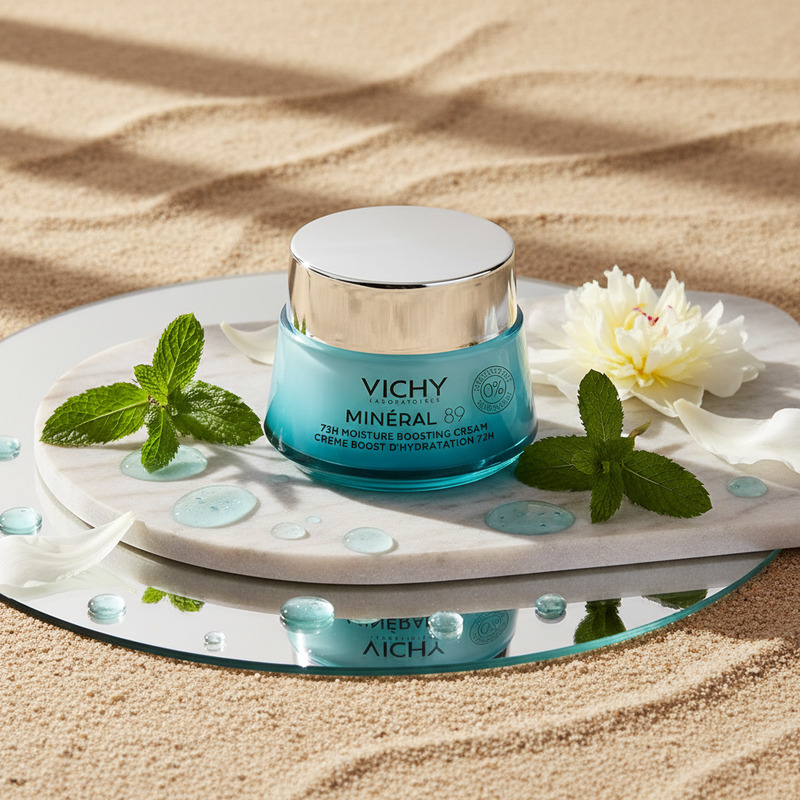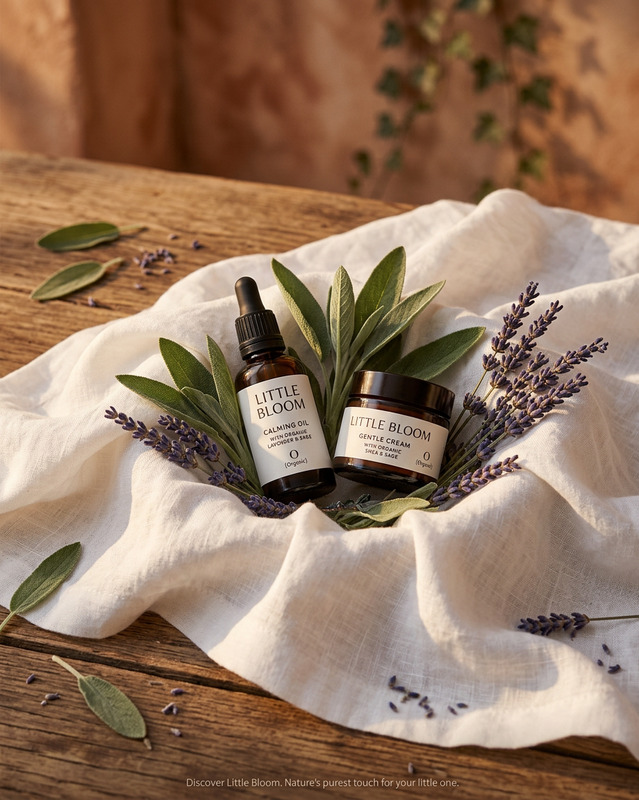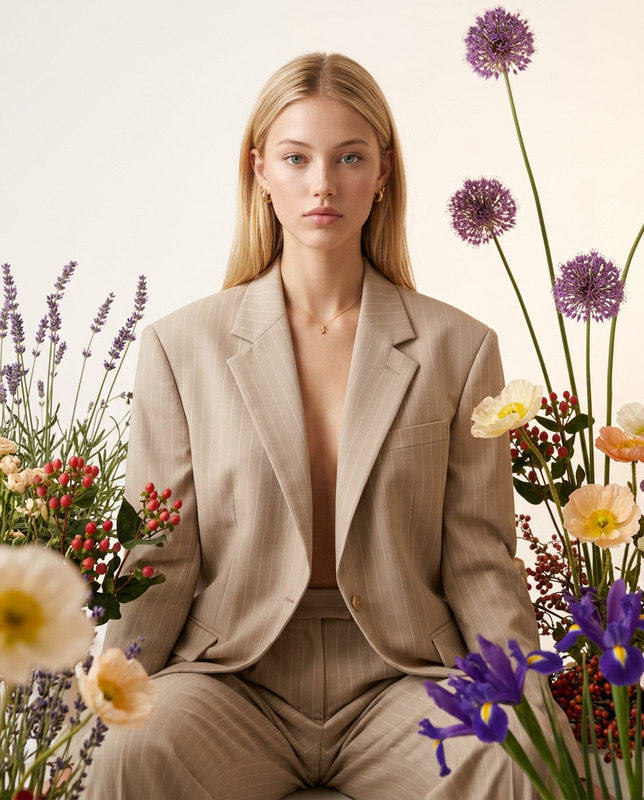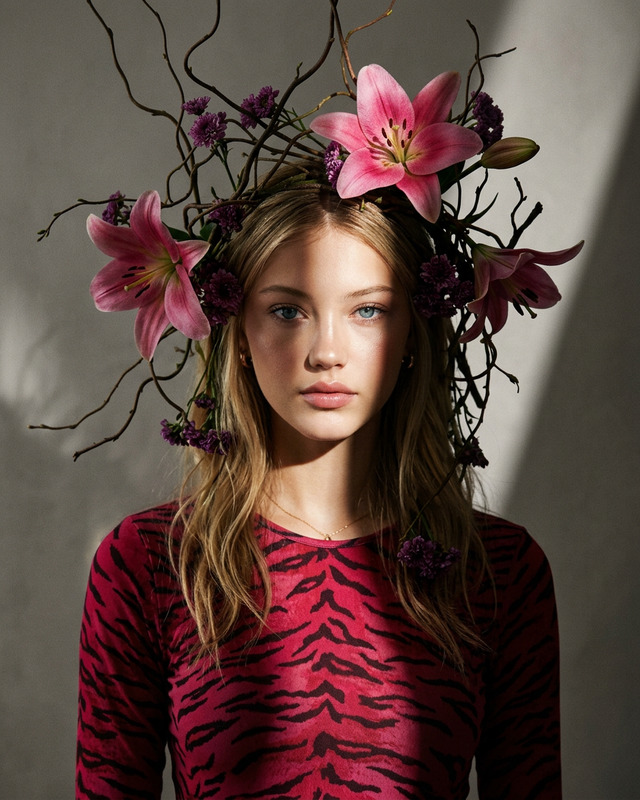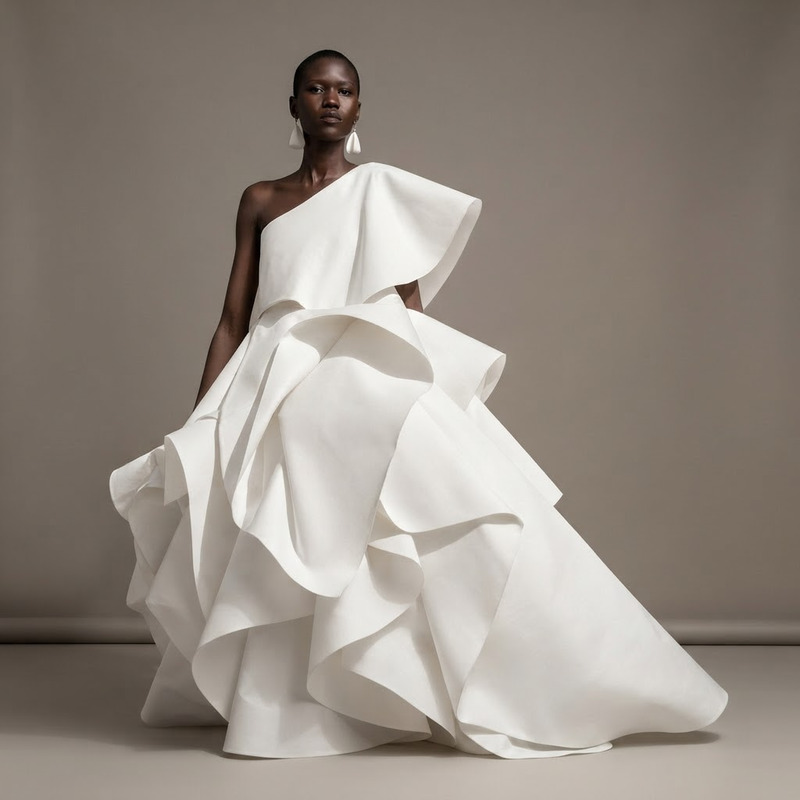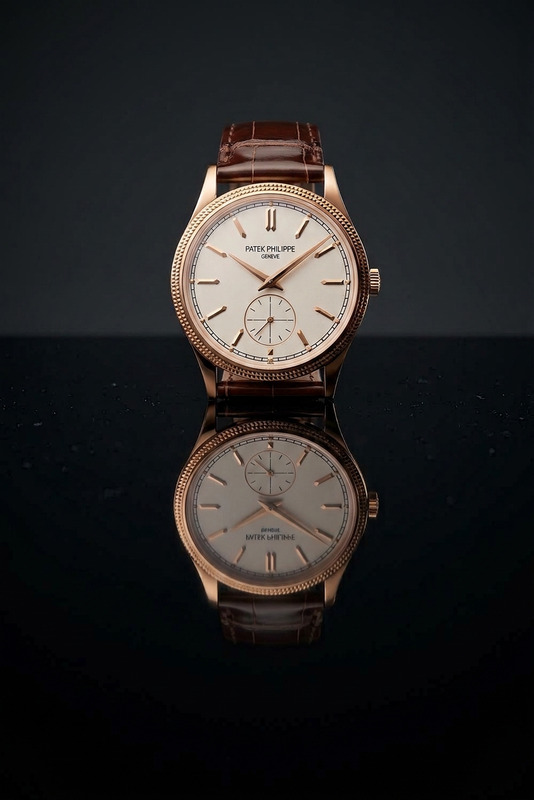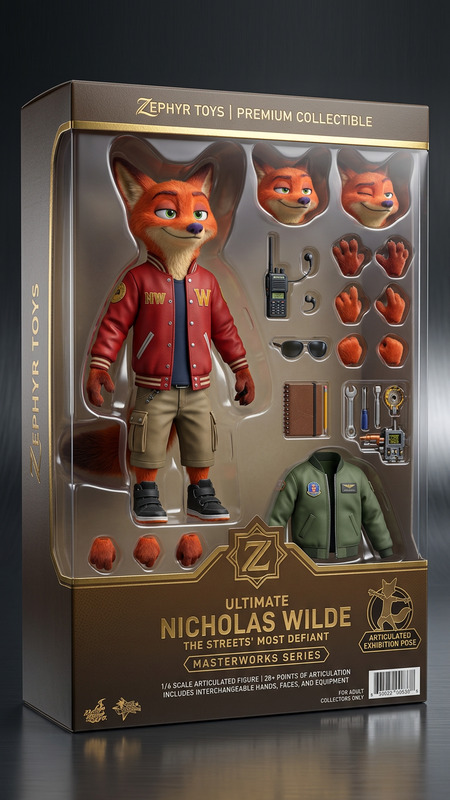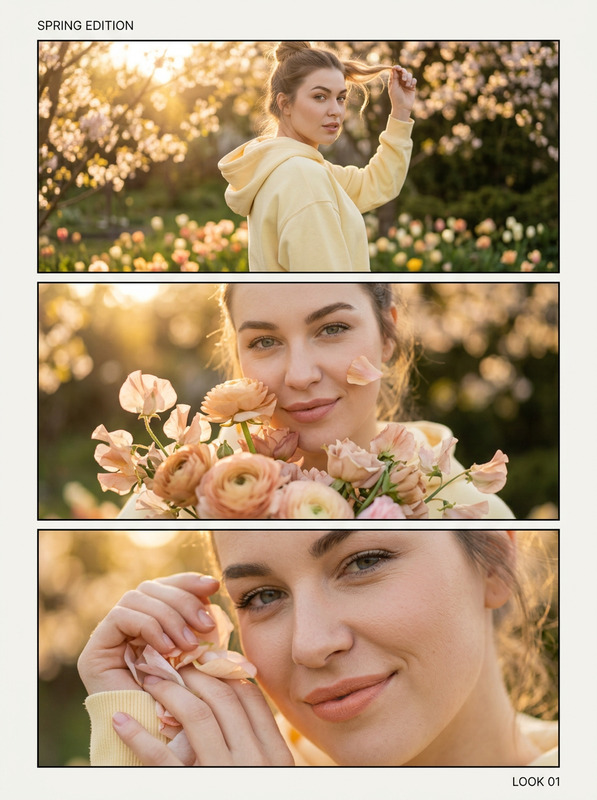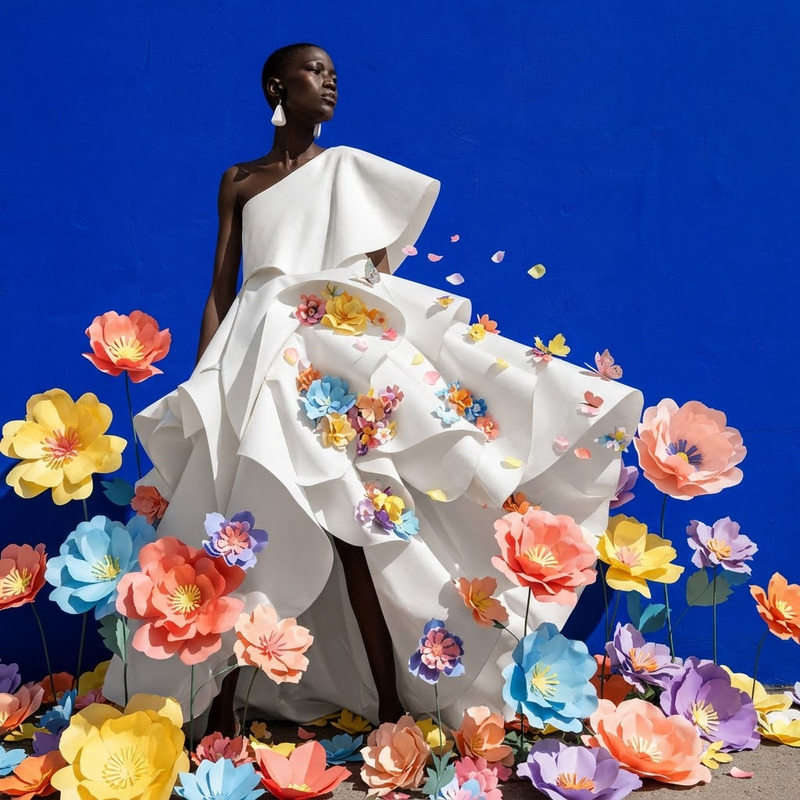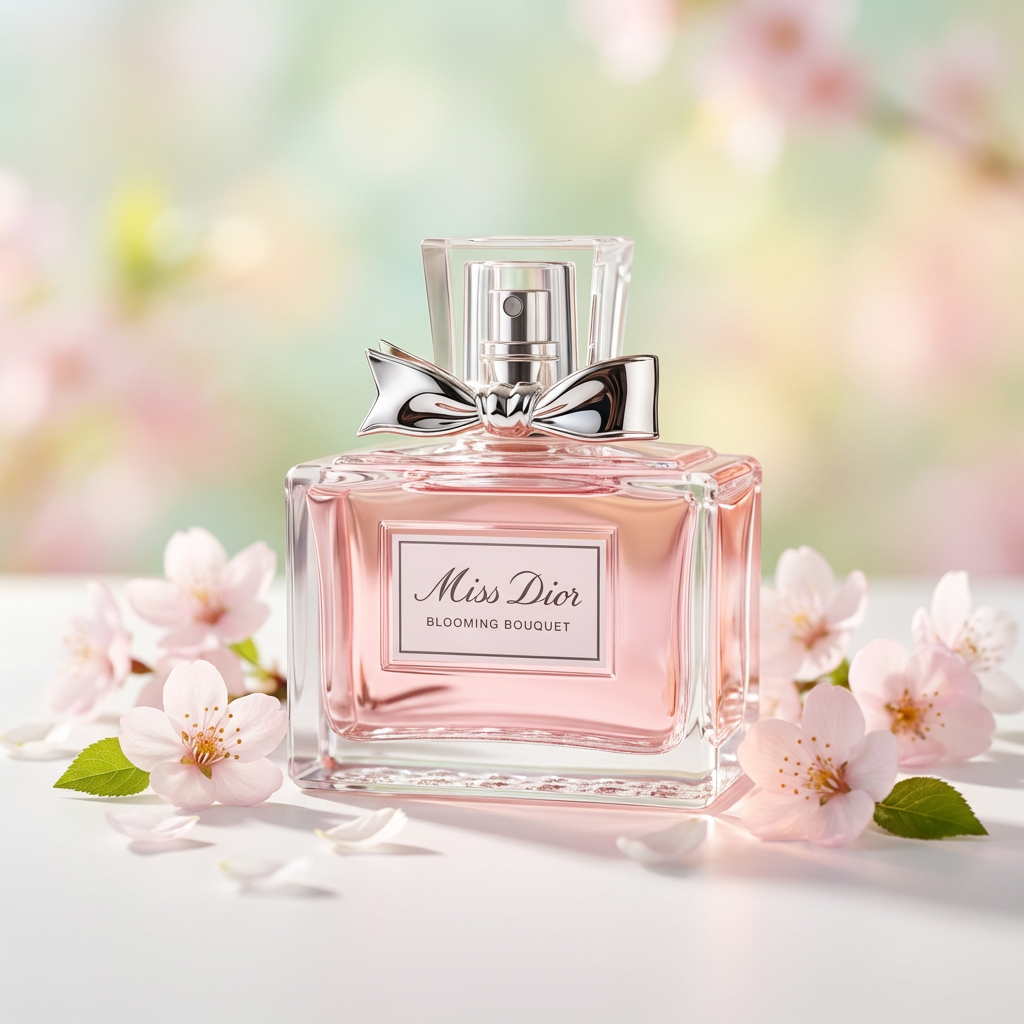
Spring Bloom Packshot
- Model
- Nano Banana Pro
- Image
- 1024 × 1024 px
Prompt
Create a seasonal packshot of the product with a fresh spring theme. Place the product centered in a clean studio setup with realistic lighting, soft shadows, and natural reflections. Keep the packaging design generic and minimal. Enhance the scene with subtle floral accents (light blossoms, petals) and a soft bokeh background in pastel tones (green, pink, yellow). Maintain a premium, photorealistic look with shallow depth of field, crisp focus on the product, and a bright, airy spring atmosphere.
Any aspect ratio
Overview
The Spring Bloom Packshot leverages the precision of the AI Image Editor to craft seasonal, photorealistic packshots that bring your product to life. This template emphasizes a clean studio look with a fresh spring theme, incorporating soft floral elements to highlight the product's appeal.
What It Does
This template generates studio-quality images that feature realistic lighting and delicate floral accents to enhance product presentation. Utilizing the nano-banana-pro model, it ensures photorealism and premium aesthetics through shallow depth of field and a crisp product focus.
Who It's For
Ideal for marketers, brand managers, and photographers seeking to improve their product imagery with minimal setup. Perfect for businesses looking to create content for social media ads, product launches, or e-commerce platforms, this template provides a high-quality solution that maintains brand integrity.
Summary
The Spring Bloom Packshot is an essential tool for showcasing products with a fresh and inviting atmosphere. With its focus on vibrant visuals and realistic lighting, this template is perfect for creating bright, airy images that resonate with the essence of spring. Enhance your media assets with this AI Image Generator driven solution.
How-To
Choose the Template

Customize Your Content

Generate Your Packshot

Use Cases
E-commerce Product Pages
- Use floral and pastel elements for electronics and beauty products. 🤗
- Create a thematic lineup for fashion and lifestyle brands.
Spring Marketing Campaigns
- Boost engagement with themed promotions.
- Tailor visuals for <a href="/use-cases/product-launch-videos">product launch videos</a>.
Social Media Content
- Generate organic looking ads for new releases.
- Maintain a consistent spring theme across all <a href="/use-cases/social-media-ads">social media ads</a>.
Best Practices
Maintain Product Focus
Ensure the product is the centerpiece by utilizing the shallow depth of field effectively.Leverage Subtlety in Accents
Use floral and bokeh elements sparingly to maintain a minimalistic look, avoiding clutter.Consistency Across Campaigns
Align visual styling with overall brand identity to create a seamless campaign appearance.