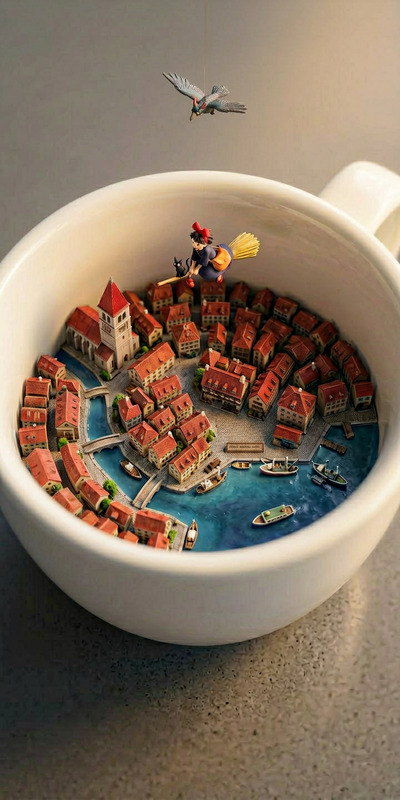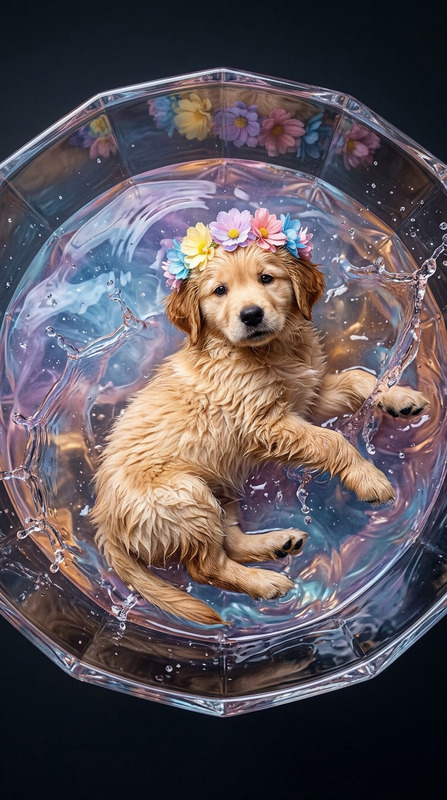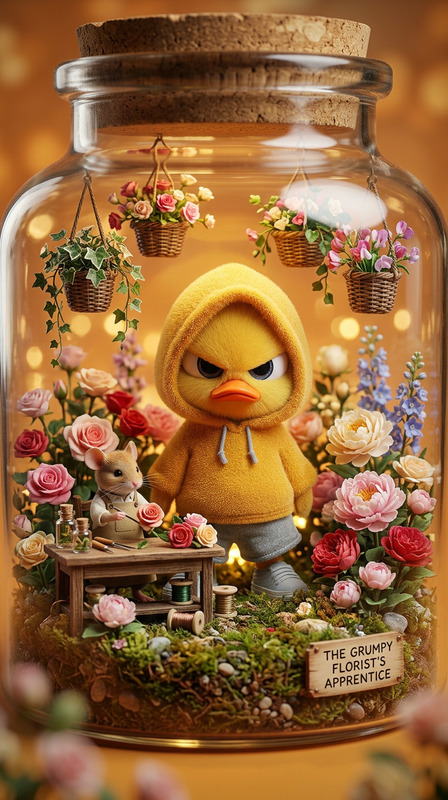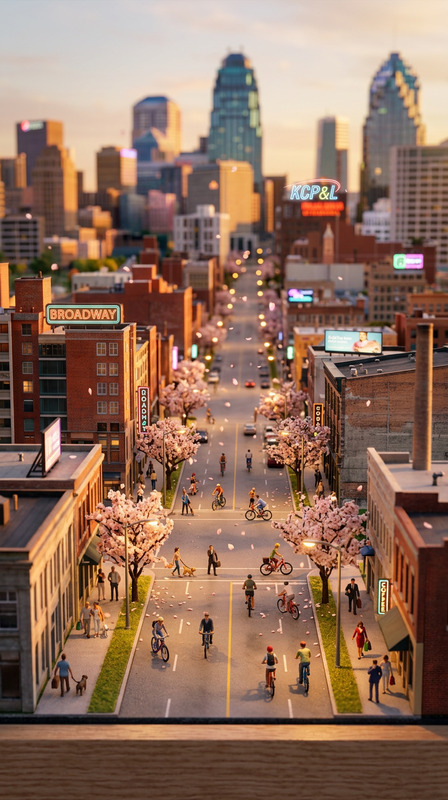
Micro Diorama
- Model
- Nano Banana 2
- Image
- 768 × 1365 px
Prompt
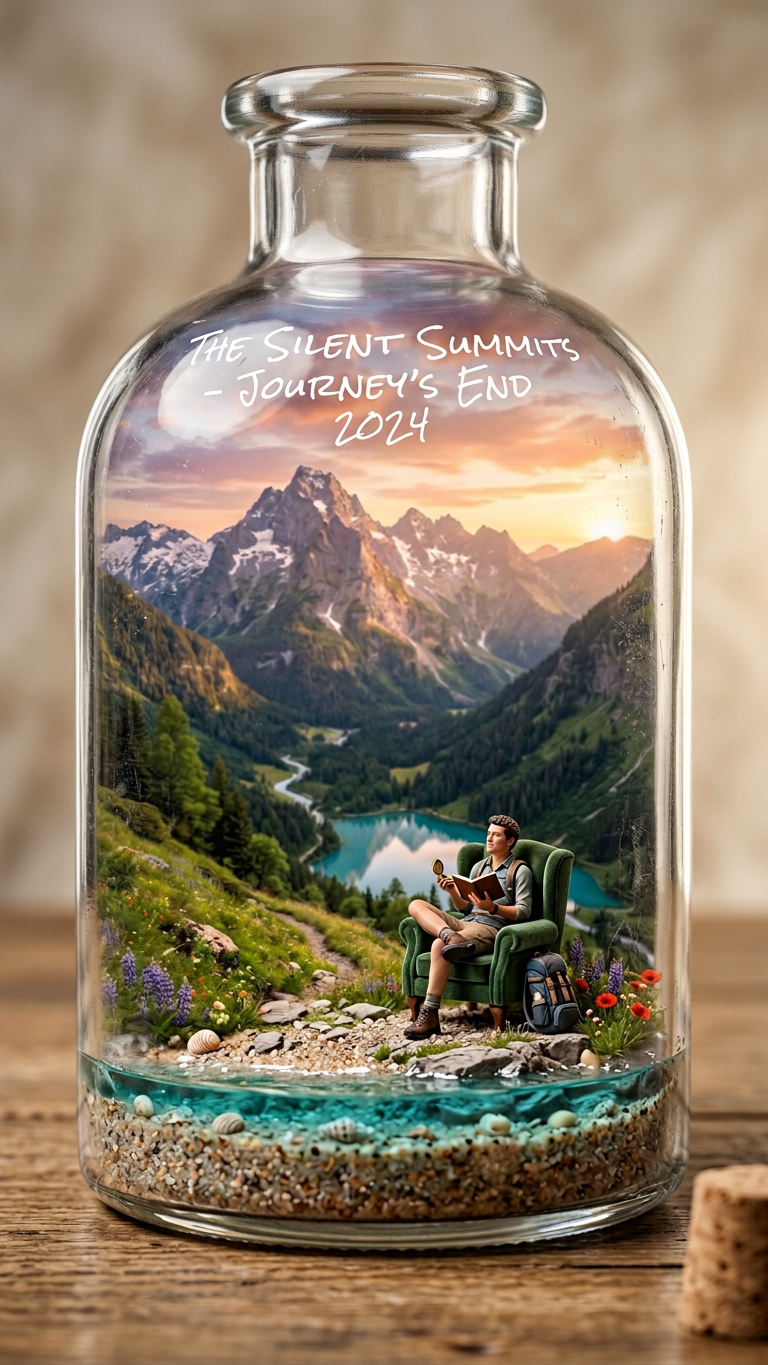
Subject placed inside a hyper-realistic miniature diorama within a clear glass bottle on a wooden table; the figure sits relaxed in a plush armchair, naturally holding an accessory with realistic hand tension; tiny but believable scale with ultra-detailed textures; bottle shows thick glass lip, optical refraction, micro-scratches, dust, and soft smudges; fine sand base with tiny shells and a subtle turquoise water rim; handwritten white marker text appears on the upper glass; warm studio lighting from the right with soft bounce from the left creates gentle reflections and shadows; shallow depth of field with tilt-shift macro look (85mm, f/1.8); background softly blurred beige; cinematic, HDR, ultra-detailed miniature craftsmanship, centered vertical composition.
Any aspect ratio
Overview
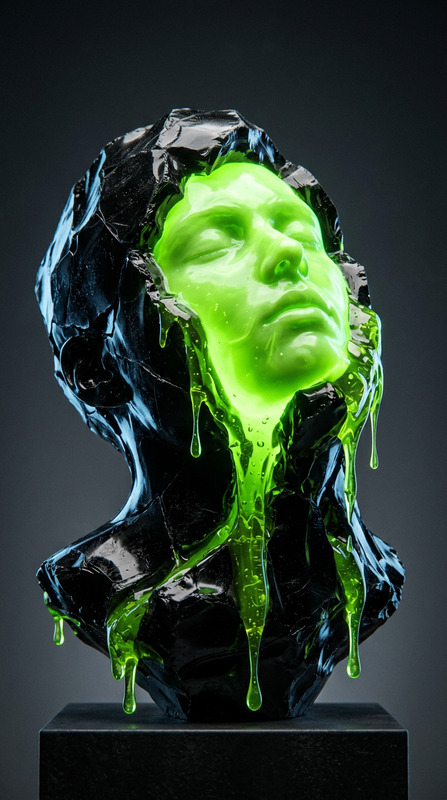
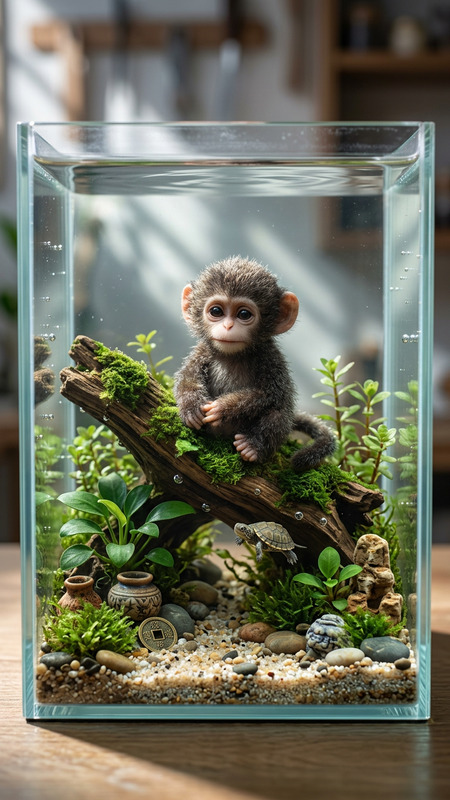
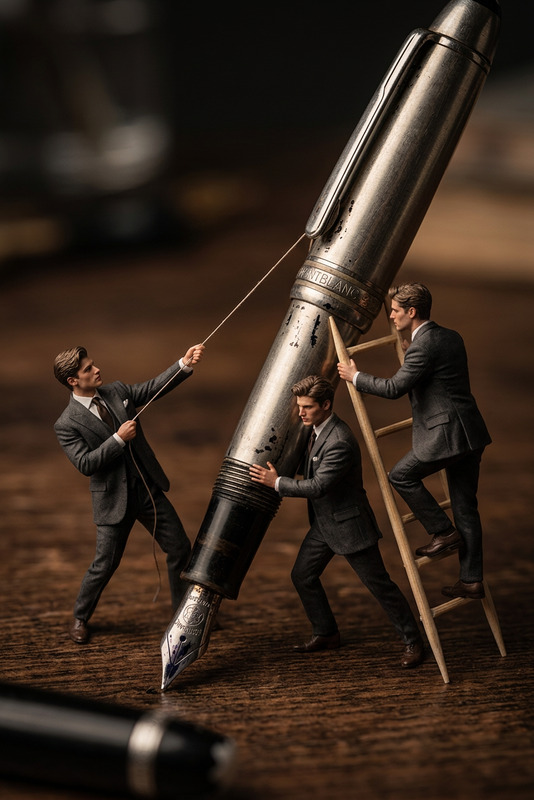
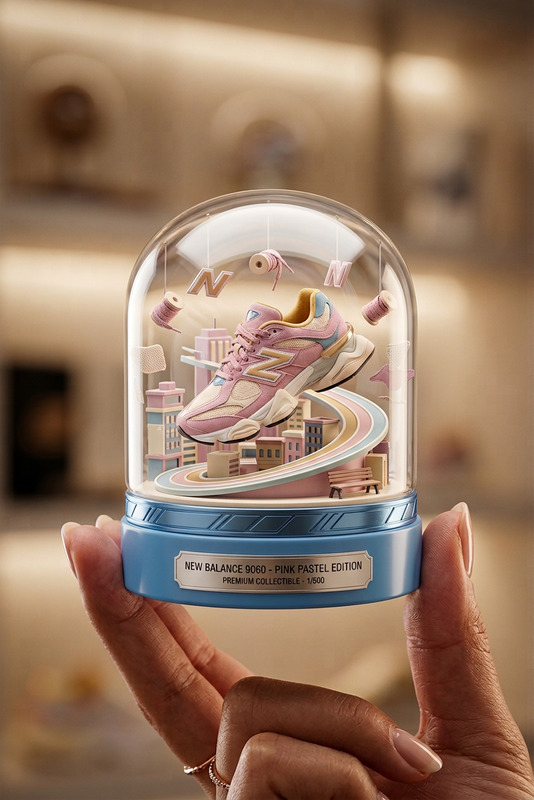
The Micro Diorama template offers a unique way to embed your subject into a hyper-realistic miniature scene, captured with detailed textures and dramatic lighting. This AI Image Editor template is ideal for creating eye-catching images of small-scale setups, all nestled within a clear glass bottle. The environment thoughtfully includes elements such as a plush armchair and fine sand, contributing to the overall realistic look.
What It Does
The Micro Diorama template simulates a life-like miniature scene using advanced AI capabilities. It enhances your images by adding complex details such as optical refraction, micro-scratches on glass, and a tilt-shift macro effect for cinematic flair. The tool allows you to control lighting, texture, and depth of field for ultra-detailed craftsmanship. Combined, these elements craft a vivid, tiny world that appears realistic and meticulously detailed.
Who It's For
This template is perfect for artists, designers, and marketers looking to create compelling visuals with a miniature aesthetic. It's particularly suitable for those in e-commerce who want to showcase products in creative settings, or for product video creators aiming to engage viewers with dynamic imagery. Creators looking for unique social media content or blog visuals will also find this tool indispensable.
Summary
The Micro Diorama template provides a sophisticated system for generating visually rich, miniature diorama scenes. Easily accessible through the AI Image Editor, it offers unparalleled control over visual elements to create captivating images. Use it to elevate your projects, ensuring that each scene is imbued with personality and detail.
How-To
Choose the Template

Customize the Scene

Generate the Image

Use Cases
E-Commerce Product Photography
Social Media Content
Artistic and Creative Projects
Product Demo Enhancements
Best Practices
Focus on Details
Take advantage of the template's ability to highlight micro-details such as textures, lighting, and shadows.Experiment with Lighting
Adjust the studio lighting settings to see how different light angles and intensities affect your miniature scene.Utilize Depth of Field
Use the tilt-shift macro effect to control the depth of field and highlight specific scene elements for dramatic results.