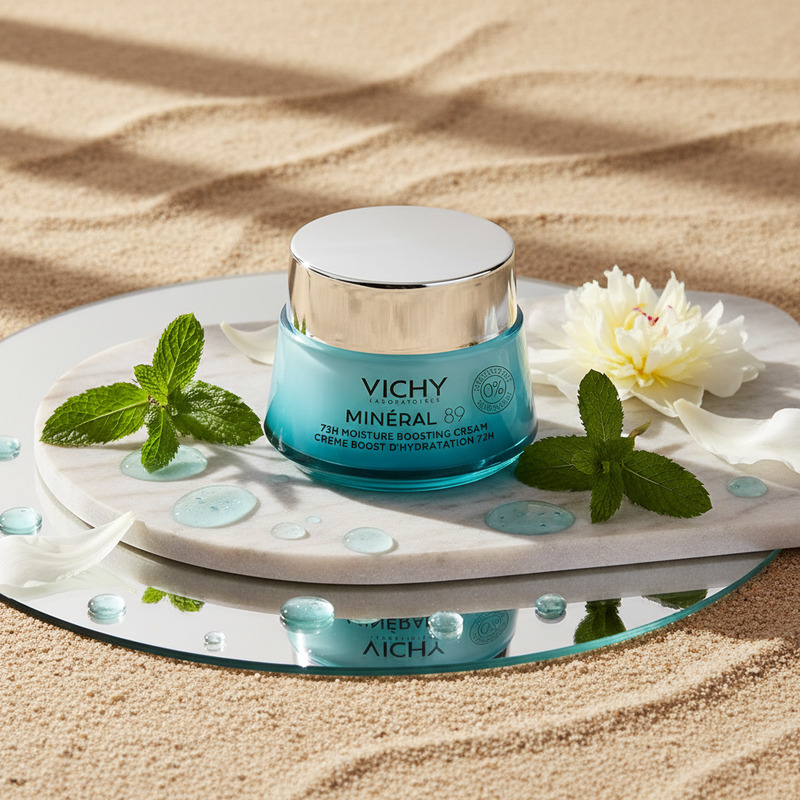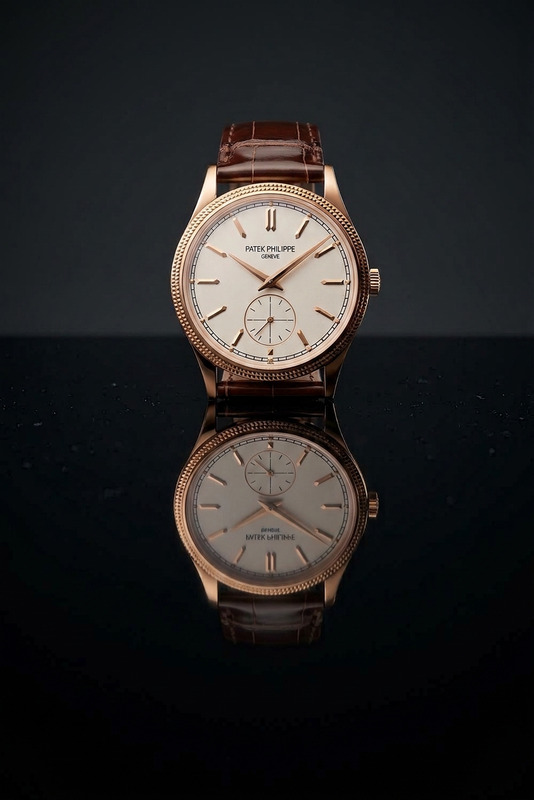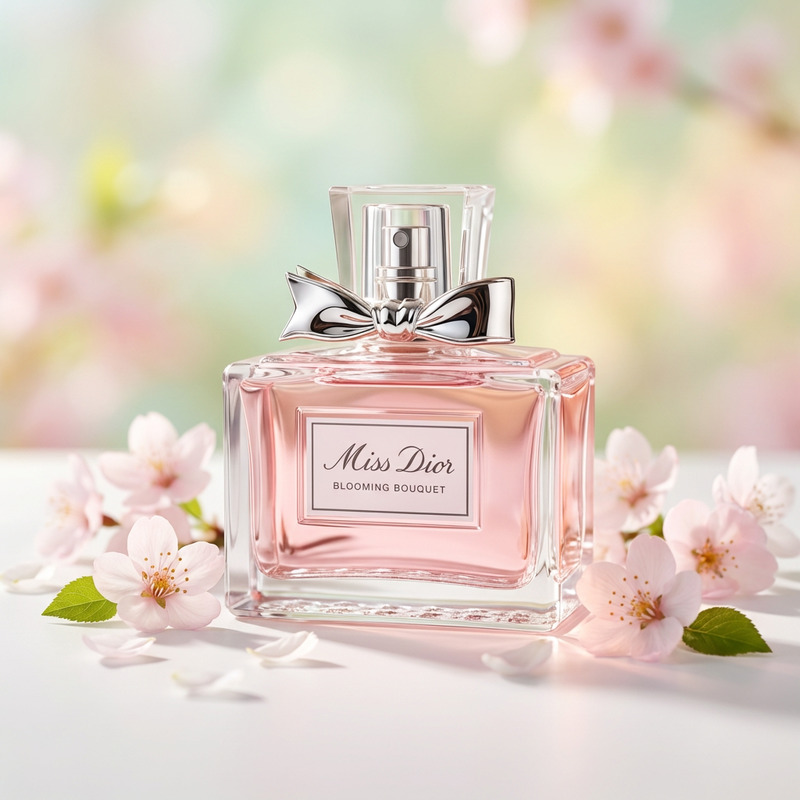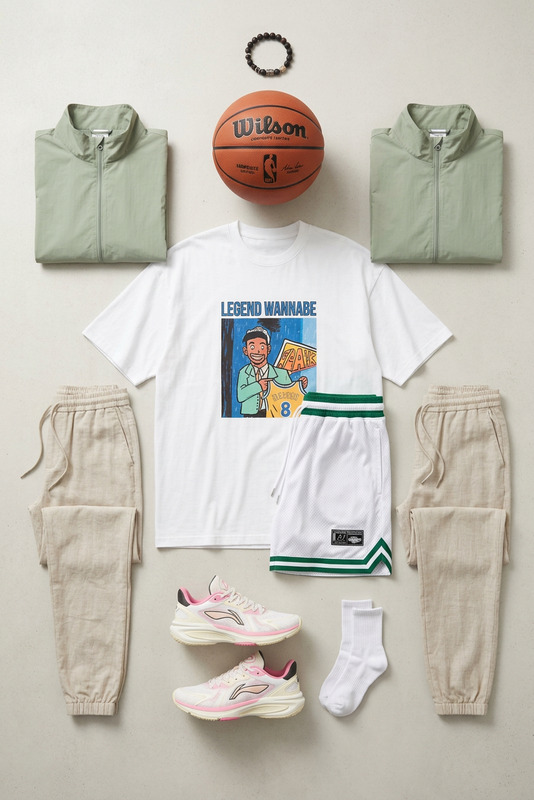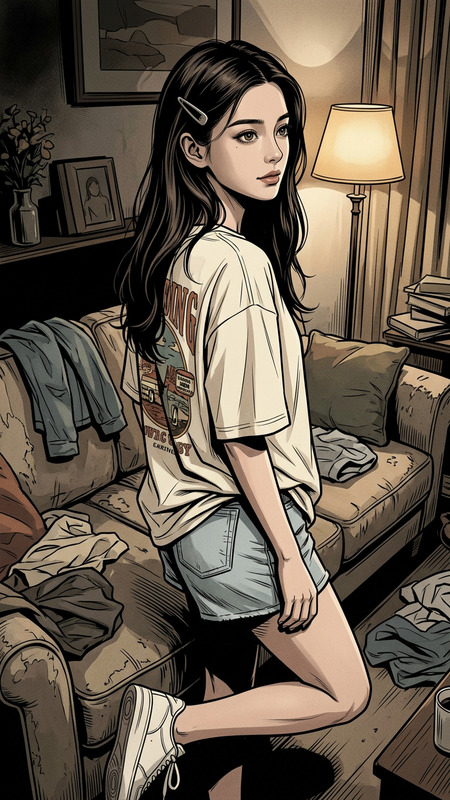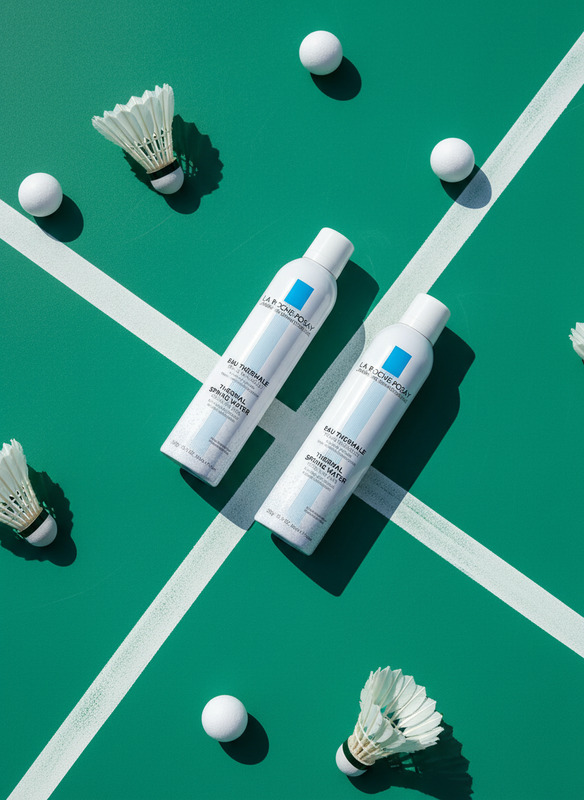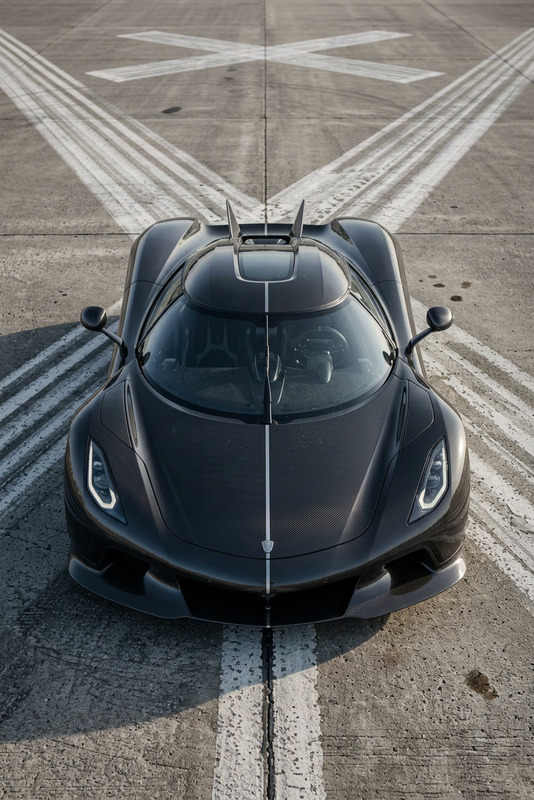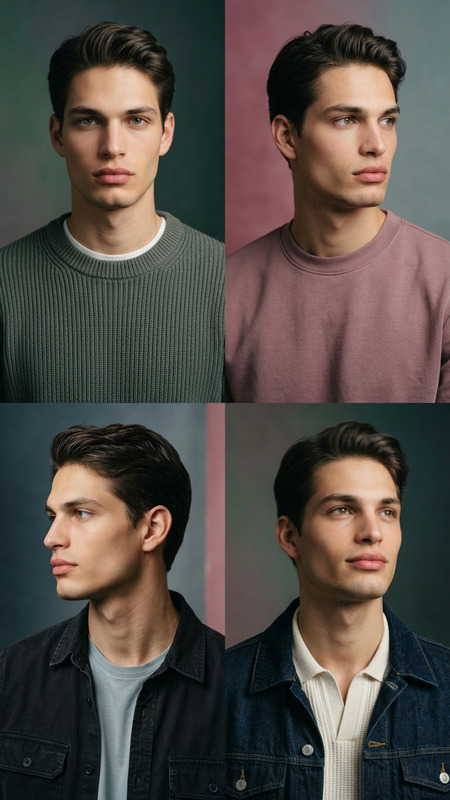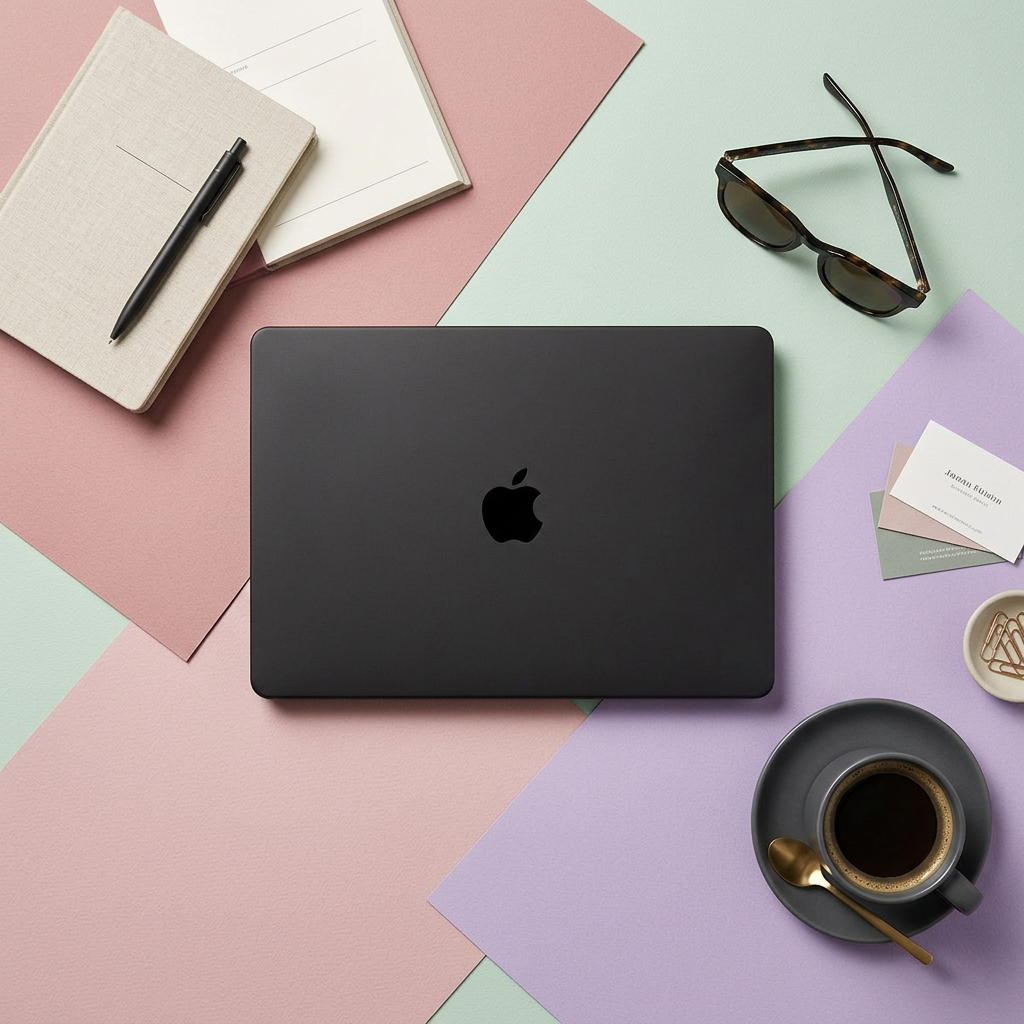
Pastel Flat-Lay Product Scene

Pastel Flat-Lay Product Scene

ai-image-editor

1 clip
8 uses

Any aspect ratio

Prompt

Arrange the product in a clean flat-lay composition on pastel-colored paper. Include complementary props such as sunglasses, a notebook, and a coffee cup, styled naturally around the product for a cohesive lifestyle setup. Use overhead softbox lighting to create soft, even illumination with gentle, consistent shadows. Maintain subtle paper texture in the background and leave intentional negative space for potential text placement. Ensure balanced composition, realistic object scaling, and a modern aesthetic suitable for editorial or branding photography.

Tags

showcase

AI Image Editor Template: Turn Any Image Into a Clean, On-Brand Visual in Seconds

Use this template to instantly clean up, enhance, and transform any image with the AI Image Editor. It’s built for creators, marketers, and product teams who need fast, consistent visuals without opening Photoshop.


What This Template Is Best For

Use this AI Image Editor–based template when you want to:

  • Remove distracting objects or clutter from a photo
  • Clean up backgrounds (e.g., from “real-world mess” to solid, studio-style)
  • Fix small visual issues (blemishes, artifacts, unwanted text or logos)
  • Make a version of an image that fits a specific style or brand mood
  • Prepare images for ads, landing pages, pitch decks, or social posts

If you need to generate a new image from scratch, combine this with the AI Image Generator or AI Photo Generator. If you already have a good image and just want to refine or adjust it, this template is all you need.


How to Remix This Template in Magic Hour

You can use this template as-is, or treat it as a starting point and remix it to match your workflow.

1. Start from the AI Image Editor

  1. Open the AI Image Editor.
  2. Upload the image you want to improve (product shot, portrait, screenshot, illustration, etc.).
  3. Use the brush/selection tools to mark the area you want to change or remove (background, objects, text, or specific regions).

2. Use Text Instructions to Guide the Edit

The template is designed around simple, high-signal prompts. A few useful patterns:

  • Background cleanup
    • “Replace the background with a plain light-neutral studio backdrop”
    • “Change background to a clean gradient that looks modern and minimal”
  • Object removal / cleanup
    • “Remove the person in the background and fill with matching wall texture”
    • “Erase text on the sign and leave it blank”
  • Brand/style alignment
    • “Make colors softer and more muted, like a premium tech brand”
    • “Turn this into a flat illustration style while keeping the same layout”

You can iterate quickly: make an edit, export, then re-upload that export if you want to stack more modifications.

3. Create Your Own Version of the Template

To turn this into your own reusable template:

  • Decide on 1–2 primary use cases (e.g., “clean product backgrounds,” “social graphics,” “deck-ready screenshots”).
  • Save a short set of prompt snippets you reuse every time (e.g., “studio-style background,” “brand-consistent color palette,” “minimal, high-contrast layout”).
  • Use those prompts consistently on your images inside the AI Image Editor.
  • Optionally, pair the edited images with other Magic Hour tools (see below) to create videos, GIFs, avatars, or social content.

If you’re building a team workflow, you can document your standard prompts and share them so everyone can replicate the same look in seconds.


Recommended Workflows Using This Template

Because this template is built on the AI Image Editor, it’s a flexible building block. Here are practical workflows that work well for busy creators and teams:

1. Product & Landing Page Visuals

This is useful for founders and marketers who want polished visuals for experiments, campaigns, or pitch decks without a full design team.

2. Creator & Social Content Pipelines

  • Design a clean base image or meme format with the AI Image Editor
  • Add captions or meme layouts using the AI Meme Generator
  • Turn static formats into animated posts with the AI GIF Generator
  • Generate platform-specific thumbnails using the Thumbnail Maker

You can maintain a consistent visual “system” by always starting from this template and then branching out into video or GIF formats.

3. Personal Branding & Headshots

This is especially useful for startup founders, consultants, and creators who need cohesive profile images across LinkedIn, decks, and personal websites.

4. Creative & Concept Art

The template essentially acts as a “cleanup pass” before you take ideas into more stylized territory.


Turning Edited Images Into Video, Animation, and Dynamic Content

Once your image is cleaned and on-brand using this template, you can extend it:

The core idea: this template gives you a clean, consistent “base asset” that you can reuse across multiple formats.


Related Tools You Might Want to Combine with This Template

Depending on your use case, these tools pair well with the AI Image Editor:


Practical Tips for Better Results with the AI Image Editor

  • Be specific but concise in your instructions. Describe what you want removed or changed, and the desired outcome (e.g., “Remove the coffee cup and extend the wood table texture across the empty space”).
  • Think in passes, not perfection. It’s often faster to do 2–3 small edits than one huge change. Clean the background first, then adjust style, then do final touch-ups.
  • Use consistent language across projects. Reuse prompt phrases like “studio lighting,” “minimalist design,” or “editorial magazine style” to keep a uniform look across campaigns and decks.
  • Pair with upscaling for final deliverables. After editing, run your key assets through the AI Image Upscaler so they’re crisp in slides, print, and high-res exports.

Who This Template Is For

  • Founders and startup teams who need pitch-ready visuals without a dedicated designer
  • Marketers and growth teams who test lots of creative concepts and landing pages
  • Content creators and YouTubers who want fast, repeatable visuals for thumbnails, shorts, and social
  • Designers and technical creatives who want an AI-powered “assistant pass” before final manual polish

If you already know what you want your image to look like, this AI Image Editor template is the fastest way to get from rough input to clean, usable output and then extend that asset across Magic Hour’s broader toolchain.

More Like This

Insufficient credits