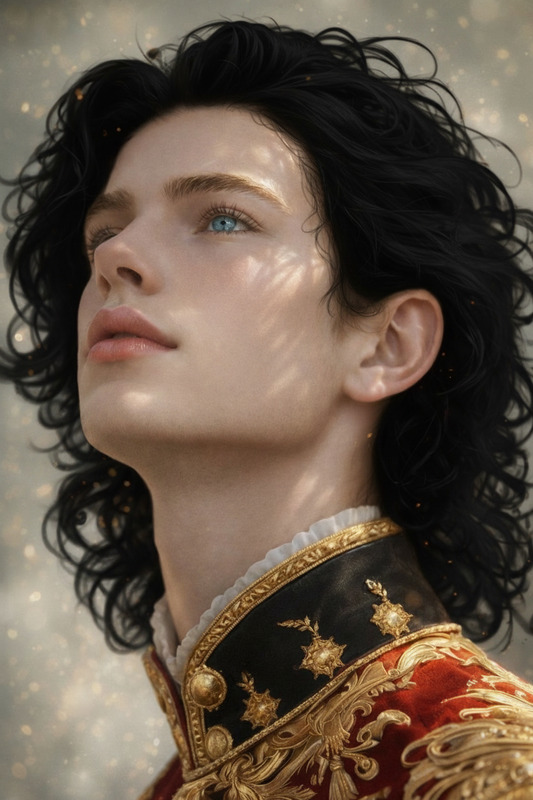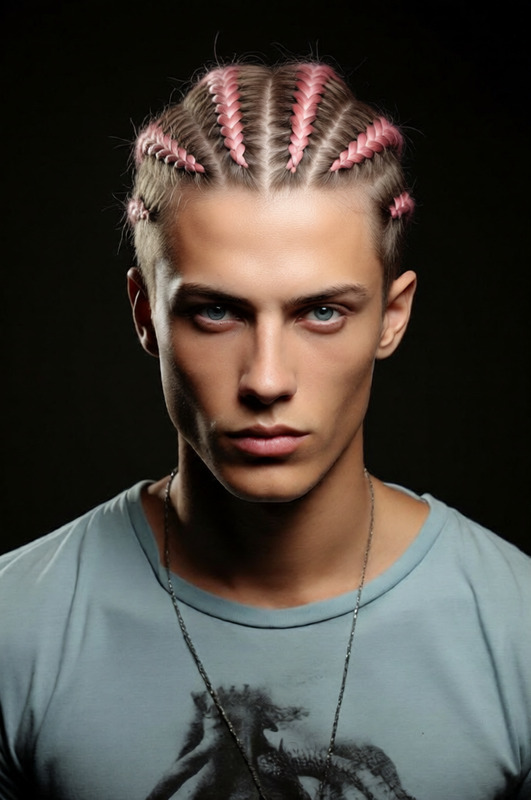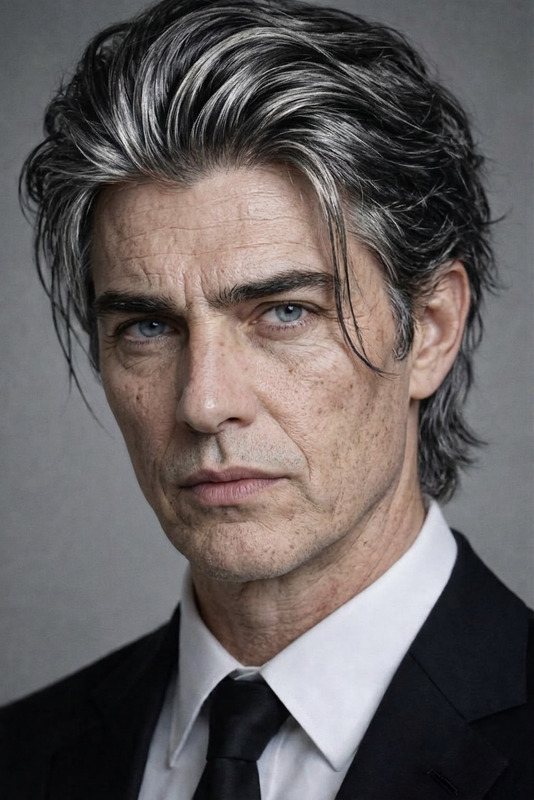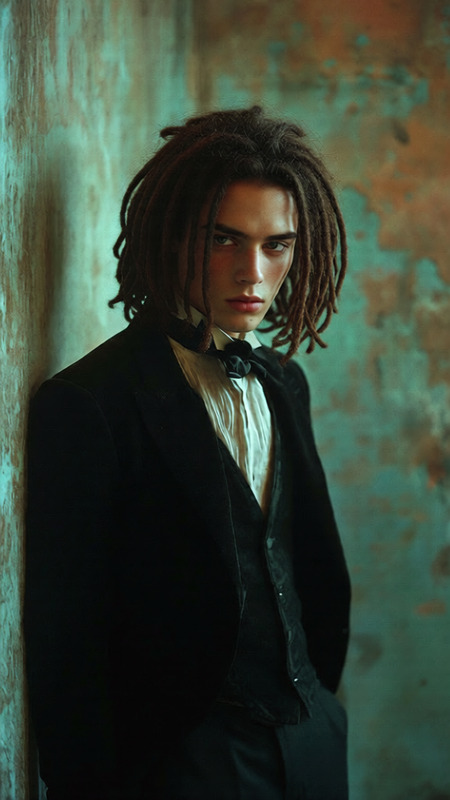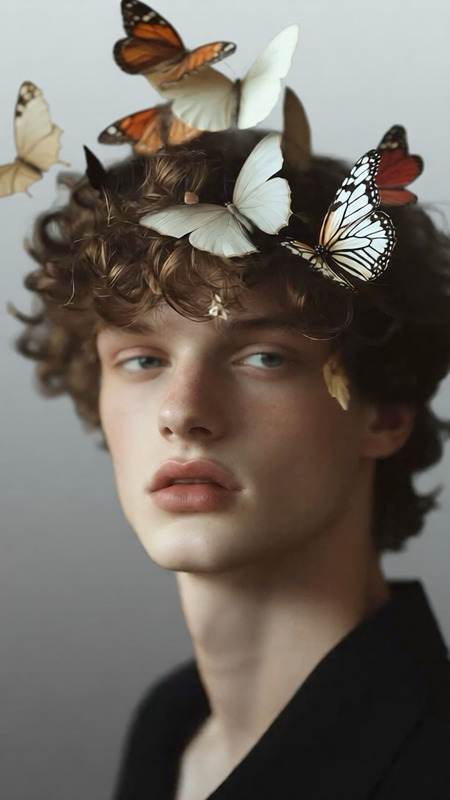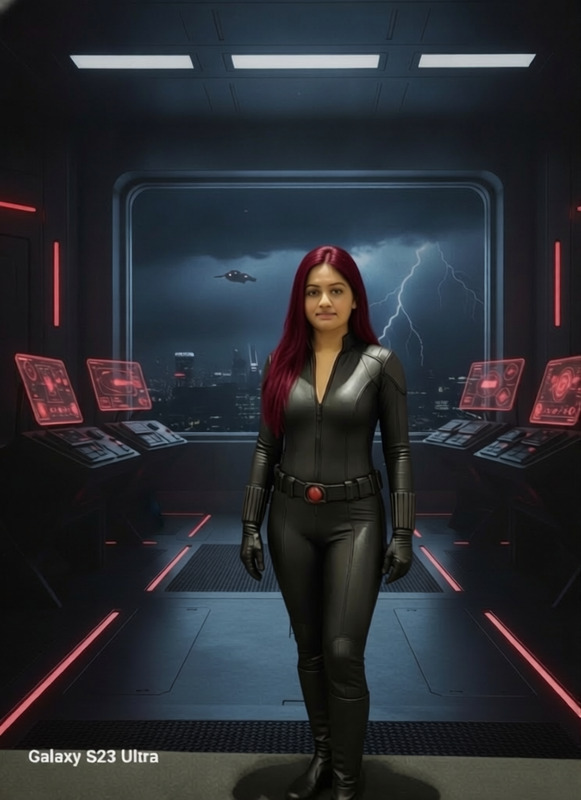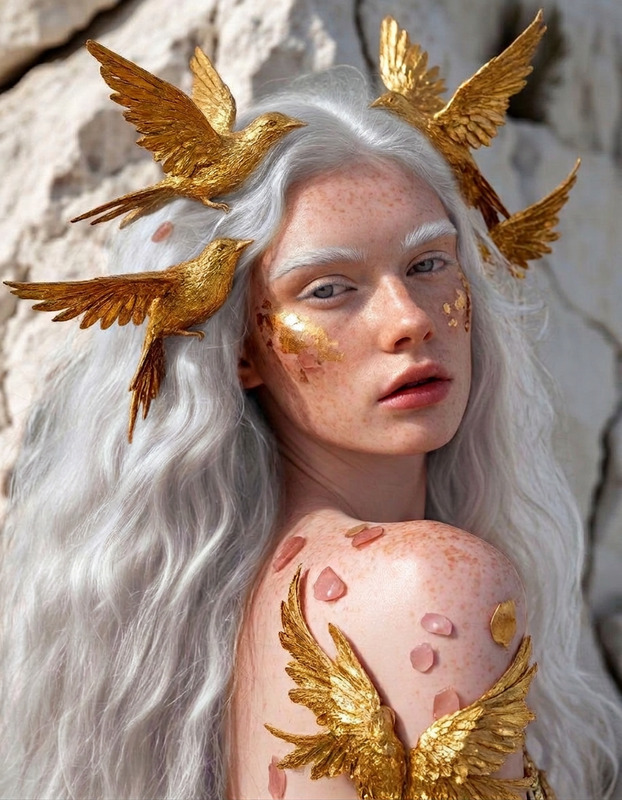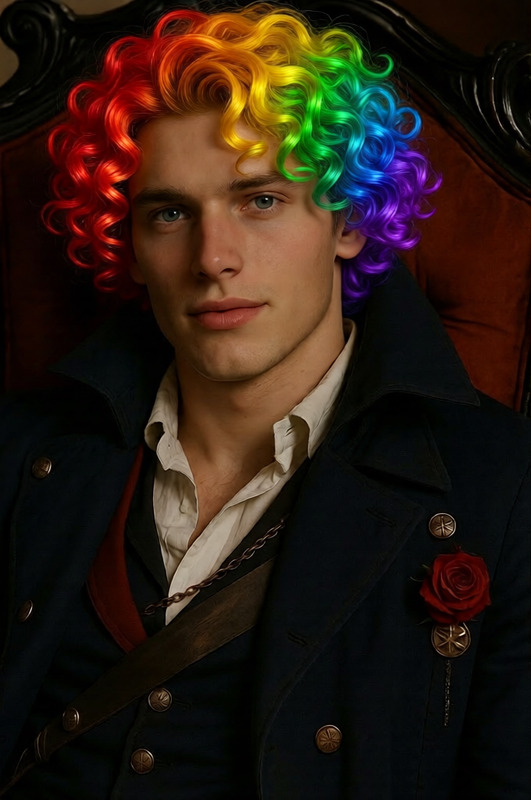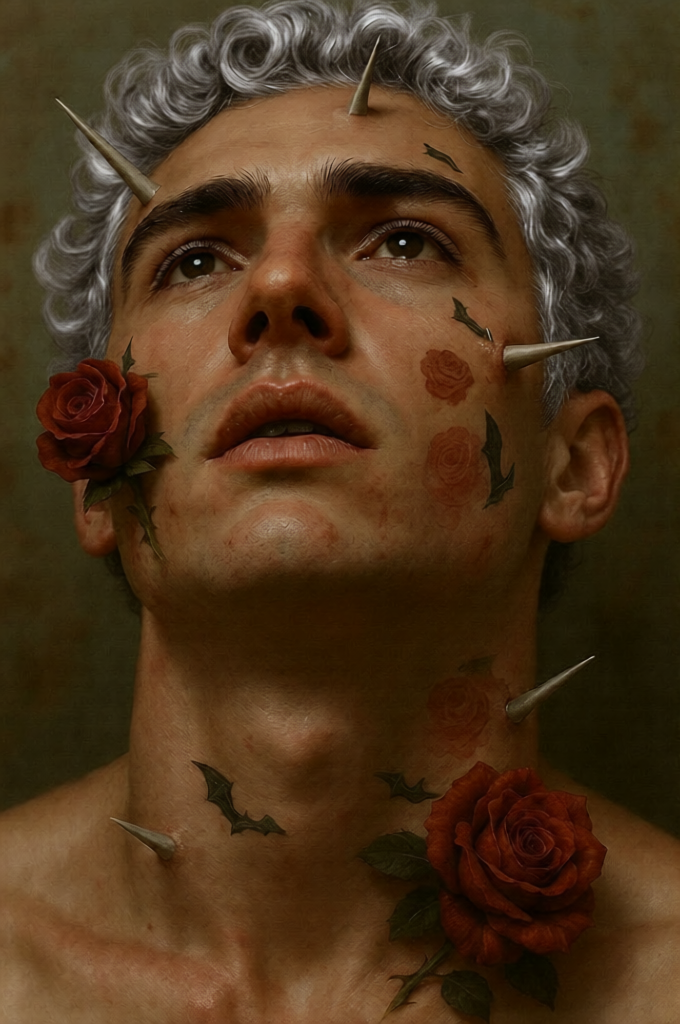
Gray Hair
- Model
- Qwen Edit
- Image
- 680 × 1024 px
Prompt
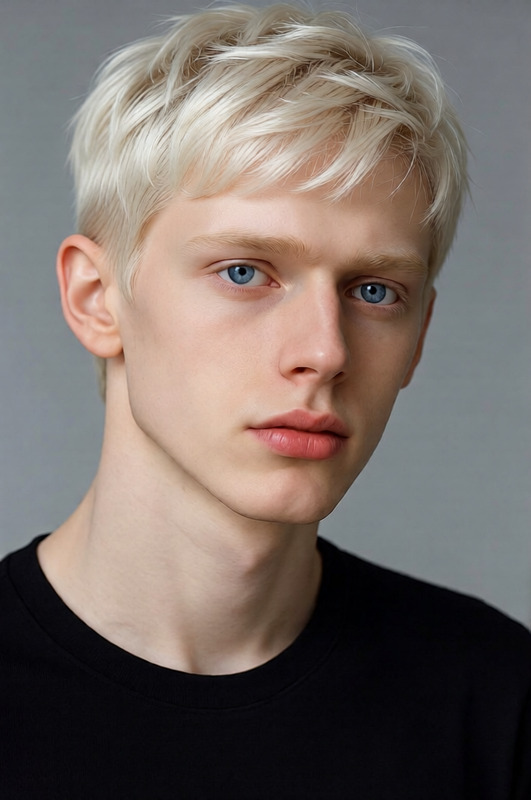
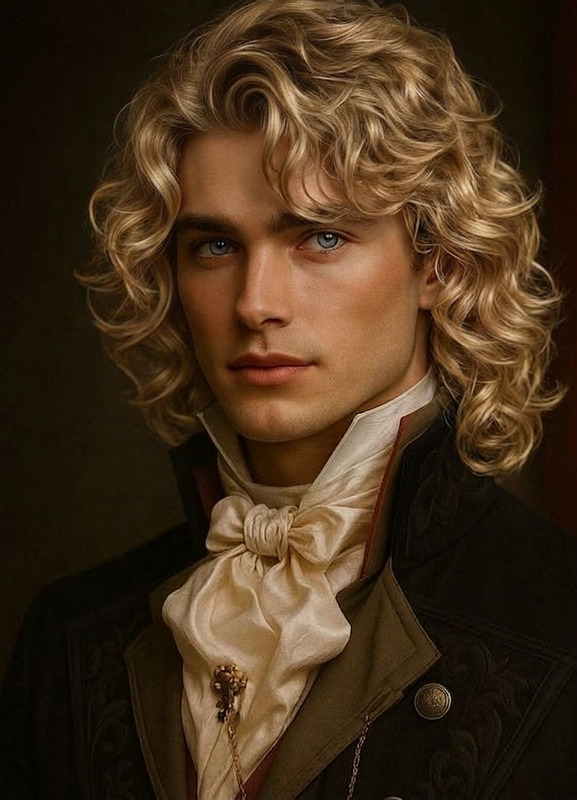
Transform the person’s hair to natural gray while preserving their identity, facial features, and hairstyle. Use realistic salt-and-pepper blending or full silver-gray tones depending on age progression. Maintain natural hair texture, shine, and strand detail, ensuring smooth transition of tones with subtle highlights and shadows. Keep lighting, skin tone, and overall image composition unchanged. Photorealistic, subtle, and natural-looking result.
Any aspect ratio
Overview
The Gray Hair template for our AI Image Editor uses the advanced qwen-edit model to transform hair into natural gray tones while preserving original features and style. Whether it's a subtle salt-and-pepper look or a full silver-gray transformation, this template ensures a photorealistic and natural outcome.
What It Does
This tool precisely adjusts hair coloration, applying a realistic gray hue. It accommodates subtle changes with salt-and-pepper blending or comprehensive silver-gray tones, depending on the desired age progression. The transformation maintains hair texture, shine, and detail, offering smooth transitions in tone and preserving all aspects of the original photo.
Who It's For
Professional photo editors, digital content creators, and artists will find this template valuable for delivering convincing gray hair transformations in their projects. It's equally beneficial for individuals seeking predictive visualizations of hair aging or exploring various style options without altering lighting, skin tone, or overall composition.
Summary
Enhance your visuals with the Gray Hair template—part of our comprehensive AI Image Editor. Deliver natural transformations that adhere to the original image's aesthetic, ideal for both personal and professional applications. Explore other transformations like AI Clothes Changer and Face Swap for a complete digital makeover experience.
How-To
Choose the Template

Customize Your Inputs

Generate and Review

Use Cases
Digital Portfolio Enhancement
Film and Media
Personal and Social Media Content
Best Practices
High-Quality Images
For optimal results, use high-resolution images that offer clear detail and natural lighting.Consistent Lighting
Ensure the original image has consistent lighting to make the hair transformation more believable and seamless.Subtle Adjustments
Start with lighter adjustments and gradually increase to capture the most natural look possible, preserving facial features and original style.