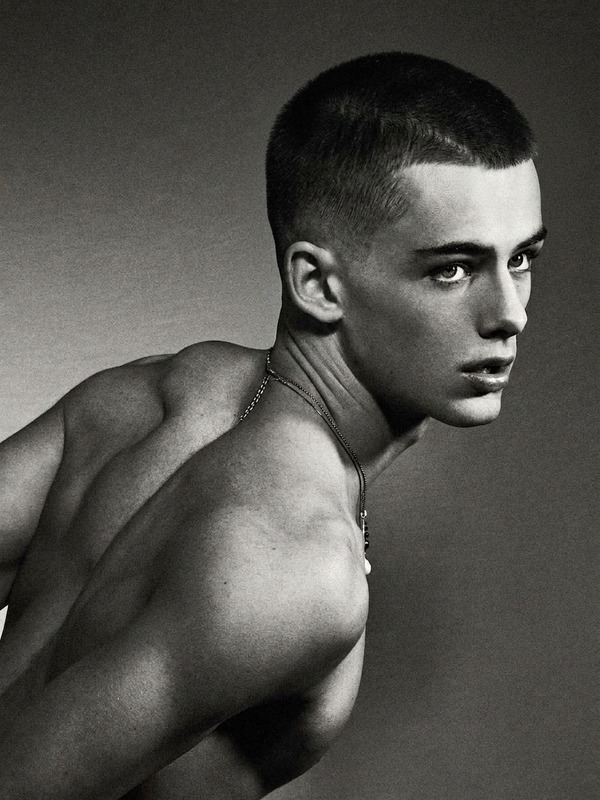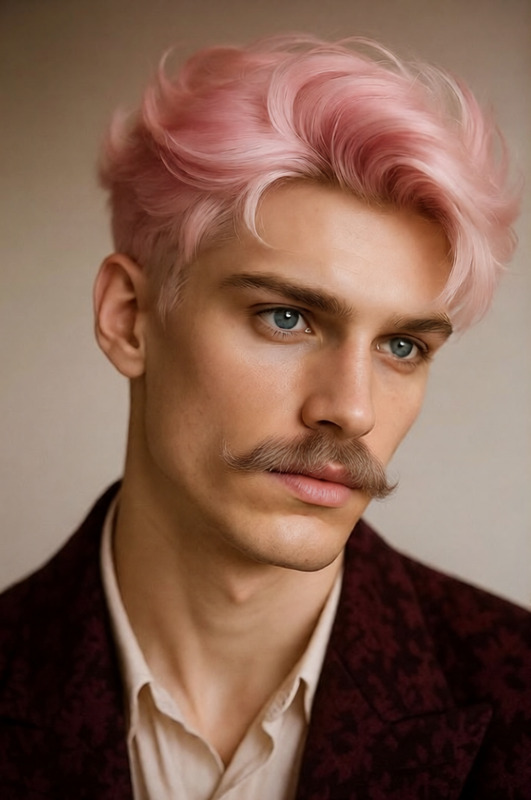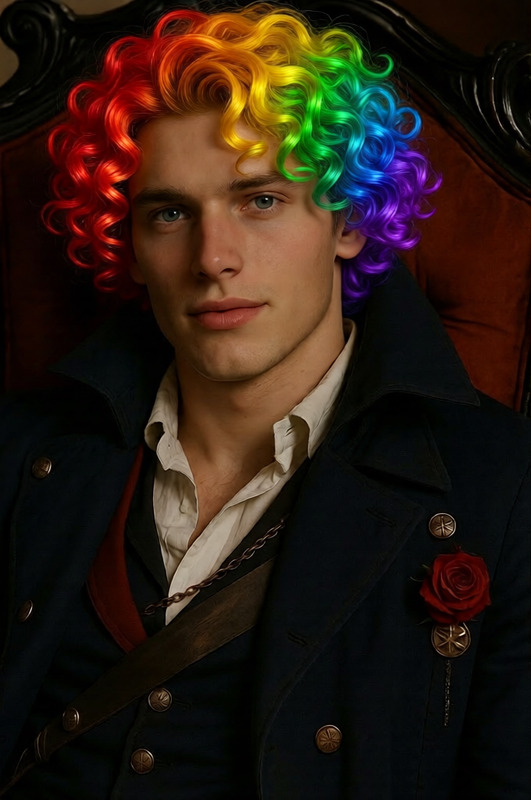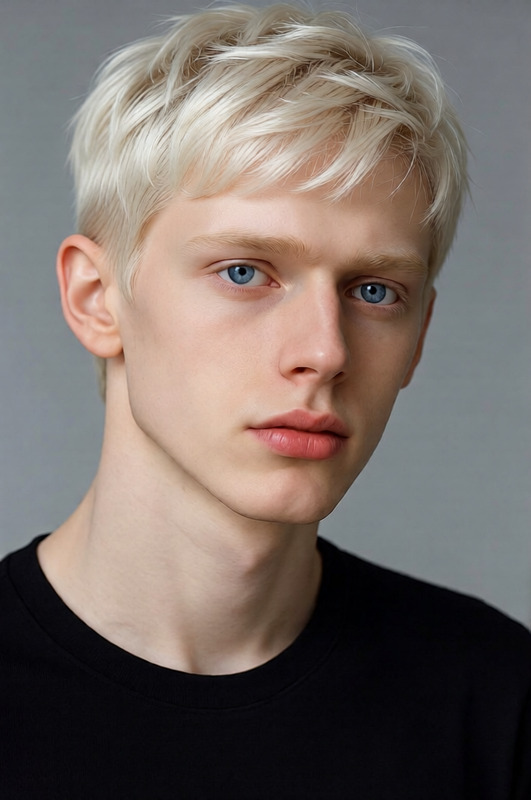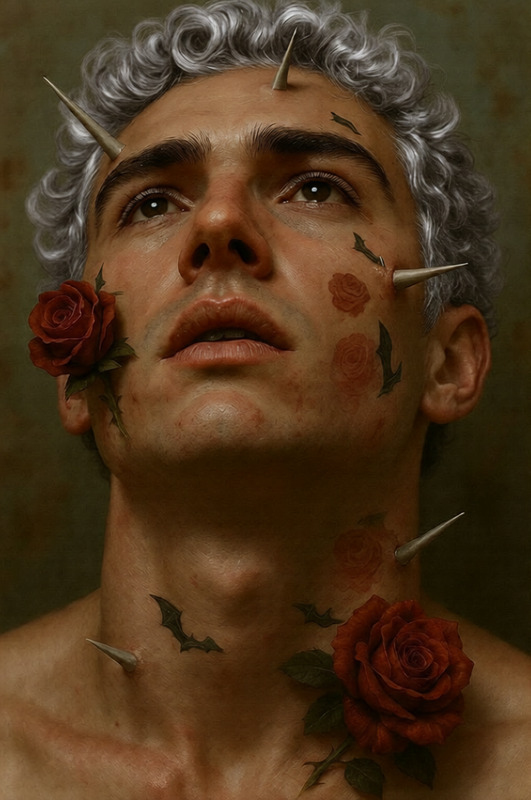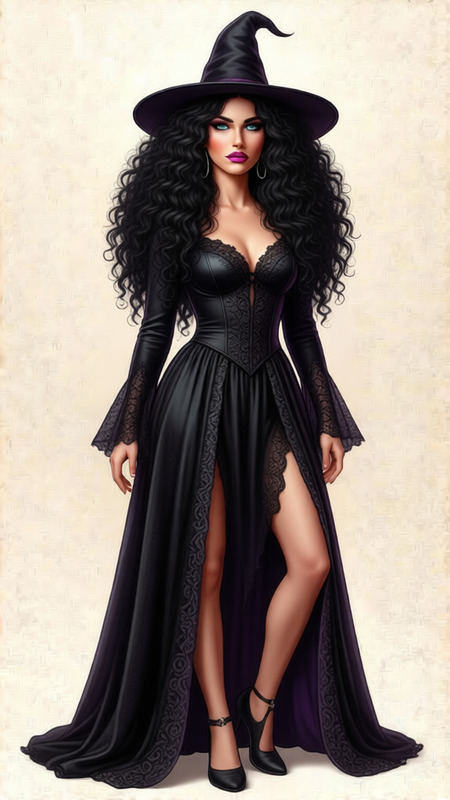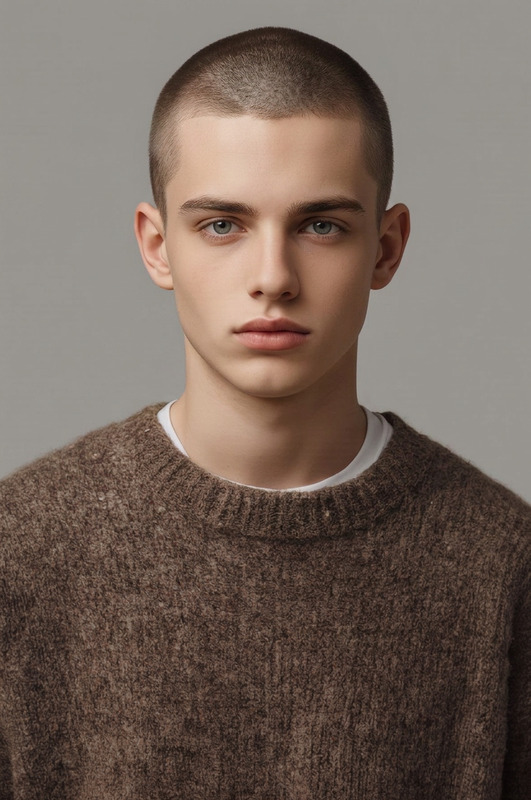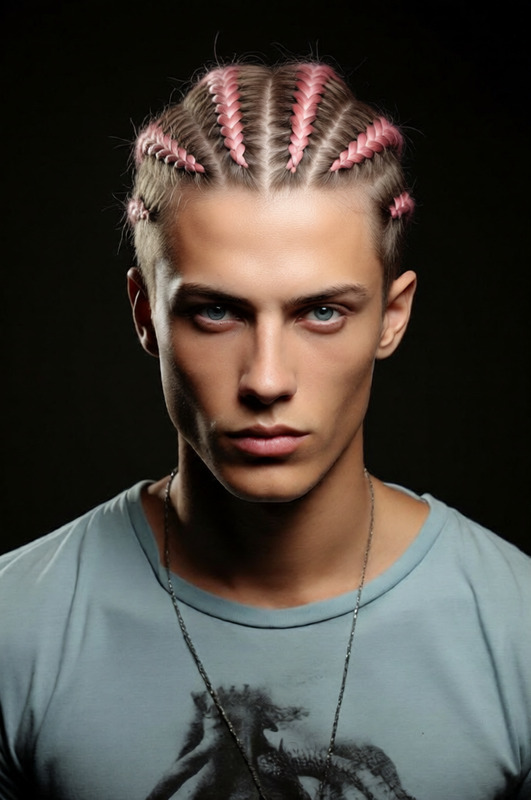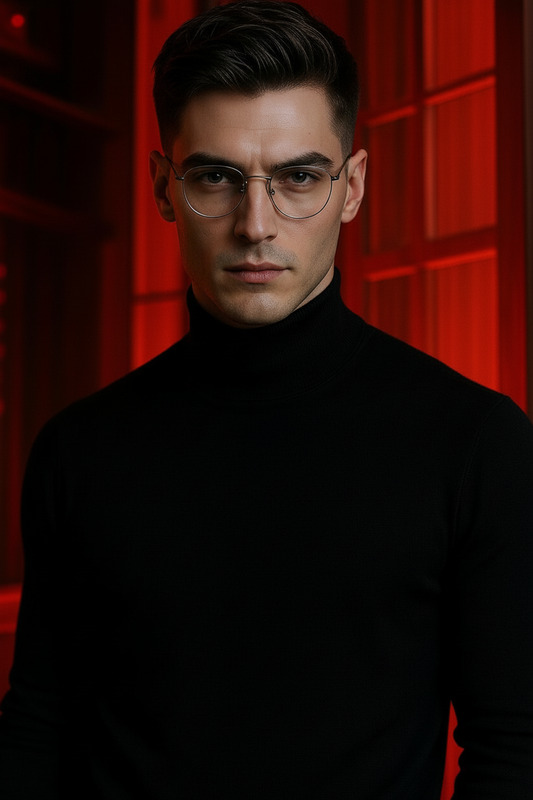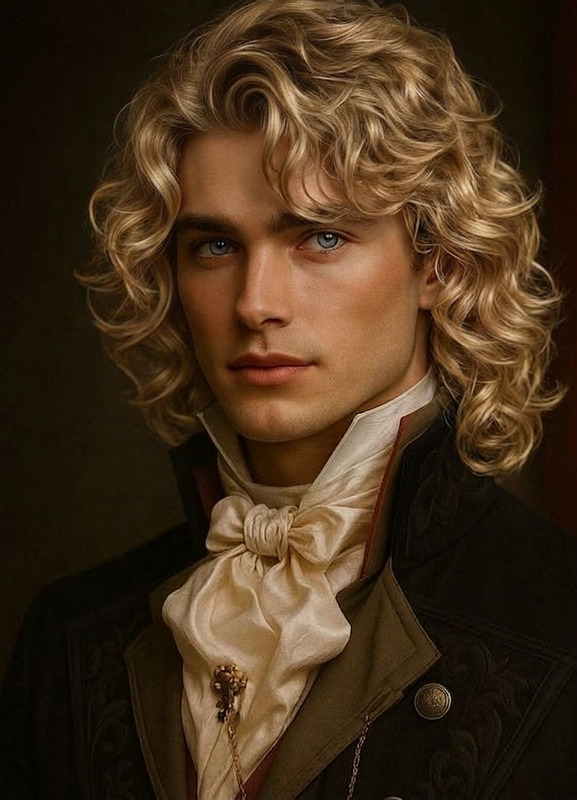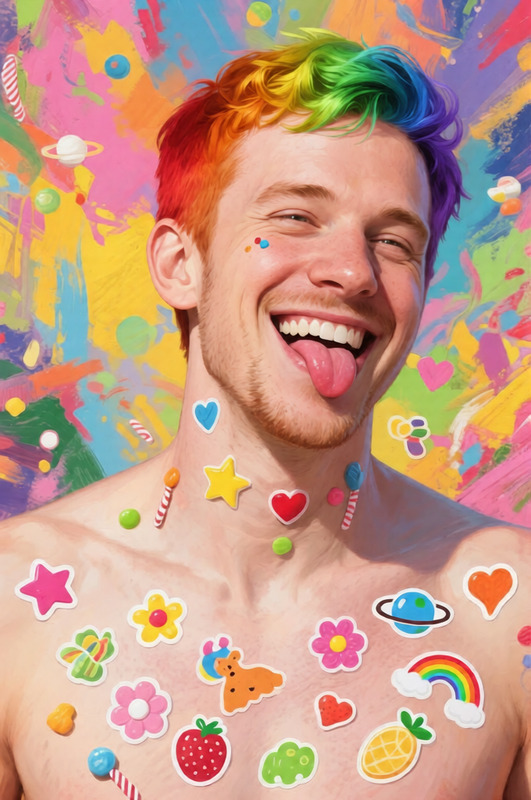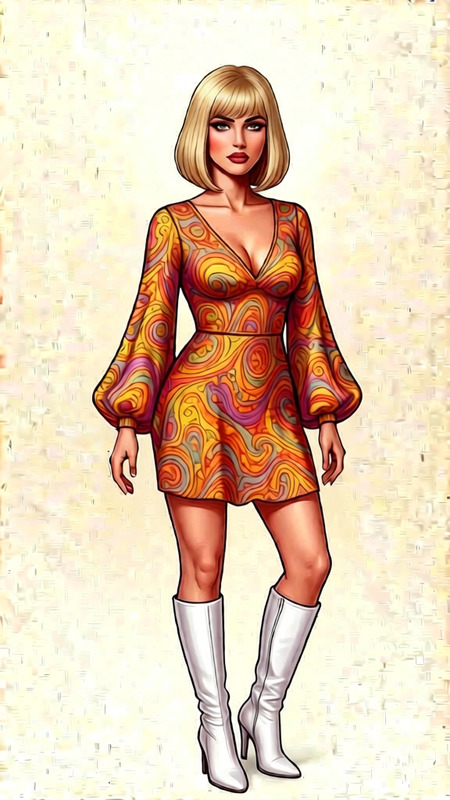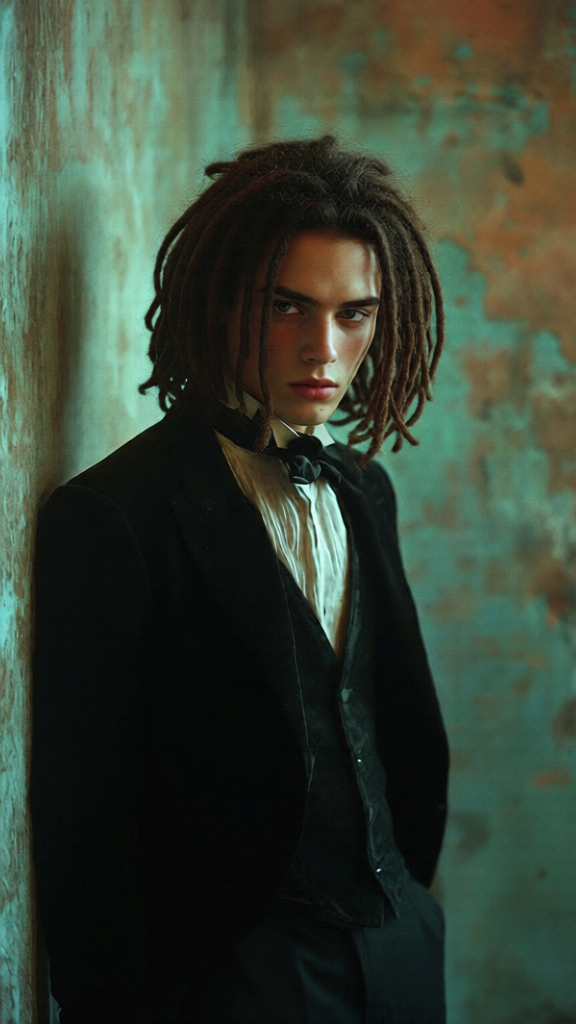
Dreadlocks
- Model
- Qwen Edit
- Image
- 576 × 1024 px
Prompt
Give the person natural-looking dreadlocks while preserving their facial identity and features. Style the dreads to suit the face shape (short, medium, or long length), with realistic thickness, texture, and slight irregularity. Match the color and undertones to the original hair, with subtle highlights and depth. Ensure proper hairline blending, natural volume, and believable lighting. High detail, photorealistic, clean and cohesive look.
Any aspect ratio
Overview
The "Dreadlocks" AI Image Editor template is part of our sophisticated AI Image Editor suite. Designed with the qwen-edit model, this template is perfect for digitally styling natural-looking dreadlocks. Whether your subject is looking for short and subtle or long, flowing locks, this tool caters to every need while maintaining the person's unique identity and features.
What It Does
The Dreadlocks template uniquely transforms a person's existing hairstyle into lifelike dreadlocks. It analyzes the individual's face shape to provide a style that complements their features. AI Talking Photo users will appreciate how effectively the template maintains realism in both static and dynamic scenarios.
Who It's For
This tool is ideal for content creators, video producers, and digital artists seeking to modify hairstyles in images without compromising on detail. Those working in social media ads or any visually driven field will find this template invaluable for creating convincing, eye-catching content.
Summary
Offering high detail and photorealism, the Dreadlocks template responds perfectly to your styling prompts, ensuring natural volume, believable lighting, and seamless blending. Integrate it with our other tools, like the Face Swap, for comprehensive project capabilities.
How To
Choose the Template

Customize Your Inputs

Generate and Download

Use Cases
Social Media Promotions
Music Video Styling
Film and Animation
Best Practices
Select Clear Images
Ensure that the images you upload are of high quality and have clear, visible features.Adjust for Realism
Use subtle modifications for better realism, avoiding overly drastic changes that look unrealistic.Maintain Consistency
When using this tool across multiple characters or scenes, maintain consistency in style parameters to ensure cohesiveness.