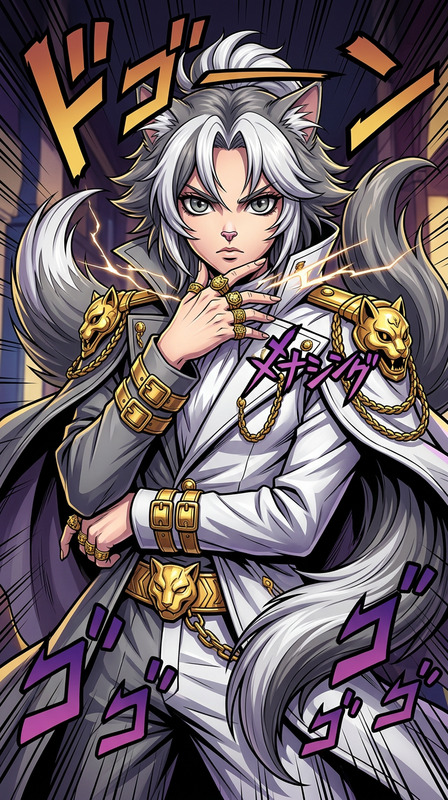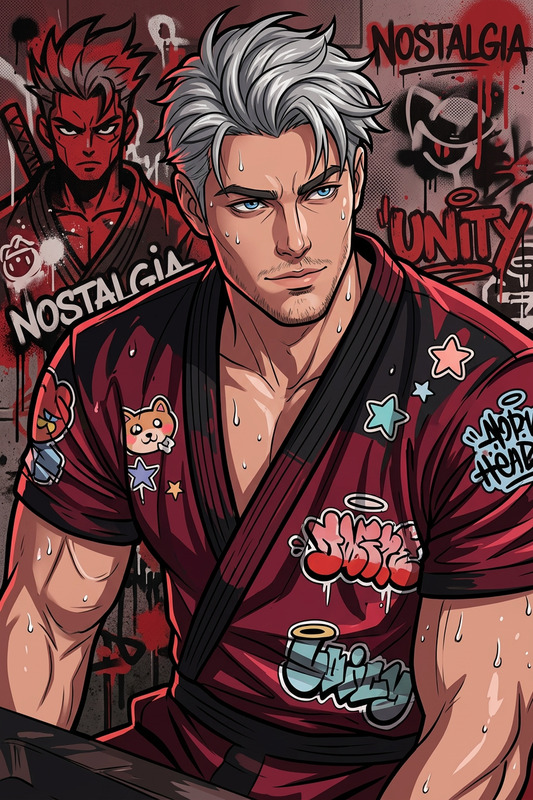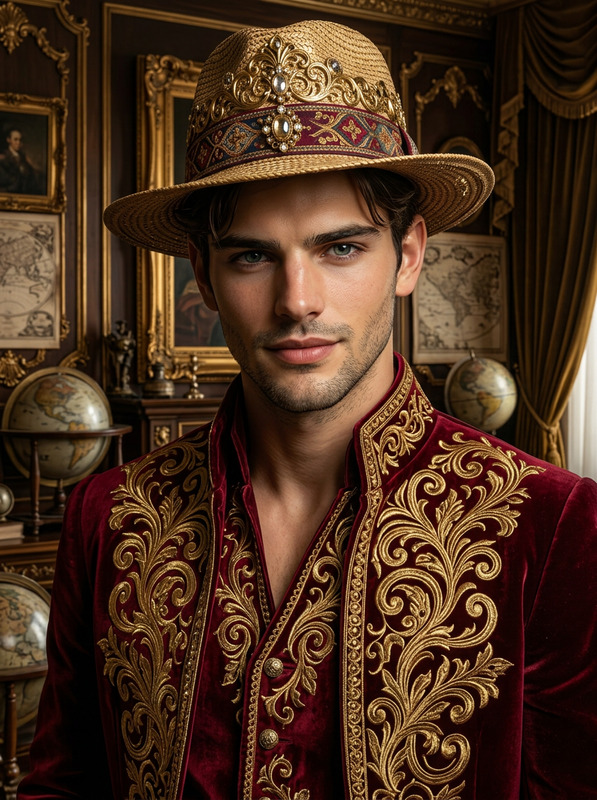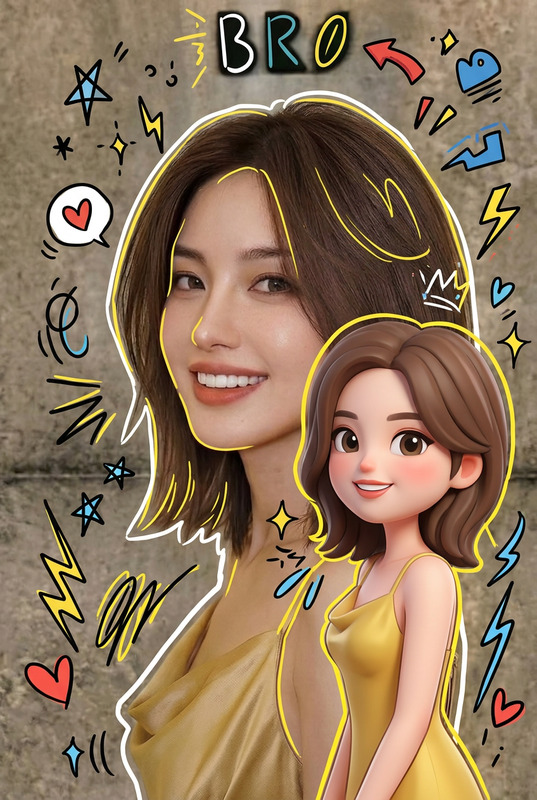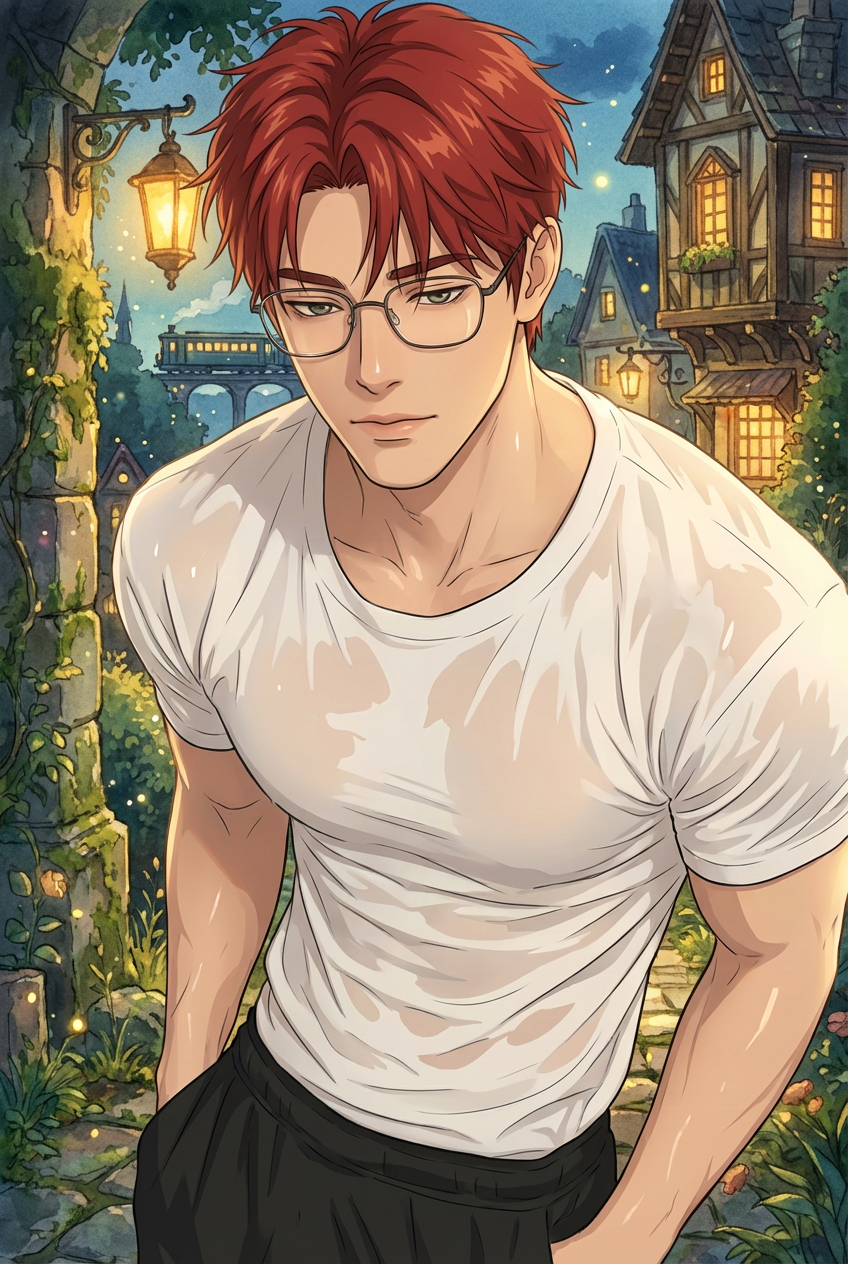
Ghibli Fantasy Portrait
ai-image-editor
Any aspect ratio
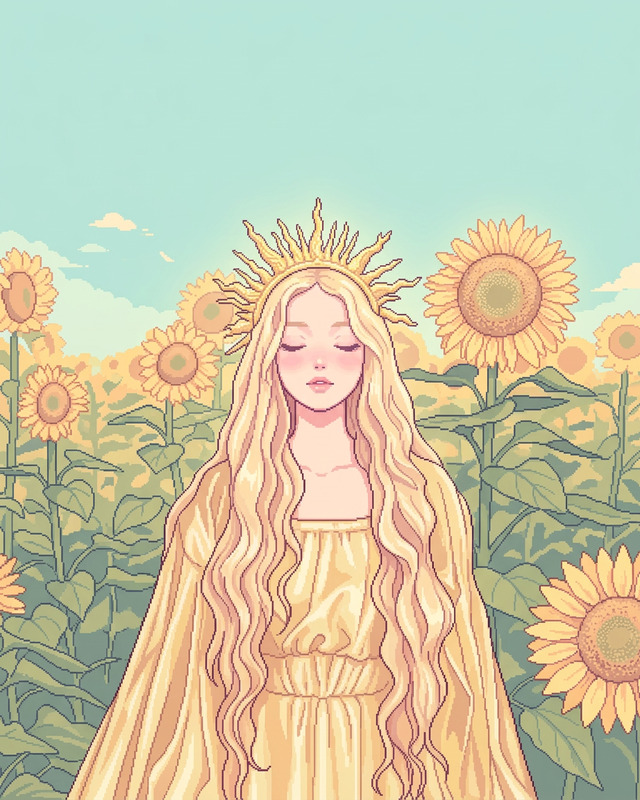
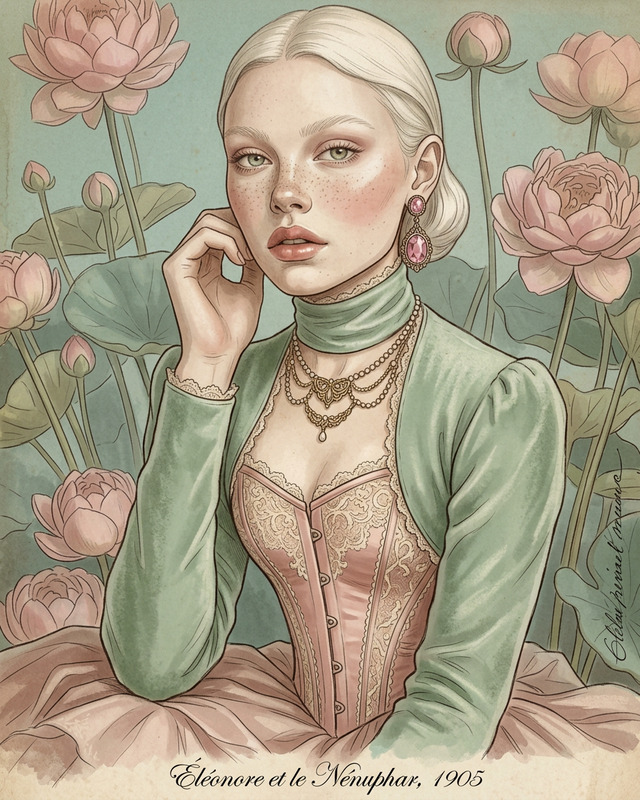
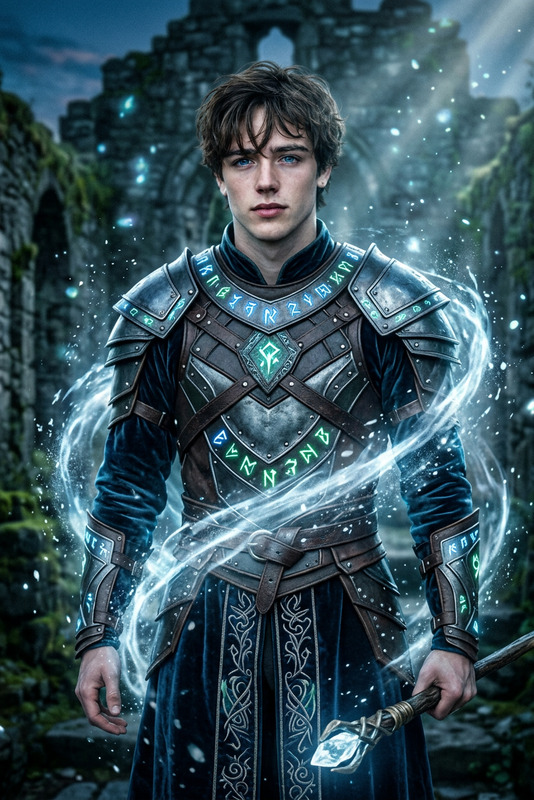
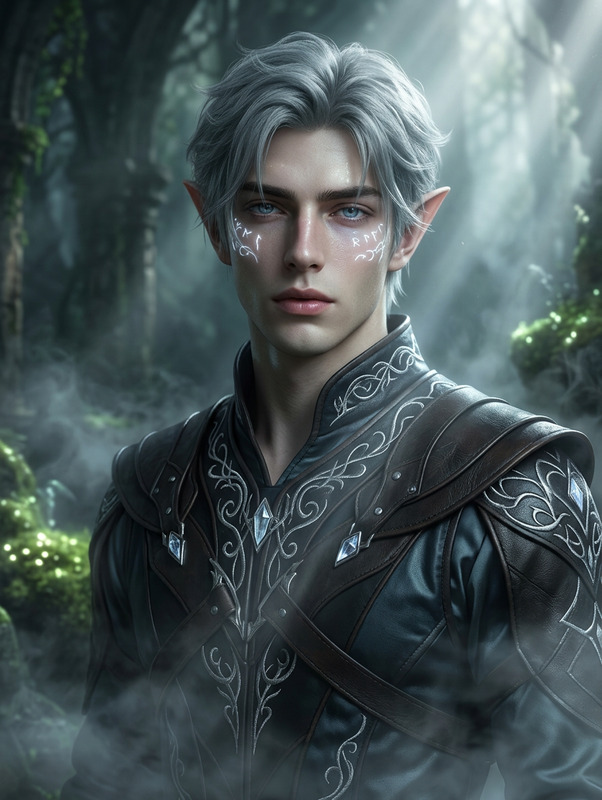
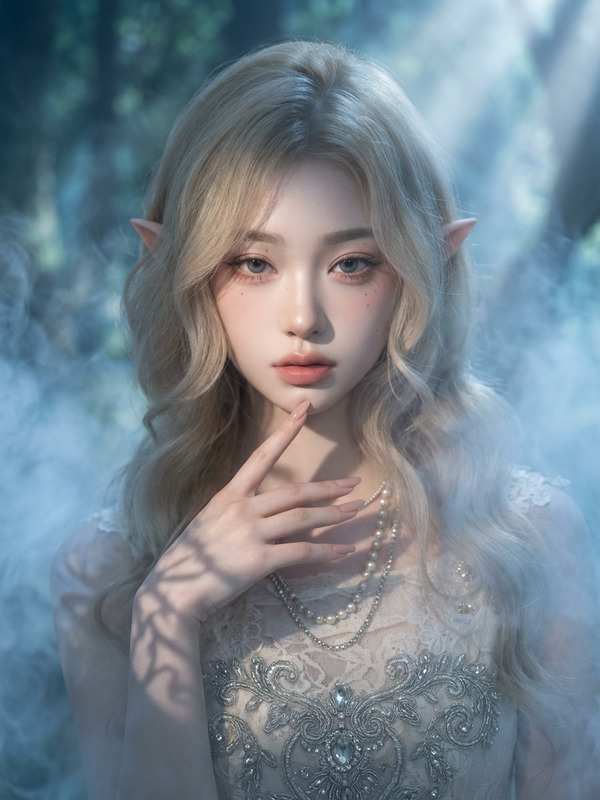
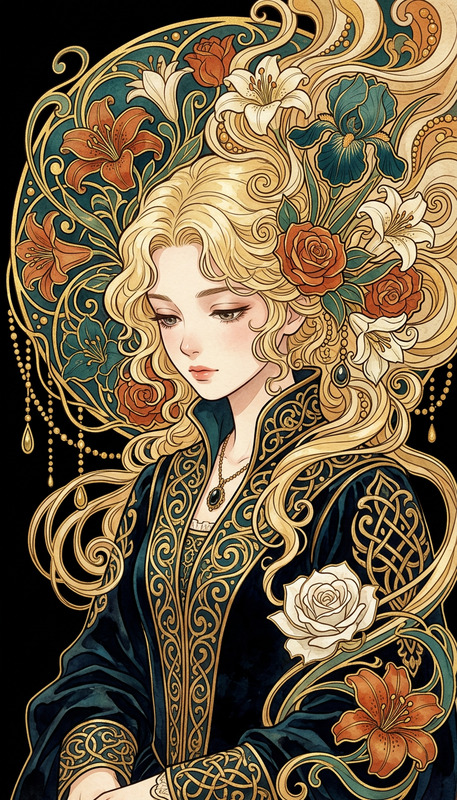
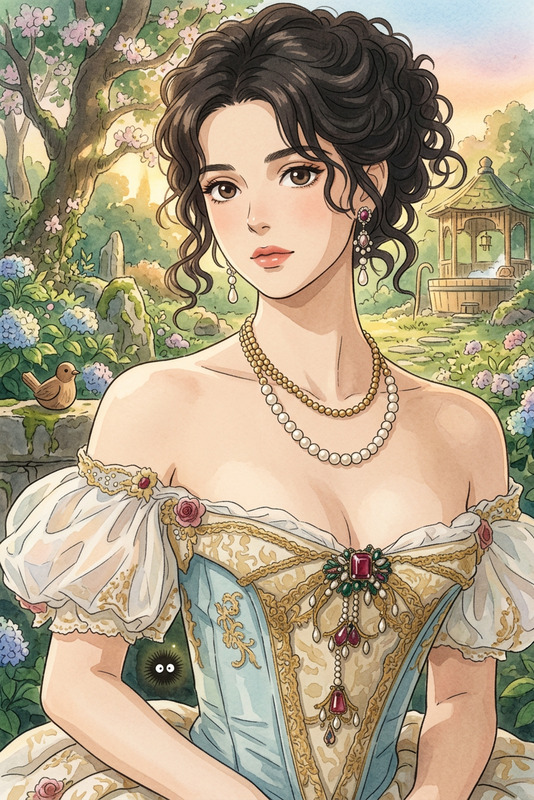
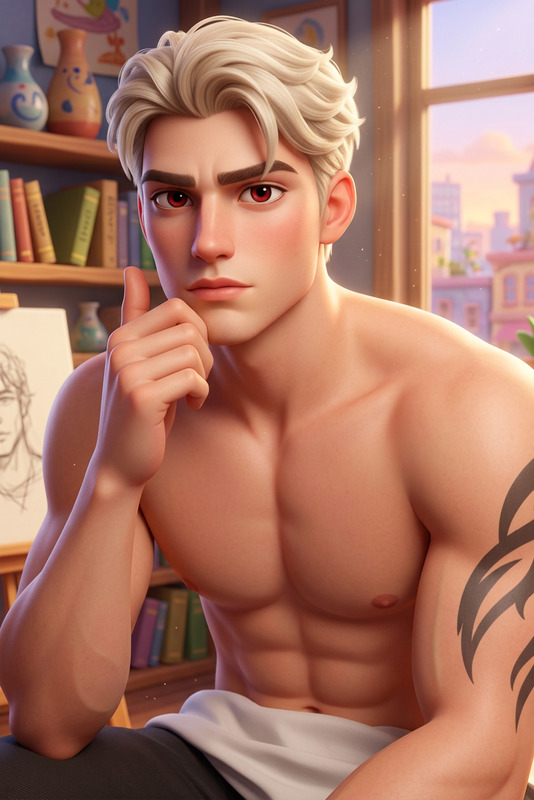
Transform the image into a character within a fantastical world inspired by Hayao Miyazaki. Preserve the subject’s exact facial structure, hairstyle, and likeness, with a calm, introspective expression. Render the character in clean line art with soft cel-shading, simple yet expressive eyes, and stylized flowing hair. Place them in a richly detailed, painterly environment (e.g., lantern-lit town, magical sea railway, or overgrown path), using warm atmospheric lighting, watercolor/gouache textures, and floating particles. Create a contrast between the simple character design and the lush, immersive background, evoking a quiet, magical, storybook moment.
Tags
stylesAI Image Editor Template: Remixable Base for High-Quality Visuals
Use this template as a starting point to rapidly create, refine, and version visuals with the AI Image Editor. It’s designed for creators, marketers, and builders who need precise, on‑brand images without jumping between multiple tools.
What This Template Is For
This template is ideal if you want to:
- Clean up or enhance existing photos (social, product, brand, UI mockups, etc.)
- Replace or remove distracting elements (logos, text, objects, people)
- Change backgrounds and environments while keeping the subject intact
- Generate multiple variations from one strong base image
- Prepare assets for campaigns, pitch decks, thumbnails, and product pages
You can use it as-is or remix it in a few minutes to match your own use case.
How to Remix This Template in Magic Hour
You can recreate your own version of this template with the AI Image Editor in three simple steps:
Import a base image
- Upload a product shot, portrait, scene, or design mockup.
- For best results, use a reasonably high-resolution image. If needed, you can later improve quality with the AI Image Upscaler.
Edit with targeted instructions
Use clear, specific instructions to guide the model. For example:- “Remove the background and replace it with a clean white studio backdrop.”
- “Remove text from the top-left corner and extend the sky to fill the space.”
- “Change the t-shirt color to black and remove wrinkles in the fabric.”
- “Turn this photo into a minimal, flat illustration while preserving the layout.”
You can also combine edits in sequence—for instance, clean up a product image, then swap the background, then generate alternative colorways.
Iterate and version
- Duplicate the result and try alternative looks (different color schemes, props, or environments).
- Export multiple versions for A/B tests, different platforms, or different audiences.
- Use the outputs as inputs to other Magic Hour tools (for example, turn the edited image into an animation or video).
Practical Use Cases for This Template
You can adapt and remix this template for a wide range of workflows:
1. Product & E‑Commerce Creatives
- Clean up product photos, remove clutter, and standardize backgrounds for catalogs and landing pages.
- Generate lifestyle scenes by placing the product in different environments (kitchen counters, office desks, outdoor setups).
- Then turn key hero images into short promo clips using Image to Video or animated promos via Animation templates.
2. Marketing Campaigns & Paid Ads
- Quickly create multiple banner variants from one master concept: different headlines, crops, background colors, or props.
- Edit and repurpose existing assets for new channels (e.g., adapting a website hero image for a social or display ad).
- Pair with the Thumbnail Maker to generate high-performing video thumbnails based on your edited images.
3. Social Content & Thought Leadership
- Upgrade screenshots, diagrams, and slides to look sharper and more professional.
- Remove watermarks or unwanted overlays from your own content using the Watermark Remover or AI Remover for objects and text.
- Create polished avatars, cover images, and profile banners, then refine them with the AI Face Editor or Avatar Generator.
4. Brand & Visual Systems
- Enforce consistent color, lighting, and style across campaign imagery.
- Convert real photos into illustrations using the AI Art Generator, AI Illustration Generator, or AI Manga Generator, starting from a cleaned-up base created with this template.
- Prototype new visual identities by quickly testing different photo treatments, backgrounds, and styling rules.
5. Creative & Experimental Work
- Turn portraits into stylized characters and then animate them with Animated Characters Generator or AI Talking Photo.
- Build concept art starting from rough photos, then push style further using Dark Fantasy AI, AI Anime Generator, or AI Character Generator.
- Transform real spaces into design concepts using AI Interior Design Generator or architecture ideas with the Architecture Generator.
Suggested Remix Paths for Power Users
To help you go beyond simple edits, here are high-leverage ways to extend this template:
Image → Refined Image → Video
- Start with this template in AI Image Editor to clean and style your image.
- Then convert the result into motion with Image to Video or Text to Video for narrative sequences.
- For stylized motion based on footage you already have, try the Video to Video template.
Portrait → Edited Face → Dynamic Content
- Use this template to retouch or adapt a portrait (lighting, background, minor corrections).
- Enhance realism or variations with AI Face Generator or AI Selfie Generator.
- Turn the result into talking content or UGC-style clips with AI Talking Photo, AI Voice Generator, or AI Voice Cloner.
- For video content, combine with Face Swap or dedicated Face Swap GIF, or jump straight into the Face Swap Video template and Lip Sync template.
Brand Asset → Variant Library
- Start with a single on-brand visual: logo lockup, hero image, or brand illustration.
- Use this template to generate clean variations for different channels and aspect ratios.
- Extend with:
- AI Logo Generator for logo explorations
- AI Icon Generator for UI systems
- Book Cover Generator or Album Cover Generator for cover art series
- AI QR Code Generator to embed scannable links into your visuals
Photo Cleanup → Restoration & Enhancement
- Use AI Image Editor to fix composition, remove distractions, and rebuild missing areas.
- Restore or enhance older photos with Old Photo Restoration, Photo Colorizer, or Unblur Image.
- Upscale final outputs for print, presentations, or high-res deliverables via the AI Image Upscaler and Video Upscaler for any derived videos.
Tips for Getting Strong Results
Be specific in your instructions
Precise, outcome-focused edits (“remove the person on the right and extend the table”, “replace background with a modern office interior”) outperform vague prompts (“make it better”).Work iteratively
Use this template as a fast loop: small, focused edits → review → refine. This mirrors how professional creative teams work with human designers and leads to more predictable, controllable output.Keep a master file
Store one “master” edited version and remix from there for different experiments: colors, crops, styles, and formats. This reduces drift and ensures brand consistency.Chain tools intentionally
Think of this template and the AI Image Editor as the base layer in your pipeline. From there, extend with:- AI GIF Generator for looping assets
- AI Meme Generator for fast social variants
- AI Outfit Generator or AI Clothes Changer for fashion and apparel visuals
- AI Background Generator to swap entire environments in a controlled way
Who This Template Is For
This template is particularly useful if you are:
- A marketer or growth lead needing quick, testable creative variants without waiting on a full design sprint
- A founder or PM who wants production‑quality visuals for decks, landing pages, and product launches
- A designer or art director using AI as a fast exploration and iteration layer before final polish in traditional tools
- A content or social team repurposing a limited set of assets across many campaigns and channels
Start from This Template, Then Make It Yours
Use this AI Image Editor template as your default “first step” whenever you need to:
- Clean and standardize raw images
- Remove or add elements with precision
- Prepare assets for further generation (animations, videos, avatars, or illustrations)
Once you have a strong, clean base image, you can branch into:
- Face Swap Video and Lip Sync templates for performance-style content
- Animation and Video to Video templates to add motion and stylization
- Specialized generators such as Comic Book Generator, Fantasy Map Generator, Pokemon Generator, Disney AI Generator, Superhero Generator, or AI Tattoo Generator for distinctive creative directions
Remix this template, document your own editing patterns, and treat it as the foundation of a reusable, AI‑powered visual pipeline inside Magic Hour.