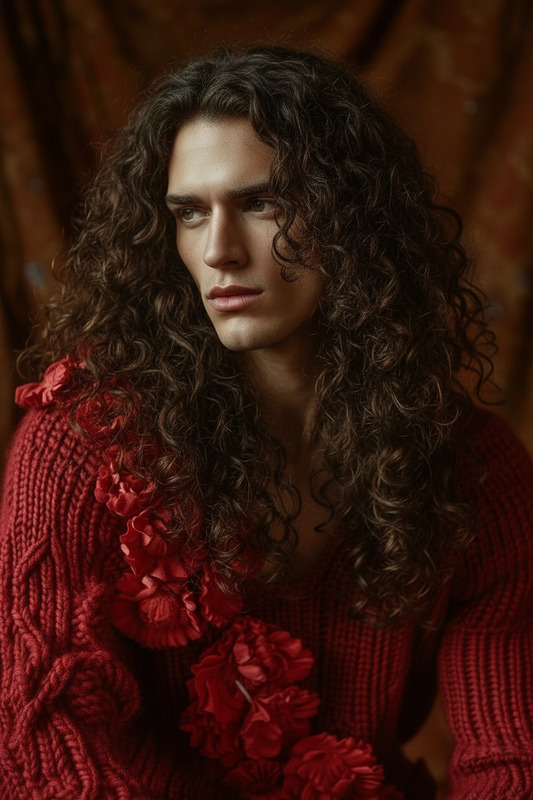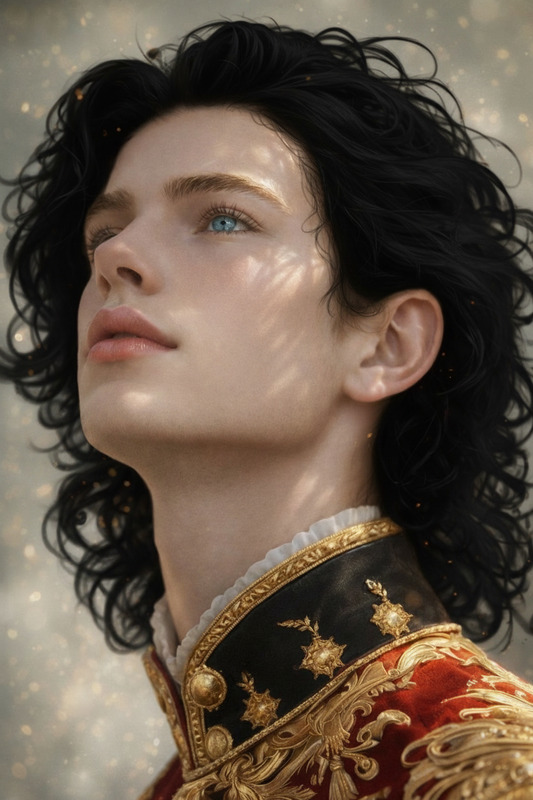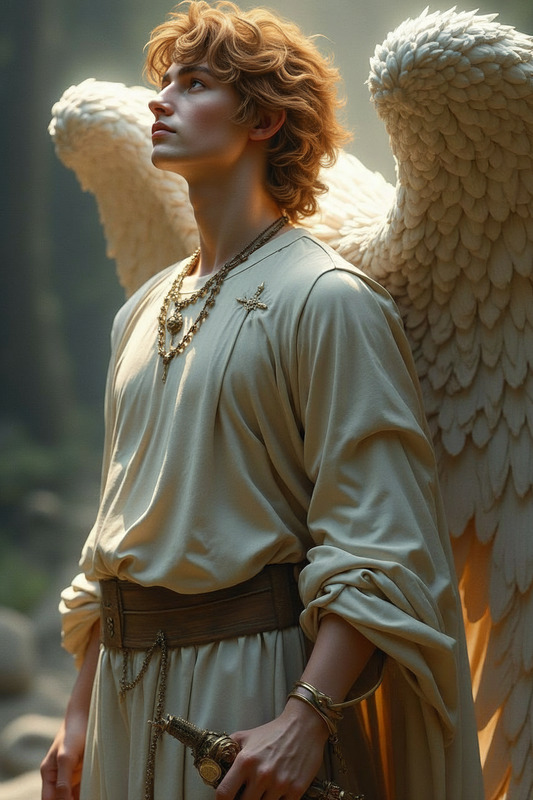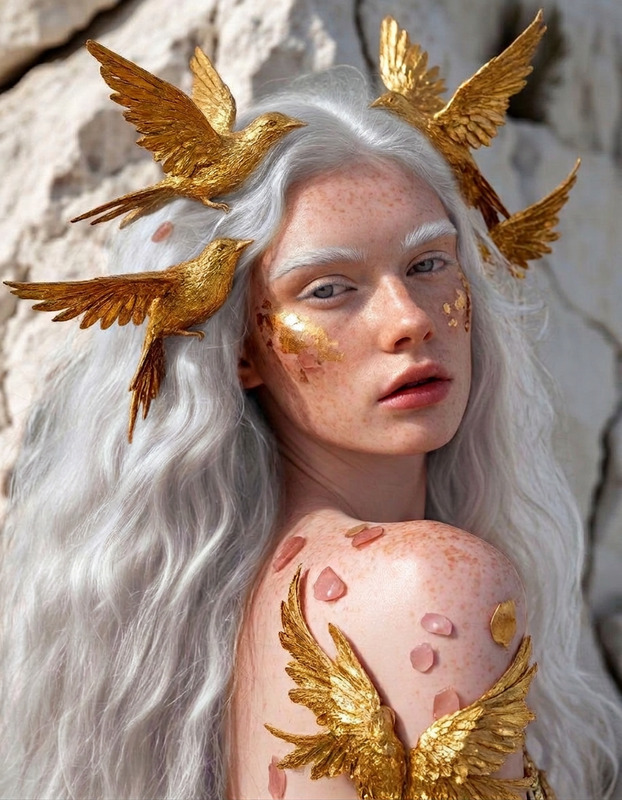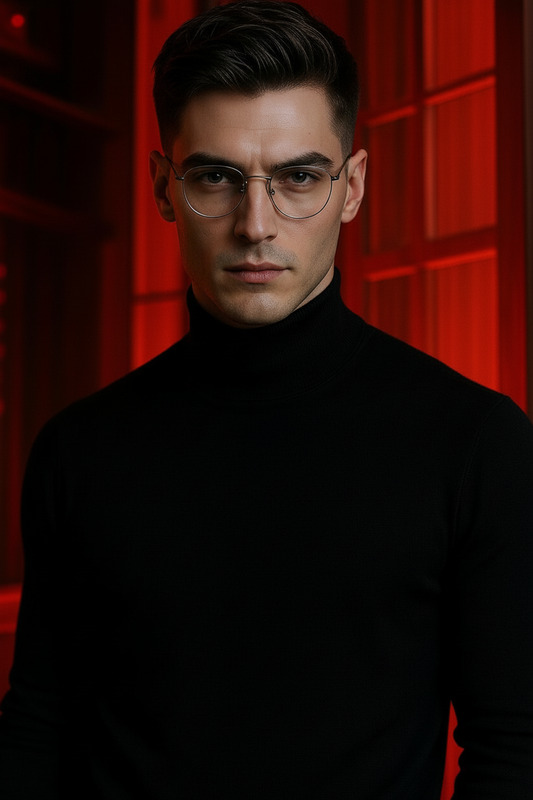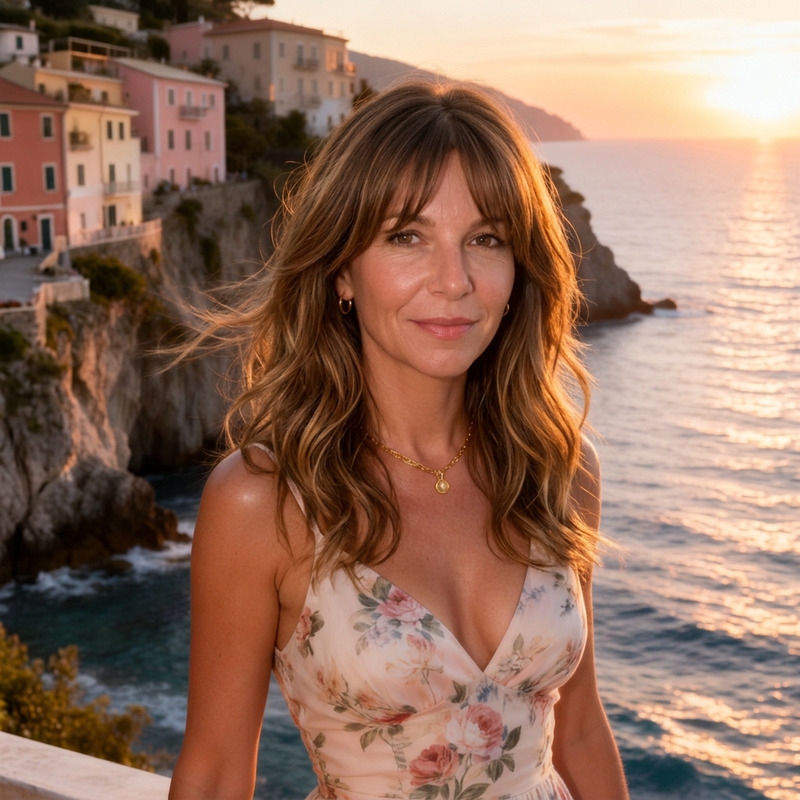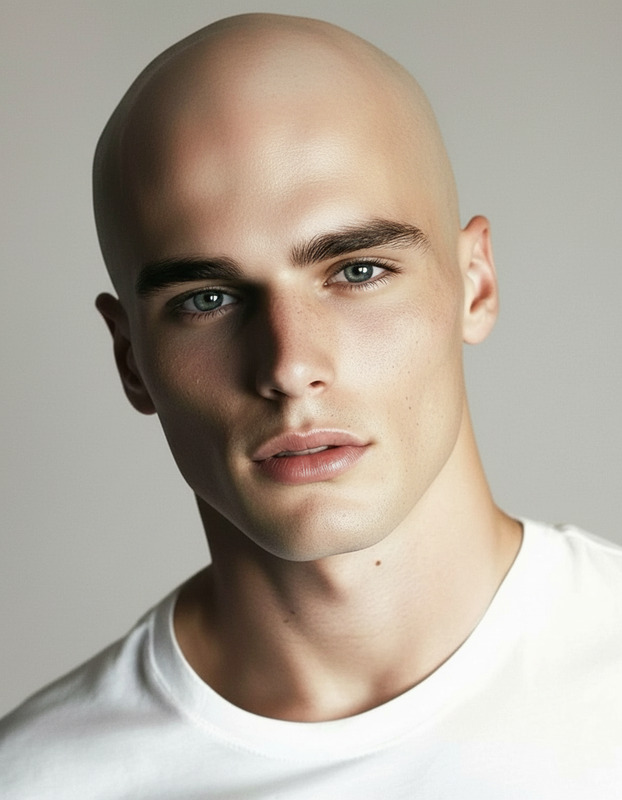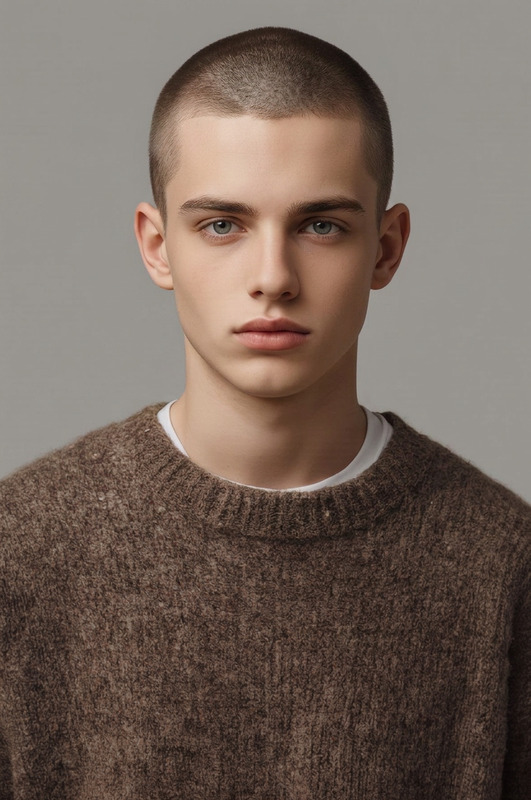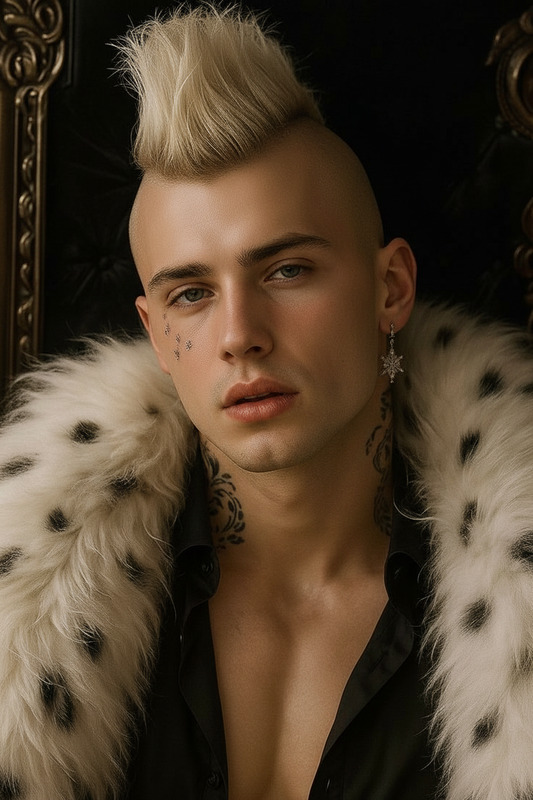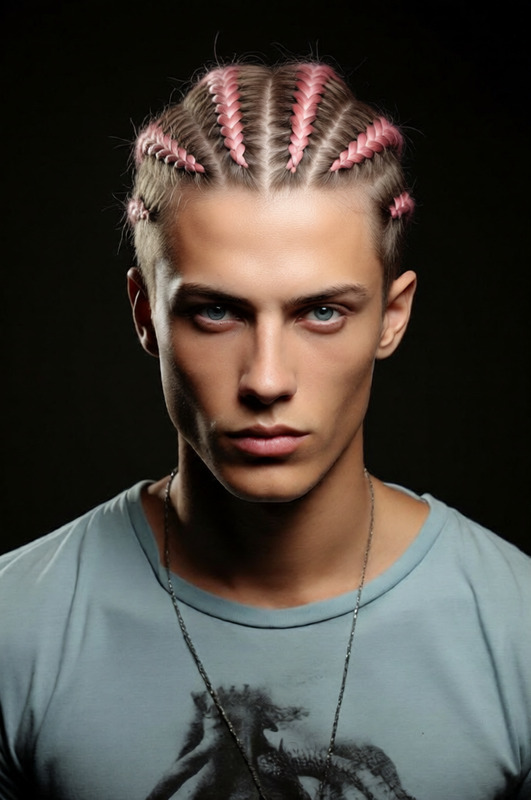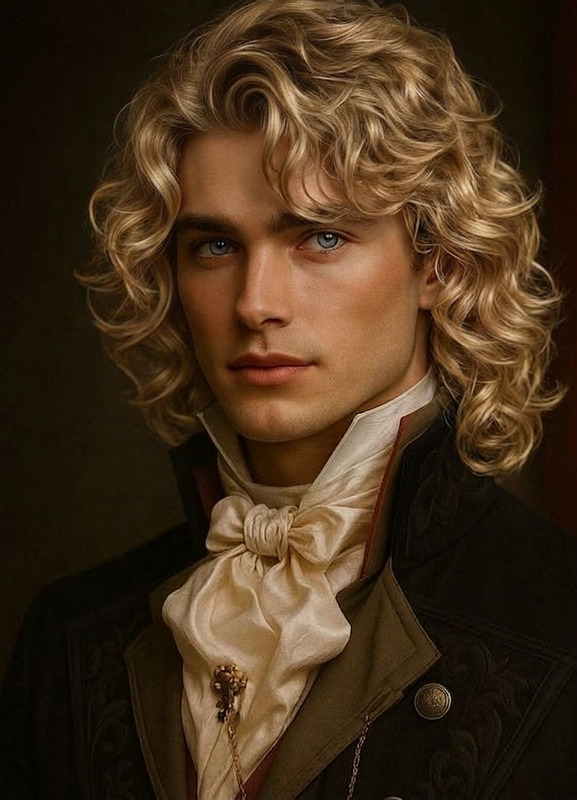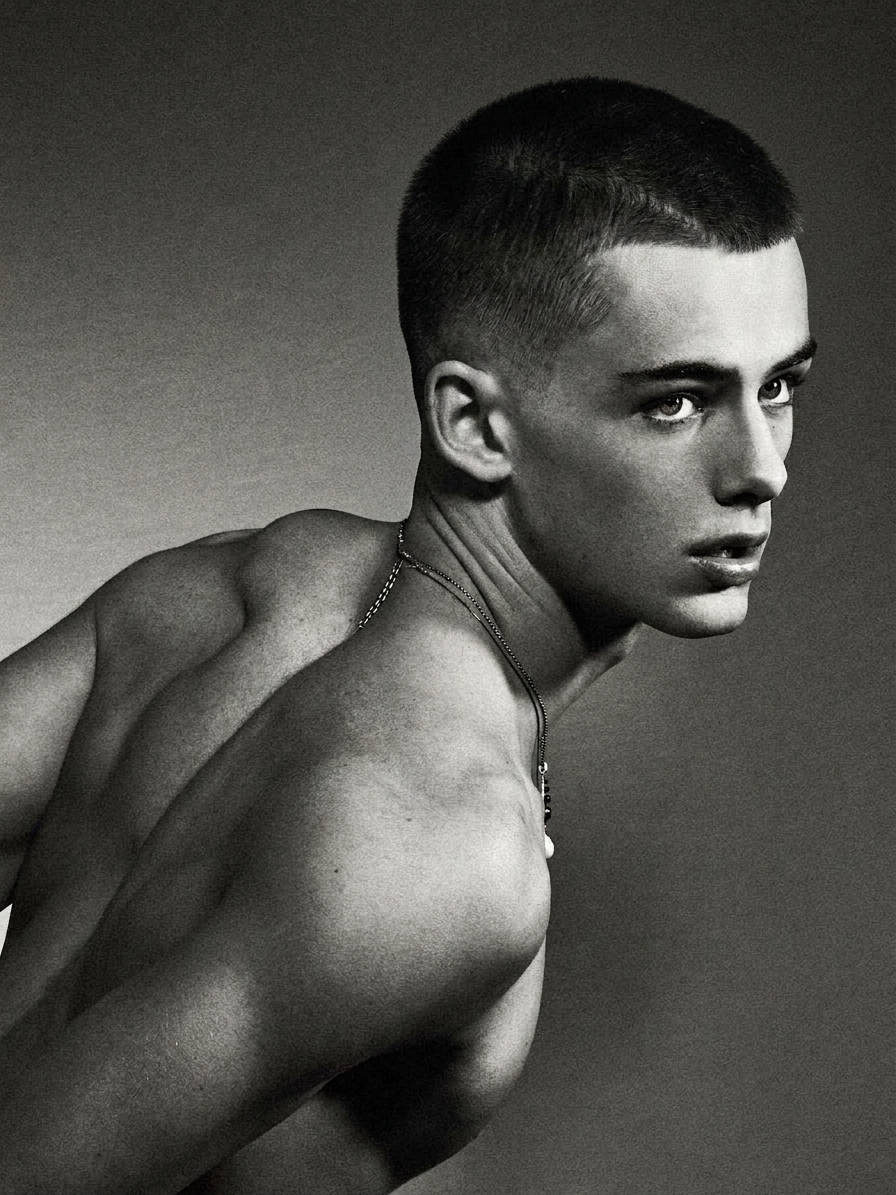
Military Crew Cut
- Model
- Nano Banana 2
- Image
- 896 × 1195 px
Prompt
Change the subject’s hairstyle to a short military-style crew cut. Keep the natural hairline and head shape, with closely trimmed sides and slightly longer top. Ensure realistic texture, clean fade, and consistent lighting for a natural result.
Any aspect ratio
Overview
The Military Crew Cut template is designed for those working with AI Image Editor projects that require a quick and effective transformation to a military-style crew cut. This template leverages the capabilities of the nano-banana-2 model to ensure precision and realistic results. Ideal for use in video content where a disciplined, sharp look is needed.
What It Does
The template modifies a subject's hairstyle to a short military crew cut. It maintains the person's natural hairline and head shape while providing a clean fade on the sides and slightly longer hair on top. The changes are discreetly applied to ensure realistic texture and lighting, perfect for action scenes or themed projects.
Who It's For
This template is ideal for video producers and creators working on military-themed projects, training videos, or action-packed scenes. It's also suitable for agencies specializing in product demos or social media advertising where a disciplined aesthetic is needed.
Summary
The Military Crew Cut template offers a straightforward way to transform hairstyles to a disciplined military cut using the AI Image Editor. Its precision and realistic output make it suitable for various projects that demand a clean and professional look.
How to Use
Choose the Template

Customize Your Input

Generate the Output

Use Cases
Action Films
- Enhance uniform authenticity
- Create character consistency
Training Videos
- Aligns with themes of discipline
- Suited for role-play scenarios
Social Media Ads
- Military-themed aesthetics
- Engage target audience
Best Practices
Use High-Resolution Images
To ensure the best transformation quality, always begin with high-resolution images that offer clear details and features.Adjust Lighting Settings
Make minor adjustments to lighting in the AI Image Editor to maintain consistency between the original and edited portions of the image.Review and Edit
After applying the transformation, review the output and make any necessary manual edits to enhance the hairstyle’s natural appearance.