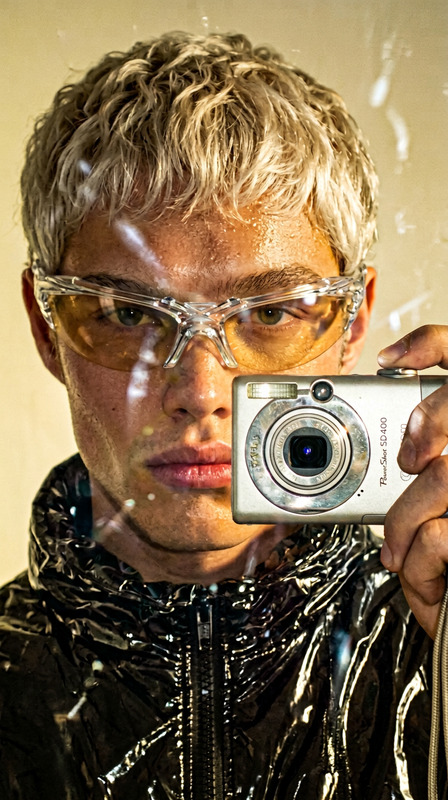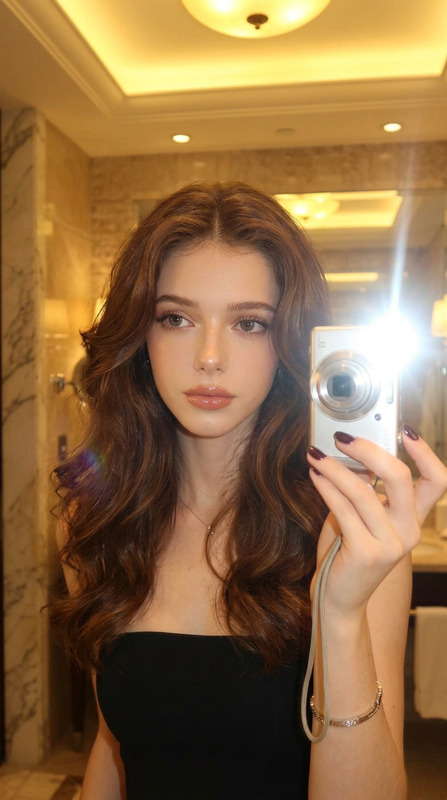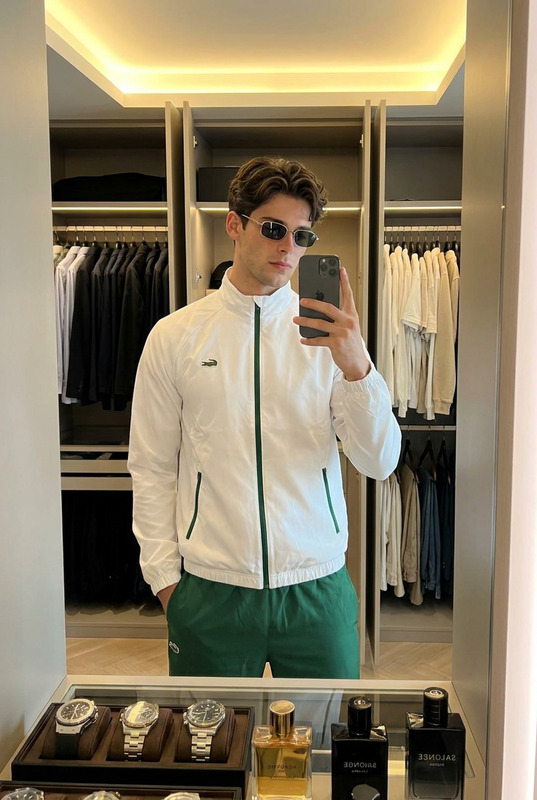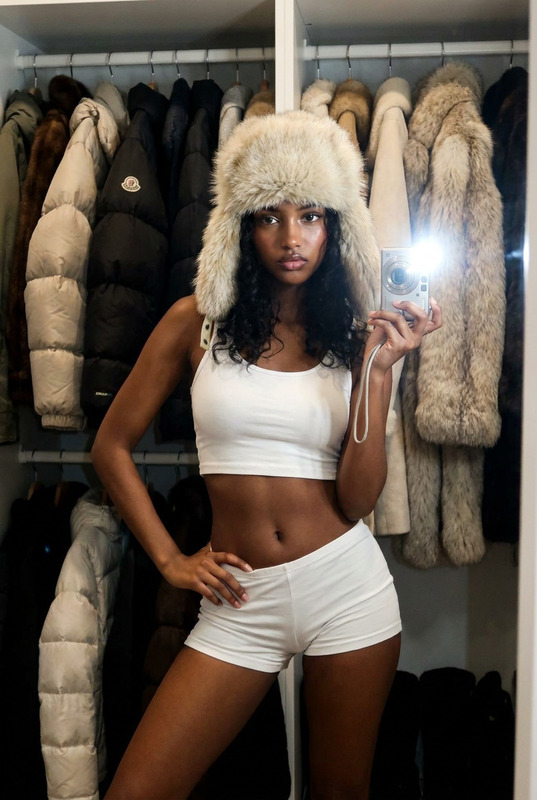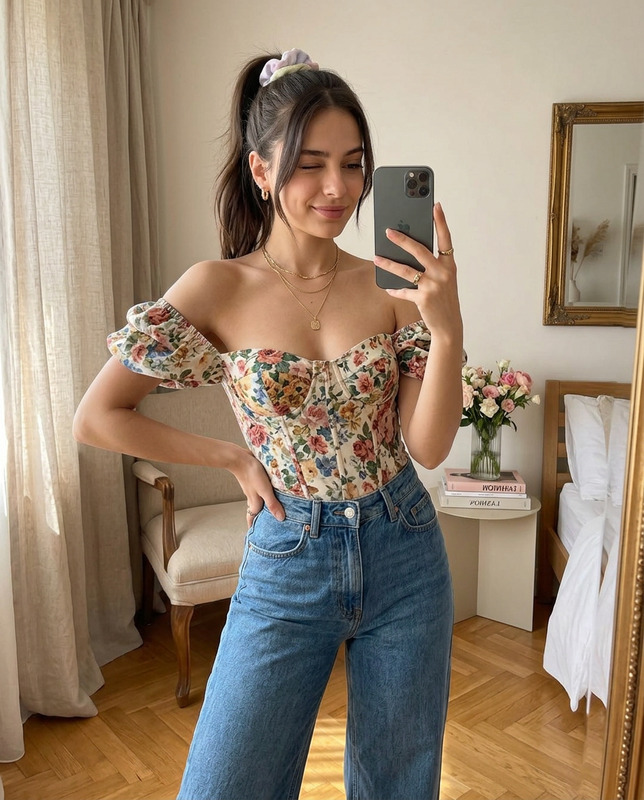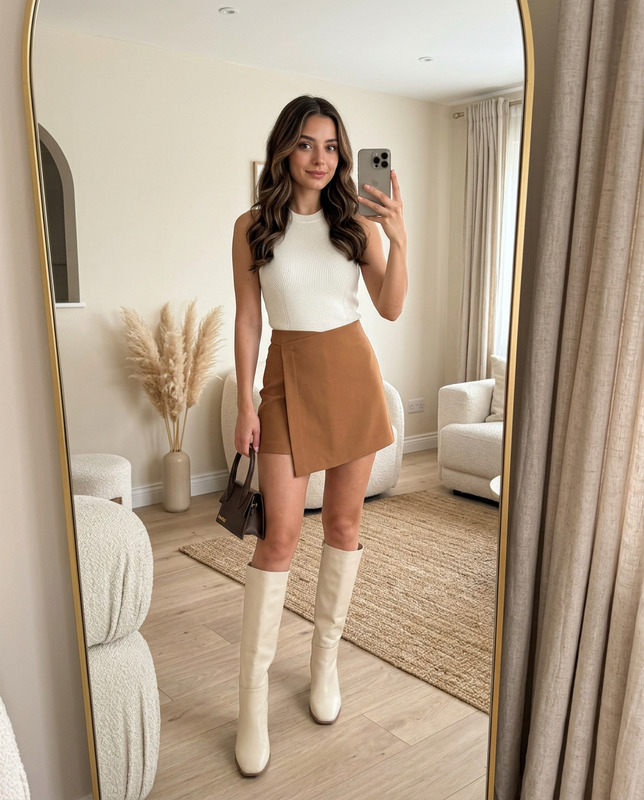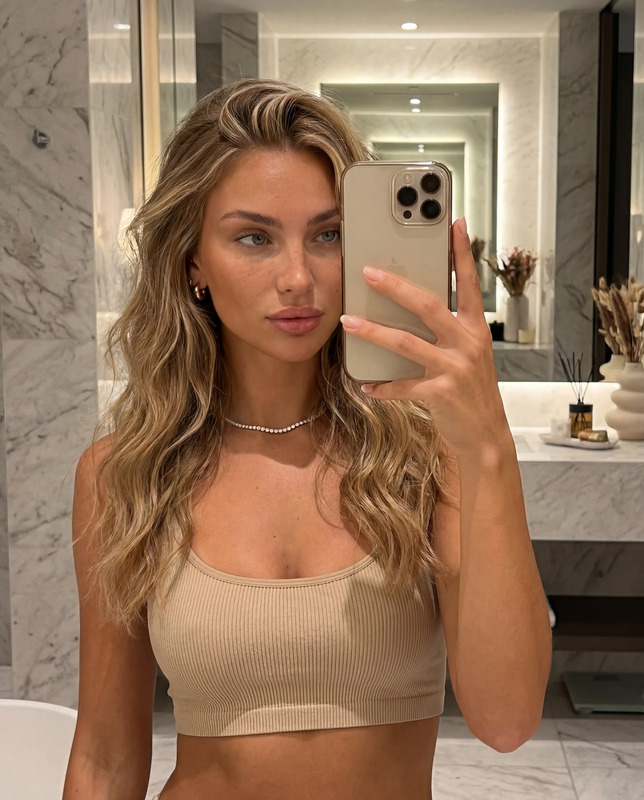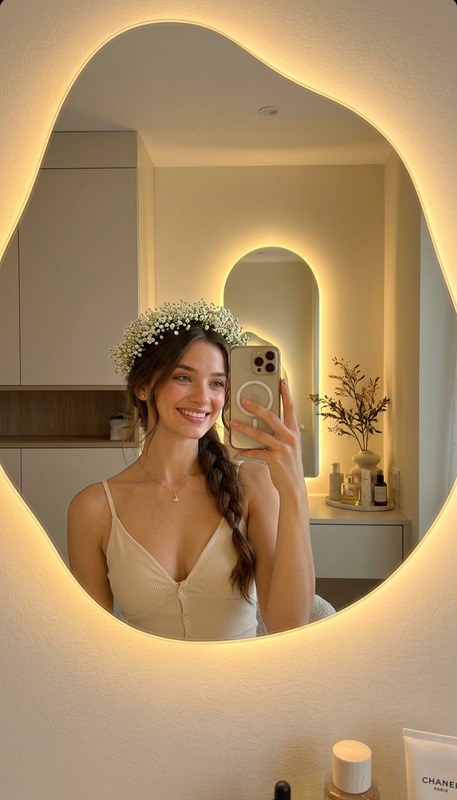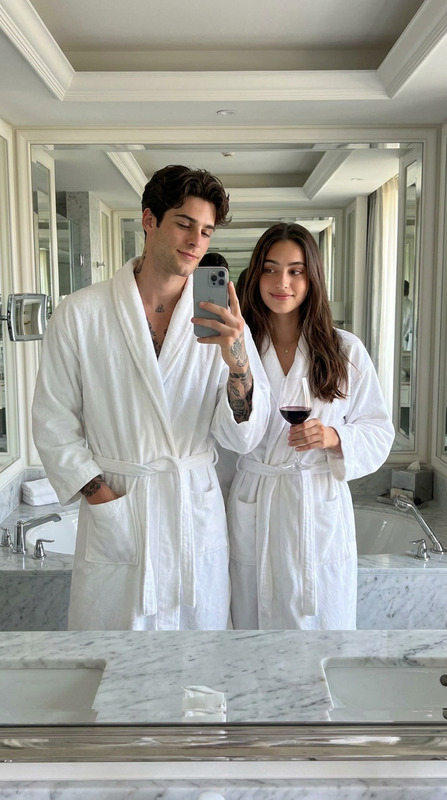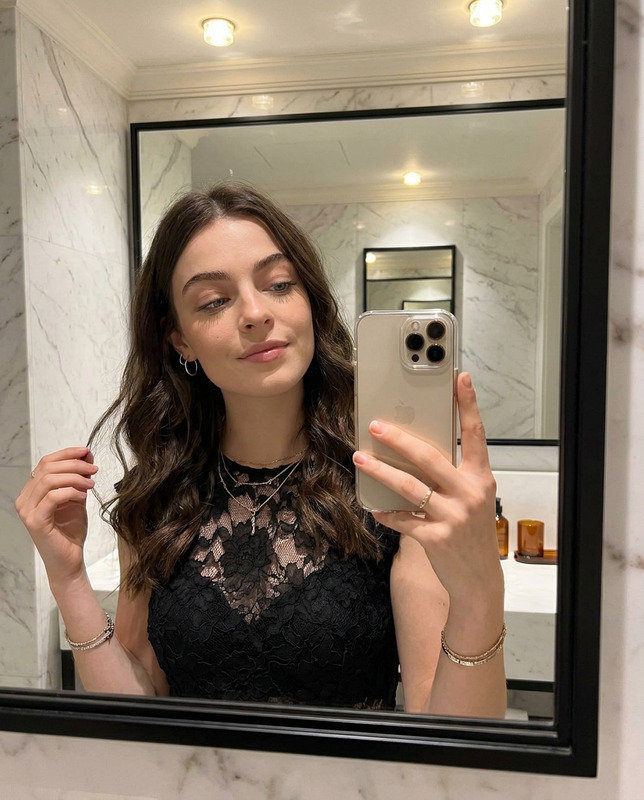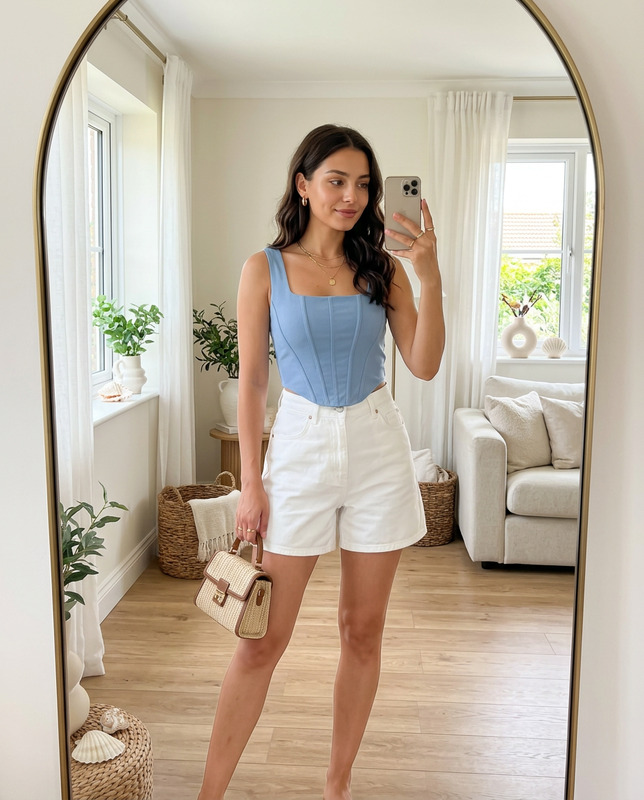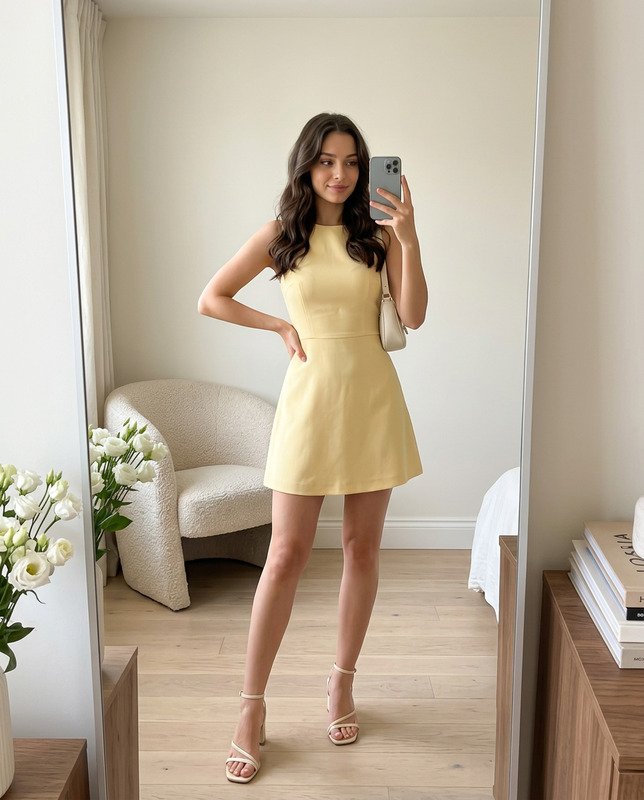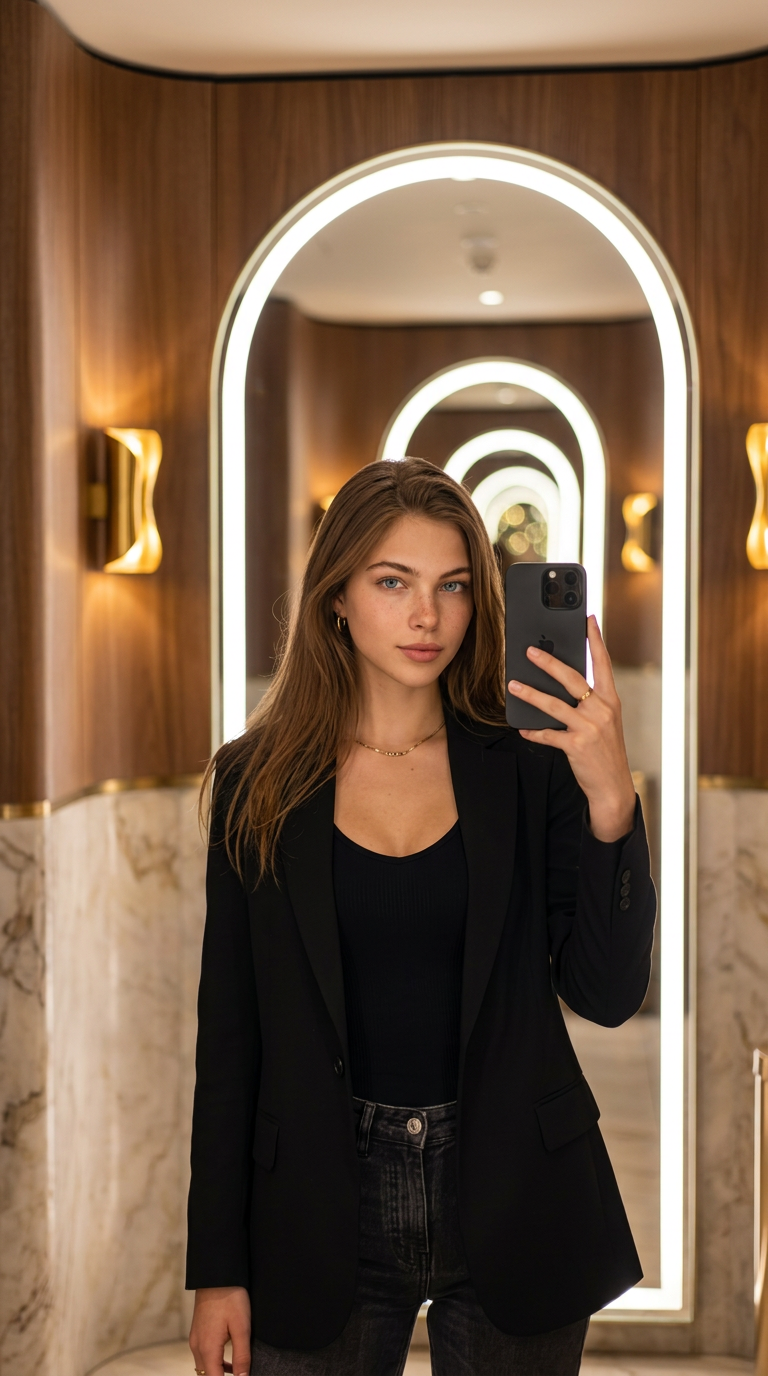
Glow Mirror Selfie
- Model
- Nano Banana 2
- Image
- 768 × 1376 px
Prompt
Create a realistic viral glow mirror selfie using the reference person. Preserve the person’s facial identity, hairstyle, body proportions, and natural expression. Show them standing in front of a large glowing oval mirror or arched LED mirror, holding a smartphone naturally for a mirror selfie. Use a luxury hotel hallway or modern bathroom interior with warm golden lighting, curved wall design, soft shadows, elegant decor, and clean aesthetic background. Style the person in a fashionable outfit with a relaxed confident pose. Add realistic mirror reflection, natural skin texture, soft bokeh, cinematic warm tones, and Instagram-ready viral photo editing style. Vertical 9:16, ultra realistic.
Any aspect ratio
Overview
The Glow Mirror Selfie template in AI Image Editor offers a creative way to produce stunning mirror selfies. Using advanced features from the Nano-Banana 2 model, this template captures you in a luxurious setting with a large glow mirror, perfect for a viral-worthy Instagram post.
What It Does
This template allows you to create a photo-realistic glow mirror selfie that emphasizes personal detail and style. It expertly maintains facial identity, hairstyle, and natural expressions, placing you in a modern setting with carefully curated lighting and decor, resulting in a striking vertical 9:16 image.
Who It's For
The Glow Mirror Selfie template is ideal for influencers, fashion enthusiasts, or anyone looking to enhance their personal image with a sophisticated touch. It's also suitable for photographers and content creators who want to explore the capabilities of AI image manipulation.
Summary
Produce high-quality, ultra-realistic selfies with the Glow Mirror Selfie template. Seamlessly integrate stylish elements and warm cinematic tones to create images that are both fashionable and timeless. Utilizing this tool along with others such as the AI Image Generator elevates your creative photography skills.
How To
Choose the Template

Customize Your Image

Generate Your Photo

Use Cases
Social Media Content
- Viral selfie trends
- High-quality profile pictures
Fashion and Lifestyle Blogs
- Editorial shoots
- Personal branding
Influencer Collabs and Campaigns
- Brand partnerships
- Sponsored posts
Best Practices
Choose High-Resolution Images
Ensure your reference image is clear to fully capture detail and enhance realism.Experiment with Lighting
Test different lighting settings to achieve the perfect balance of tones that match your aesthetic.Focus on Composition
Pay attention to the arrangement of elements within the frame to guide the viewer's eye naturally.