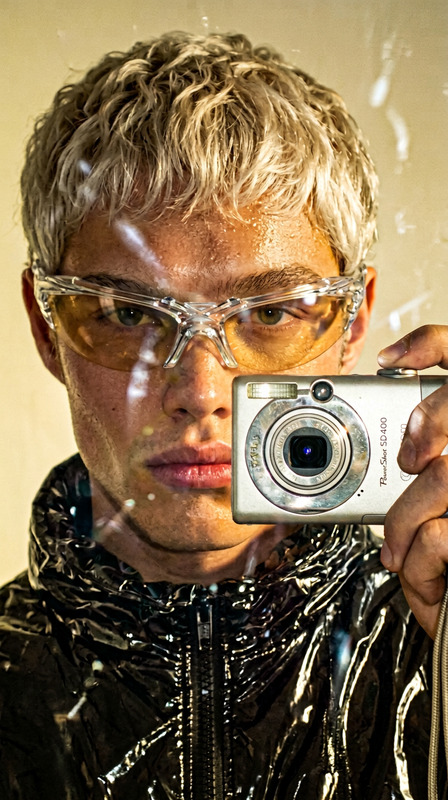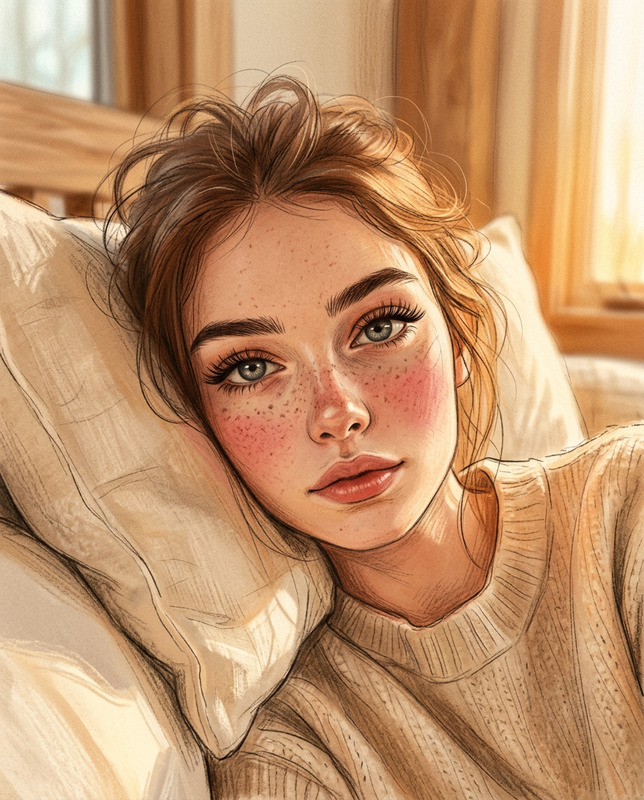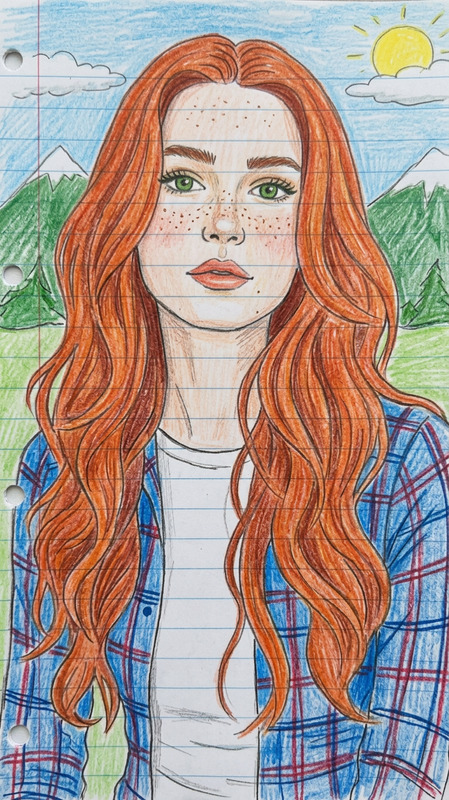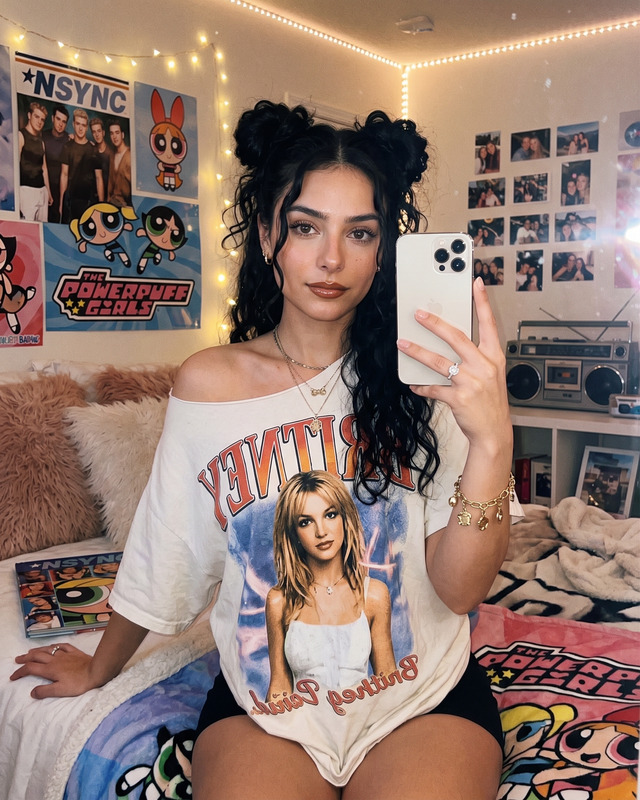
Y2K Cartoon Rainbow Sketch Selfie
- Model
- Nano Banana 2
- Image
- 704 × 1525 px
Prompt
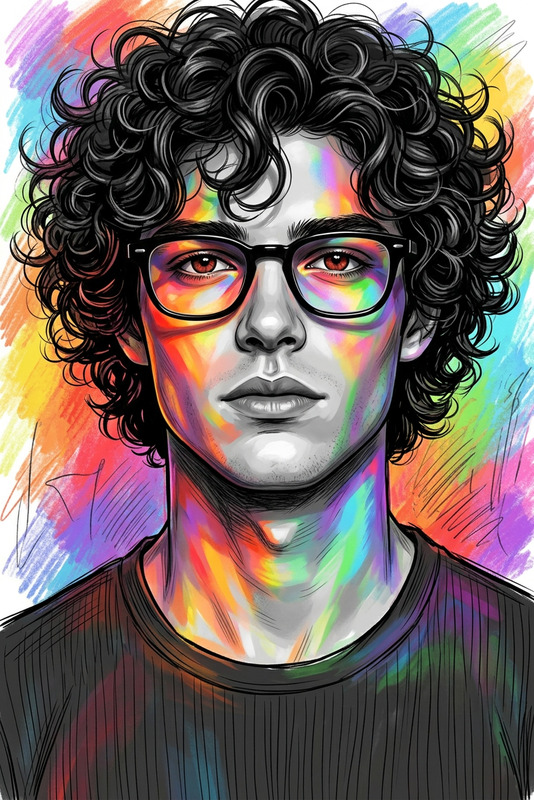
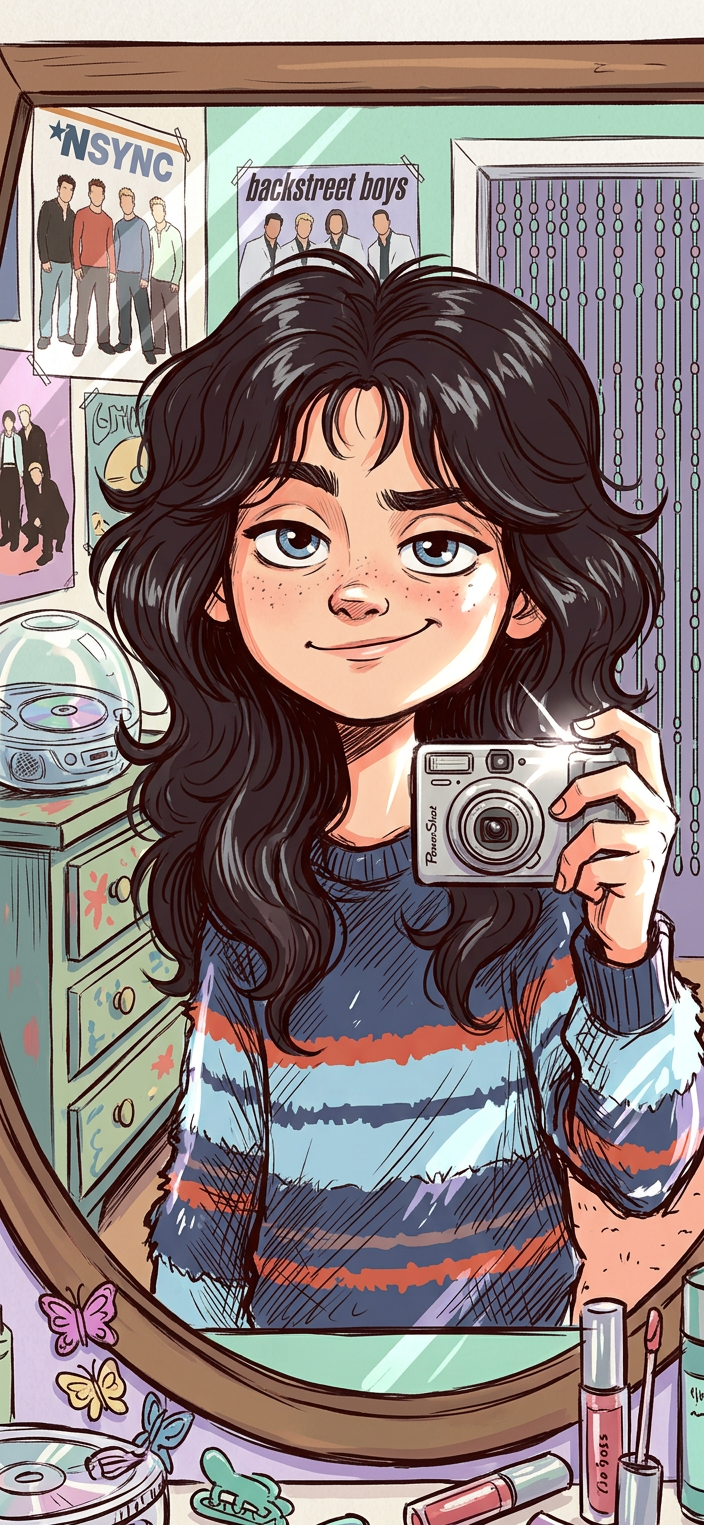
A mirror selfie portrait of subject in a cartoon sketch style. The subject has very long, voluminous dark wavy hair with soft wispy bangs and a confident, slightly playful expression. The subject is drawn in a vibrant 7-color sketch style with bold, expressive lines and colorful shading. The subject is captured in a tight selfie composition with an early-2000s digital camera aesthetic, featuring exaggerated flash highlights. The background is a nostalgic Y2K bedroom with pastel tones, a chunky wooden dresser, CD player, posters, a beaded curtain, and a cluttered vanity. Retro, stylized, playful, and highly expressive.
Any aspect ratio
Overview
The Y2K Cartoon Rainbow Sketch Selfie template takes your selfies to a new level by transforming them into vibrant, cartoon-style sketches reminiscent of the early 2000s. Built on the AI Image Editor platform and powered by the nano-banana-2 model, this tool breathes life into images with bold, colorful lines and nostalgic Y2K aesthetics.
What It Does
This template uses AI to convert ordinary selfies into expressive and playful cartoon sketches. By utilizing a 7-color palette, it produces images with bold outlines and dynamic colors. The final artwork captures the nostalgic vibe of a Y2K bedroom, complete with pastel tones and retro elements like a CD player and beaded curtains.
Who It's For
This template is ideal for social media enthusiasts looking to create standout, retro-style images. It's perfect for users who love to experiment with nostalgic and playful themes for their personal brands or creative projects. Anyone intrigued by the aesthetics of the early 2000s will find this template particularly appealing.
Summary
Convert your selfies into vivid Y2K-inspired artworks with the Y2K Cartoon Rainbow Sketch Selfie template. Perfect for social media and personal projects, this template offers a unique way to embrace retro nostalgia. Learn more about enhancing and editing your images with our AI Image Editor and explore further options with the AI Talking Photo for added creativity.
How-To
Choose the Template

Customize Your Inputs

Generate Your Image

Use Cases
Creative Social Media Posts
- Enhance profile pictures
- Create unique story content
Personal Branding
- Stand out with stylized images
- Cultivate a nostalgic theme
Artistic Projects
- Experiment with color and form
- Inspire with nostalgic elements
Best Practices
Image Quality Matters
For the best results, ensure your images are clear and well-lit before uploading. This enhances the quality of the final cartoon sketch.Experiment with Styles
Don't hesitate to tweak the prompt or re-upload different selfies to explore various artistic effects and styles.Embrace the Nostalgia
Incorporate elements that emphasize the Y2K vibe, such as retro clothing or accessories, to complement the background setting.