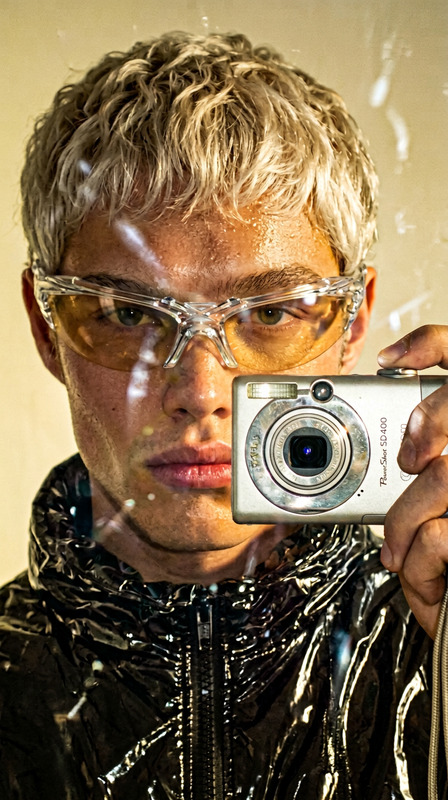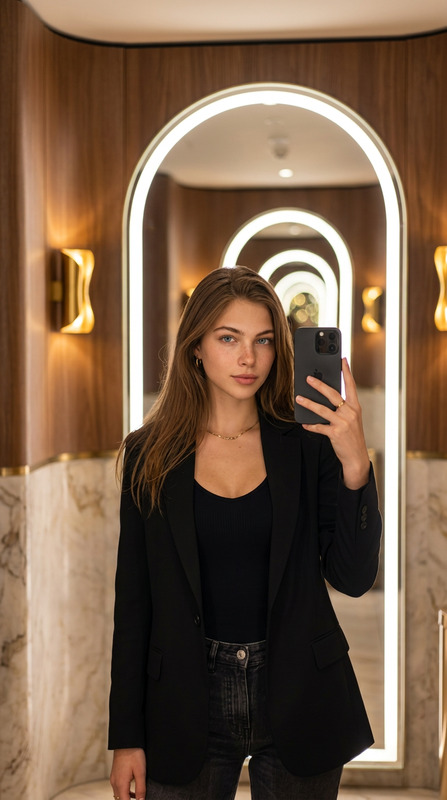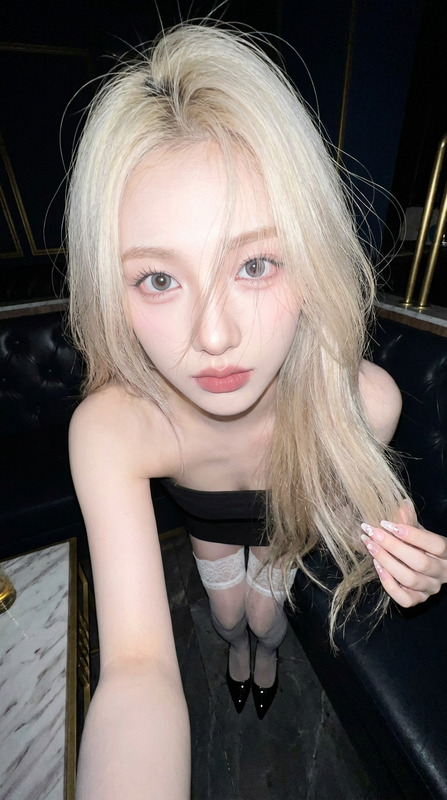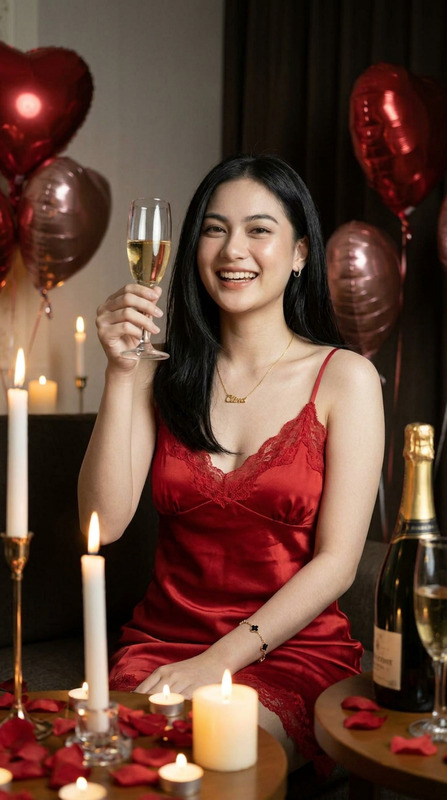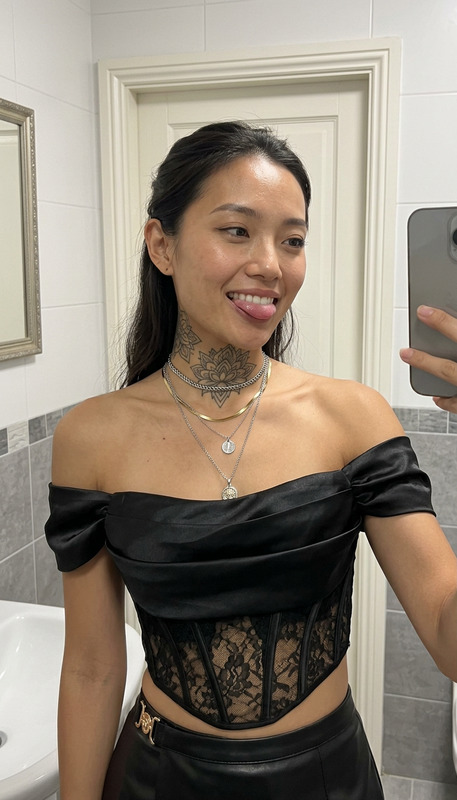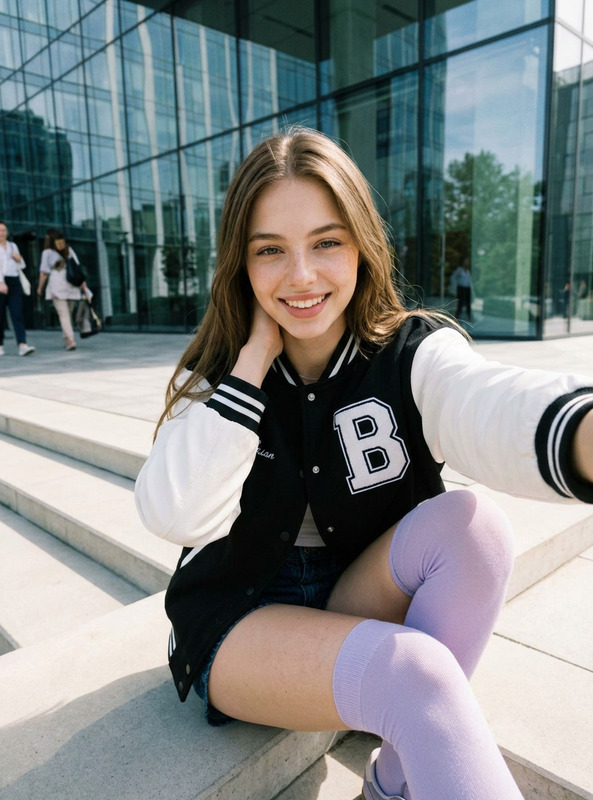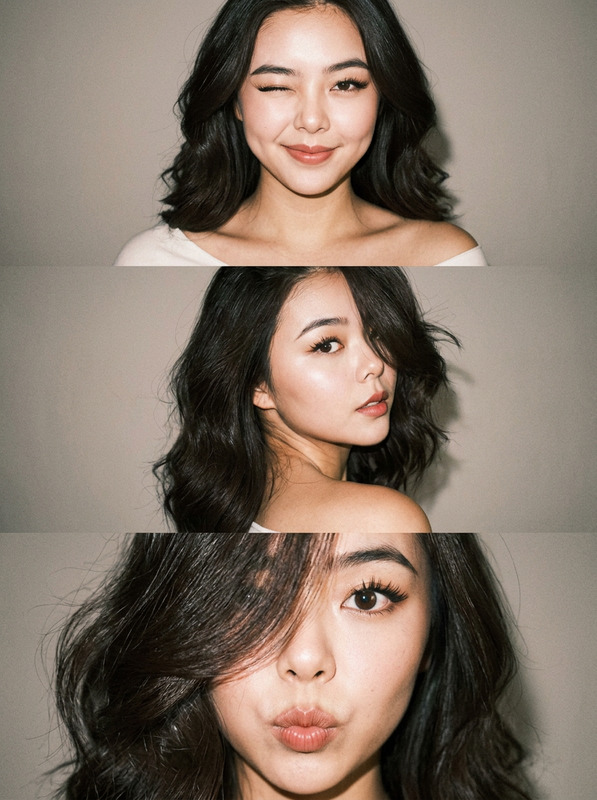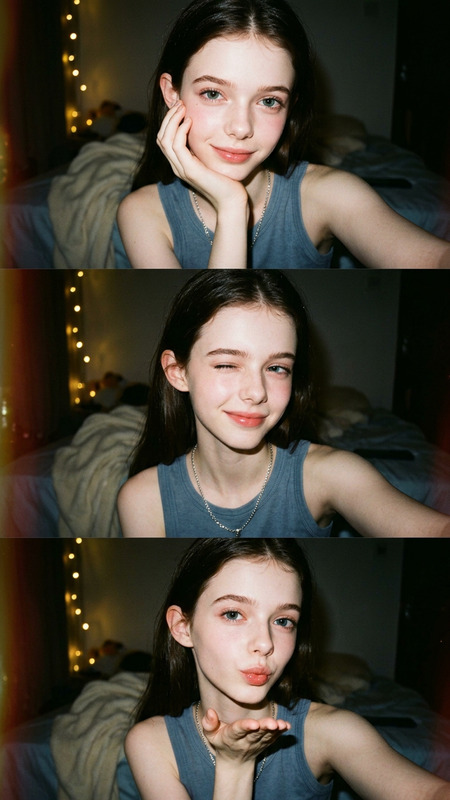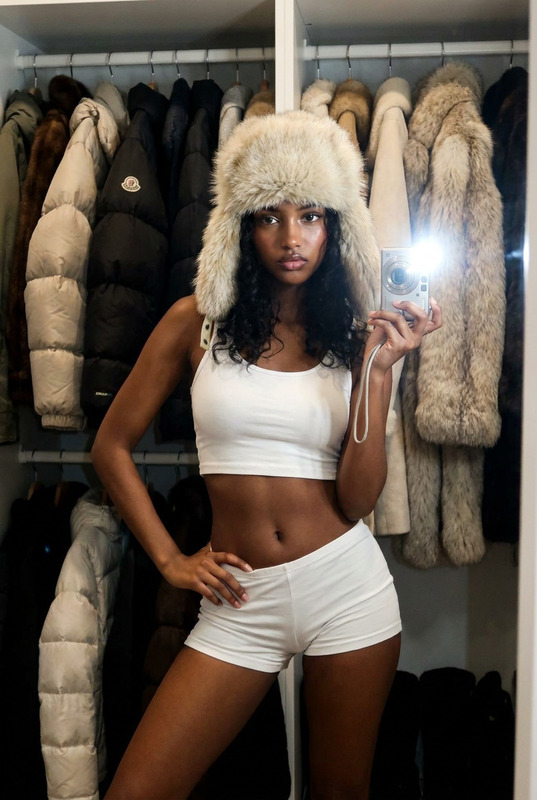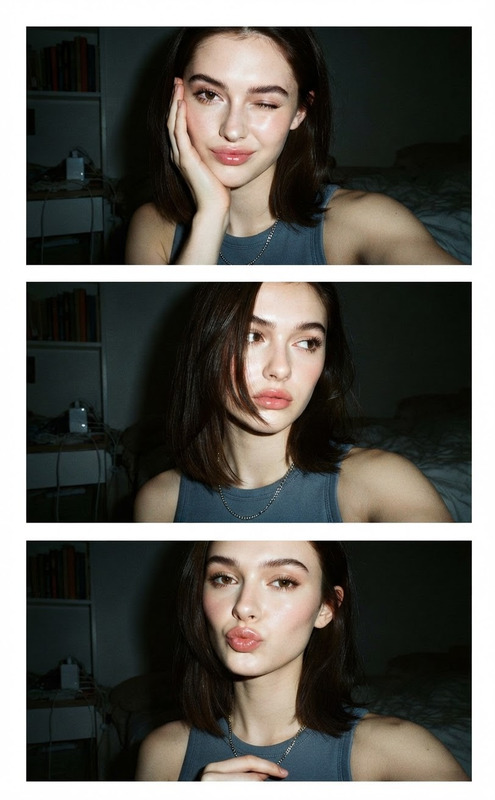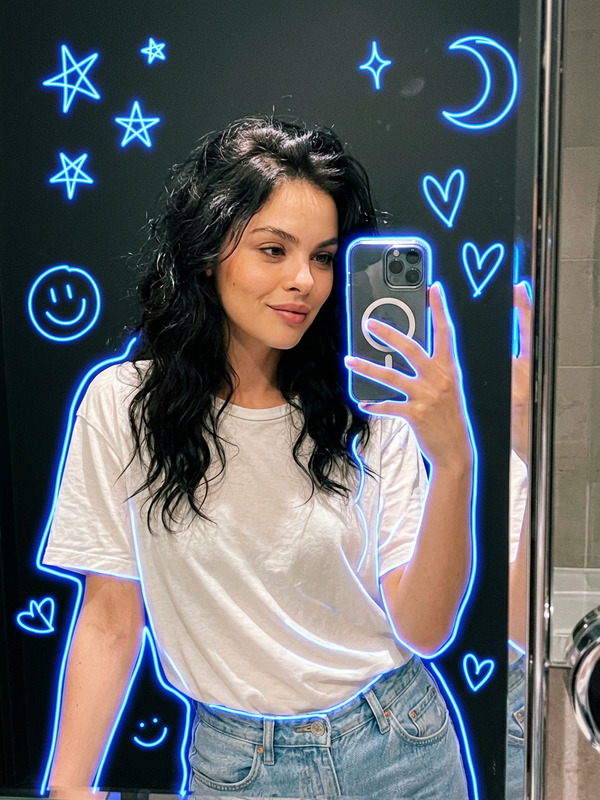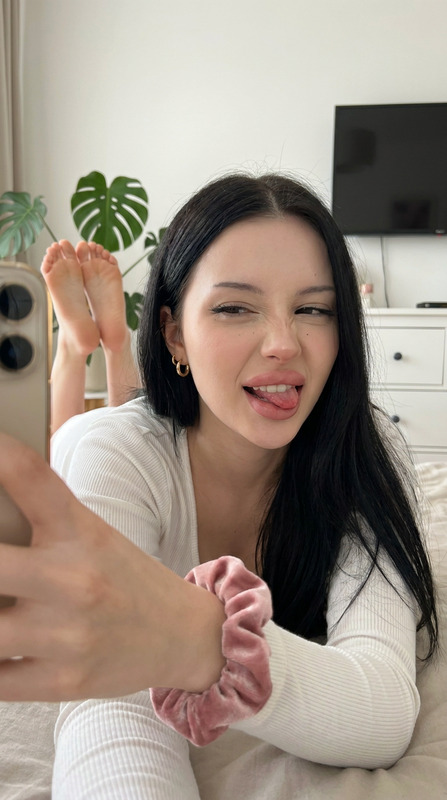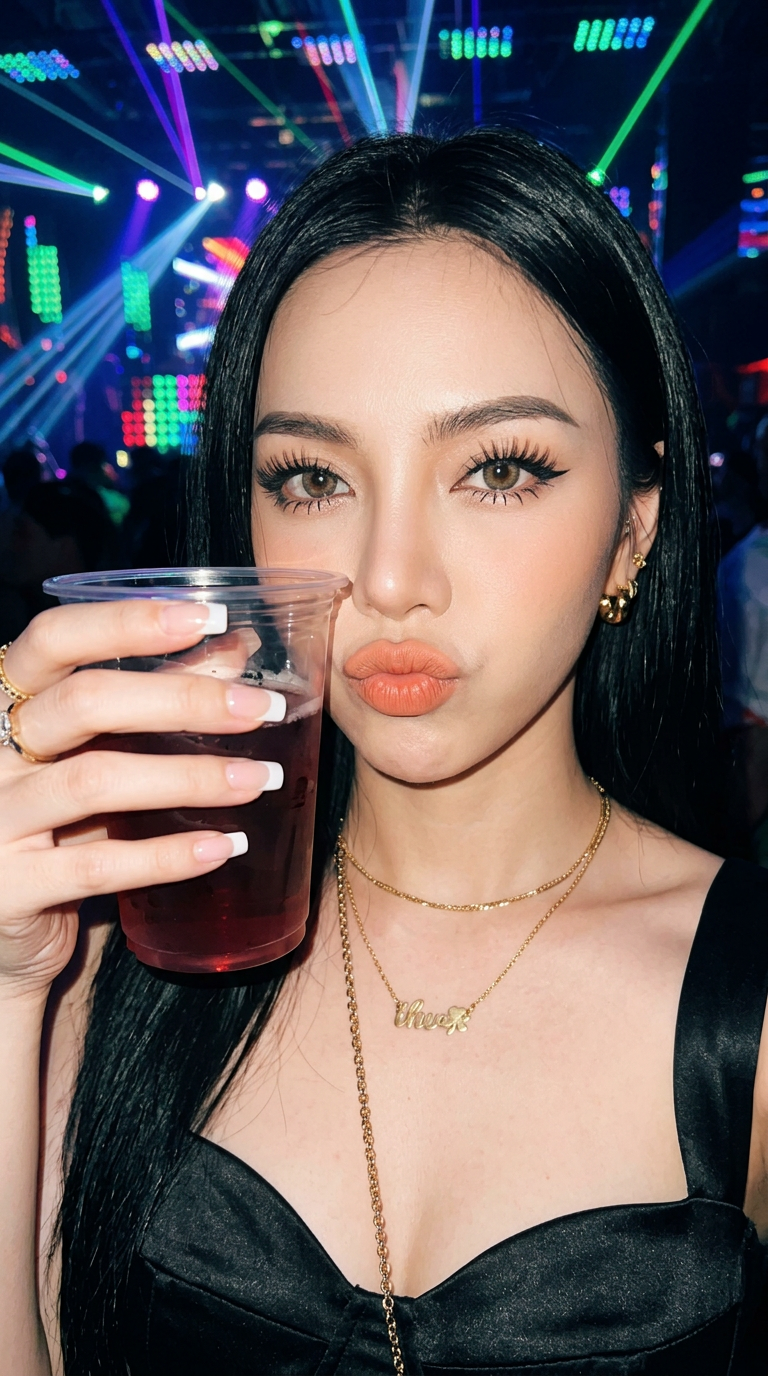
Nightclub Selfie Flash
- Model
- Nano Banana 2
- Image
- 768 × 1376 px
Prompt
Create an image of a woman, preserving her original facial features without alteration. She has long, straight black hair, long, thick eyelashes, cat-eye eyeliner, and mascara on her lower lashes. Her eyebrows are well-defined, and she has light blush and contouring. Her lips are peach-colored. She's wearing a black, sweetheart-necked top made of satin or leather, adorned with gold jewelry, and has square-cut French nails. She's taking a selfie (with her phone not visible), holding a plastic cup of a red drink in one hand, partially obscuring her face. She's making a playful or pouting face. The background is illuminated by various lights, resembling a nightclub or entertainment venue. Her face is directly illuminated by the camera flash, making it stand out against the darker background. Image size: 9:16. Face remains 100% original.
Any aspect ratio
Overview
The Nightclub Selfie Flash template in our AI Image Editor collection is designed to recreate the glamour of nightlife selfies. Utilizing the nano-banana-2 model, it maintains the integrity of facial features while enhancing the vibrant, lively atmosphere of a nightclub setting. With a focus on style, it ensures your subject's natural beauty stands out.
What It Does
This template allows you to create a striking selfie by simulating the effect of a camera flash in a dimly lit space. The AI processes retain the original facial features, ensuring the authenticity of the subject’s appearance. It highlights makeup details, hair style, and accessories, perfectly balancing the contrast between face and background.
Who It's For
This template is perfect for social media enthusiasts, influencers, or content creators who want to bring night-out vibes to their feeds. It also caters to photographers and designers who need to create vibrant social portraits that stand out in any AI Clothes Changer enhancement workflows.
Summary
Whether you're enhancing a photo shoot or creating content for a personal blog, the Nightclub Selfie Flash template ensures your images radiate style and personality. With realistic lighting effects and precise detail retention, it's a versatile choice for enhancing selfies and portraits, complementing our AI Image Generator capabilities.
How To
Choose Template

Customize Image

Generate and Download

Use Cases
Social Media Posts
- Perfect for Instagram stories and posts
- Enhances photos for Facebook and TikTok content
Promotional Content
- Ideal for nightlife and entertainment promotions
- Adds flair to digital ads and banners
Creative Photography
- Great for personal blogs and fashion portfolios
- Complements event invitations and flyers
Best Practices
Choose High-Quality Images
For best results, use a well-lit, high-resolution photo of the subject to allow for clear detail and contrast.Adjust to Fit Lighting
Consider tweaking brightness settings to make sure the subject’s face remains the focal point.Blend with Other Tools
Integrate with other Magic Hour tools like the AI Background Changer for customized environments.