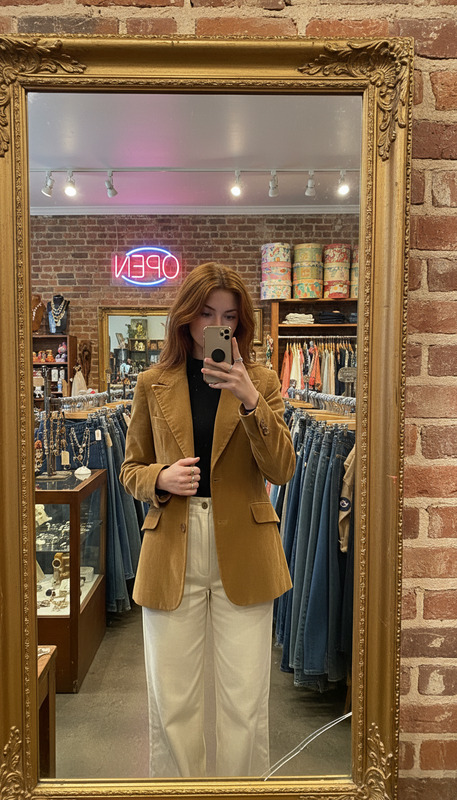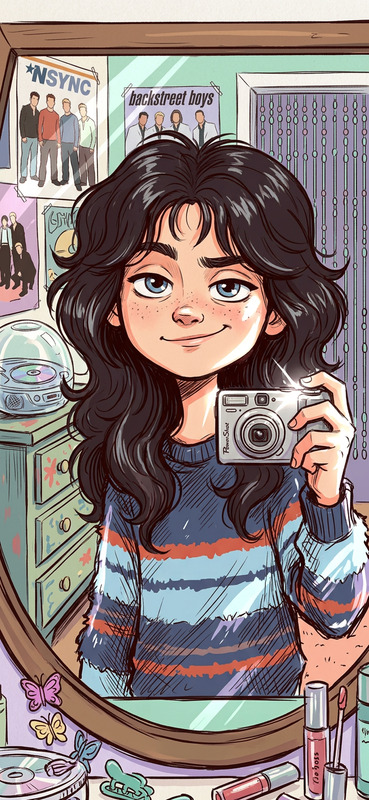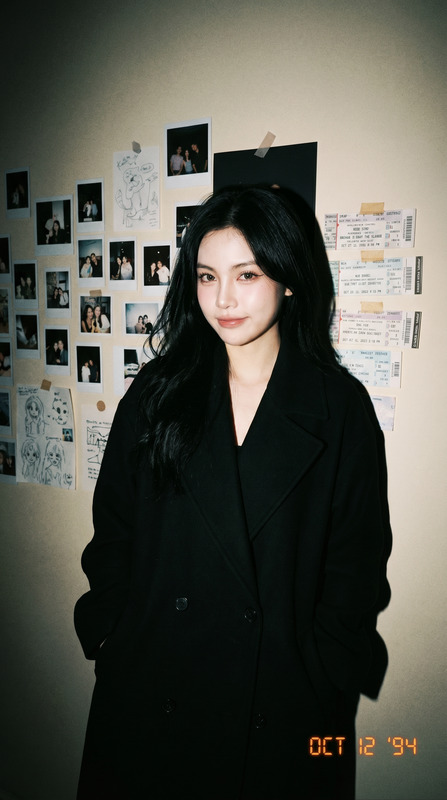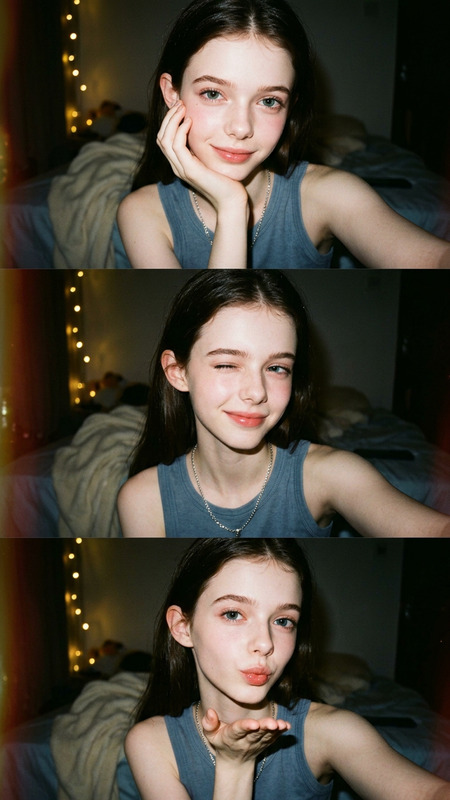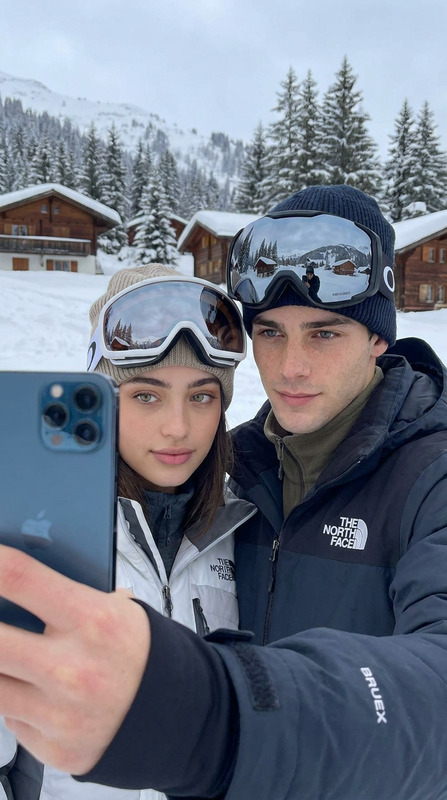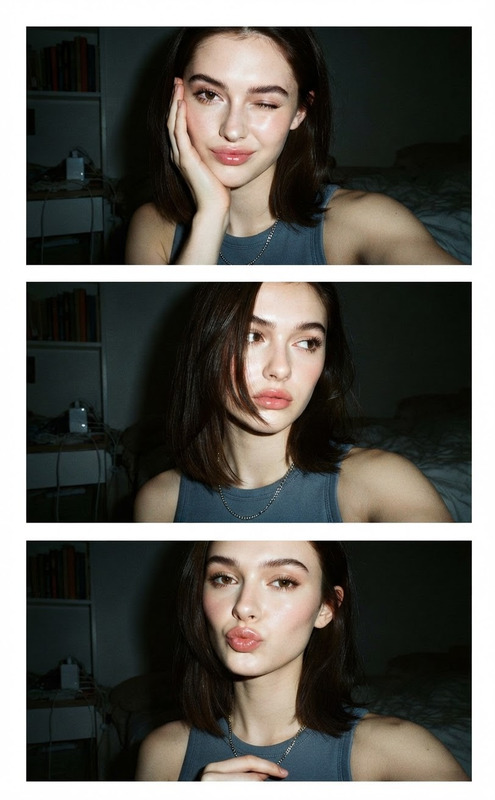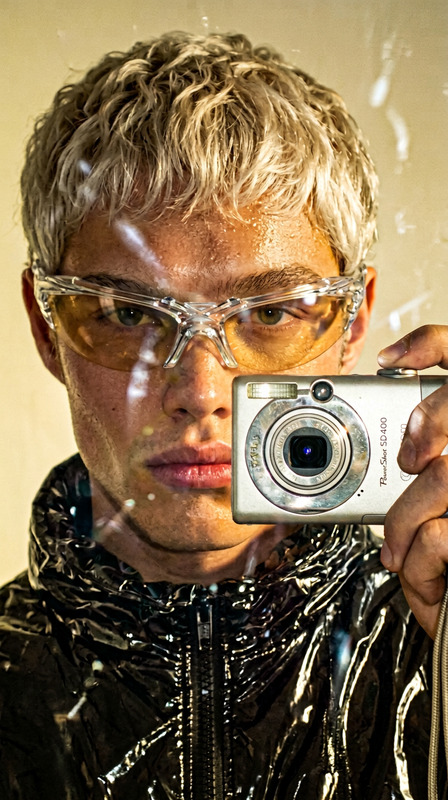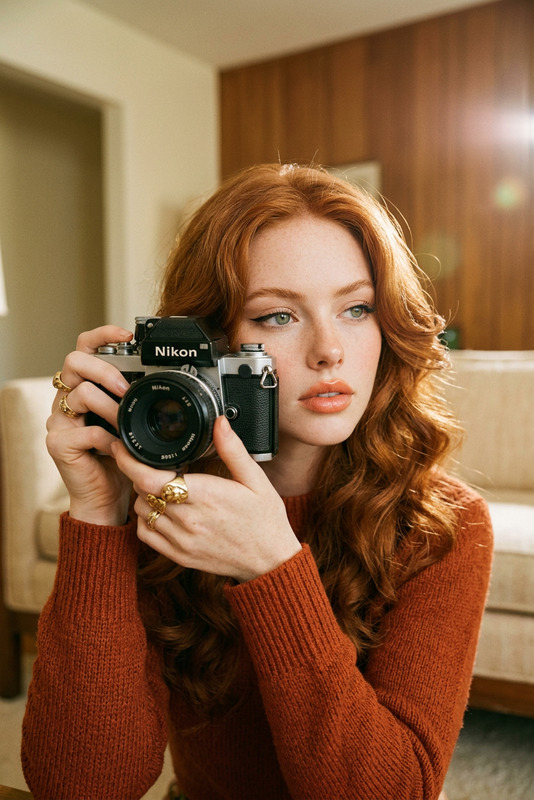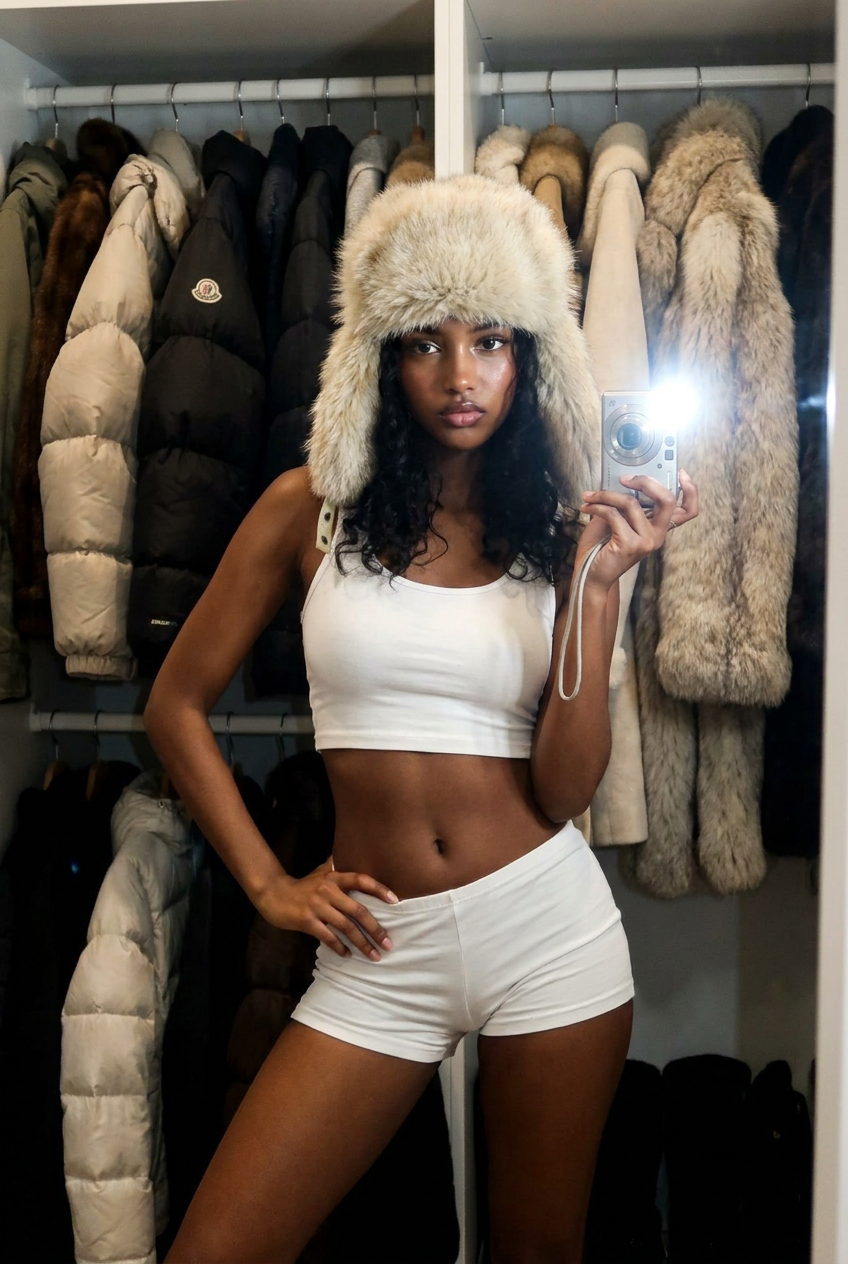
Vintage Selfie
- Model
- Nano Banana Pro
- Image
- 848 × 1264 px
Prompt
A mirror selfie of [User Face and Features] taken with a vintage compact digital camera. The subject is standing in a walk-in closet, holding the silver point-and-shoot camera in one hand with a bright flash activated, casting direct light and slight shadows. The subject is wearing a large, voluminous, shaggy [light-beige fur ushanka hat with prominent earflaps], a [white crop top], and matching [white slim-fit shorts]. The body weight is shifted to one leg, with one hand resting on the hip. The background features an open wardrobe with hangers filled with a rich collection of winter clothing, including [puffy down jackets and various textured fur coats] on both sides. The lighting is dominated by a sharp flash from the camera lens, creating a real 2000s selfie aesthetic, high-contrast, natural skin texture, raw photo, photorealistic, 8k.
Any aspect ratio
Overview
The Vintage Selfie template brings a nostalgic touch to your snapshots, emulating the classic 2000s style with a high-contrast, photorealistic effect. This AI Image Editor template is designed to transform your selfie casts into a retro-look captured straight from a vintage compact digital camera.
What It Does
This template adds a vintage aesthetic to your selfie images. It utilizes the AI Image Generator to process user-submitted face features against a backdrop of walk-in closet fashion, complete with iconic headwear and outfits representative of the early 2000s style. The result is a polished, high-resolution image with dramatic lighting typical of that era's camera technology.
Who It's For
Perfect for those passionate about retro fashion, photography enthusiasts looking to add character to their imagery, and anyone curating content with a vintage edge. Whether you're an influencer, a marketing professional, or simply someone who appreciates the style of past decades, this template provides the tools needed to create engaging visual content.
Summary
The Vintage Selfie template is your go-to for creating images that embody the charm of early 2000s digital photography. Integrated with the AI Photo Relighting tool, it optimizes shadow effects and lighting for a more authentic appearance.
How to Use
Choose Your Template

Customize the Template

Generate Your Image

Use Cases
Influencer Content
- Instagram posts
- TikTok follower engagement
Marketing Campaigns
- Vintage-themed ads
- Fashion brand launches
Personal Projects
- Scrapbooking
- Digital art
Best Practices
Select the Right Photo
Use high-resolution selfies where your face and features are clearly visible for the best effect.Adjust Lighting
Consider enhancing the photo with the AI Photo Relighting tool to achieve the desired vintage flash effect.Choose Complementary Wardrobe
Incorporate classic wardrobe items such as furs, which resonate with the stated era, to amplify authenticity.