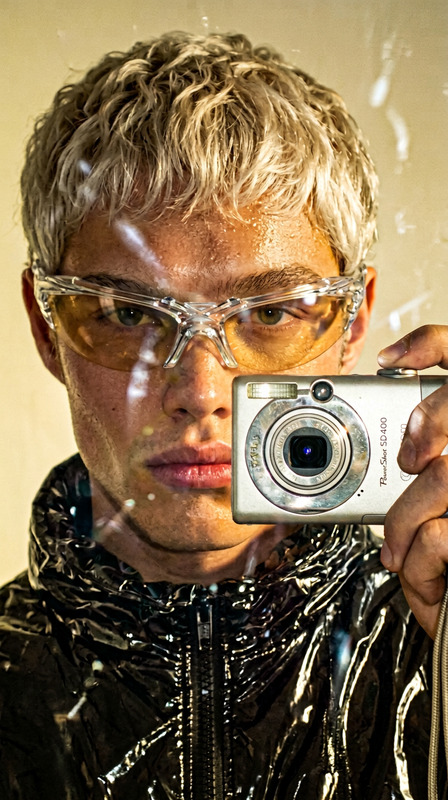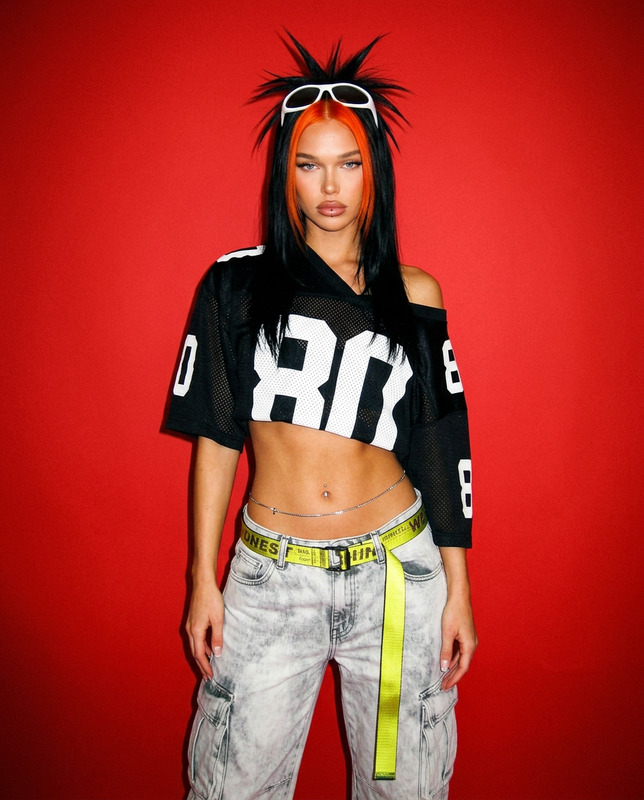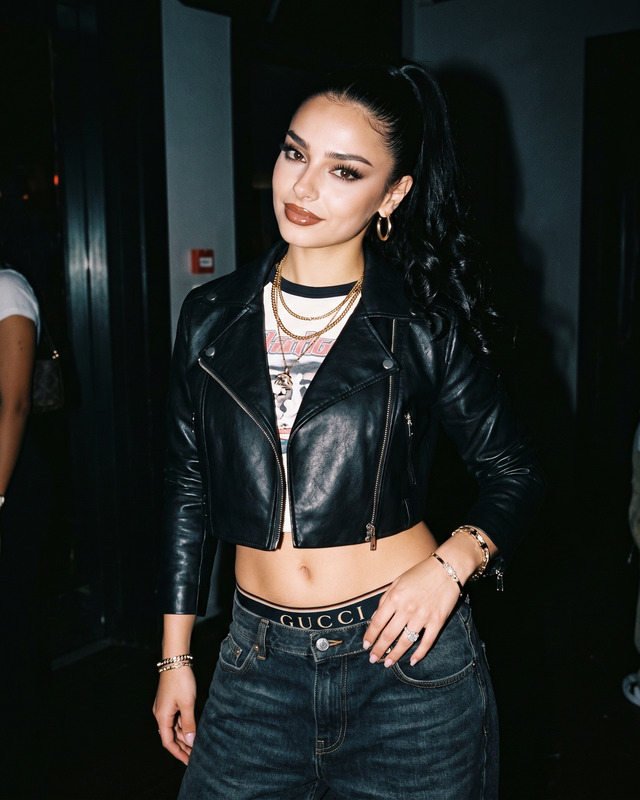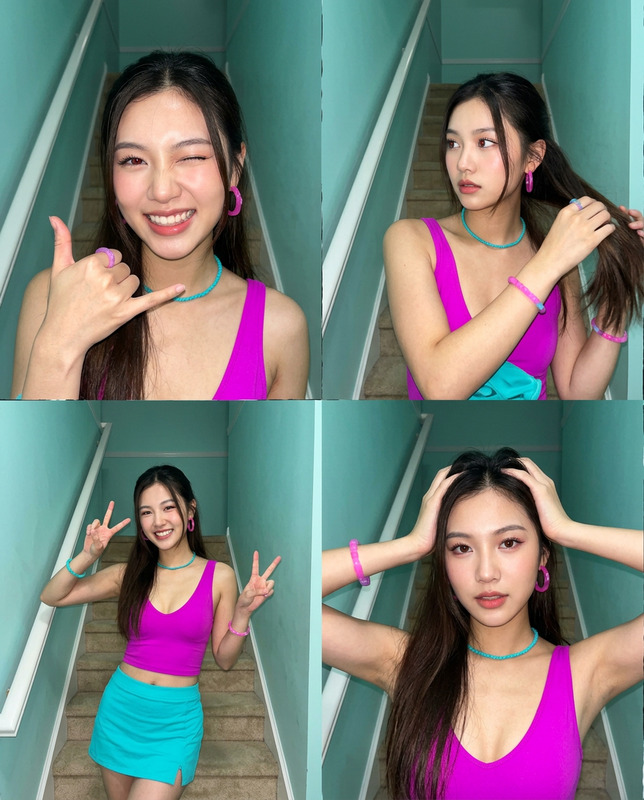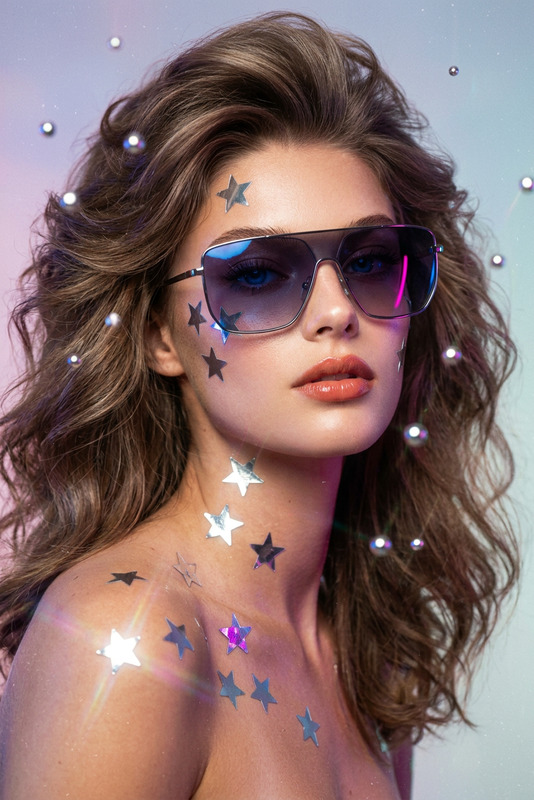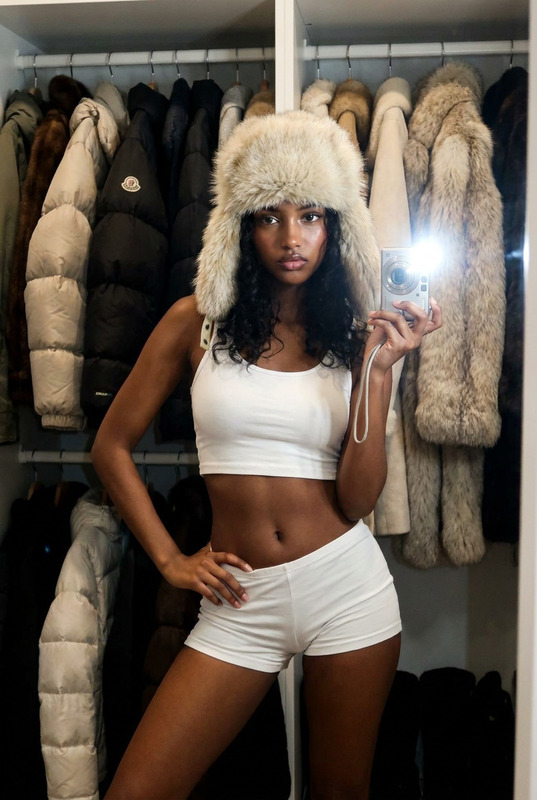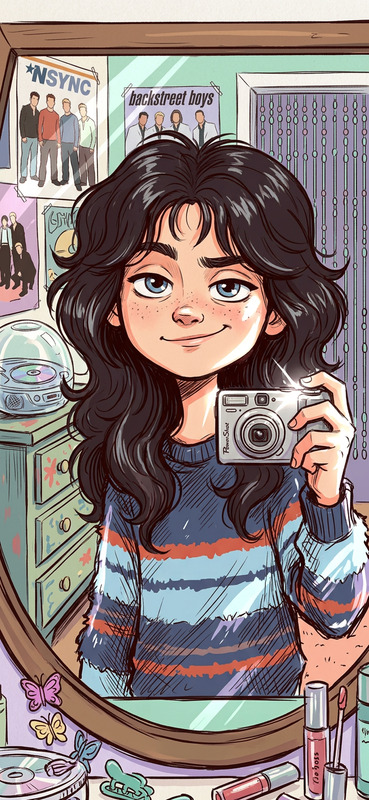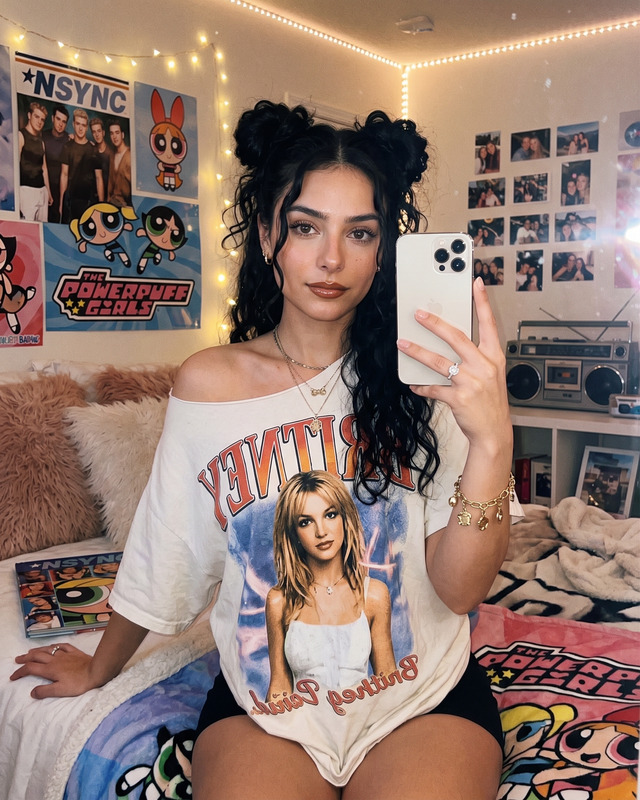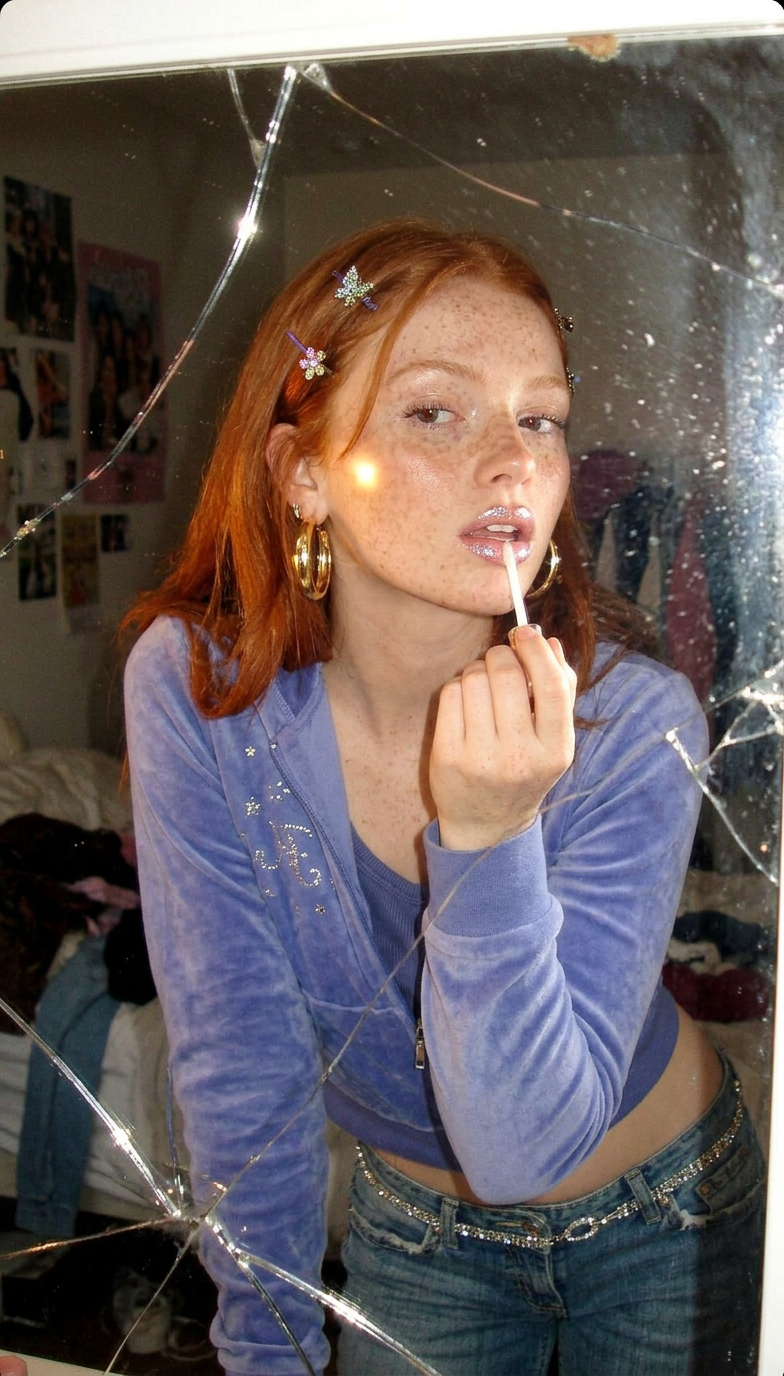
Y2K Mirror Flash Snapshot
ai-image-editor
Any aspect ratio
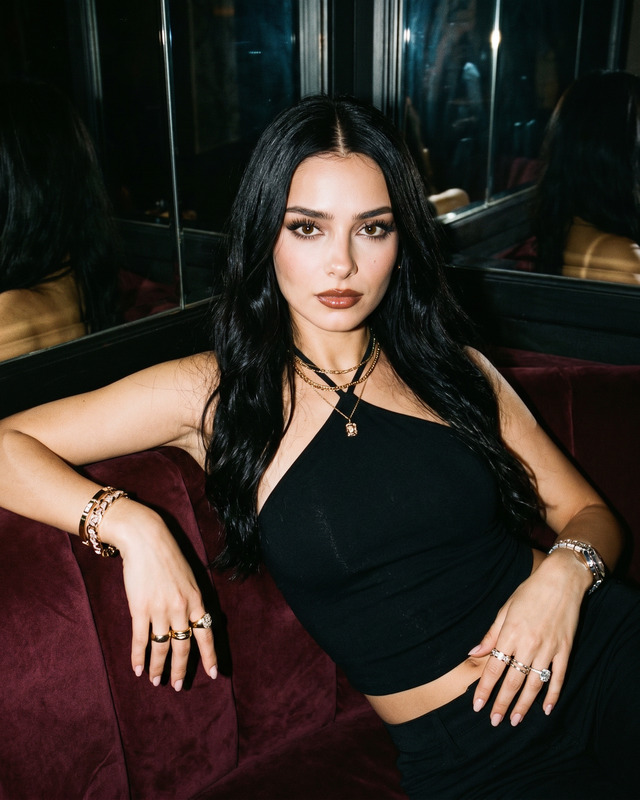
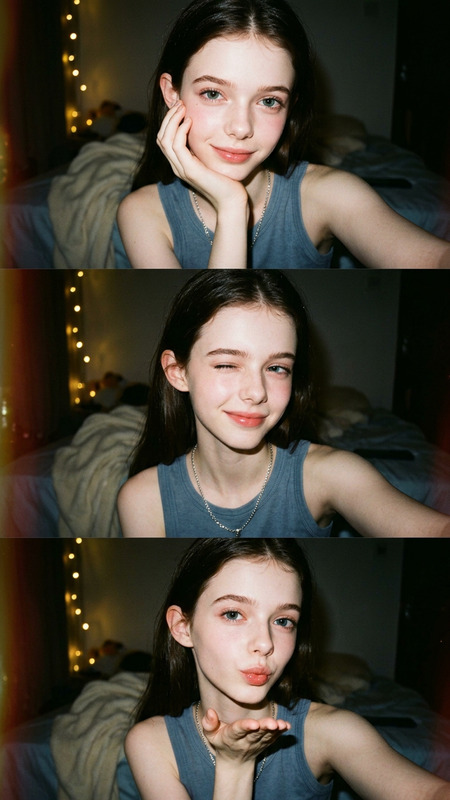
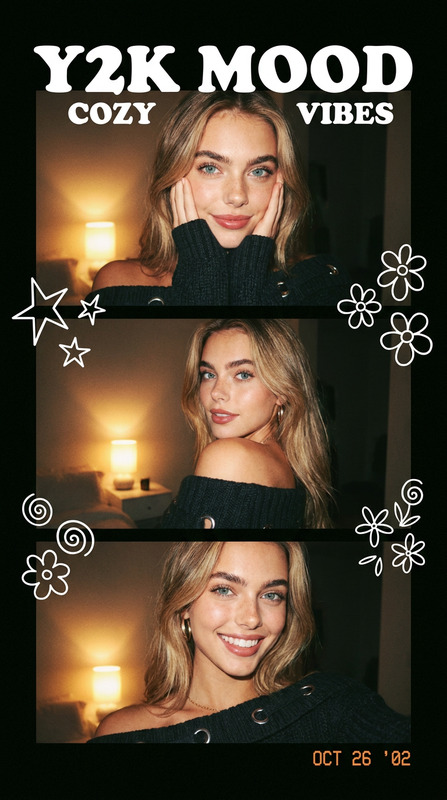
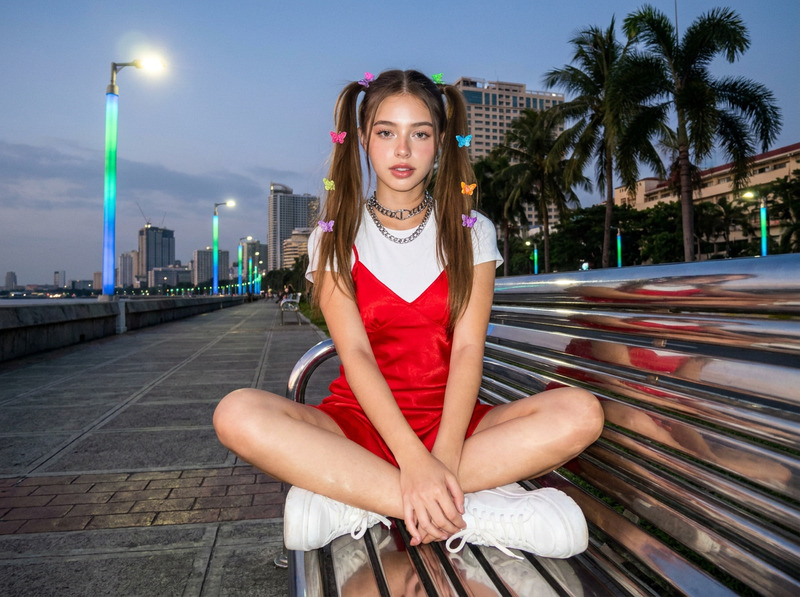
Generate a casual early 2000s Y2K-style snapshot captured in the cracked reflection of an old bedroom mirror, where a freckled red-haired subject leans in while carefully applying lip gloss that shimmers under a soft direct flash; the image features a velvety light blue-purple tracksuit top with delicate rhinestone details layered over a visible tank top for a playful Y2K aesthetic, paired with chunky gold hoop earrings, rhinestone hairpins holding back bright hair, and a partially visible rhinestone belt above loose low-rise jeans; the composition is slightly tilted and cropped, emphasizing an authentic candid feel, with soft grainy low-resolution digital texture, subtle CCD camera noise, and warm tungsten flash reflections enhancing the nostalgic atmosphere of an early 2000s personal snapshot.
AI Image Editor Template: Smart, Fast Image Editing for Serious Creators
Use this AI Image Editor–based template to rapidly clean up, enhance, and transform images without learning complex design tools. It’s designed for creators, marketers, and builders who need high‑quality, on‑brand visuals in minutes—not hours.
This template runs on the AI Image Editor, so you can start from it, then remix and extend it for your own workflow.
What You Can Do With This Template
This template is optimized for common, high‑value editing tasks:
Clean, professional product shots
- Remove clutter, fix backgrounds, refine lighting, and sharpen details
- Great for ecommerce, landing pages, pitch decks, and marketplace listings
- Combine with AI Background Generator–style prompts to place products in realistic or stylized scenes
Fast creative variations for campaigns
- Generate multiple versions of a hero image for A/B tests and multichannel campaigns
- Create platform‑specific crops and variations for social, ads, and email
Brand‑aligned content from rough inputs
- Start with a quick photo, mockup, or stock image
- Use AI to adapt color, style, and composition while keeping the core subject intact
- Pair with AI Logo Generator or AI Icon Generator to keep everything visually consistent
Visual fixes that usually require a designer
- Remove unwanted objects or distractions using the same capabilities as the AI Remover and Remove Object from Photo tools
- Repair issues like blur or low resolution with AI Image Upscaler and Unblur Image
- Clean up logos, screenshots, UI mocks, and documentation images
How to Remix This Template in Magic Hour
You don’t have to start from scratch. Use this template as a working baseline and adapt it to your own use case:
Open the template in Magic Hour
- Load the template in your workspace. The flow already uses the AI Image Editor as the core editing engine.
Swap in your own input sources
- Use product photos, portraits, app screenshots, or marketing assets
- For new assets, you can first generate images with:
Define your editing “jobs” in the flow
- Create clear stages like “cleanup,” “background,” “style pass,” “final polish”
- For example:
- Step 1: Remove background/noise (similar to Image Background Remover)
- Step 2: Generate a new backdrop (inspired by AI Background Generator)
- Step 3: Style to your brand (color palette, contrast, mood)
- Step 4: Upscale and sharpen (like AI Image Upscaler)
Add downstream outputs for your workflow
- Video and motion
- Turn edited key visuals into motion content with:
- Talking or interactive assets
- Use your edited portraits or characters with:
- Video and motion
Save as your own custom template
- Once dialed in, save your version as a reusable flow
- Share it with your team so designers, marketers, and non‑technical teammates can run the same process consistently
Workflow Examples for Power Users
If you’re building repeatable pipelines around visuals, this template is a strong base for:
1. Ecommerce & Marketplace Pipelines
- Clean all incoming seller photos with AI
- Replace inconsistent backgrounds with brand‑standard scenes
- Fix low‑quality images via Old Photo Restoration and Photo Colorizer
- Auto‑generate thumbnails for marketplaces or YouTube using Thumbnail Maker
2. Founder/Creator Personal Branding
- Create consistent headshots from casual photos with the AI Headshot Generator, then refine them via this template
- Generate avatars with Avatar Generator or AI Selfie Generator, then polish inside the AI Image Editor
- Prepare images for talking‑head content with AI Talking Photo and Text to Video
3. Content & Social Pipelines
- Turn raw ideas into finished creatives:
- Concept art via AI Illustration Generator or Comic Book Generator
- Final polish via this AI Image Editor template
- Output as video, GIF, or static campaigns
- Quickly create:
- Memes with AI Meme Generator
- Covers with Album Cover Generator and Book Cover Generator
- Branded QR visuals with AI QR Code Generator
Advanced Creative Use Cases
Beyond standard cleanup and enhancement, this template is a good starting point for more experimental work:
Stylized character and fashion workflows
- Design characters with Animated Characters Generator or AI Anime Generator, then refine details with AI Image Editor
- Explore looks and outfits with AI Outfit Generator and AI Fashion Generator
- Edit faces, expressions, or features with AI Face Editor, Gender Swap, and AI Face Generator
Worldbuilding and visual storytelling
- Generate maps, environments, or props:
- Clean and unify style using this AI Image Editor template for consistent output
- Turn stills into moving sequences with Image to Video or Video to Video
Niche but high‑impact visuals
- Tattoos: generate with AI Tattoo Generator, then use this template to adjust placement mockups on skin photos
- Optical illusions and stylized pieces via Optical Illusion Generator and Graffiti Generator
- Interior concepts with AI Interior Design Generator, then refine visuals for decks and client docs
Why Use AI Image Editor as a Template Base?
For creators, developers, and marketers, this AI Image Editor template offers:
- Repeatability – Turn one‑off manual edits into a consistent, automated flow
- Speed – Replace multi‑tool, multi‑step edits with a single, chainable process
- Flexibility – Works with portraits, products, UI, concept art, and more
- Interoperability – Plays well with other Magic Hour tools like:
- Face Swap and Face Swap GIF
- AI Voice Generator and AI Voice Cloner for video content using your edited visuals
- Video Upscaler and Auto Subtitle Generator downstream
Getting the Most Out of This Template
To make this template genuinely valuable in production:
Keep a “source of truth” brand board
- Use the same reference images, colors, and visual language across AI Image Editor, AI Logo Generator, and AI Art Generator
- Save a version of this template that encodes your brand look
Build multi‑modal flows, not isolated edits
- Start from concept (e.g., AI Manga Generator or DND AI Art Generator)
- Polish in AI Image Editor via this template
- Animate or narrate via Text to Video, AI Voice Changer, or AI Voice Generator
Standardize image quality across the stack
- Run legacy or user‑generated content through:
- Old Photo Restoration
- Photo to Sketch when you need stylized documentation
- This AI Image Editor template as the final normalization step
- Run legacy or user‑generated content through:
Who This Template Is For
This AI Image Editor template is built for:
Founders and growth teams
- Quickly generate production‑ready visuals for landing pages, decks, and experiments
- Systematize how your team edits and ships imagery
Creators and solo operators
- Replace a patchwork of tools with a single, remixable AI editing flow
- Turn your content ideas into polished artifacts you can reuse across platforms
Developers and product teams
- Prototype and test AI‑driven creative workflows without deep design expertise
- Use this as a reference when thinking about automated asset pipelines and UGC cleanup
Start from this AI Image Editor template, tweak it to your use case, then save your own version as a reusable Magic Hour building block. It’s a compact foundation for any image‑centric workflow—whether you’re cleaning up product photos, inventing new characters, or powering a full AI‑first creative pipeline.