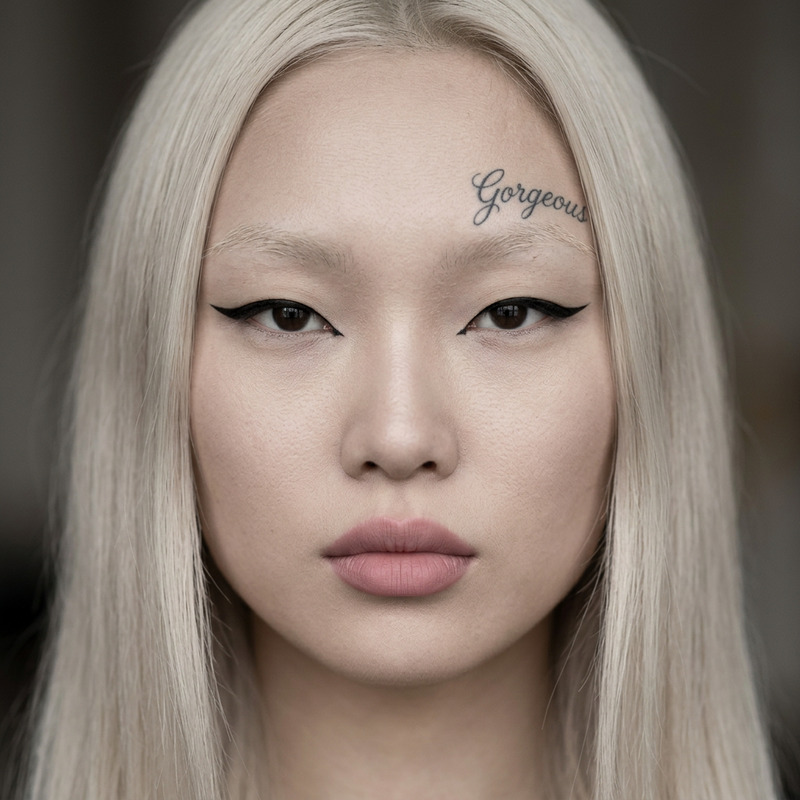
Signature Tattoo Enhancement

Signature Tattoo Enhancement

ai-image-editor

1 clip
2 uses

Any aspect ratio

Prompt

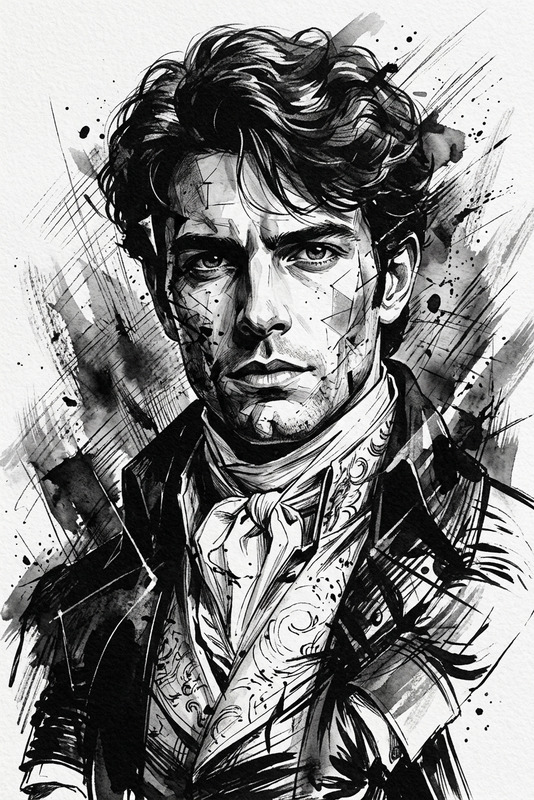
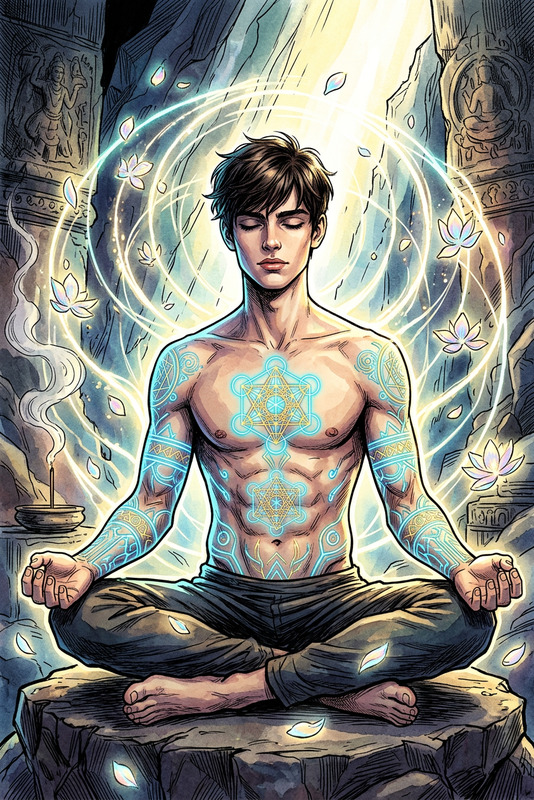
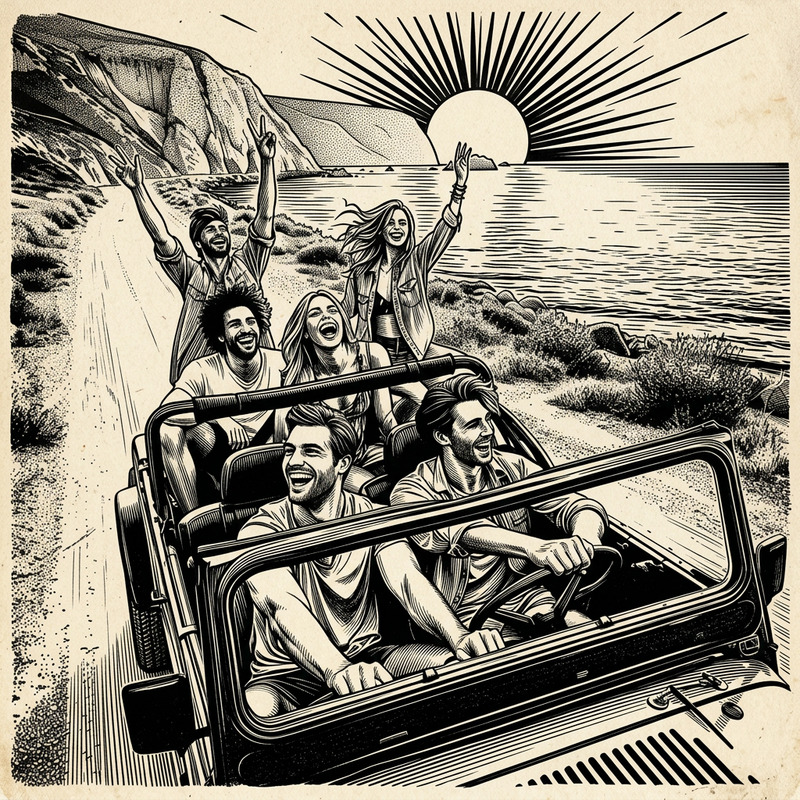
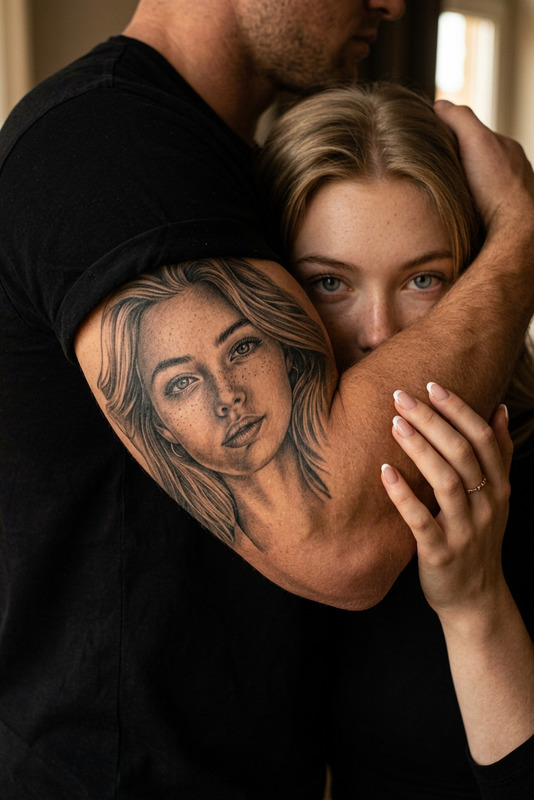
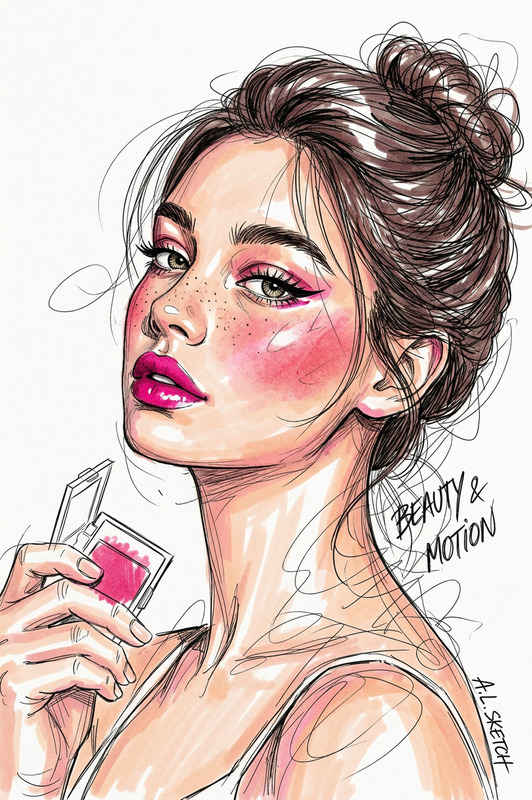
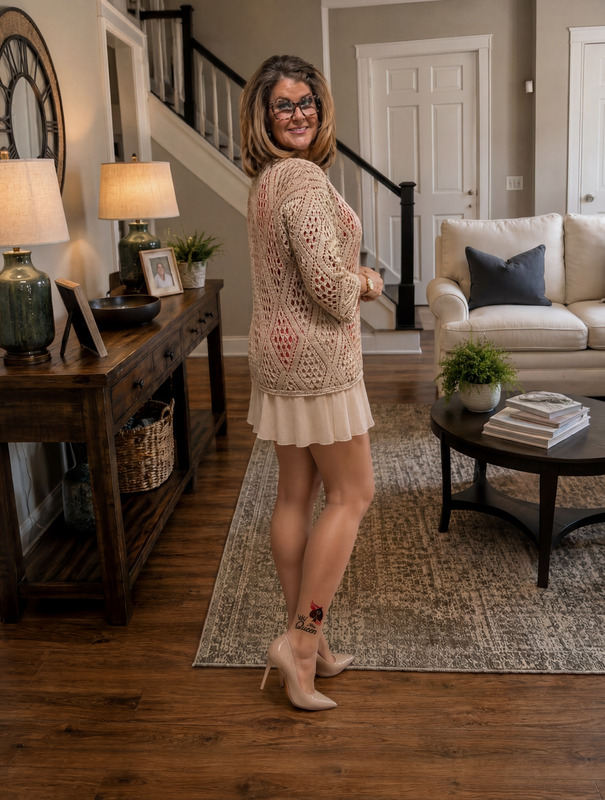
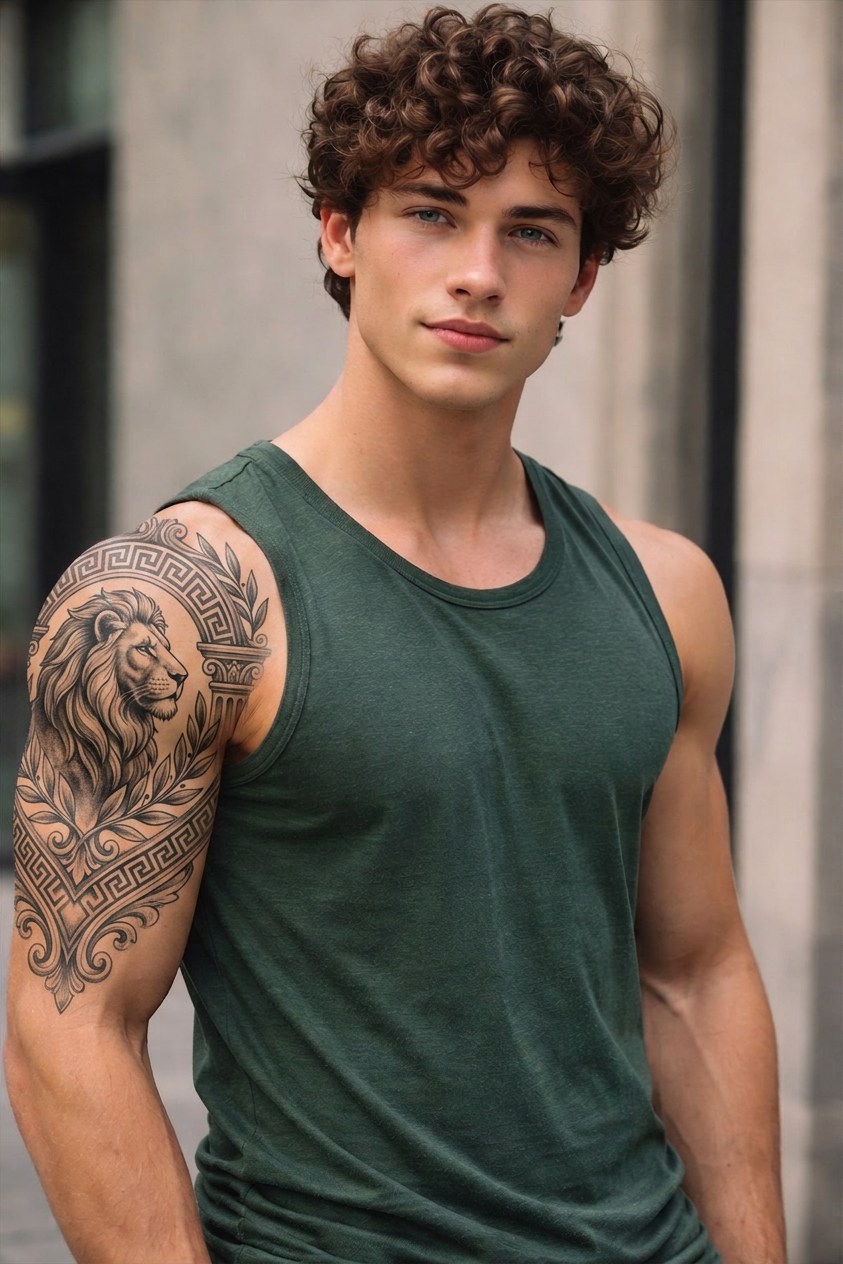
Add a tattoo that naturally suits the subject’s personality, style, and overall aesthetic. Design the tattoo to complement their appearance, body shape, and vibe—whether minimal, elegant, edgy, or bold. Place it in a realistic and flattering position (e.g., arm, shoulder, collarbone, back), with proper skin texture integration, shading, and perspective. Ensure the tattoo looks authentic with natural ink diffusion, slight imperfections, and lighting consistency, blending seamlessly into the skin as if it has always been there

AI Image Editor Template: Turn Any Photo Into a Studio-Grade Visual in Minutes

This template uses Magic Hour’s AI Image Editor to help you transform a single photo into a polished, on-brand asset—without Photoshop or manual retouching. It’s built for fast iteration, clean outputs, and easy remixing so you can adapt it to your own workflow.


What This Template Is For

Use this AI Image Editor–based template when you need to:

  • Clean up and enhance product photos for ecommerce or pitch decks
  • Swap or refine backgrounds for social posts and ads
  • Remove distractions, objects, or people from images
  • Generate multiple style variations from one base image
  • Standardize visuals across a brand, campaign, or presentation

It works especially well for:

  • Founders creating decks, landing pages, and investor updates
  • Marketers producing ad creatives, social content, and A/B test variants
  • Creators and designers needing fast concept visuals or moodboards
  • Developers building assets for apps, games, and prototypes

How to Remix This Template in Magic Hour

You can recreate and customize this template directly in Magic Hour using the AI Image Editor:

  1. Upload your base image
    Start with a product shot, portrait, logo, illustration, or any visual you want to improve or restyle.

  2. Define what should stay vs. change

    • Keep the subject (e.g., product, person, character)
    • Change the background, lighting, color palette, or style
    • Remove any unwanted elements using the AI Remover or remove-object-from-photo tools
  3. Describe the desired output
    In your prompt, be explicit about:

    • Visual style (e.g., “clean studio lighting”, “minimalist, high-contrast”, “cinematic, shallow depth of field”)
    • Use case (e.g., “for a landing page hero section”, “for an Instagram ad”, “for pitch deck cover”)
    • Brand constraints (colors, mood, level of realism, audience type)
  4. Generate variations and iterate

    • Create multiple edited versions for different channels or experiments
    • Refine by adjusting your prompt and re-running the edit
    • For more stylistic control, pair with AI Art Generator or AI Illustration Generator to define a reference style and then apply it via the editor.
  5. Upscale and finalize
    Once you like the edit, sharpen and enhance it with the AI Image Upscaler or Unblur Image, then export for web, presentations, ads, or product pages.


Example Use Cases You Can Rebuild with This Template

You can remix this template to build your own:

1. High-Conversion Product Shots

  • Start with a basic product photo
  • Use the AI Image Editor to:
    • Remove clutter and fix reflections
    • Replace the background with clean gradients or brand colors
    • Emulate polished DTC-style photography
  • Then:

2. Professional Headshots & Avatars

  • Start from a casual selfie or existing profile photo
  • Use the AI Image Editor alongside:
  • Clean background, refine lighting, and standardize framing for LinkedIn, pitch decks, and websites.

3. Brand-Consistent Social & Ad Creatives

  • Take your hero product or logo as the base image
  • Use the AI Image Editor to:
    • Generate multiple background themes (seasonal, event-specific, niche-specific)
    • Create social-ready layouts (e.g., product cutout + color field + subtle texture)
  • Combine with:

4. Concept Art & Character Exploration


Advanced Workflows: Combine With Other Magic Hour Tools

This AI Image Editor–based template becomes far more powerful when chained with other Magic Hour tools:


How to Adapt This Template to Your Own Brand or Product

To create your own version of this template in Magic Hour:

  1. Decide your primary use case
    Examples: ecommerce product images, SaaS hero visuals, personal branding headshots, YouTube thumbnails, in-app assets.

  2. Collect a small reference set

    • 5–10 images that already feel “on brand”
    • 3–5 competitor or aspirational examples
    • Use AI Art Generator or AI Photo Generator if you don’t have enough references.
  3. Define your visual rules
    In your prompts and workflow, codify things like:

    • Color palette and contrast
    • Level of realism vs. stylization
    • Background types (solid, gradient, contextual scenes)
    • Framing (close-up, mid, wide, negative space placement)
  4. Turn your process into a repeatable “micro-template”

  5. Document your best prompts

    • Keep a simple internal library of prompts that performed well
    • Note which combinations of tools (e.g., “AI Image Editor → AI Image Upscaler → Text to Video”) produce the best results for your use case
    • Reuse and refine, rather than starting from scratch each time

Who This Template Is Optimized For

This AI Image Editor template is particularly useful if you are:

  • A startup founder needing fast, consistent visuals for pitches, landing pages, and product launches
  • A growth or performance marketer running creative tests, optimizing CTR, and localizing campaigns
  • A designer or creative director validating concepts before full production
  • A solo creator building a personal brand across YouTube, newsletters, and social platforms
  • A developer or product builder prototyping UI assets, in-product illustrations, or character art

You get studio-level image editing and generation quality with the speed and flexibility of AI-native workflows.


Related Magic Hour Templates and Tools to Explore

If this template is useful, you may also want to explore:

Use this AI Image Editor template as the backbone of a modular, AI-first creative pipeline: generate, edit, upscale, animate, and ship—without leaving Magic Hour.

More Like This