Tattoo Try-On

Tattoo Try-On

AI Image Editor
1 image
0 uses
Model
Nano Banana Pro
Image
3584 × 4736 px

Prompt

Take tattoo including the writing below it from second file and place compete image onto the first file directly above ankle with same size ratio.

Any aspect ratio

marketingtransformationsstyles

Overview

Easily visualize how a tattoo will look on your body with the Tattoo Try-On. Upload a photo, and this tool will seamlessly overlay a tattoo design onto the image.

How To

Use this simple process to see how tattoos suit your look.
    01

    Choose Your Photo

    Upload an image of yourself where the tattoo should appear.
    02

    Customize

    The tool automatically places a tattoo design onto your image.
    03

    Generate Image

    Click Generate to create a preview image with the tattoo applied.

More Like This

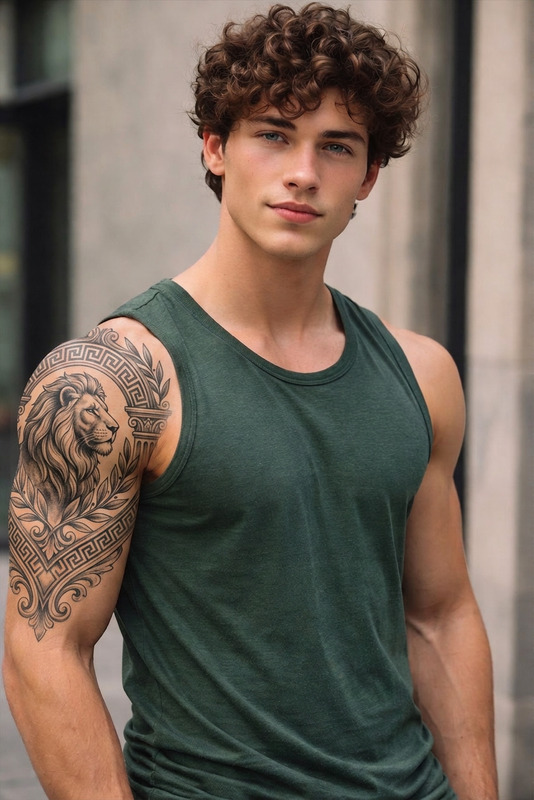
Signature Tattoo Enhancement
2
Signature Tattoo Enhancement
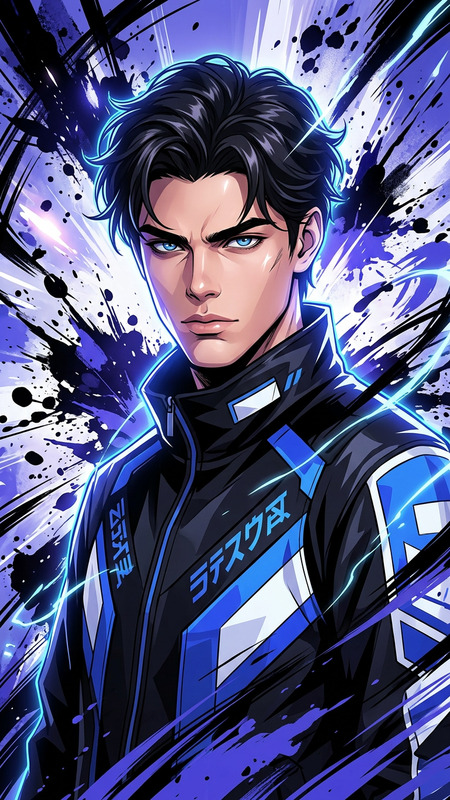
Neon Ink Explosion
1
Neon Ink Explosion
Neon Ink Explosion
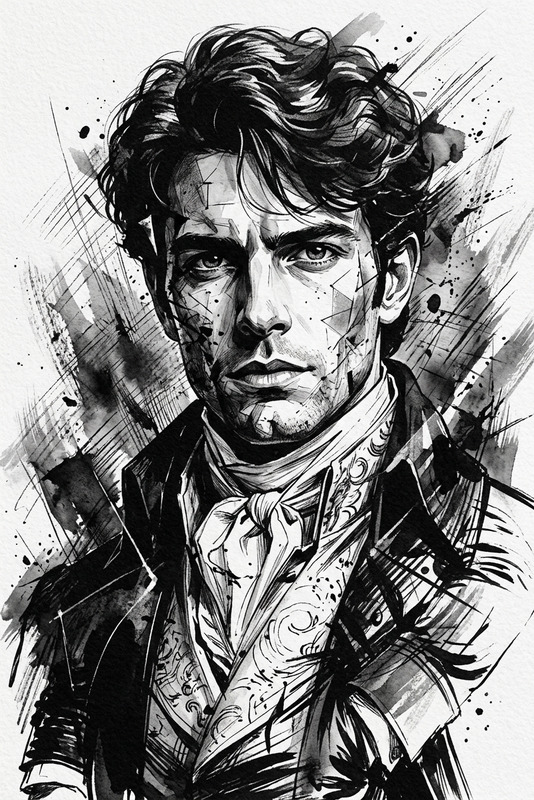
Abstract Ink Portrait
17
Abstract Ink Portrait
Fashion Sketch
8
Fashion Sketch
Fashion Sketch
Mermaid Tail Transform
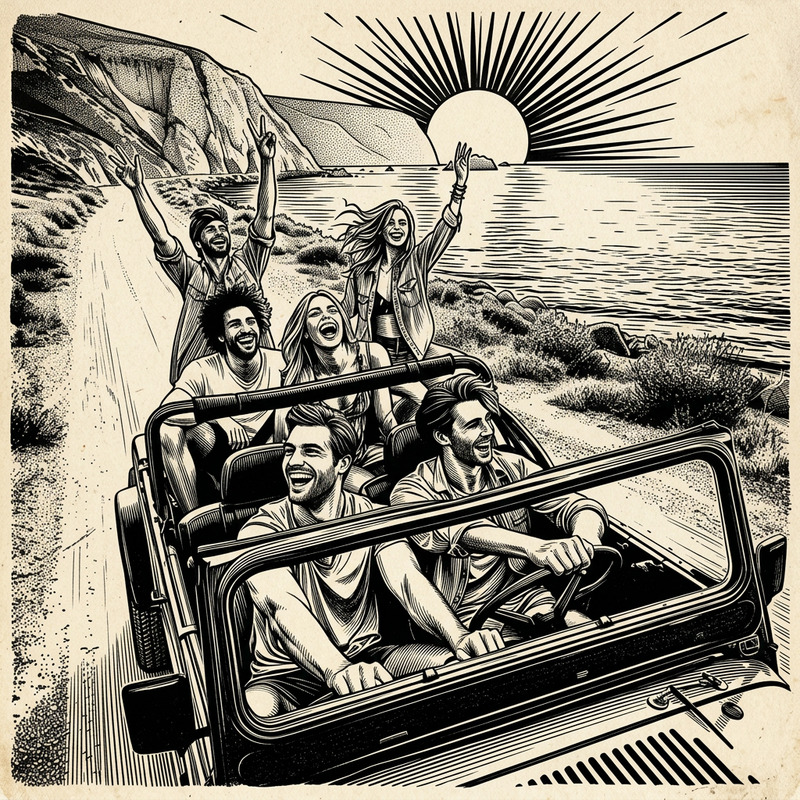
Japanese Ink Sketch Character Illustration
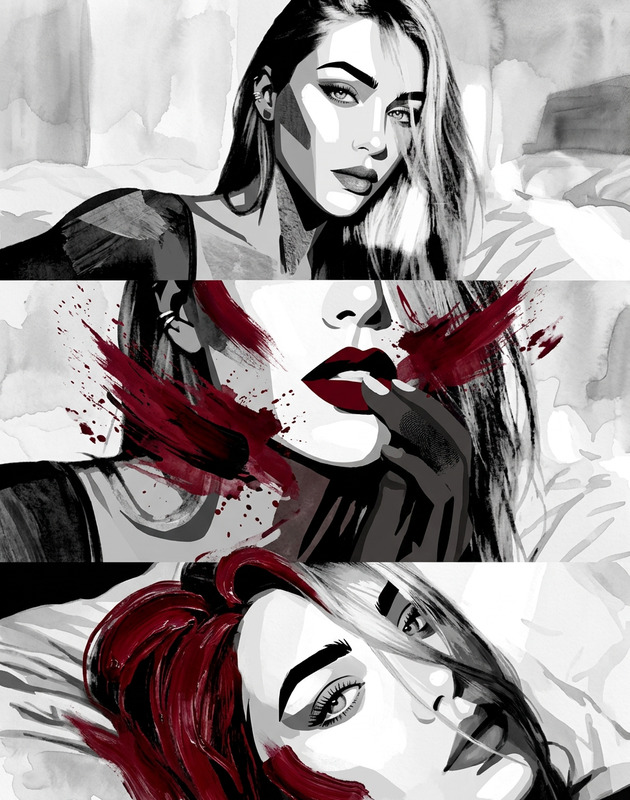
Aesthetic Two-tone Design
5
Aesthetic Two-tone Design
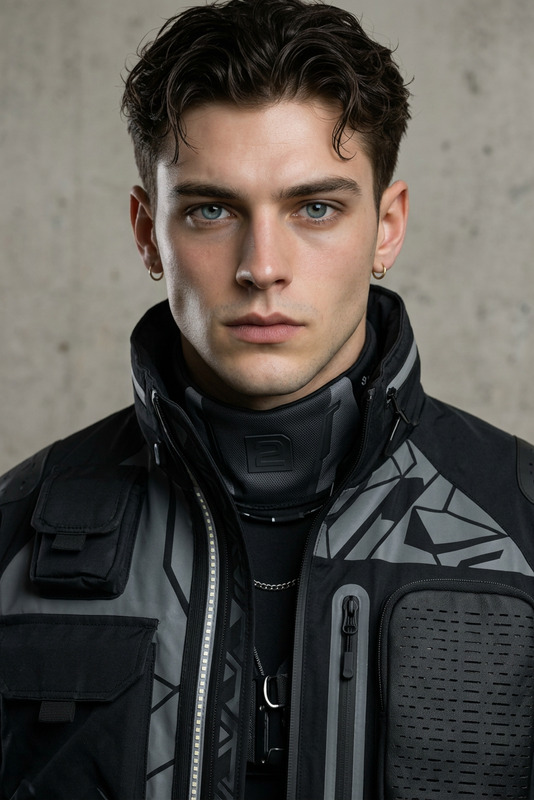
Techwear Studio Portrait
6
Techwear Studio Portrait
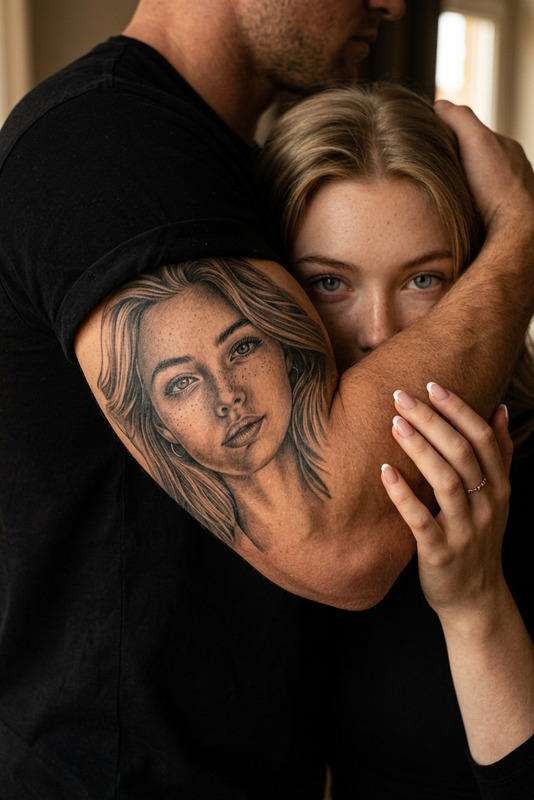
Timeless Ink Style
23
Timeless Ink Style
Timeless Ink Style
Tatoo Eyes
3
Tatoo Eyes
Tatoo Eyes
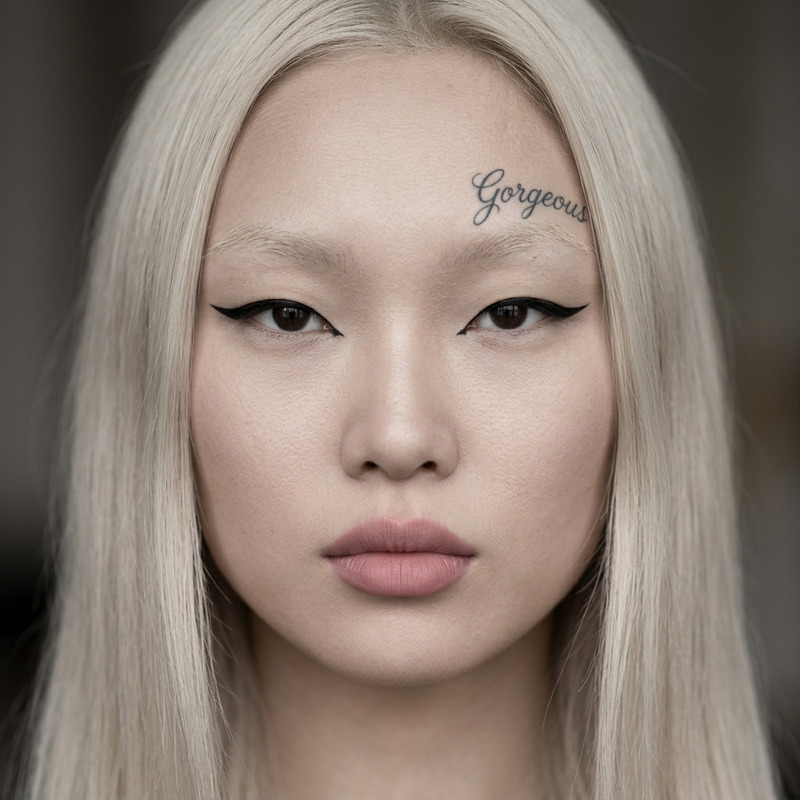
Gorgeous tattoo
Gorgeous tattoo
Gorgeous tattoo
White Background and Chest Tattoo

AI Image Editor