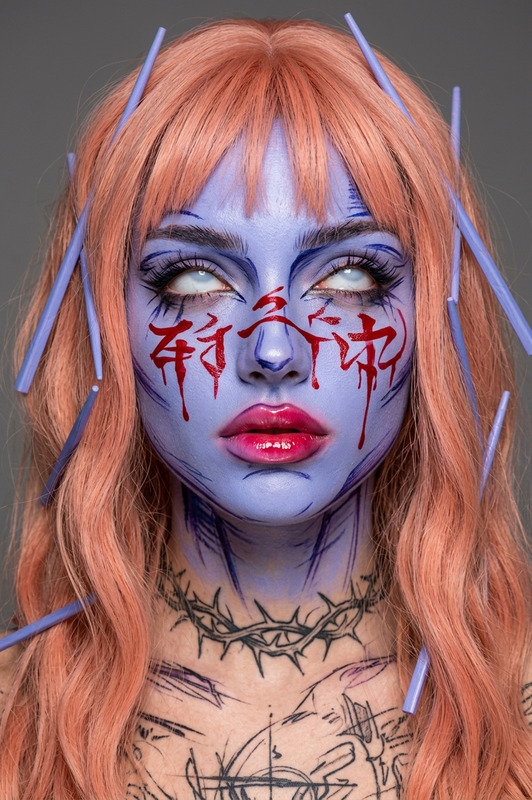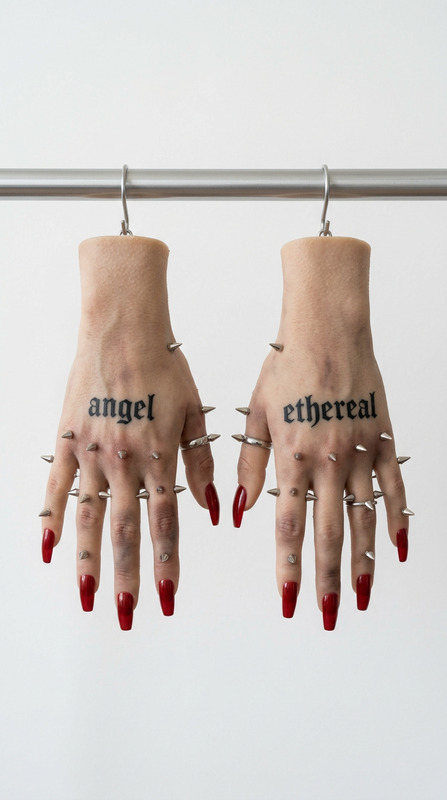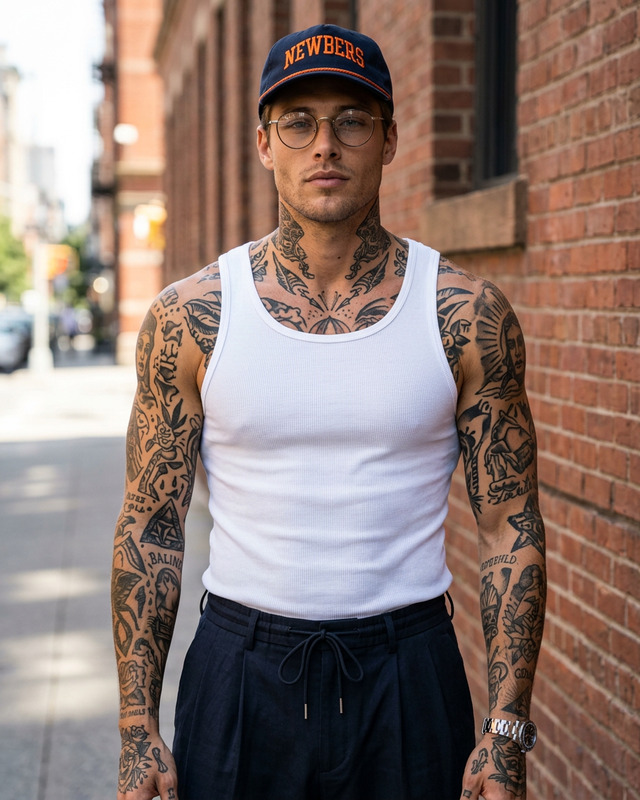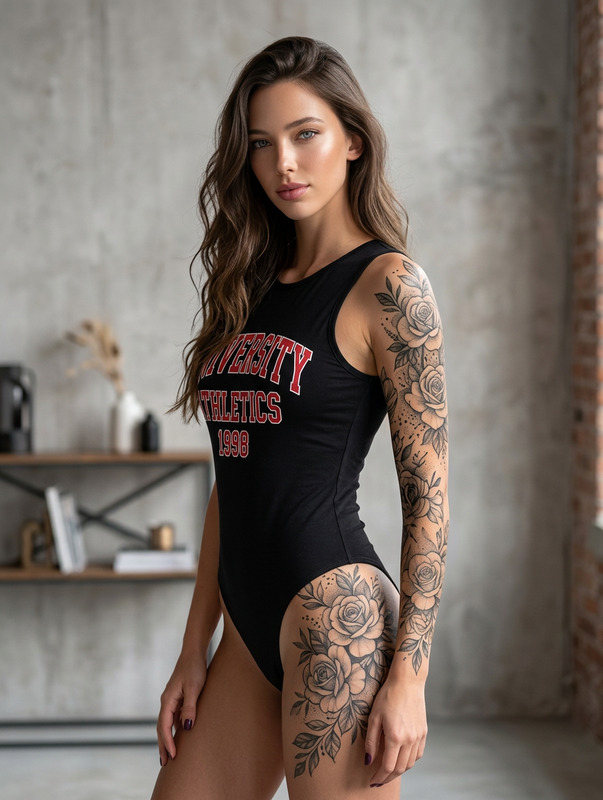
Gorgeous tattoo
- Model
- Nano Banana 2
- Image
- 1024 × 1024 px
Prompt
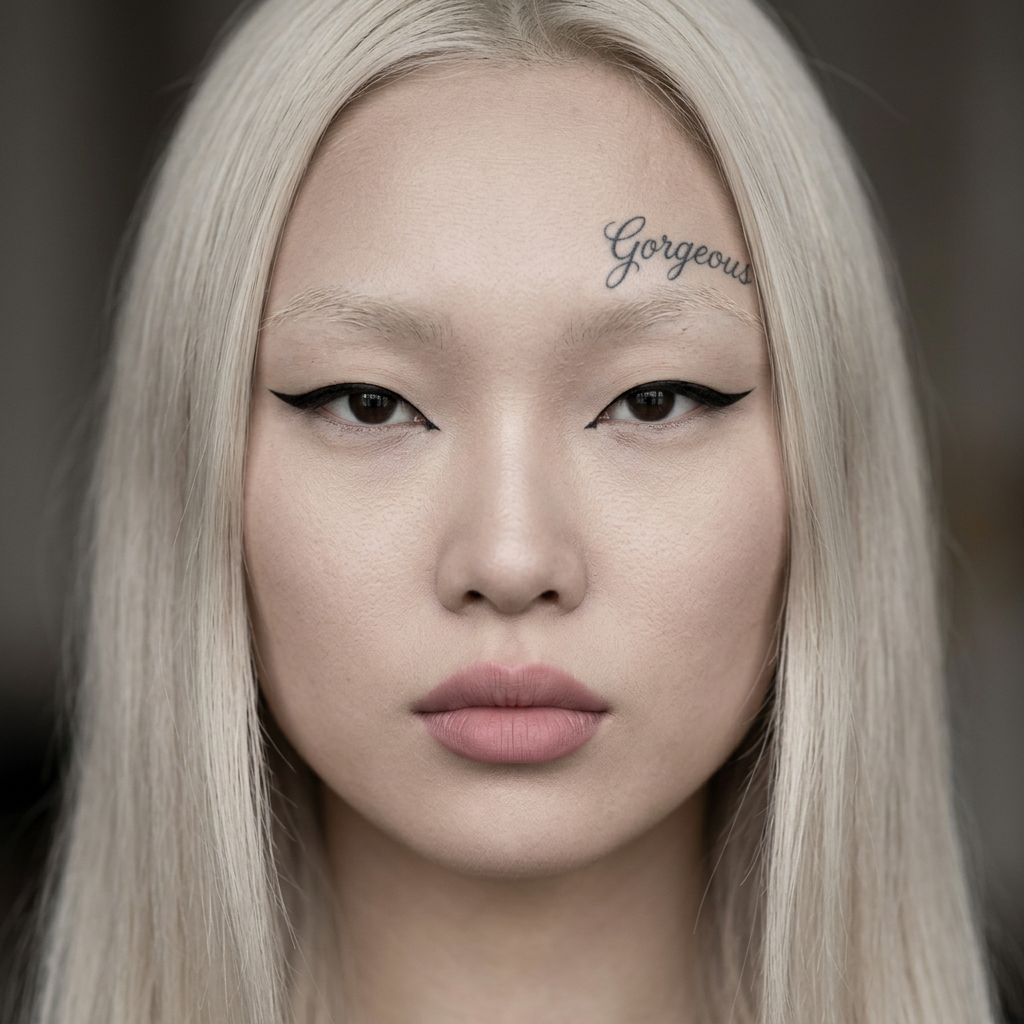
A tightly cropped close-up frontal shot features the face of a young East Asian woman with long, straight, platinum blonde hair arranged symmetrically around her face to create a striking, editorial-style portrait. The smooth, soft matte finish of her pale skin shows minor natural textural variations, and her barely visible eyebrows are offset by a bold, sharply defined black eyeliner, accentuating her almond-shaped eyes. Her full lips are enhanced with a matte, muted pink lipstick that complements the minimalist makeup look. Notably, a tattoo reading 'Gorgeous' in flowing cursive script is inked on the right side of her forehead, becoming an intentional point of focus within the aesthetic. The background is intentionally defocused, leaving focus sharply on her facial features while contributing to a sense of depth. The lighting is even and frontal, with no visible harsh shadows or highlights, lending a clean and editorial quality to the image. The overall grayscale-leaning, desaturated color palette blends platinum, ash, taupe, and muted brown tones, with the HEX values provided mapping to the achromatic and fleshy neutral hues of her hair, skin, and background. Captured digitally on a high-resolution sensor, the image has a flat, wide dynamic range, shallow depth of field, and no visible noise or artifacts, enhancing the sense of deliberate stylization. The avant-garde, minimal mood emanates from the precise styling, deliberate use of negative space, and stark frontal composition.
Any aspect ratio
Overview
Captivate your audience with the Gorgeous Tattoo template, a feature of our powerful AI Image Editor platform. This template leverages the capabilities of the nano-banana-2 model to create visually striking and editorial-style portrait enhancements. Ideal for adding a creative flair to portrait photography, this template focuses on fine details such as subtle skin textures and precise facial features.
What It Does
This template provides a refined editing experience that highlights facial features with precision. It includes the option to add a custom tattoo in a cursive script, perfectly integrated onto the forehead, enhancing your portrait with an artistic touch. The grayscale-leaning palette, combined with advanced editing tools, maintains a high-quality, professional finish in every image. It’s perfect for creating content that requires a balance between high style and minimalism.
Who It's For
This tool is perfect for photographers, digital artists, and content creators who wish to add a unique edge to portrait images. Whether you're enhancing a portfolio or creating marketing materials, the Gorgeous Tattoo template delivers exceptional results. Suitable for professionals looking to refine their skills or for those in the fashion industry who need top-quality imagery.
Summary
With the Gorgeous Tattoo template, you can transform simple portraits into editorial masterpieces. Incorporating a custom tattoo as part of the main focus, this AI editing functionality supports detailed and styled adjustments. Dive into the world of creative image editing with this tool available in our AI Image Editor collection.
How to Use
Choose the Template

Customize Your Image

Generate Your Edited Image

Use Cases
Fashion Editorials
- Emphasize unique makeup and styling.
- Add personalized tattoo elements.
Portfolio Enhancement
- Showcase versatile styling.
- Highlight technical proficiency.
Marketing Campaigns
- Engage audiences with bold aesthetics.
- Integrate unique branding elements.
Best Practices
Focus on Composition
Ensure the composition highlights the tattoo as a focal point, enhancing rather than distracting from the model's features.Use High-Resolution Images
Start with high-resolution images to maintain quality throughout the editing process, as this minimizes potential noise and artifacts.Consider Lighting
The template works best with evenly lit images. Avoid harsh shadows or highlights that can detract from the intended mood.