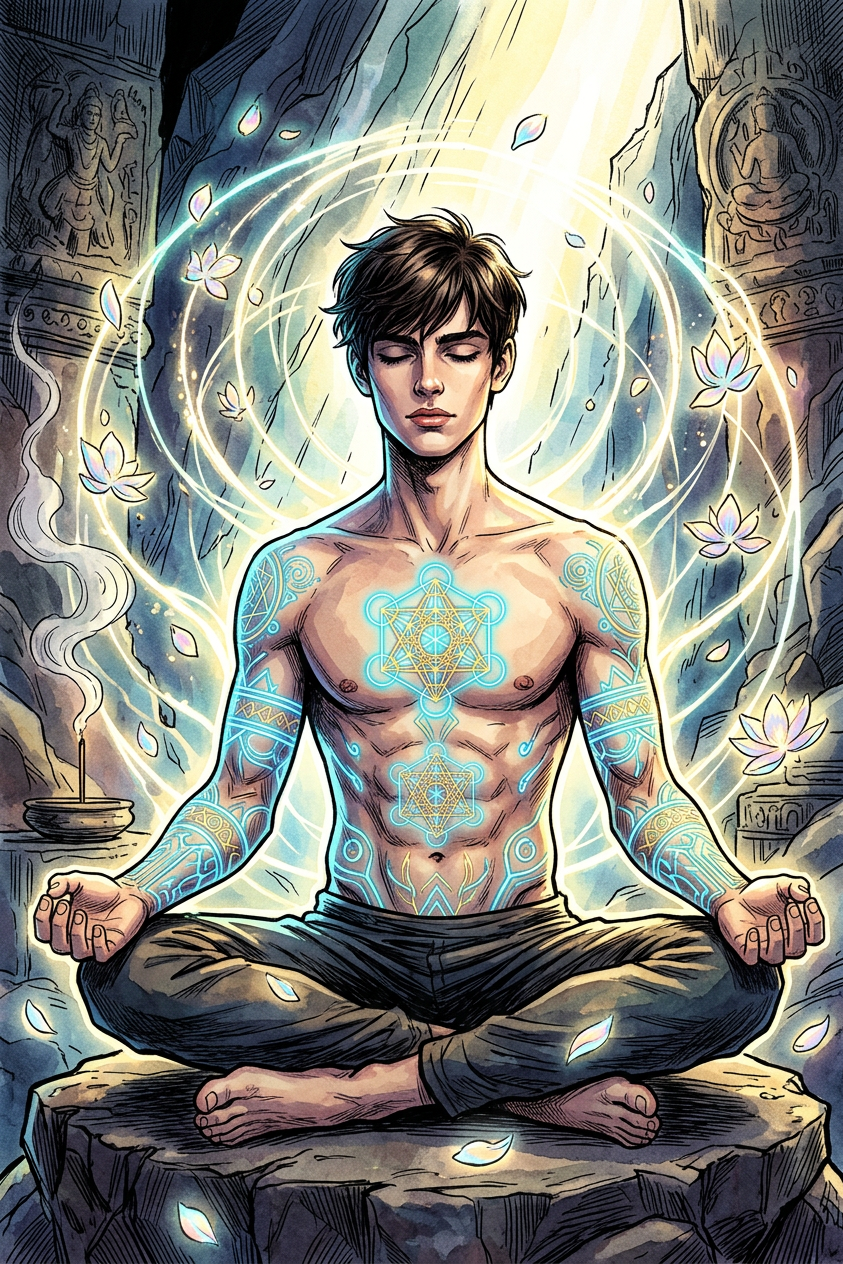
Sanctum of Radiant Stillness
- Model
- Nano Banana 2
- Image
- 843 × 1264 px
Prompt
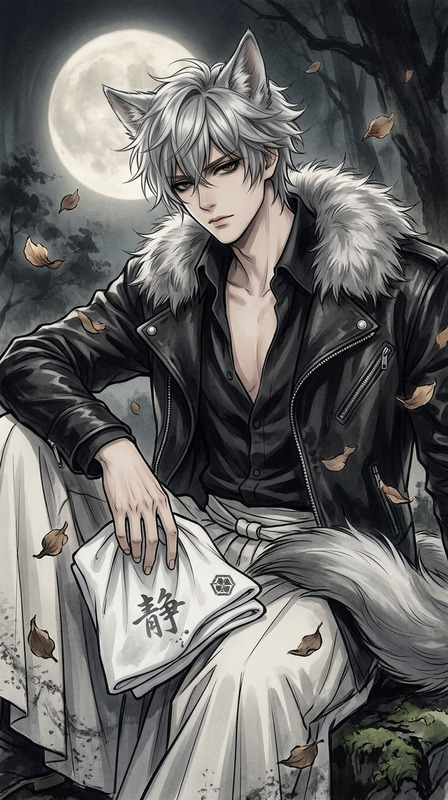
Ink illustration of the subject in deep meditation at an ancient mountain sanctuary, surrounded by a radiant energy field. Glowing sacred tattoos illuminate muscular arms with neon light, petals drifting through the air. Elegant, hyper-detailed concept art with dynamic lighting, high contrast, intricate linework, and a mystical glow, creating a harmonious and serene atmosphere.
Any aspect ratio
Overview
The Sanctum of Radiant Stillness template invites you to explore the depths of AI-generated imagery through a unique lens. Craft stunning visuals depicting a meditative scene of serenity and mysticism. Boasting dynamic lighting and intricate line work, this template is your gateway to elevated concept art.
What It Does
This AI Image Editor template leverages the power of the nano-banana-2 model to transform your ideas into hyper-detailed ink illustrations. It focuses on creating a harmonious atmosphere with neon-lit sacred tattoos and radiant energy fields, ensuring each visual exudes a serene yet powerful aura. Perfect for storytelling projects that demand depth and elegance.
Who It's For
Designed for artists, storytellers, and video producers who wish to add a mystical touch to their projects. Whether you're working on a mood board or developing a cinematic project, this template provides the visual intrigue you need. Ideal for crafting imagery for promotional materials, unique video content, or explainer videos.
Summary
The Sanctum of Radiant Stillness offers a synthesis of art and technology. Its intuitive generation process makes it accessible yet highly powerful, giving creators a robust toolset for crafting captivating visuals. Explore how this image editor can enhance your project by visiting our AI Image Editor page for more insights and functionalities.
How To
Choose the Template

Customize Your Inputs

Generate and Download

Use Cases
Concept Art Development
- Create visuals for games and movies
- Develop unique artwork for brand campaigns
Marketing and Social Media
- Use for eye-catching posts
- Design interactive advertisements
Personalized Storytelling
- Illustrate personal stories or family history
- Enhance written content with matching imagery
Best Practices
Focus on Lighting
Dynamic lighting is crucial. Adjust light settings to align with the mystical theme.Incorporate Intricate Details
The template thrives on complex designs. Emphasize details like the tattoos and the environment for maximum impact.Balance Contrast
Ensure a harmonious look by balancing the high contrast with softer elements like petals or glow effects.