Embroidered Nebula
- Model
- Nano Banana 2
- Image
- 923 × 1152 px
Prompt
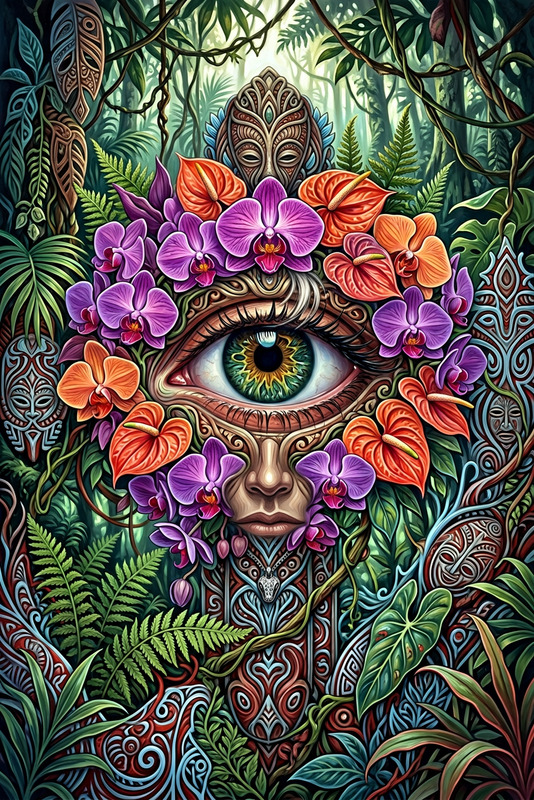
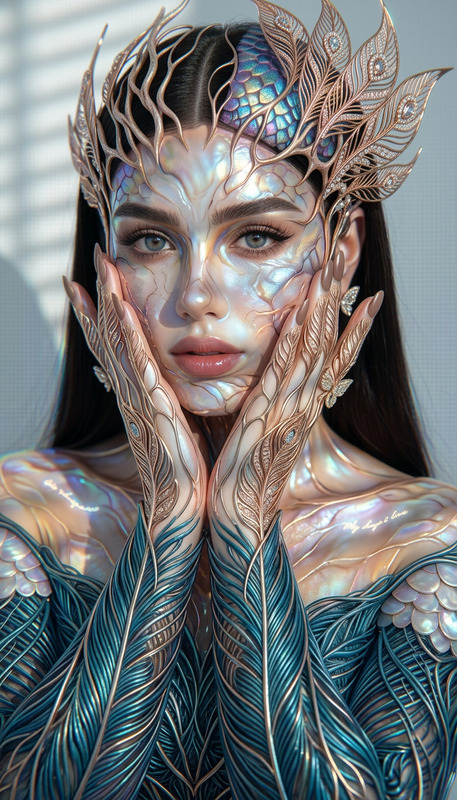
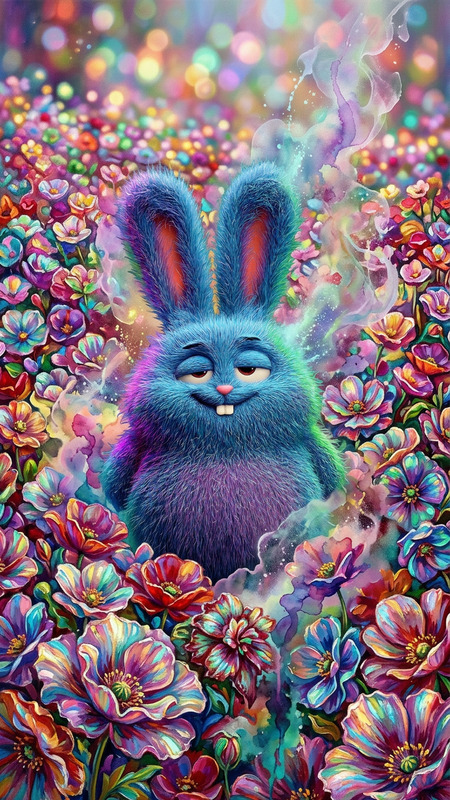
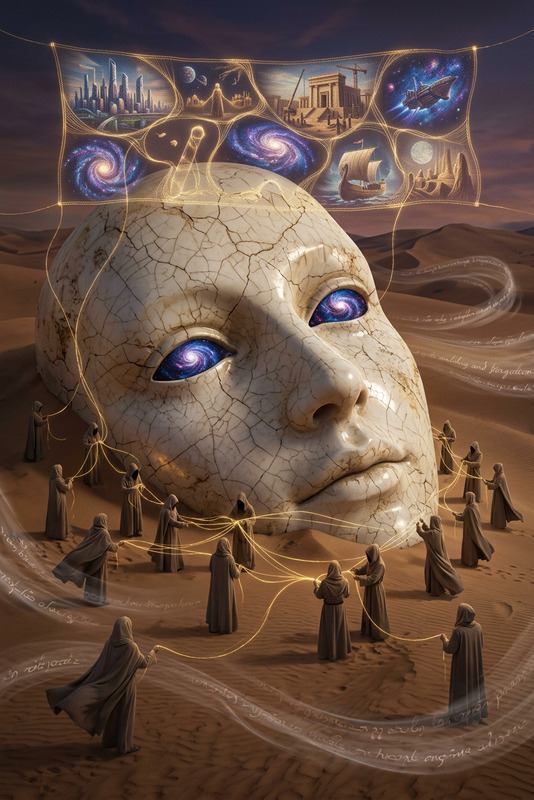
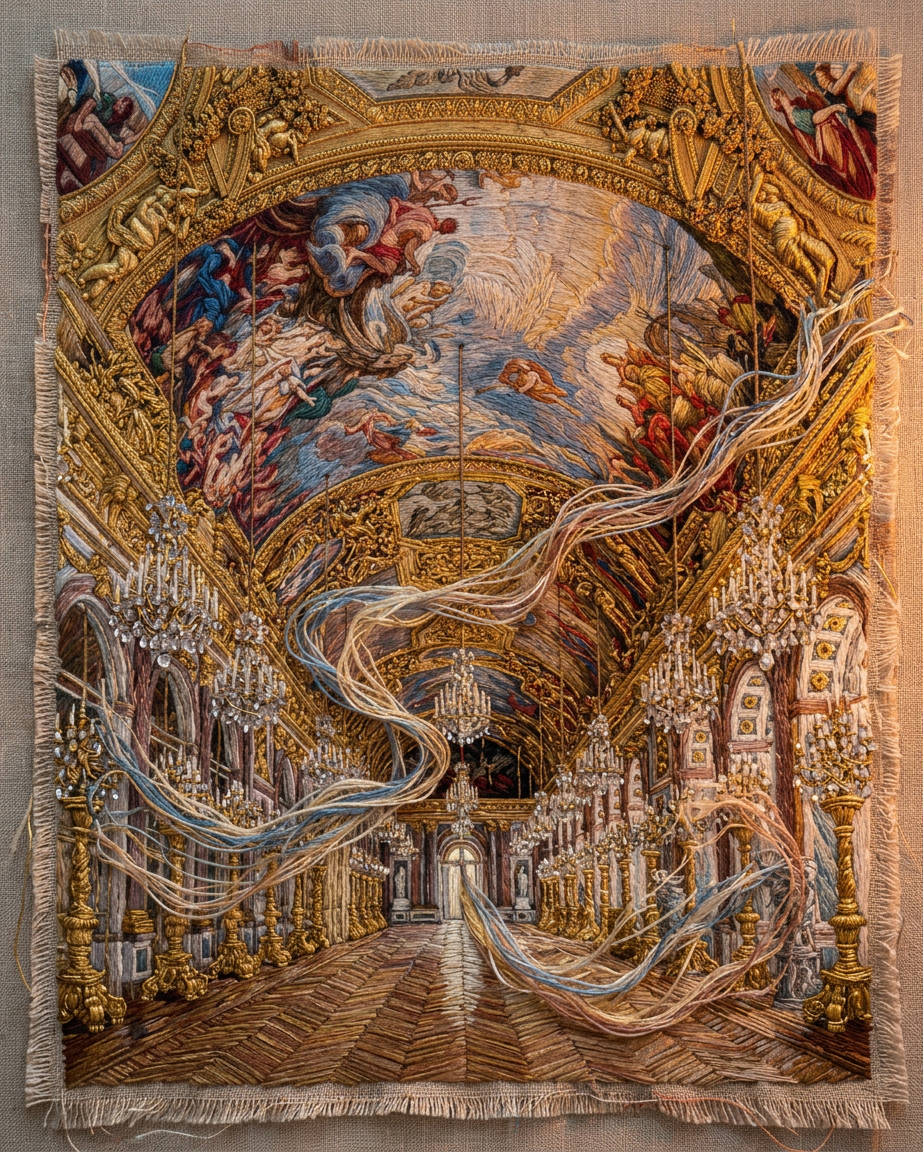
Subject rendered as a tactile embroidered tapestry fragment depicting a subject; richly layered threadwork with visible stitches; flowing mist trails like loose embroidery floss caught in motion; fabric surface shows depth, texture, and handcrafted imperfections; illuminated by a warm romantic twilight glow that enhances the textile relief; highly detailed, atmospheric, and poetic fiber-art aesthetic.
Any aspect ratio
Overview
The Embroidered Nebula template brings a touch of cosmic artistry to your AI image editing projects. It transforms any subject into a textile masterpiece, showcasing detailed threadwork and a captivating fiber-art aesthetic. Ideal for evocative and poetic visual storytelling, this template uses the Nano-Banana 2 model to render subjects with an atmospheric and handcrafted touch.
What It Does
Leveraging advanced capabilities of the AI Image Editor, the Embroidered Nebula template converts your digital images into stunning representations of embroidered tapestries. Each piece is richly layered with visible stitches and flowing mist-like embroidery floss, enriched with a warm twilight glow that adds depth and texture.
Who It's For
This template is designed for artists, designers, and digital storytellers looking to infuse their projects with a sci-fi or cosmic theme. Whether creating for an art installation or designing visuals for a sci-fi narrative, Embroidered Nebula provides a unique fiber-art aesthetic. It's a perfect choice for anyone involved in product videos, art installations, or promotional visuals that require an emotional and detailed presentation.
Summary
The Embroidered Nebula template offers a distinctive way to visualize subjects, blending digital art with the tactile feel of embroidery. With support from AI Image Generator and other tools, you can create atmospheric, highly detailed visuals that captivate viewers with poetic and textile-rich narratives.
How to Use
Choose the Template

Customize Your Input

Generate Your Image

Use Cases
Sci-Fi Art Exhibitions
- Great for gallery installations
- Enhances sci-fi narratives
Product Promotions
- Highlight product features in a unique way
- Appeal to artistic and cosmic themes
Digital Storytelling
- Fiber-art aesthetics for storytelling
- Ideal for narrative-driven media
Best Practices
Select High-Quality Images
Ensure the input images are high quality to take full advantage of the detailed tapestry transformation.Experiment with Lighting
Apply different lighting conditions in your prompts to see how it impacts the twilight glow effect.Combine with Other Tools
Use in conjunction with the AI GIF Generator for dynamic projects, or pair with the AI Video Generator to create engaging multimedia experiences.