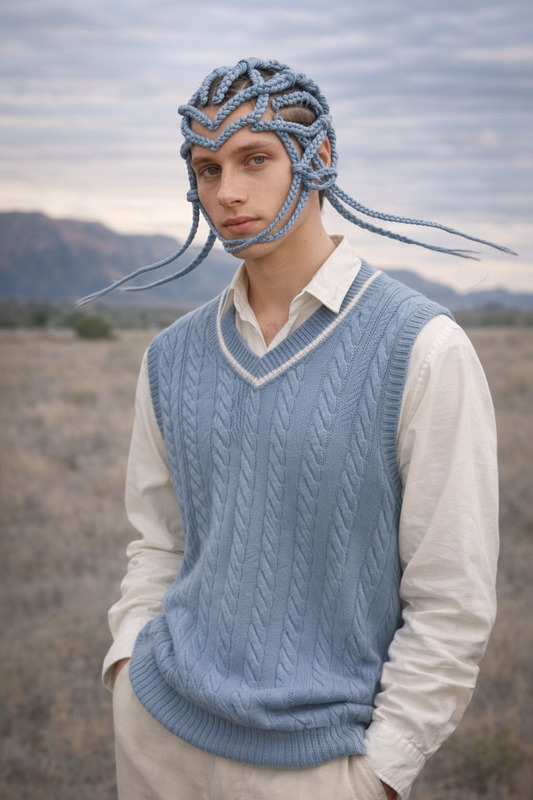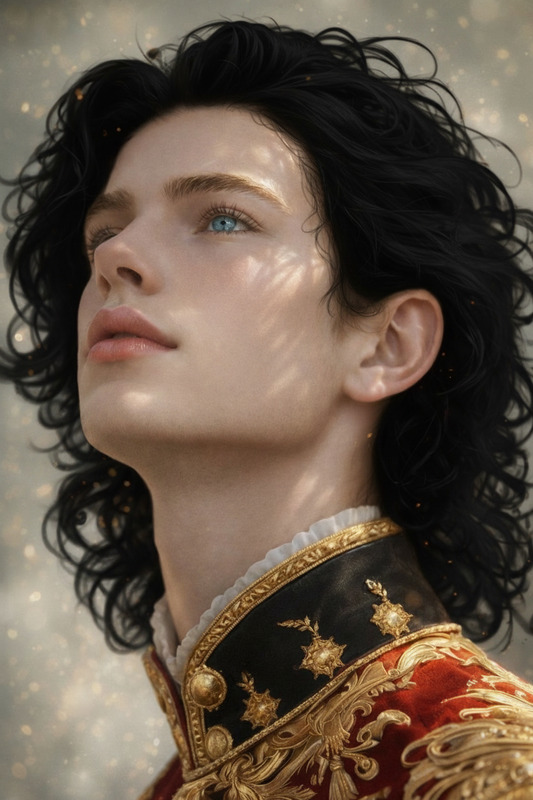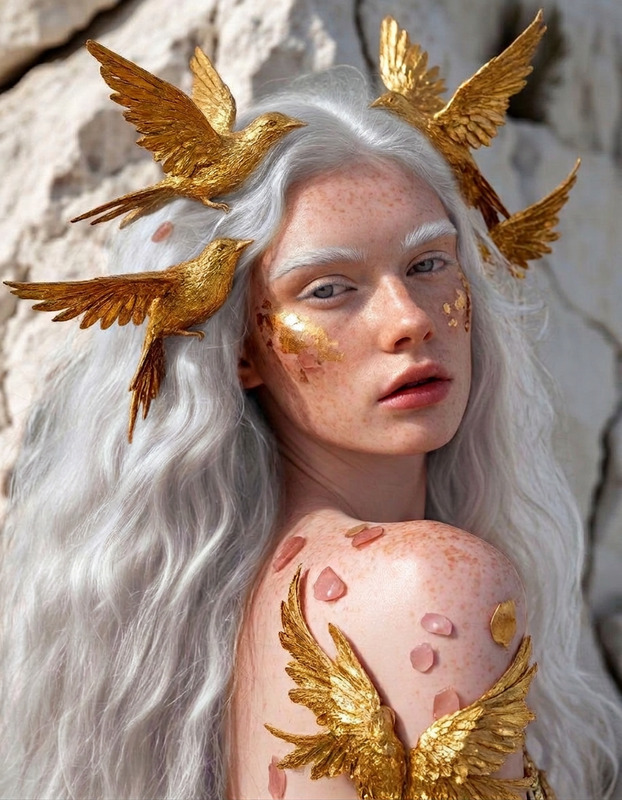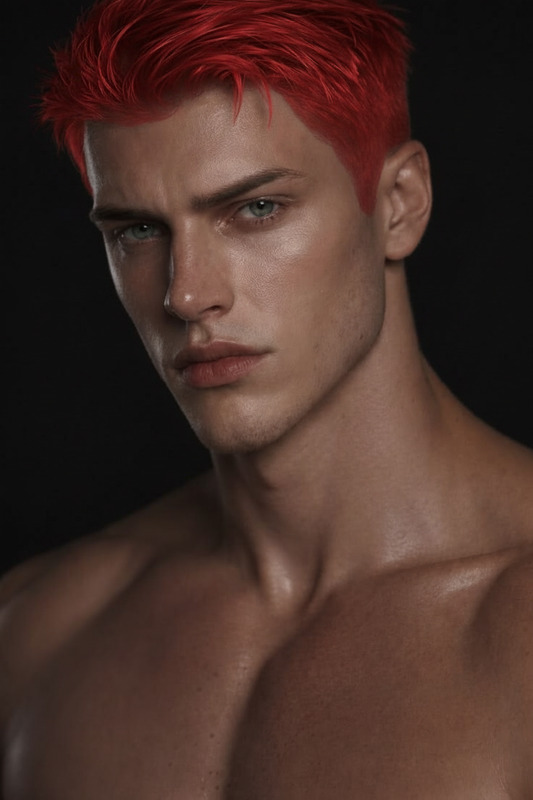
Strawberry Blonde Glow
- Model
- Nano Banana
- Image
- 864 × 1184 px
Prompt
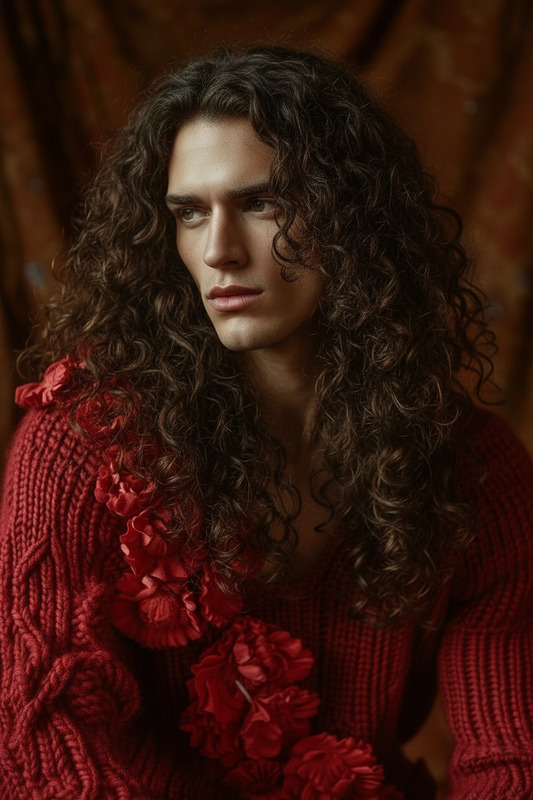
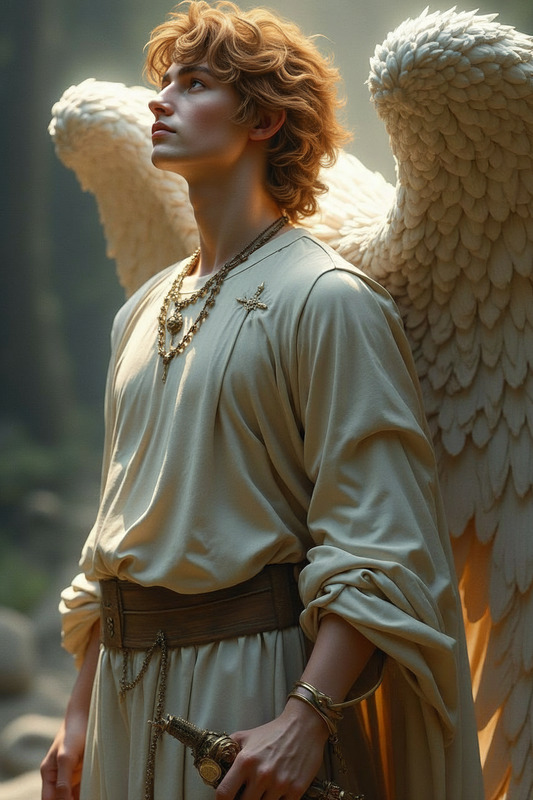
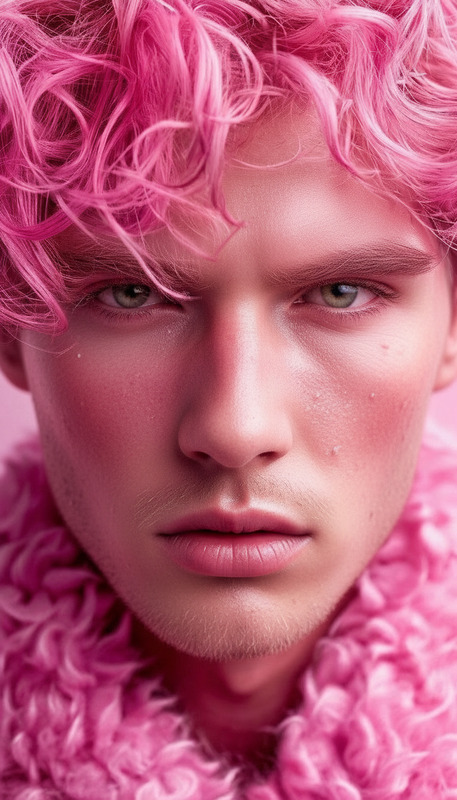
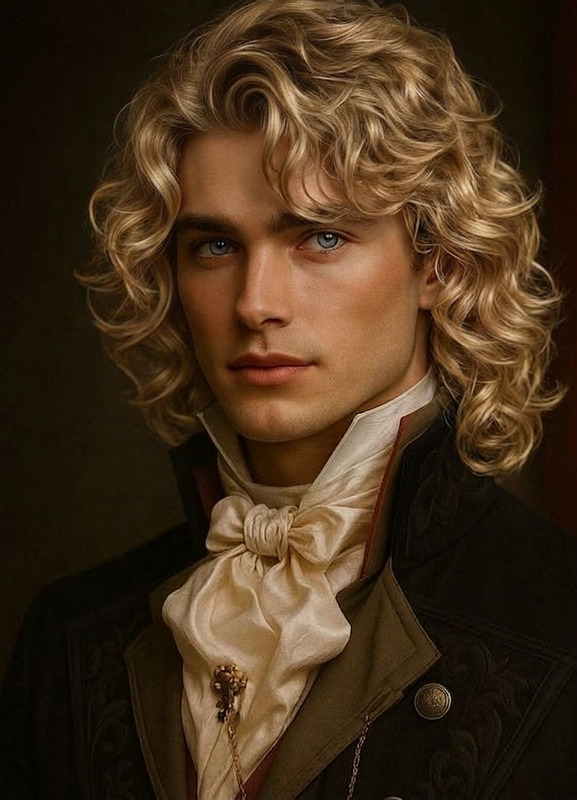
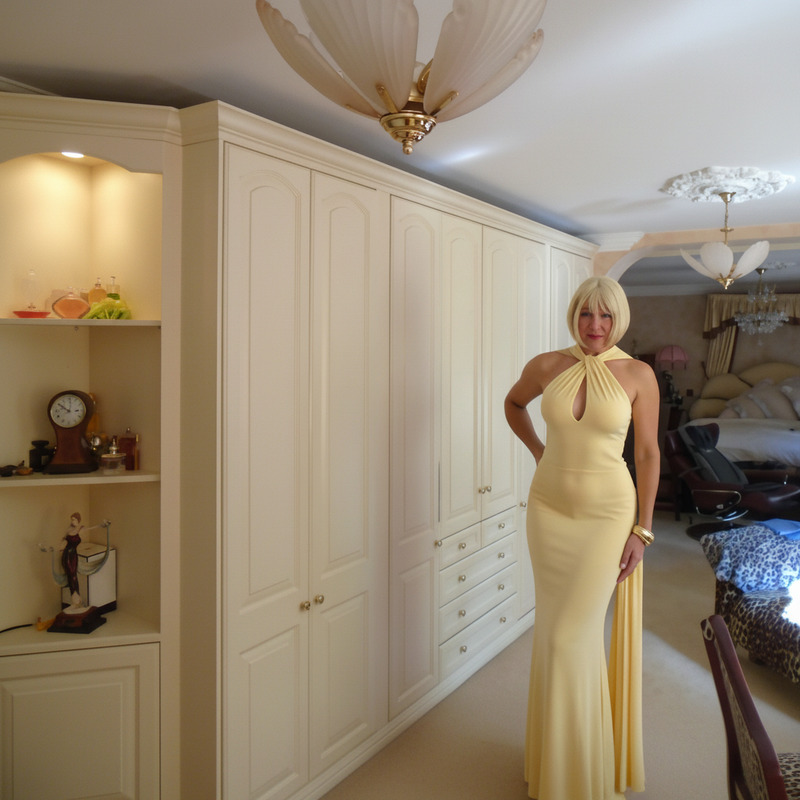
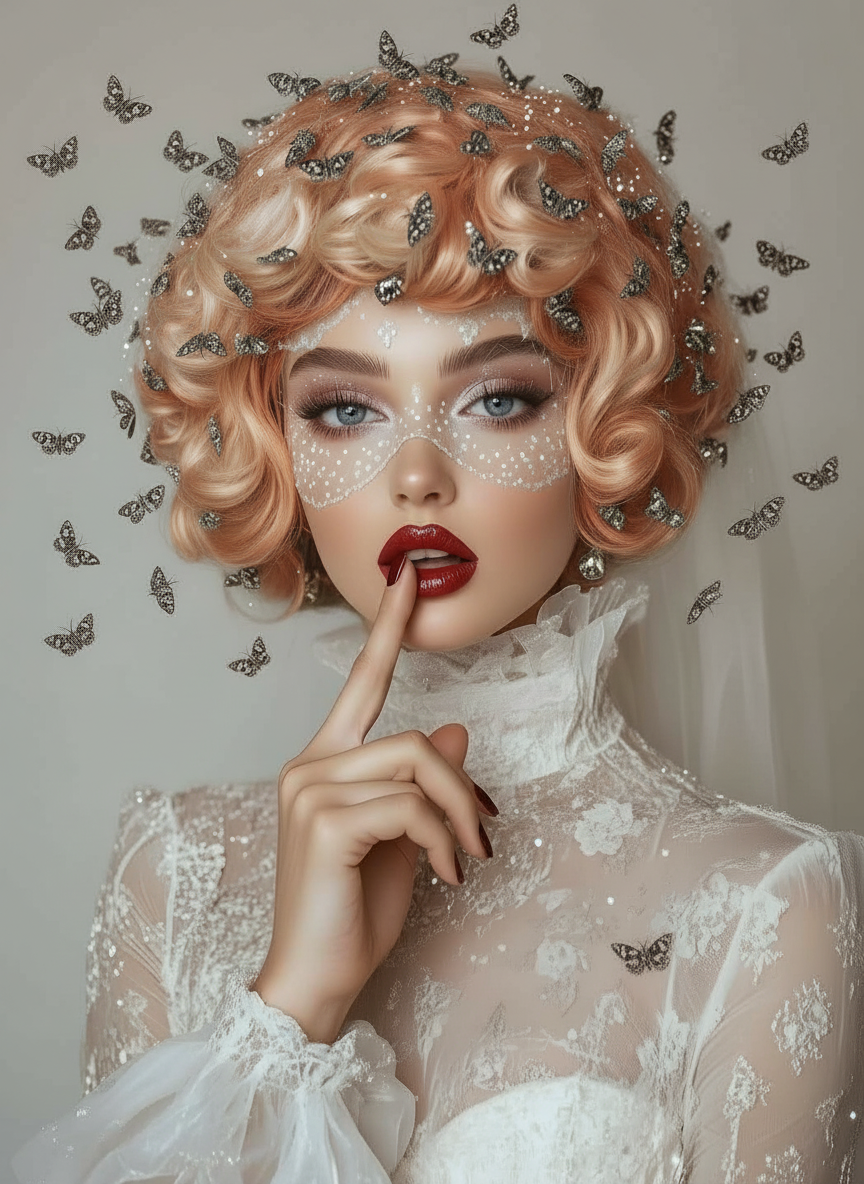
Give the subject strawberry blonde hair, blending warm golden blonde with soft reddish tones. Ensure the color appears natural with subtle highlights and depth, and that the hair integrates smoothly with the subject’s lighting, texture, and overall appearance while preserving facial identity and realism
Any aspect ratio
Overview
The Strawberry Blonde Glow template in the AI Image Editor is a powerful tool for transforming hair color in digital imagery. It offers a harmonious blend of warm golden blonde and soft reddish tones, ensuring a natural appearance with enhanced depth and highlights.
What It Does
This template applies a strawberry blonde color to the subject's hair, integrating seamlessly with existing lighting and textures. It maintains facial realism while adding dimension and vibrancy, making your images stand out.
Who It's For
Ideal for photographers, digital artists, and content creators looking to experiment with hair color without committing to a permanent change. It's also suited for marketers and designers wanting to create enticing visuals for promotional materials.
Summary
The Strawberry Blonde Glow template is designed to enhance your visual projects in a natural, captivating way. Utilize this AI Image Editor tool to introduce unique, eye-catching details to your imagery.
How to Use
Choose the Template

Customize Your Settings

Generate and Download

Use Cases
Photography Enhancement
- Natural-looking color transformation
- Enhanced image aesthetics
Marketing and Branding
- Attention-grabbing designs
- Fresh content for seasonal campaigns
Social Media Content
- Increased engagement
- Aesthetic variety
Best Practices
Select Complementary Images
Choose images where the lighting complements the strawberry blonde tones, ensuring a realistic integration.Maintain Realism
Adjust settings to keep the hair color natural and fitting to the subject's style and identity. Using the AI Face Editor can help ensure facial features remain consistent.Test Various Settings
Experiment with different levels of highlights and depth to find the perfect balance for your image.