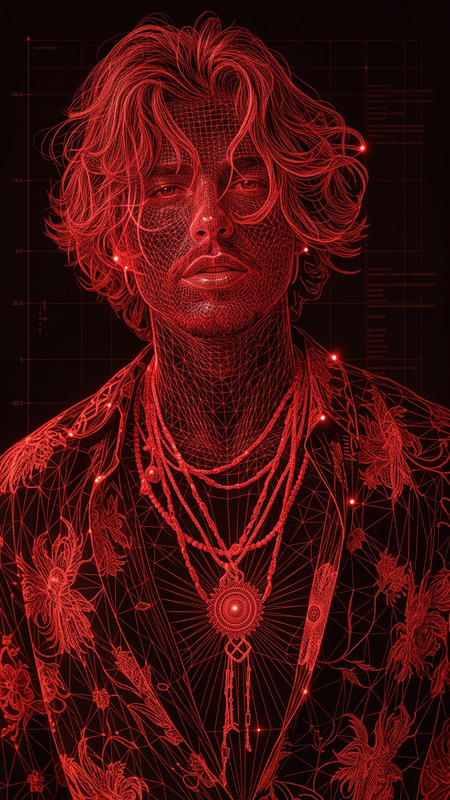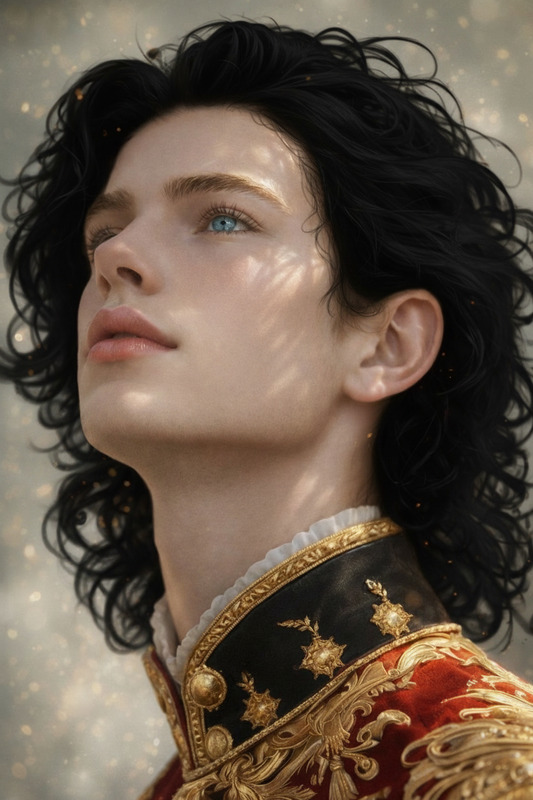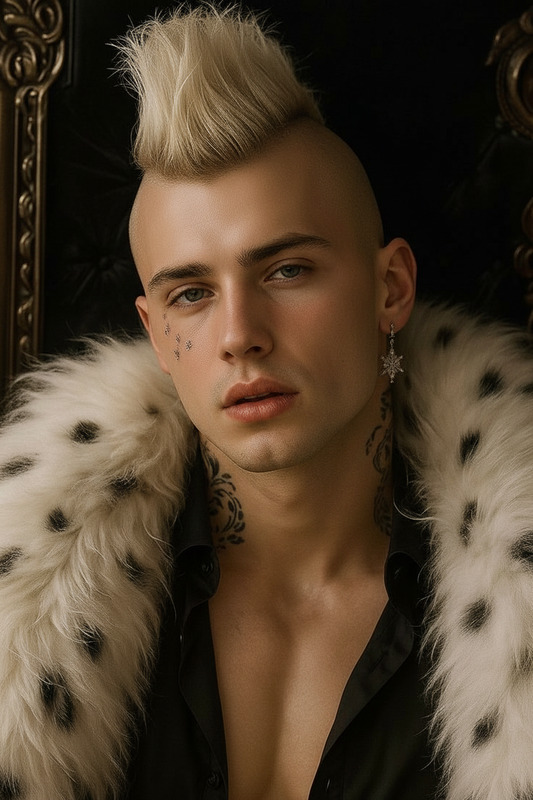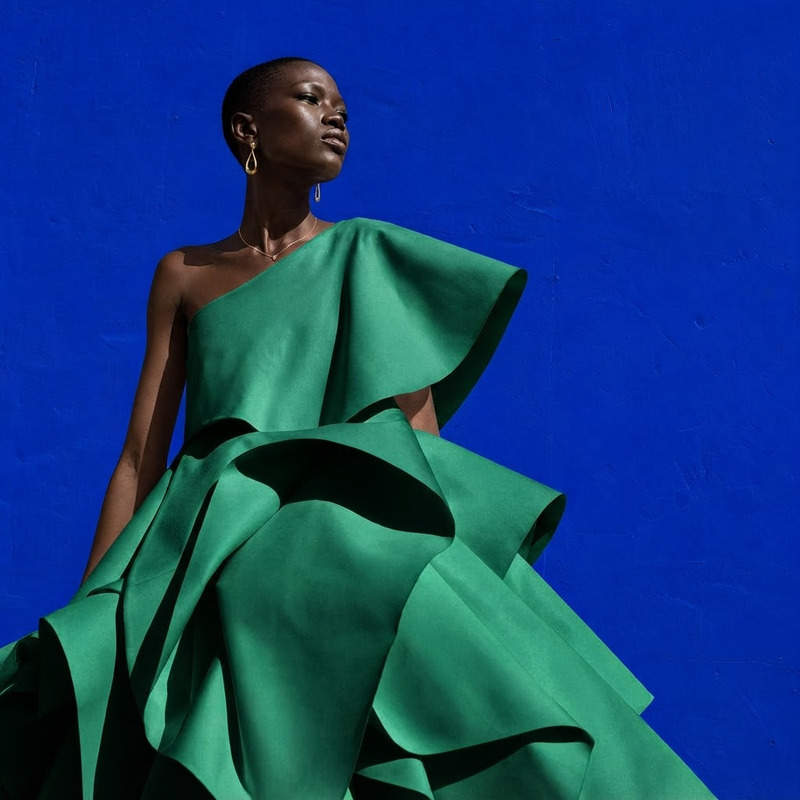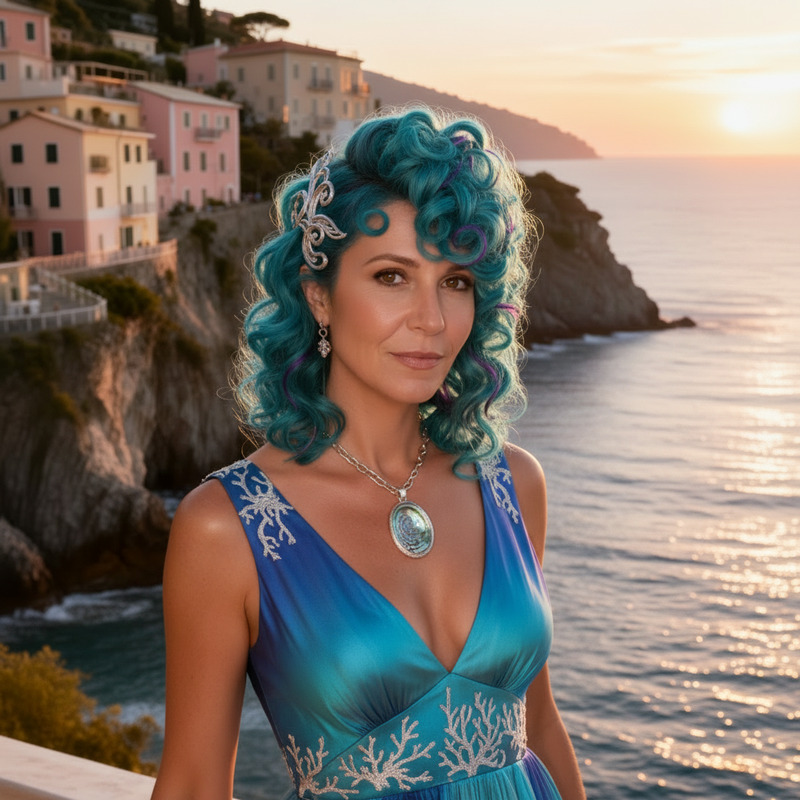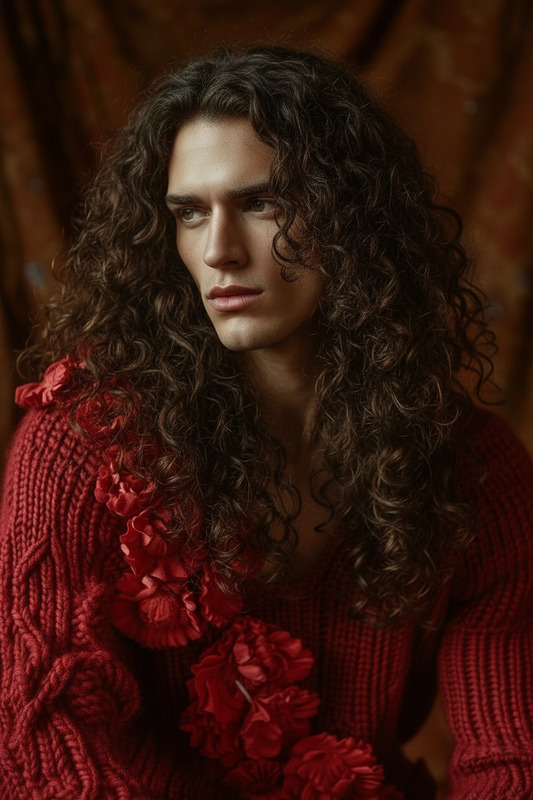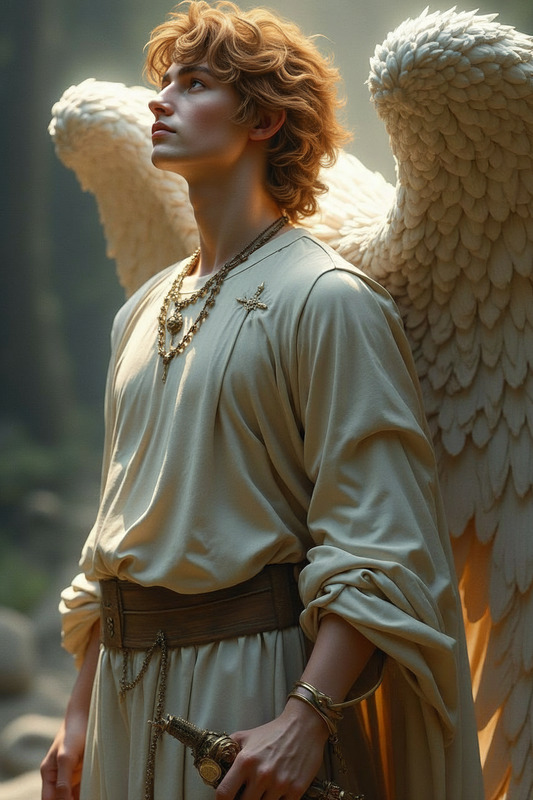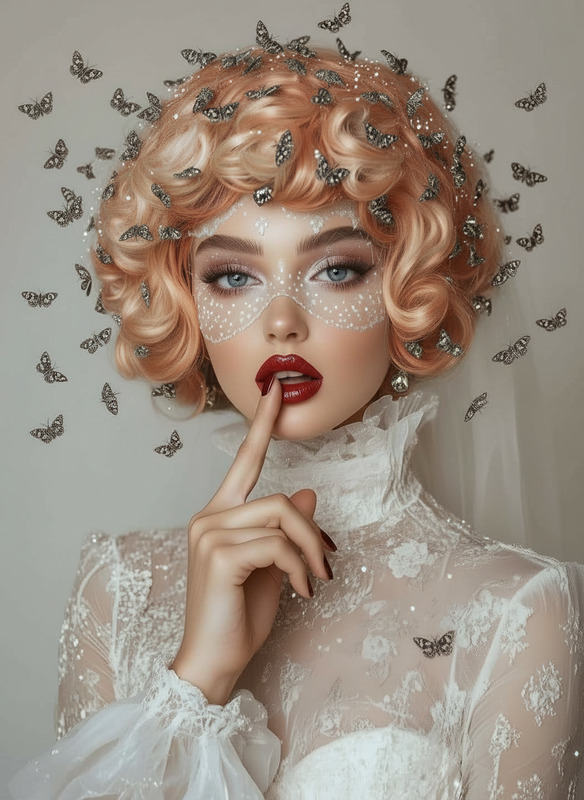
Red hair
- Model
- Nano Banana
- Image
- 832 × 1248 px
Prompt
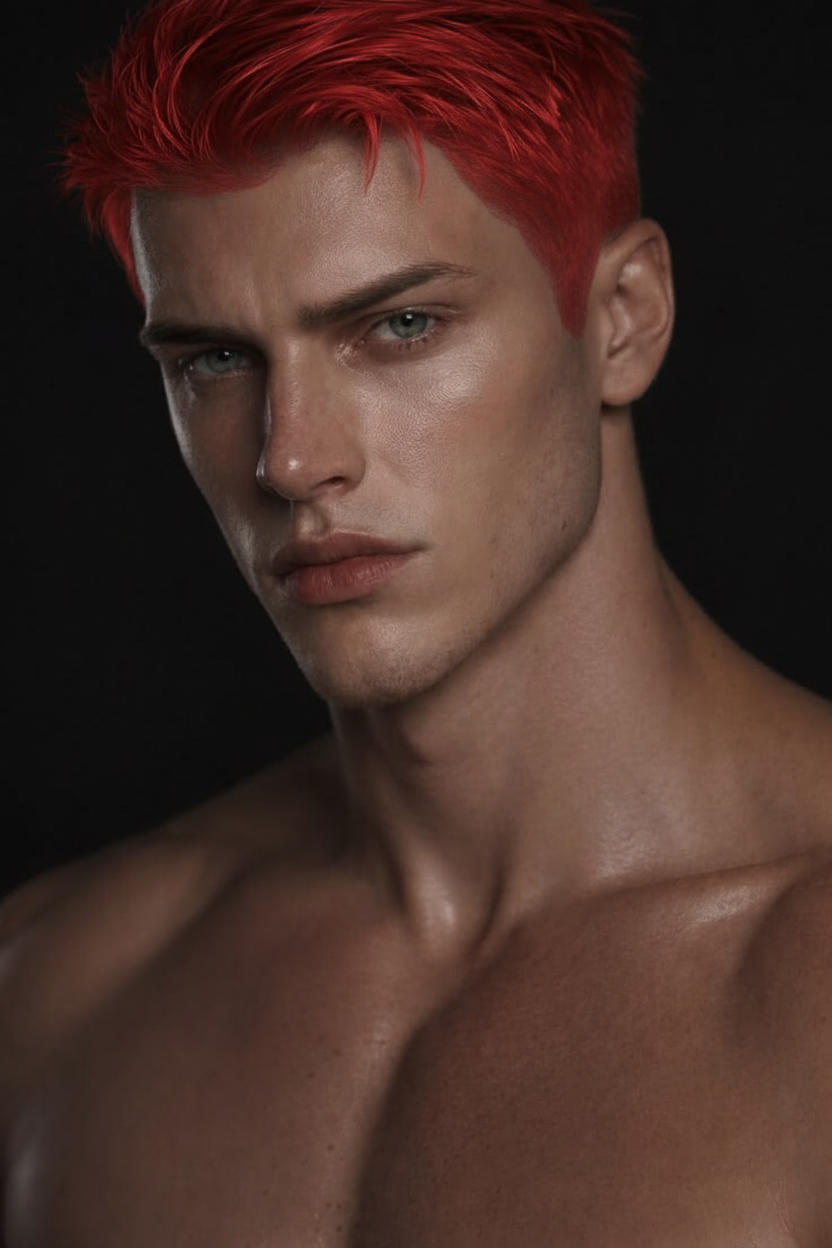
Change hair into red color
Any aspect ratio
Overview
The Red Hair template provides a streamlined way to change hair color to vibrant red using the AI Image Editor powered by the nano-banana model. Perfect for creating eye-catching visuals, this template is ideal for content creators and marketing professionals alike.
What It Does
This tool specifically modifies hair color in images to a striking red, adding a touch of boldness and style. It leverages advanced AI technology to ensure that the color change appears natural and seamless, helping your visuals stand out across various digital platforms.
Who It's For
The Red Hair template is ideal for photographers, content creators, and digital marketers looking to add striking visual effects to their projects. It also suits individuals eager to experiment with hair color changes without the permanent commitment of dyeing.
Summary
Using the Red Hair template, you can effortlessly infuse your images with a bold red hair color, elevating the overall impact of your visual content. Consider integrating with other tools like the Face Swap or Photo Colorizer to further enhance image creativity.
How To
Choose the Template

Customize Your Image

Generate and Download

Use Cases
Fashion Photography
Social Media Content
Marketing Campaigns
Best Practices
Quality Source Images
Use high-resolution images to ensure the best results and smooth color transitions.Lighting Considerations
Ensure the original image has neutral lighting for a more realistic red hair color change.Combine with Other Tools
Enhance your images further by using tools like the AI Image Upscaler to maintain quality post-edit.