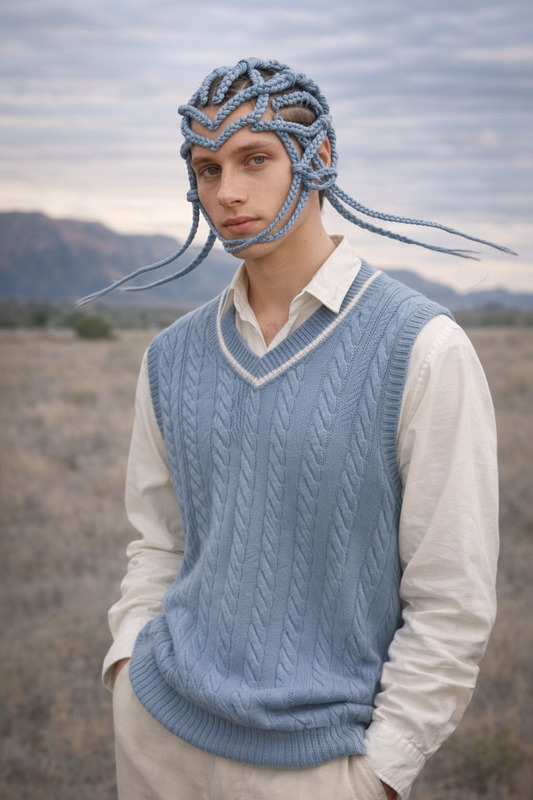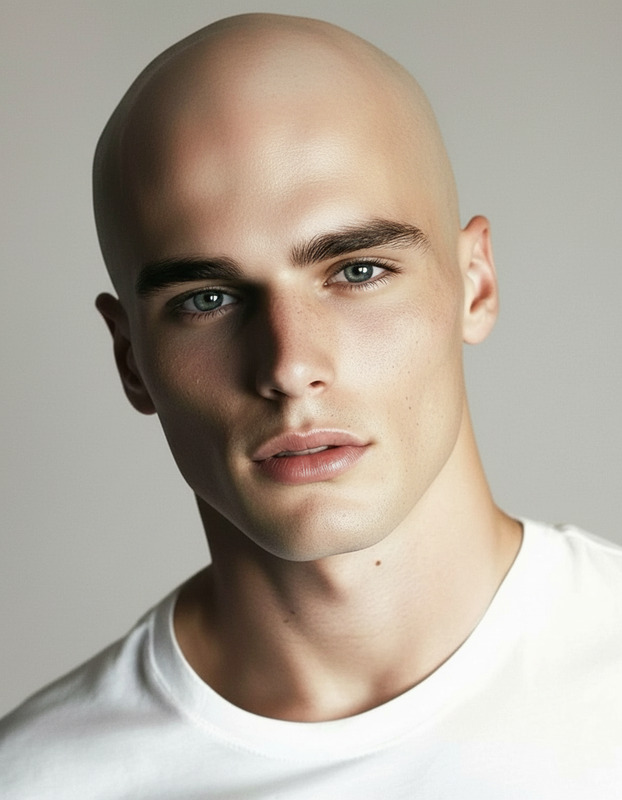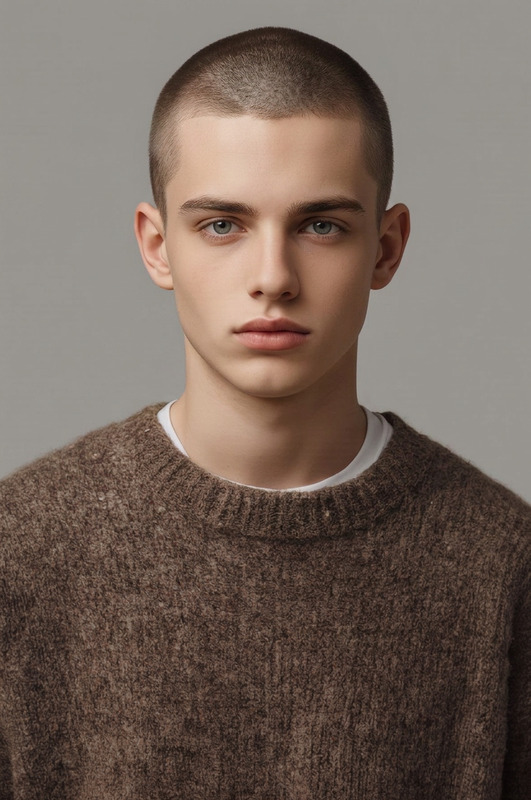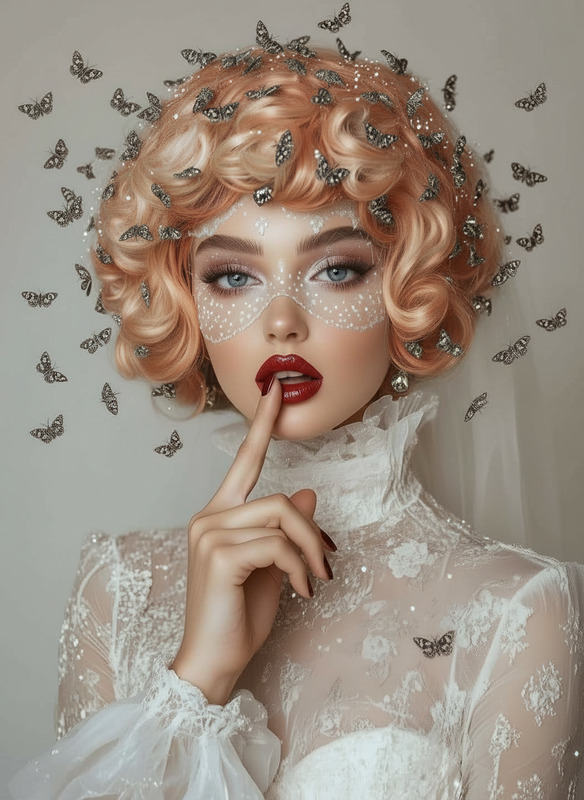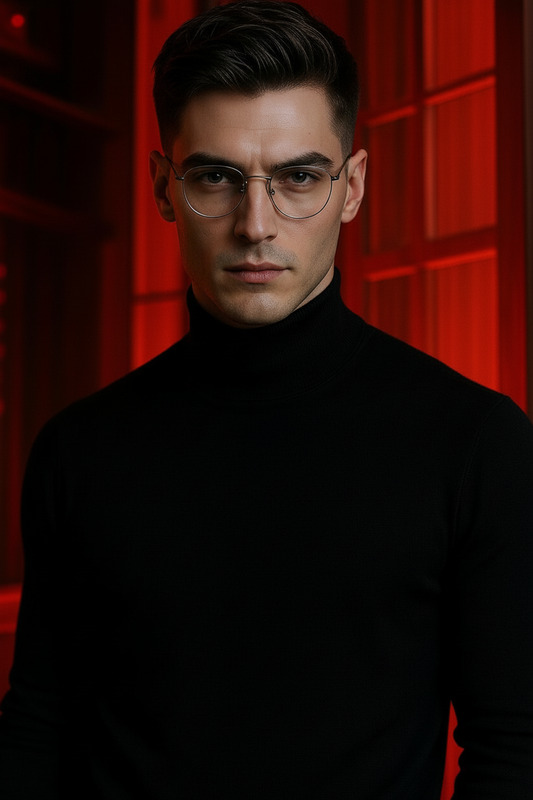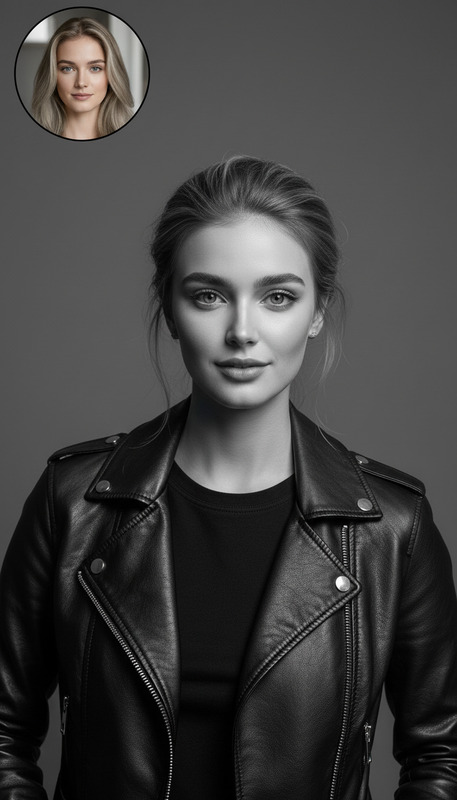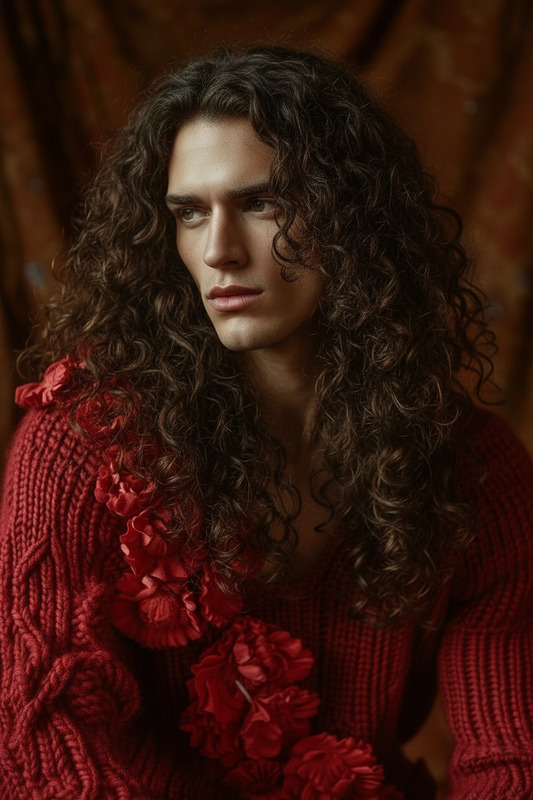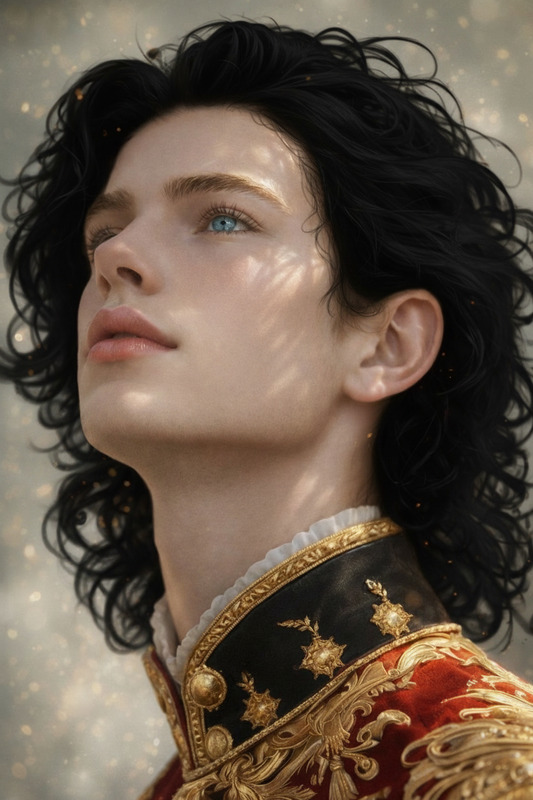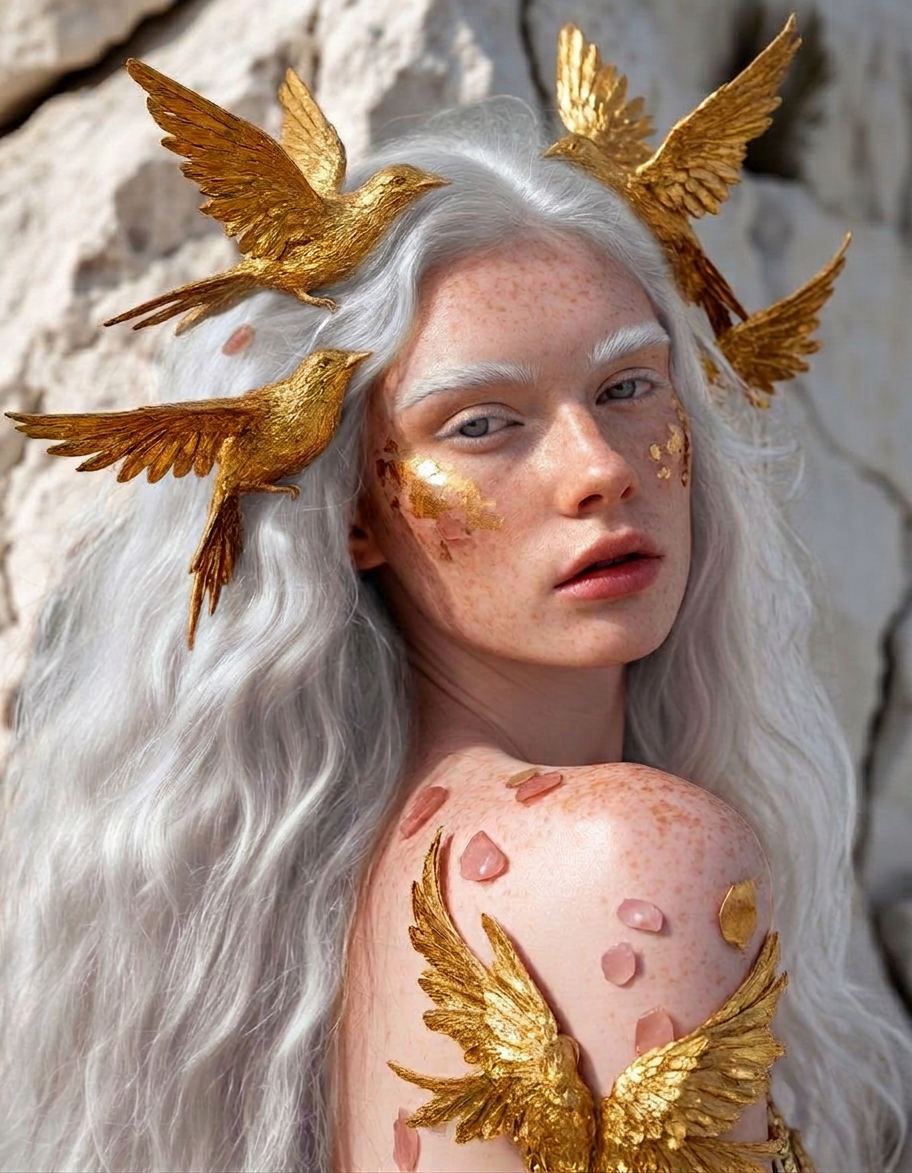
Platinum Hair Identity Preserve
- Model
- Nano Banana 2
- Image
- 912 × 1173 px
Prompt
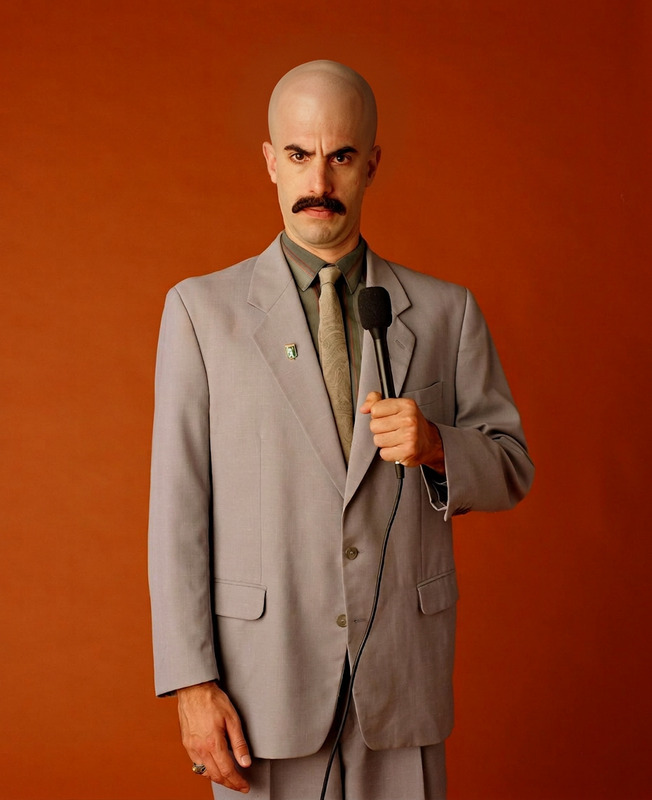
Give the subject long, platinum-white hair (bright icy tone) with smooth, natural flow and soft texture. Preserve strong facial similarity and identity, ensuring the face remains unchanged in structure, proportions, and expression. Blend the hair naturally with the lighting, angle, and overall appearance for a realistic and cohesive look
Any aspect ratio
Overview
The Platinum Hair Identity Preserve template within our AI Image Editor offers an exceptional way to transform images by adding long, platinum-white hair while maintaining the subject's facial identity. Designed to make hair transformations appear realistic and seamlessly integrated, this AI-based tool ensures accurate rendering even under varied lighting and angles.
What It Does
Transform any portrait with stunning long, platinum-white hair that looks incredibly natural. This template maintains the original structure and expression of the face, emphasizing accuracy and identity preservation. The tool intelligently blends hair with the existing image's lighting and angle, ensuring a cohesive and realistic outcome.
Who It's For
This template is perfect for photographers, brand designers, and digital artists seeking to create an impactful visual identity. It's also useful for social media influencers looking to experiment with dynamic looks without altering the subject's natural appearance using the AI Profile Picture Generator.
Summary
For those in search of a tool that marries aesthetic transformation with facial integrity, look no further than the Platinum Hair Identity Preserve template. Enhance your image-to-video projects or simply refine photographs with an AI model that prioritizes both artistic creativity and identity fidelity.
How To
Choose Your Template

Customize Your Image

Generate and Download

Use Cases
Personal Branding
Social Media Content
E-commerce
Best Practices
Select High-Quality Images
The best results occur with clear, high-resolution images where the subject's facial features are well-defined.Consider Lighting and Angle
Ensure the image has good lighting and a straight view to facilitate natural blending of the hair with the subject's head.Use Subtle Adjustments
Avoid overly aggressive changes to the prompt. Subtlety helps maintain the image's realistic aspect.