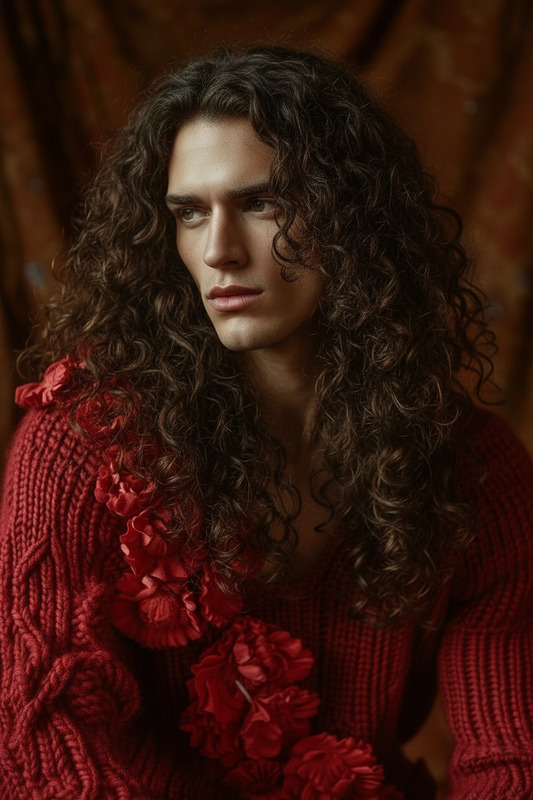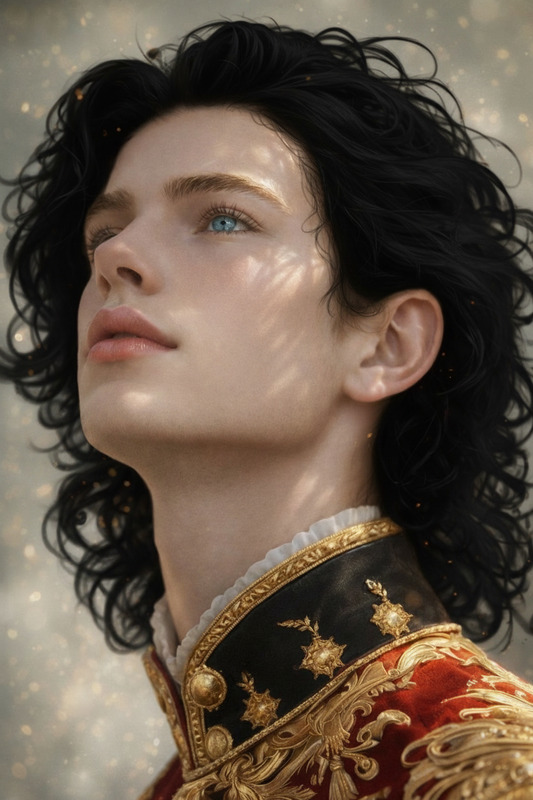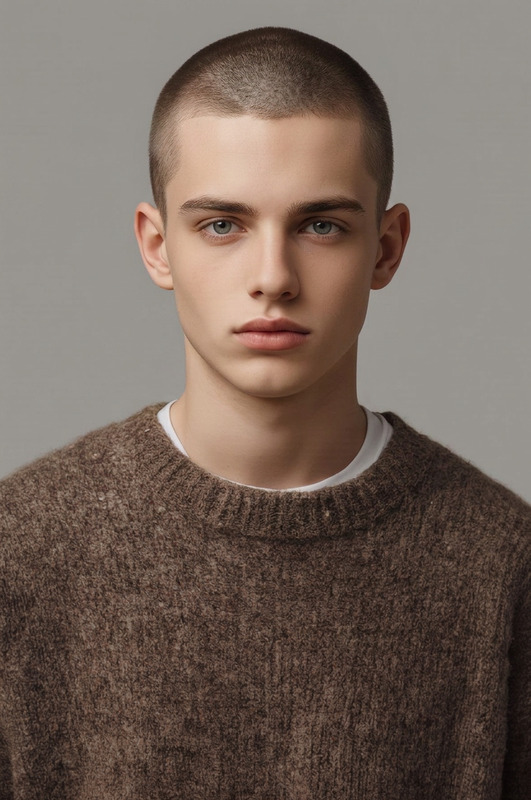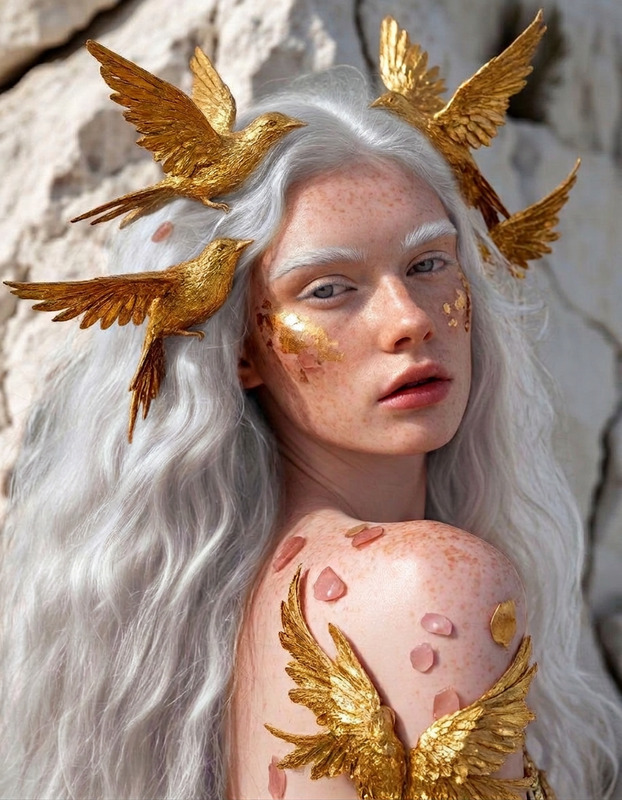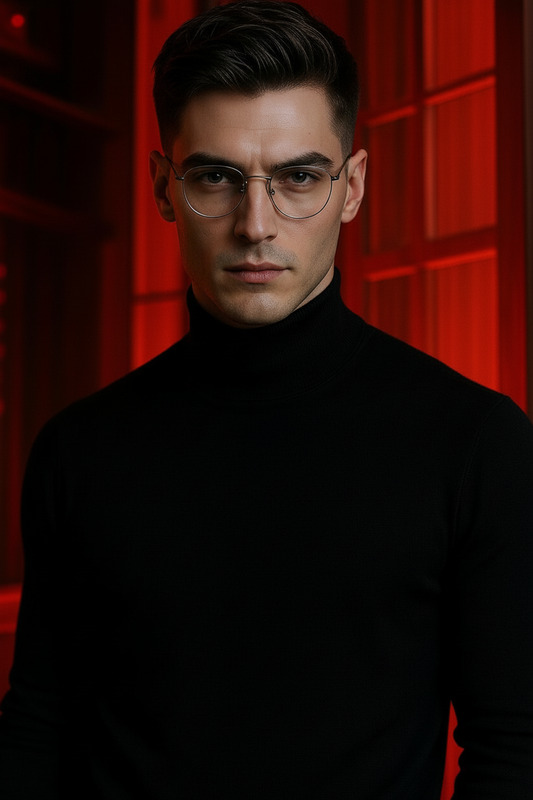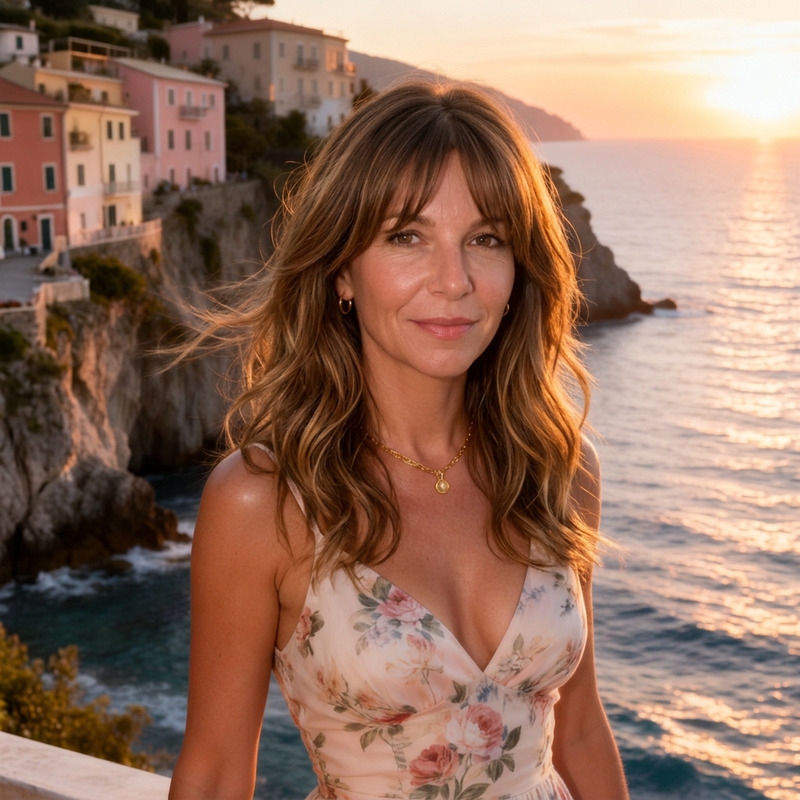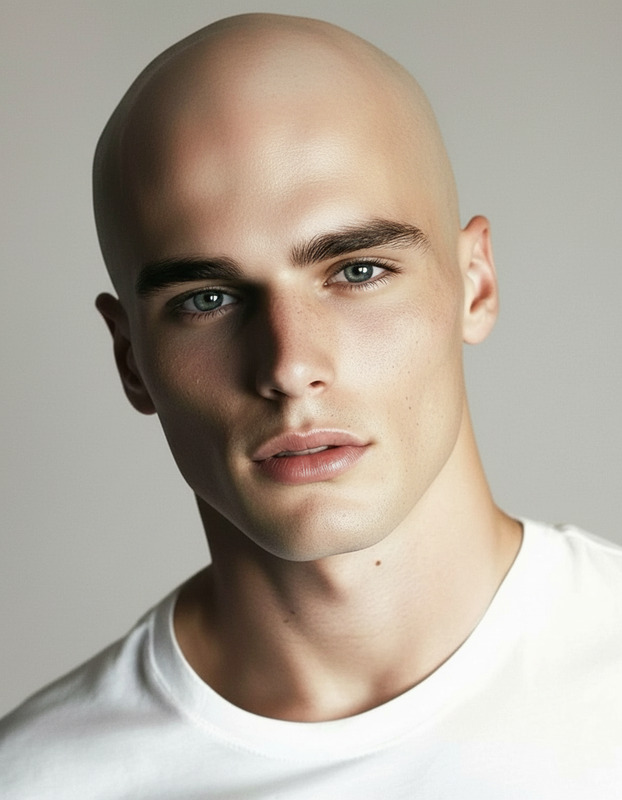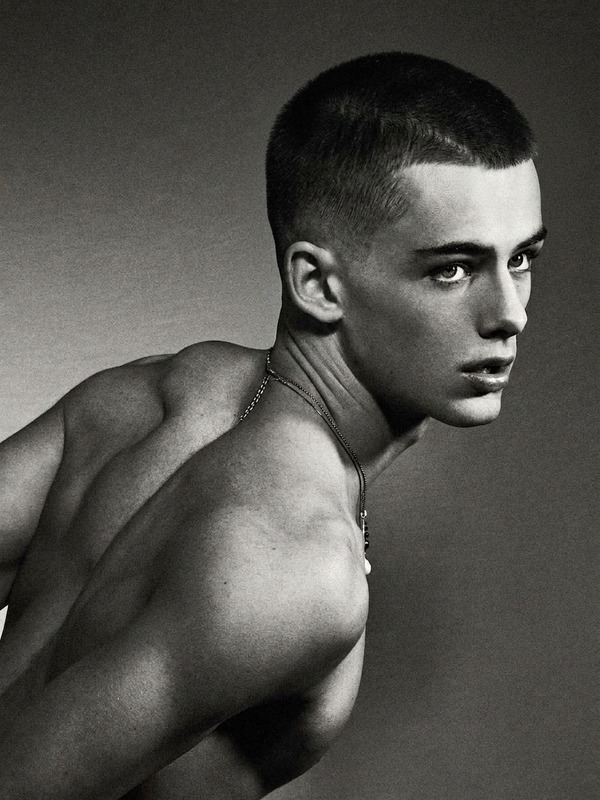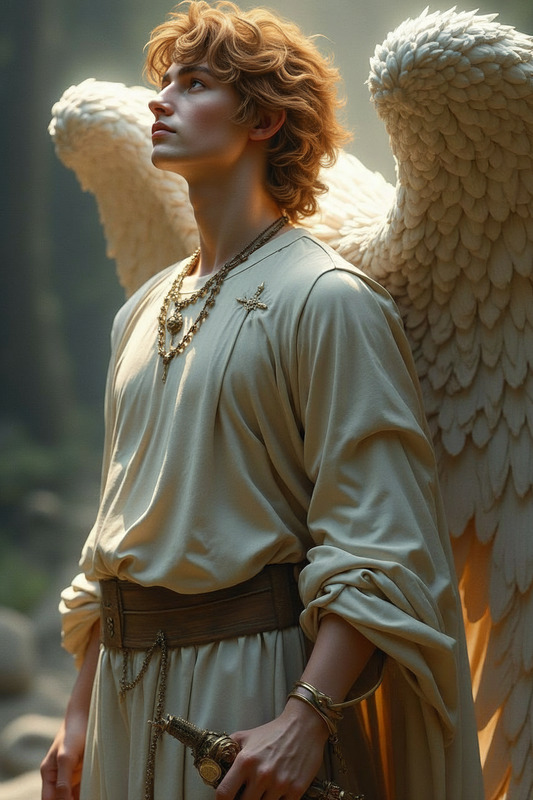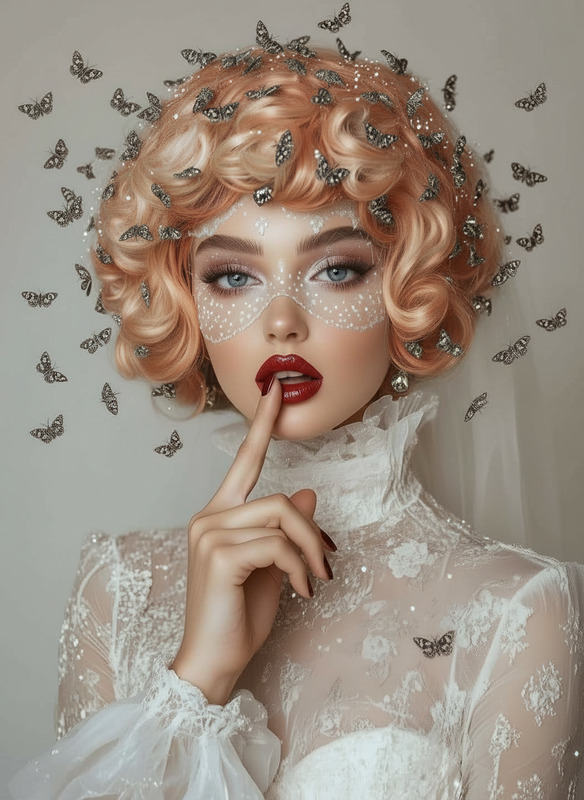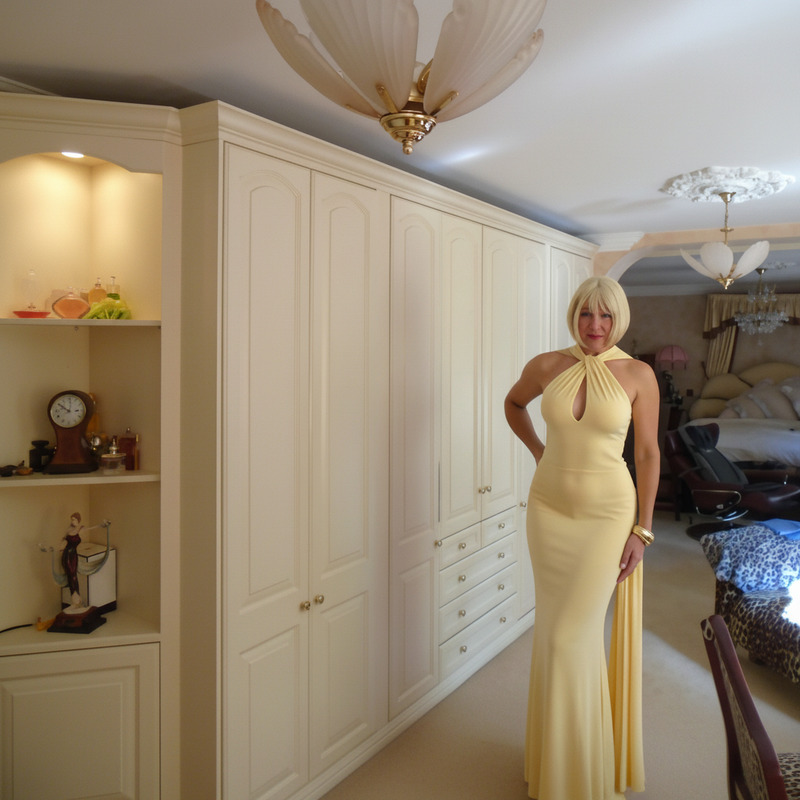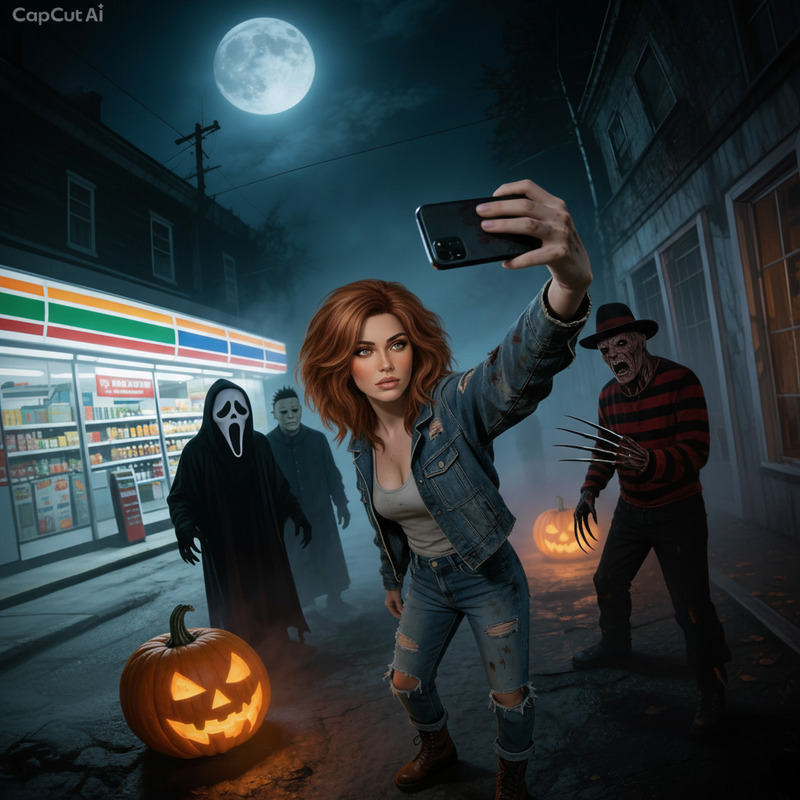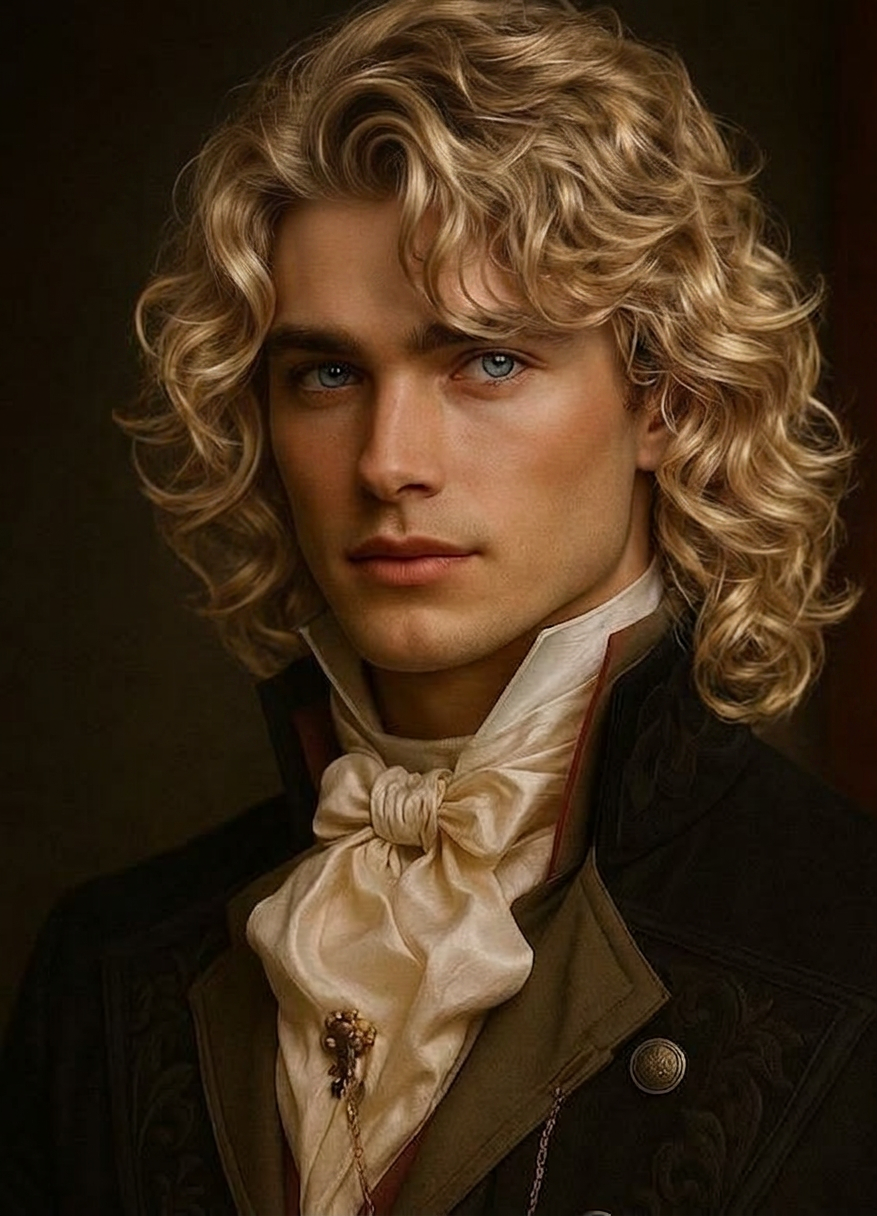
Blonde Luscious Hair
- Model
- Nano Banana 2
- Image
- 877 × 1216 px
Prompt
Give the individual rich, luscious blonde hair while preserving their identity and facial features. Use natural-looking blonde tones (warm golden, honey, or soft ash depending on skin tone) with smooth gradients and subtle highlights. Add volume, softness, and healthy shine with realistic strands and flow. Ensure seamless blending with the original hairline and lighting. High detail, photorealistic, polished and vibrant look.
Any aspect ratio
Overview
The "Blonde Luscious Hair" template is part of our AI Image Editor lineup, designed to transform hair appearances while maintaining facial integrity. With high detail and photorealistic output, it caters to enhancing images with golden, honey, or ash blonde tones expertly blended with natural hairlines.
What It Does
This template enables users to convert any hair color into rich, luscious blonde shades using the nano-banana-2 model. It adjusts colors and textures to create a smooth, volumetric, and natural blonde appearance with vibrant shine and authentic depth.
Who It's For
"Blonde Luscious Hair" is an ideal tool for beauty professionals, such as salons and hair stylists, aiming to showcase transformations. Digital content creators in the fashion and beauty sectors can also leverage this template to enhance social media and marketing visuals. It's also practical for individuals wanting to visualize personal hair transformations.
Summary
Generate stunning blonde hair transformations that appear vivid and realistic with our template. By focusing on detailed blonde hair variations suited to skin tone and lighting, the template offers a powerful addition to your visual content toolkit. Explore more editing options with our Gender Swap and Face Swap tools to expand creative possibilities.
How to Use the Blonde Luscious Hair Template
Choose the Template

Customize Your Details

Generate Your Image

Use Cases
Beauty Tutorials
Salon Promotions
Advertising and Marketing
Best Practices
Match Skin Tones
Select blonde shades that complement the individual's skin tone to maintain a realistic appearance.Fine-Tune Lighting
Adjust lighting effects to ensure smooth integration with the original image's light source and shadows.Preview Before Finalizing
Use the preview feature to carefully assess how the hair integrates with the face and lighting before downloading the final image.