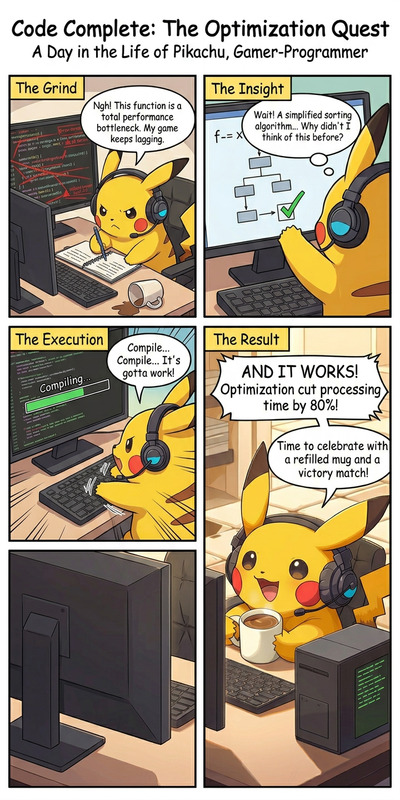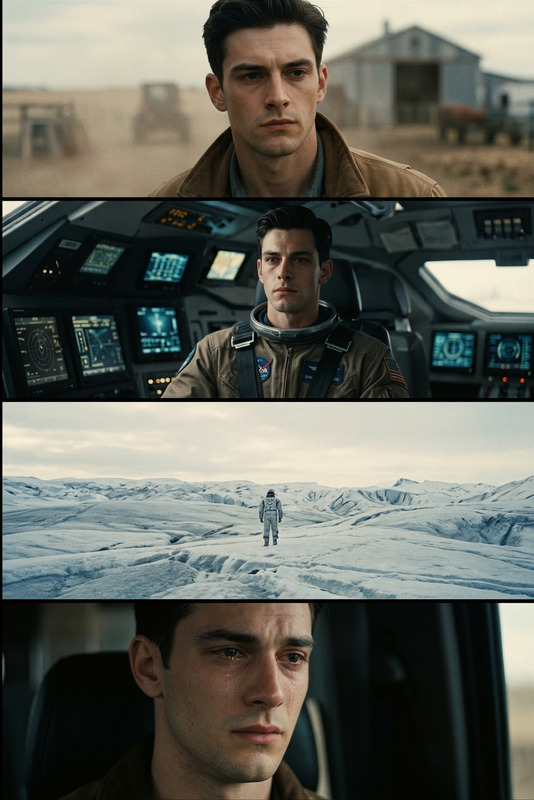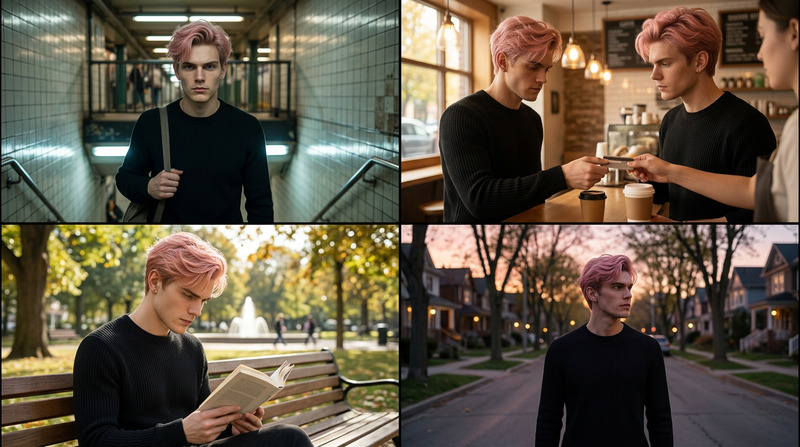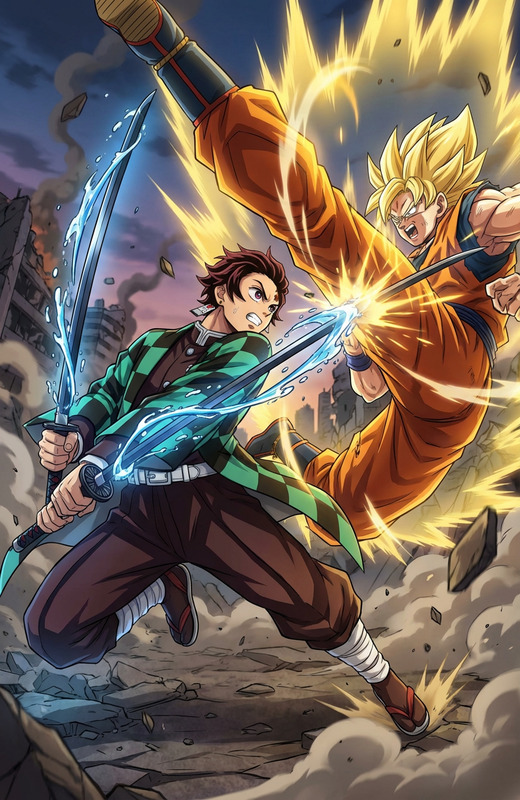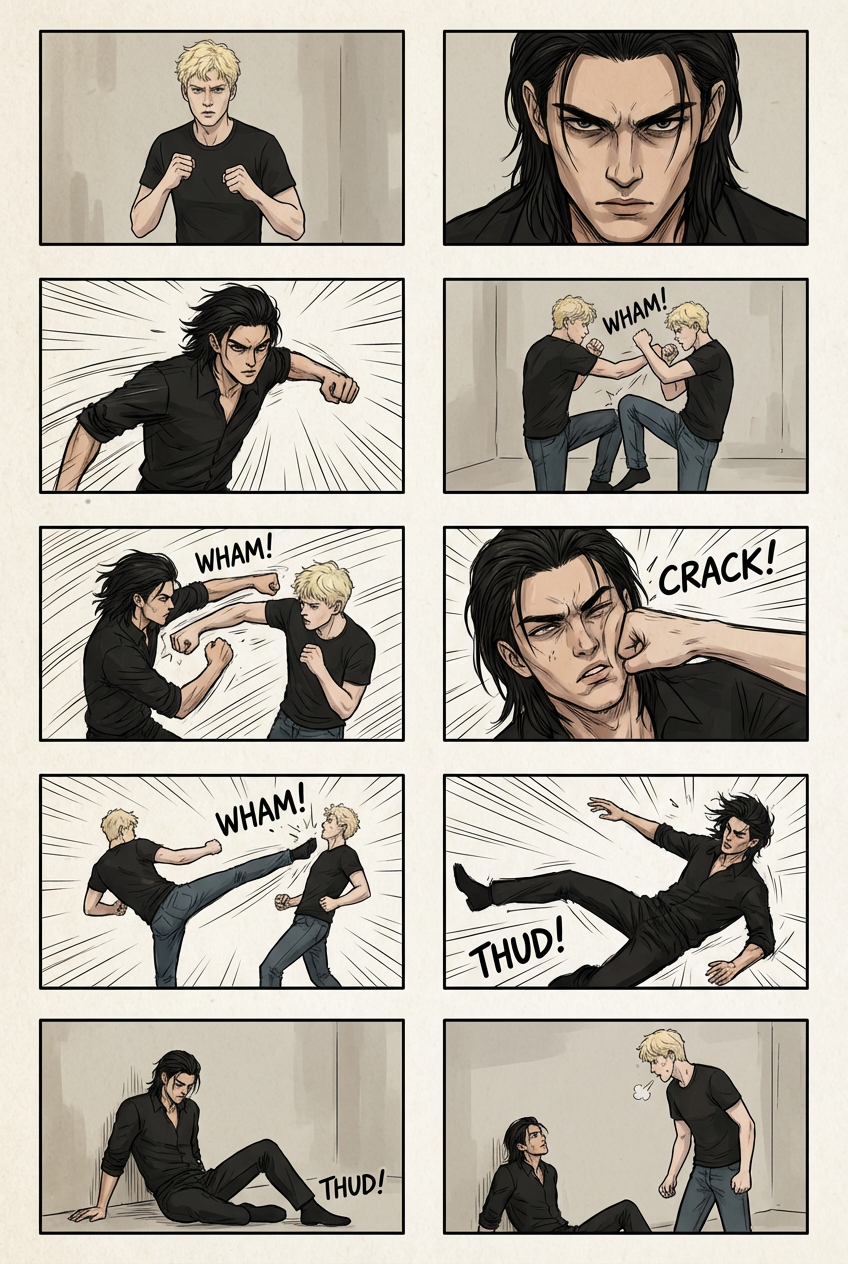
Fight Scene Storyboard

Fight Scene Storyboard

ai-image-editor

1 clip
16 uses

Any aspect ratio

Prompt

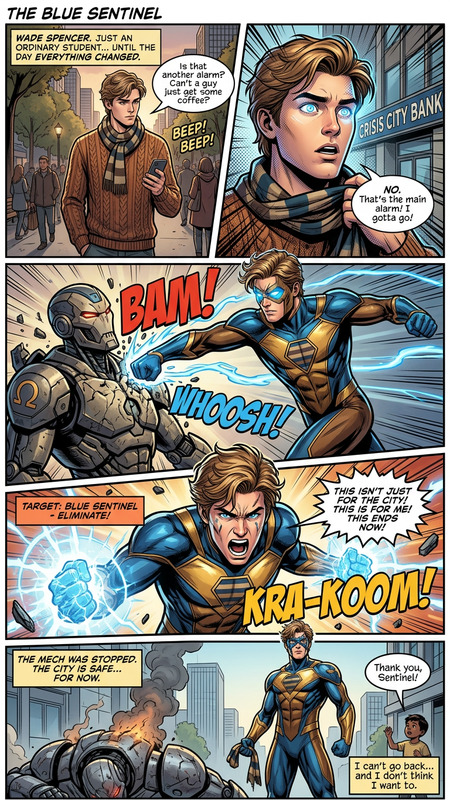
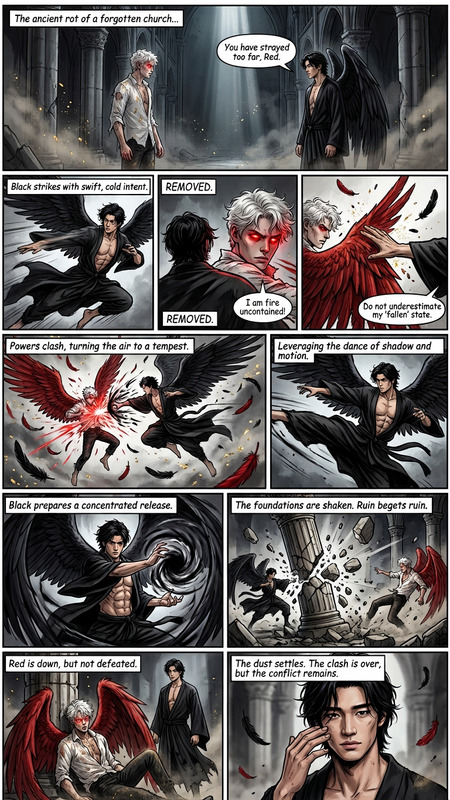
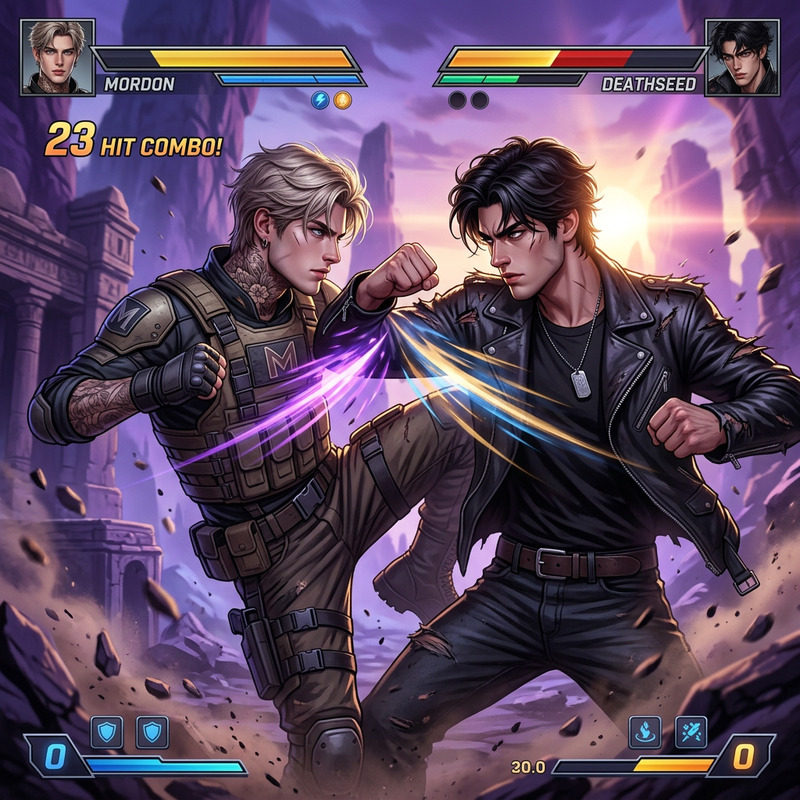
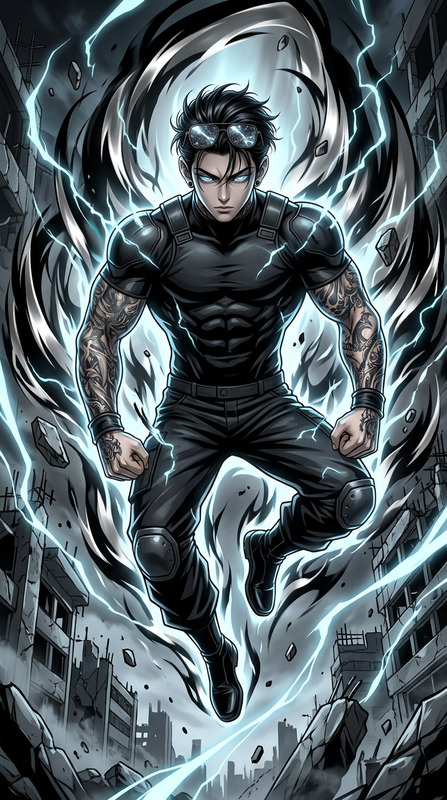
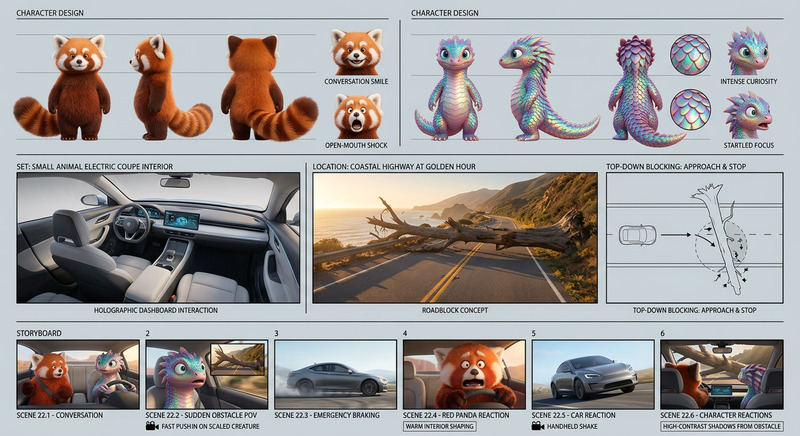
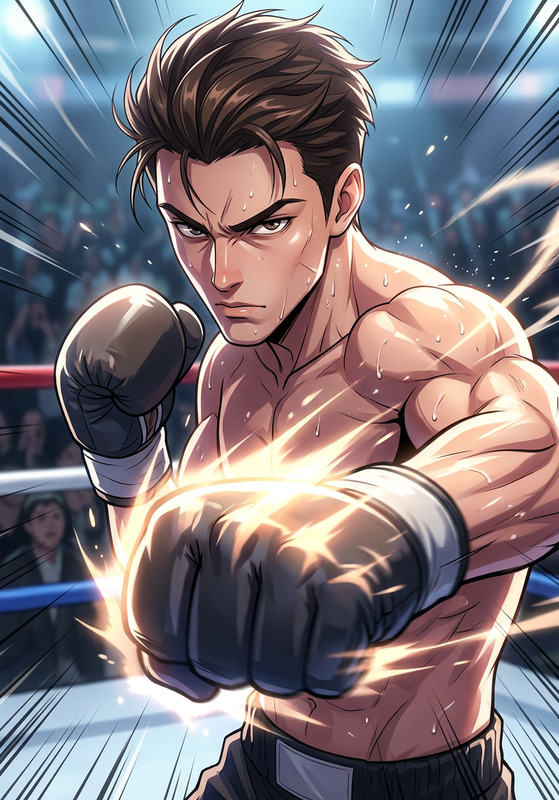
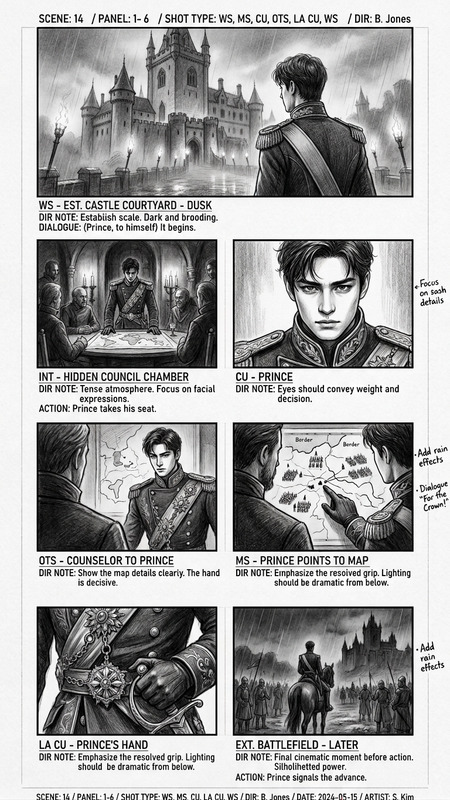
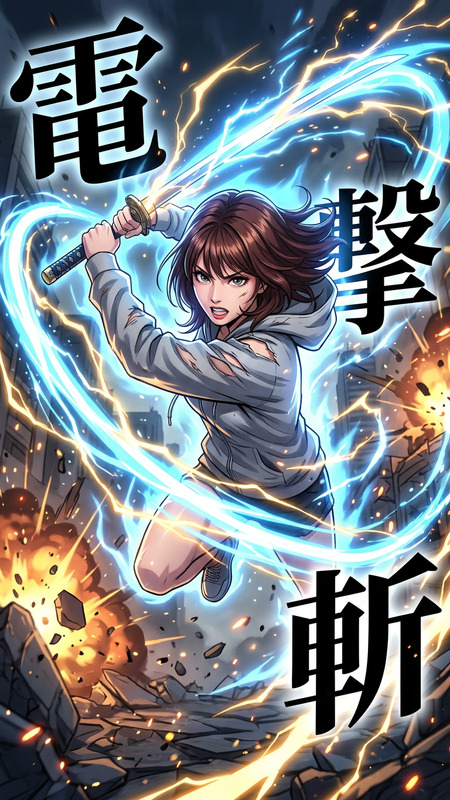
Create a dynamic storyboard of a fight scene using the two reference characters. Maintain their designs and proportions while placing them in a sequence of cinematic panels (6–10 frames). Show clear action progression: tension buildup, first strike, counterattack, mid-fight exchange, climax, and aftermath. Use varied camera angles (close-up, wide, low/high angles), motion lines, and dramatic poses. Keep backgrounds minimal but consistent, and ensure continuity of movement and spatial direction across frames.

Tags

styles

AI Image Editor Template: Edit, Enhance, and Transform Images in Minutes

Use this template as a fast starting point for professional image editing with AI. Whether you’re cleaning up product photos, redesigning marketing creatives, or prototyping concepts for a new product, this template shows how to build a reusable AI-powered image workflow inside Magic Hour.


What This Template Does

This template is built with the AI Image Editor and is designed to help you:

  • Remove or replace objects and backgrounds
  • Clean up visual noise and distractions
  • Refine lighting, color, and composition
  • Transform an existing photo into a new style (realistic, cinematic, anime, illustrative, etc.)
  • Prepare visuals for ads, social media, landing pages, pitches, and decks

You can remix this template to create your own custom editor for:

  • Product photography and ecommerce shots
  • Brand visuals and social media assets
  • Concept art and UI/UX mockups
  • Content marketing, newsletters, and blog imagery
  • Startup pitch decks and investor materials

How to Remix This Template in Magic Hour

  1. Open the Template in Magic Hour
    Start from this template inside Magic Hour and duplicate it to make your own version. You’ll keep the structure, but can change the prompts, steps, and assets.

  2. Swap in Your Own Images

    • Upload your product photos, headshots, or brand imagery.
    • Use the template’s AI edit steps to remove unwanted objects, clean backgrounds, or change styles.
    • If you need new base images, generate them first with the AI Image Generator or AI Photo Generator, then feed them into this editor.
  3. Customize the Edit Logic

    • Define what the editor should consistently do: e.g., “Make a clean white studio background,” “Apply soft cinematic lighting,” or “Convert to flat illustration.”
    • Chain multiple edits: one step to remove distractions, another to restyle, another to upscale for final export.
    • For brand work, keep a consistent style prompt so all outputs look cohesive.
  4. Add Supporting Tools to Your Flow (Optional)
    Enhance the template with additional Magic Hour tools depending on your use case:

  5. Save, Reuse, and Share

    • Save your remixed template as a reusable workflow for your team.
    • Use it as a consistent editing layer for campaigns, launches, and client projects.
    • Iterate quickly by cloning your own template again when you want a variant for a new brand or project.

Example Use Cases for Creators, Marketers, and Builders

1. Product & Ecommerce Imagery

  • Start with raw product shots.
  • Use the AI Image Editor template to:
    • Remove cluttered backgrounds
    • Add clean white or on-brand gradient backdrops
    • Generate lifestyle compositions using AI Background Generator
  • Upscale final images with AI Image Upscaler for marketplace, ads, or landing pages.

2. Brand & Social Media Content

3. Pitch Decks, Sales Collateral, and Landing Pages

4. Character, Avatar, and IP Development


Pair This Template with Video and Voice Tools

You can extend your edited images into full motion content:


Advanced Ideas for Developers and Startup Teams

If you’re building internal tools, marketing automation, or creative pipelines:

  • Use this template as a core editing step in a larger workflow that:
    • Generates on-brand imagery with AI Art Generator
    • Cleans, edits, and styles images with the AI Image Editor
    • Upscales and prepares final assets for web, mobile, or print
  • Standardize visual outputs across campaigns, locales, or product lines by cloning this template and adjusting prompts per brand or region.
  • Combine AI-edited imagery with dynamic content like QR codes via the AI QR Code Generator for interactive campaigns.

Getting the Most From the AI Image Editor

To create the strongest possible remix of this template:

  • Keep a clear visual goal: Decide if you’re optimizing for clarity (ecommerce), emotion (campaigns), or recognizability (brand/avatars).
  • Define a consistent style: Use similar descriptions for lighting, color palettes, and mood across runs to maintain consistency.
  • Iterate quickly: Try multiple variations and keep the ones that align with your brand or product story.
  • Chain tools strategically: Use the AI Image Editor first for composition and style, then upscaling, then any final niche generators (logos, covers, avatars).

Use this template as your starting point, remix it to match your brand or product, and turn image editing into a fast, repeatable, AI-driven workflow for your team.

More Like This

Insufficient credits