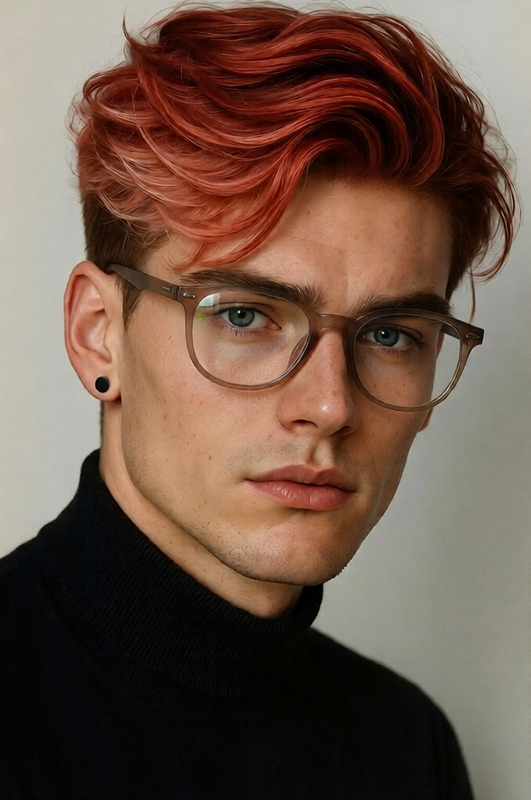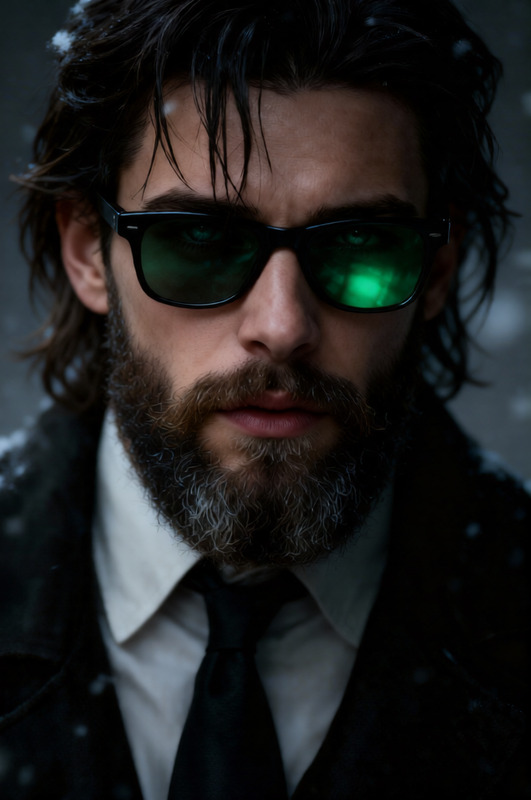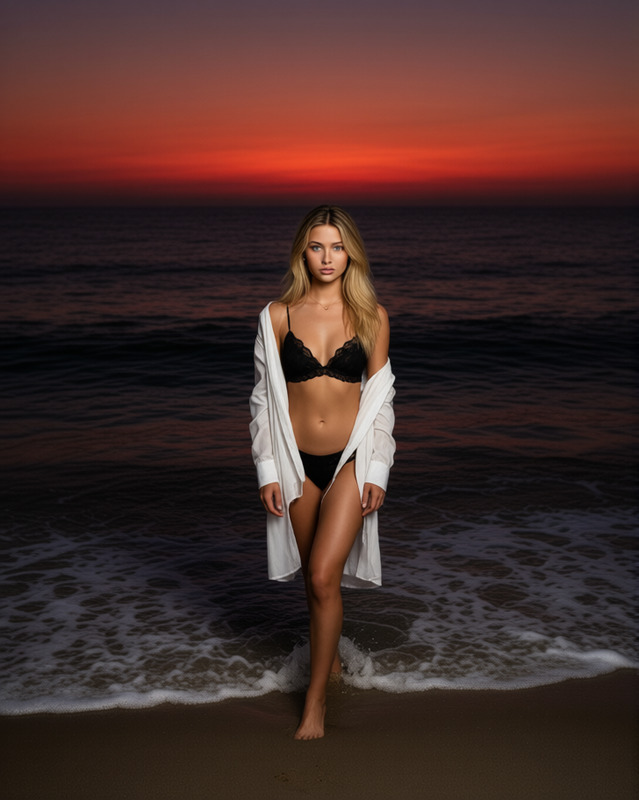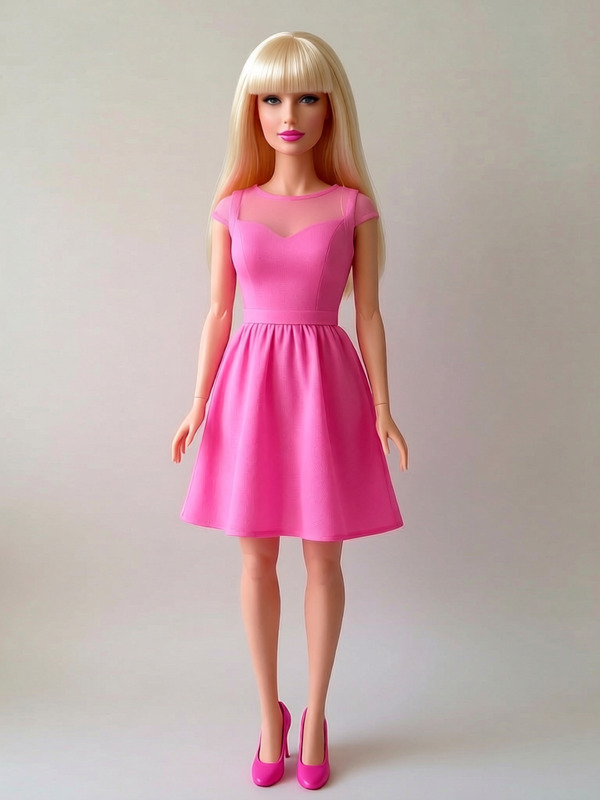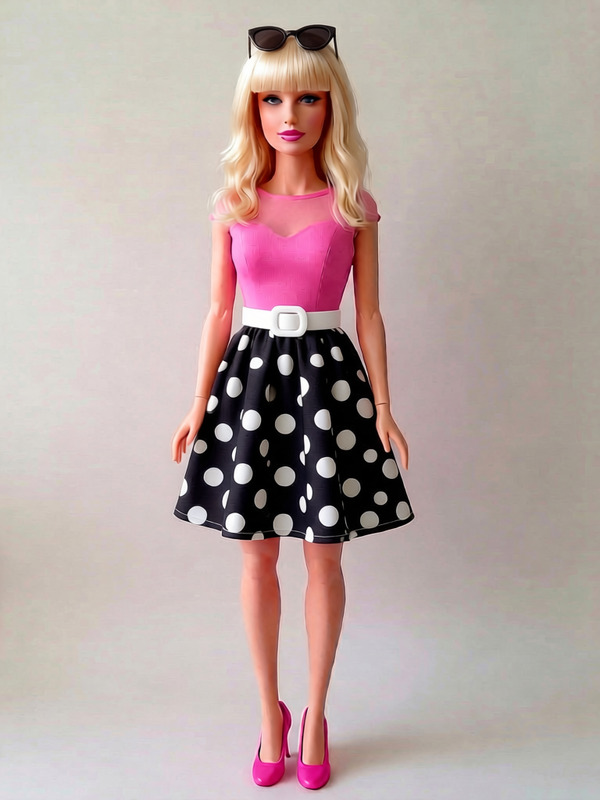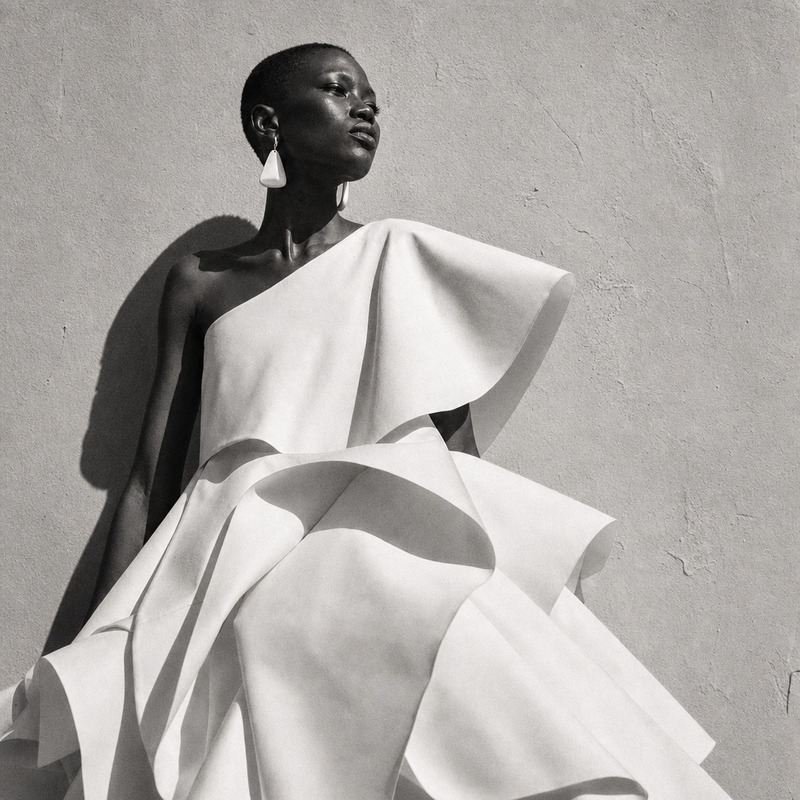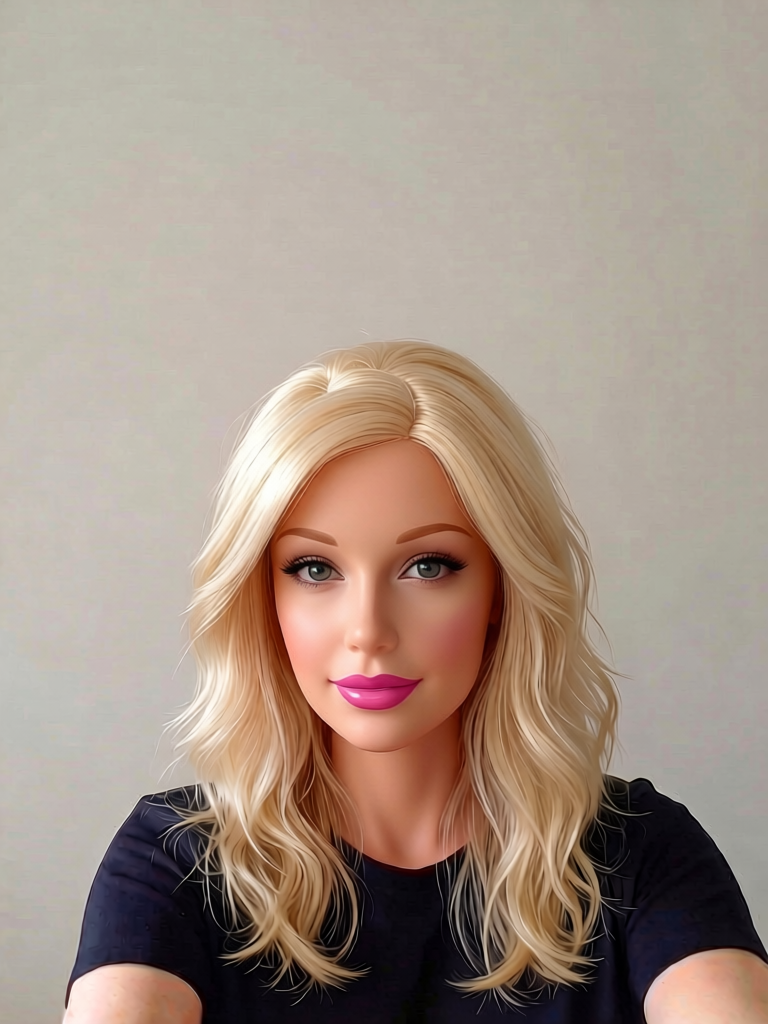
Blonde Doll Portrait
- Model
- Qwen Edit
- Image
- 768 × 1024 px
Prompt
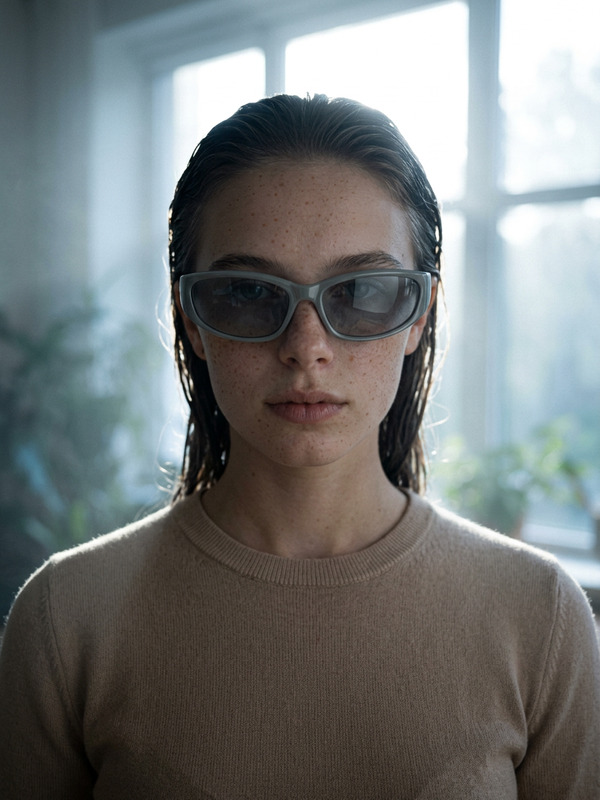
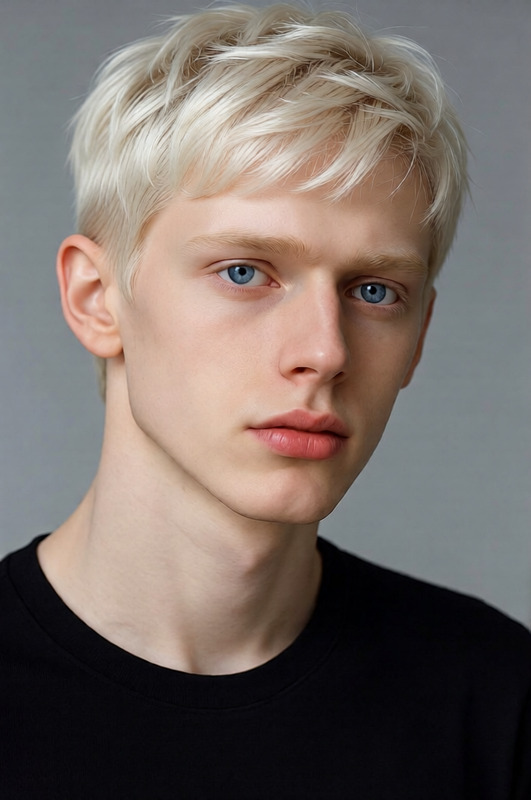
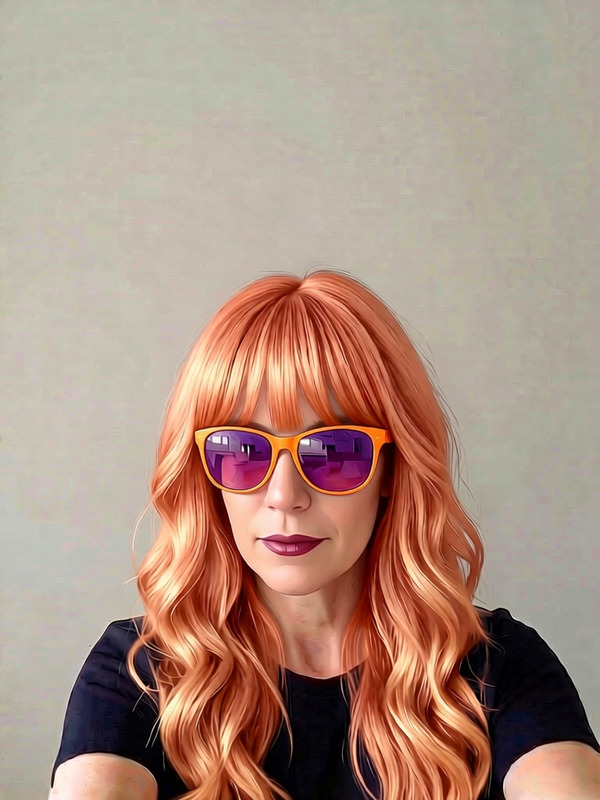
Remove sunglasses
Any aspect ratio
Overview
The "Blonde Doll Portrait" template in the AI Image Editor category invites you to transform images with style-focused adjustments. Leveraging the advanced qwen-edit model, this template allows for subtle yet impactful editing, such as removing accessories like sunglasses from your portraits.
What It Does
This template is all about enhancing the stylistic aspects of your images. Specifically designed for portrait editing, it features a prompt to remove sunglasses from the subject. By employing this capability, you can achieve cleaner, more focused visuals, accentuating the subject’s natural features without the distraction of added accessories.
Who It's For
The "Blonde Doll Portrait" template is ideal for photographers, fashion editors, and creative professionals who aim to refine their photo editing processes. If you often work with portraits and want to streamline the removal of sunglasses without compromising on quality, this tool is tailored for you. It's also useful for social media influencers needing polished images quickly.
Summary
Utilize the "Blonde Doll Portrait" template to refine portrait images by removing sunglasses and emphasizing natural beauty with AI precision. Perfect for individuals and businesses engaged with image-centric platforms, this tool offers a quick and effective solution for achieving a more polished appearance.
How to Use
Choose Your Template

Customize Your Image

Generate Your Image

Use Cases
Fashion Photography
- High-quality results
- Time-efficient editing
Social Media Enhancement
- Boost engagement rates
Client Image Editing
- Maintain high client satisfaction
- Streamline workflow
Best Practices
Select High-Resolution Images
Ensure the images you input are of high resolution for the best editing results. This will allow the AI model to perform more accurate modifications.Combine with Other Templates
To achieve a comprehensive edit, consider using this template alongside the AI Image Generator for additional stylistic effects.Review Before Finalizing
After generating the edited image, review the outcome to ensure it aligns with your expectations. Make any needed adjustments in the original image parameters and regenerate if necessary.