Natural Sunglasses Addition
- Model
- Nano Banana
- Image
- 864 × 1184 px
Prompt
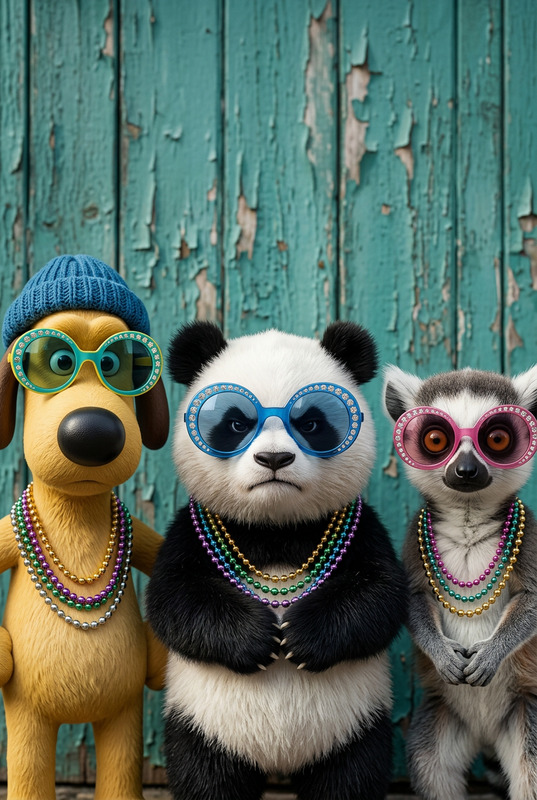
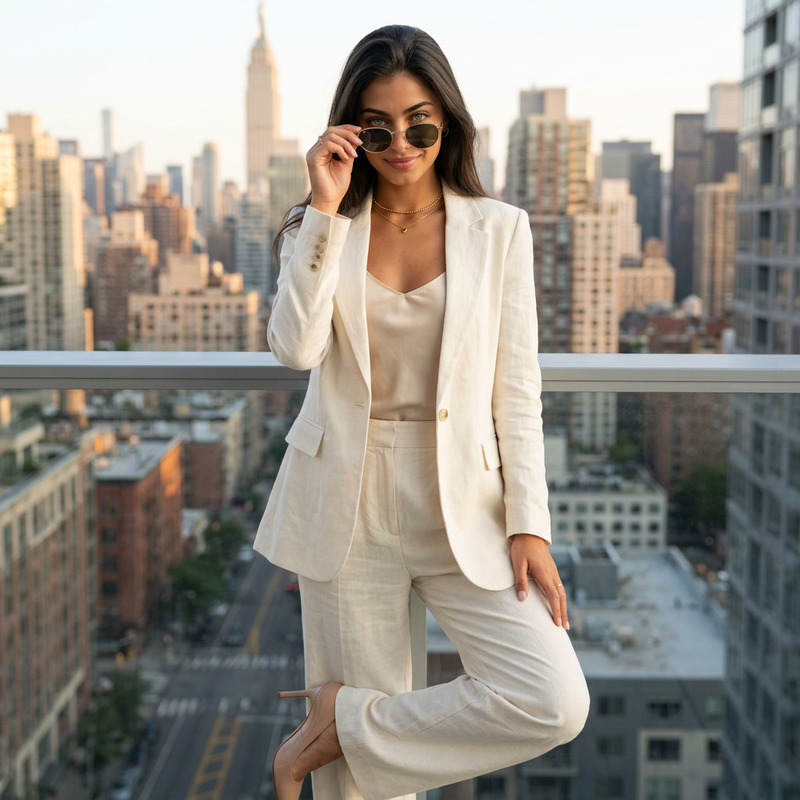
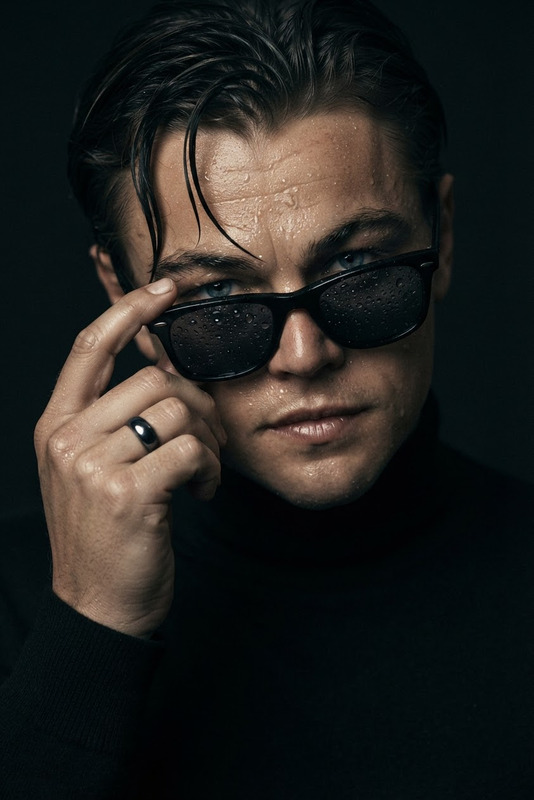
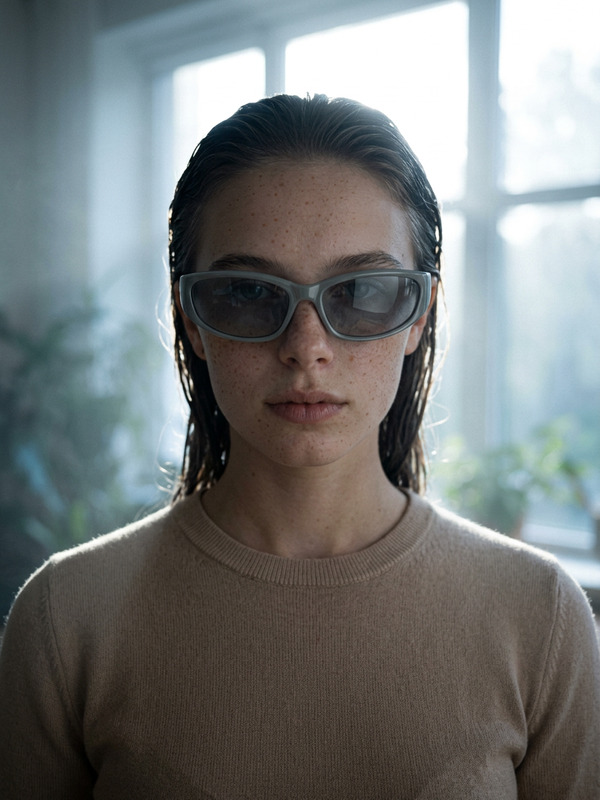
Add appropriately sized sunglasses to the subject(s), ensuring they fit naturally with correct proportions to the face. Align the glasses with facial features and angle, with realistic shadows and reflections on the lenses. Maintain the original identity, pose, lighting, and style. Photorealistic detail, seamless integration.
Any aspect ratio
Overview
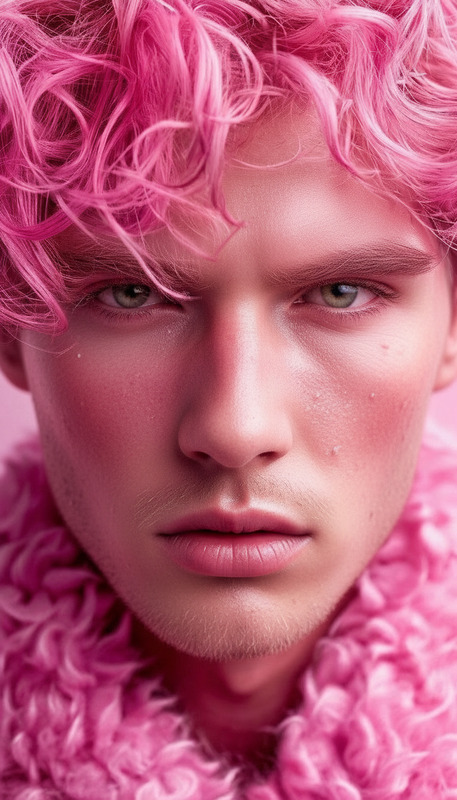
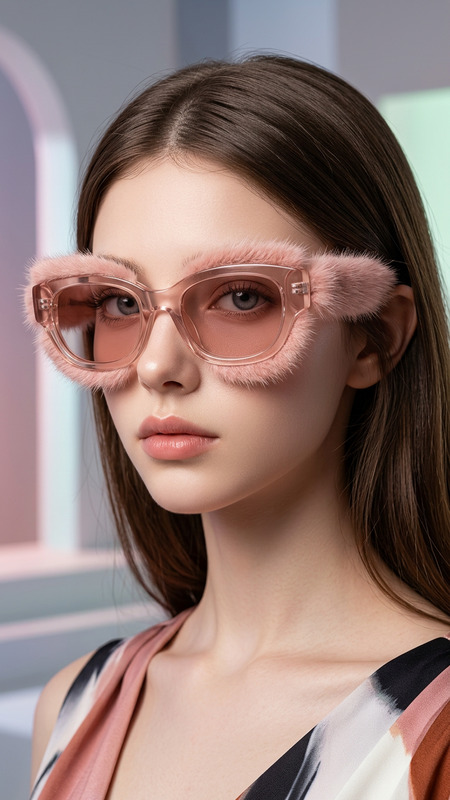
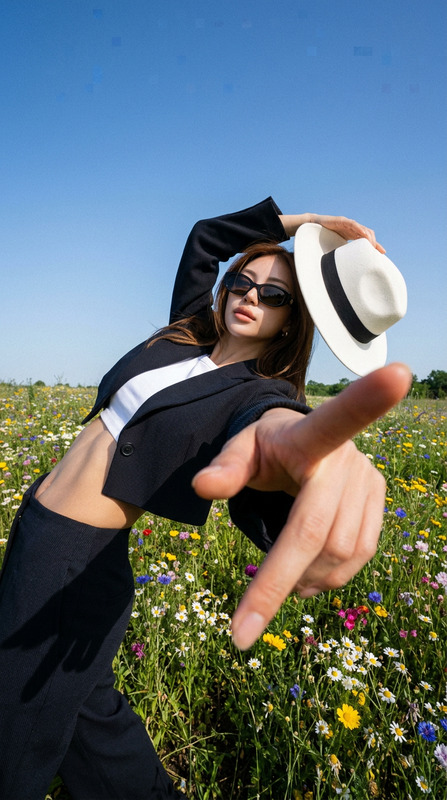
The Natural Sunglasses Addition template harnesses the power of AI to add sunglasses to subjects in your images with remarkable precision. Leveraging the capabilities of the nano-banana model, this template ensures that sunglasses fit naturally on faces and retain photorealistic detail, resulting in visuals that stand out.
What It Does
This AI Image Editor template allows you to enhance images by adding sunglasses that align perfectly with the subject's facial features, angle, and lighting. You will benefit from realistic shadows and reflections on the lenses without altering the subject's identity or the overall aesthetics of the image. This makes it ideal for creating engaging images for social media or marketing campaigns.
Explore similar features with the AI Clothes Changer or the AI Face Editor to further enhance your image editing capabilities.
Who It's For
The template is perfect for digital marketers, content creators, and social media managers looking to boost engagement through visually appealing content. It's also an excellent tool for photographers and graphic designers who need a quick yet sophisticated way to add stylish elements to their images. By integrating with AI GIF Generator, you can create dynamic visuals for multi-platform campaigns.
Summary
Whether you're sprucing up an Instagram post or designing an advertisement, the Natural Sunglasses Addition template enhances imagery with ease. By maintaining the subject's essence and surroundings while seamlessly integrating sunglasses, this tool extends your creative possibilities. Check out our AI Image Upscaler for high-definition results of your final edits.
How to Use
Choose the Template

Customize Your Image

Generate the Final Image

Use Cases
Social Media Marketing
- Create engaging Instagram posts
- Boost Facebook ad visuals
Editorial Design
- Feature cover stories with a fresh look
- Design compelling images for articles
E-commerce and Product Photography
- Add trendy sunglasses to model images
- Create collections with thematic accessories
Best Practices
Select High-Resolution Images
Start with high-quality images to ensure the best output when adding sunglasses.Maintain Original Lighting
Ensure the lighting settings match the original photo to achieve a seamless integration.Align Sunglasses Naturally
Use the template's adjustments to ensure sunglasses fit well with the natural contours and angles of the subject's face.