Shadows and Light
- Model
- Nano Banana 2
- Image
- 928 × 1152 px
Prompt
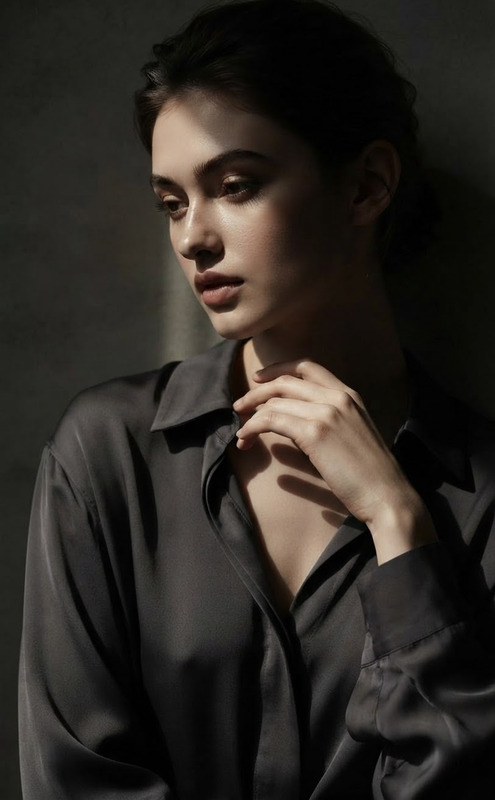
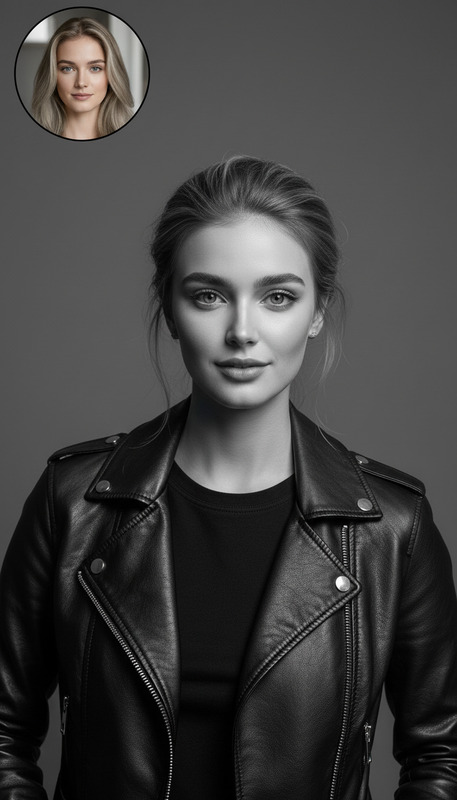
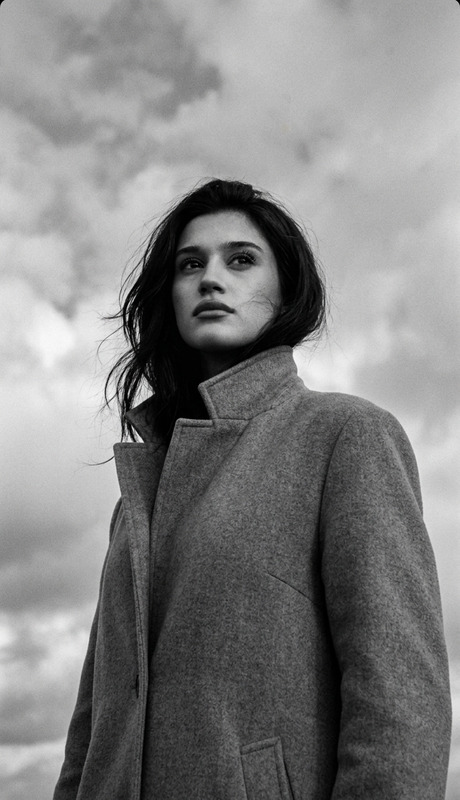
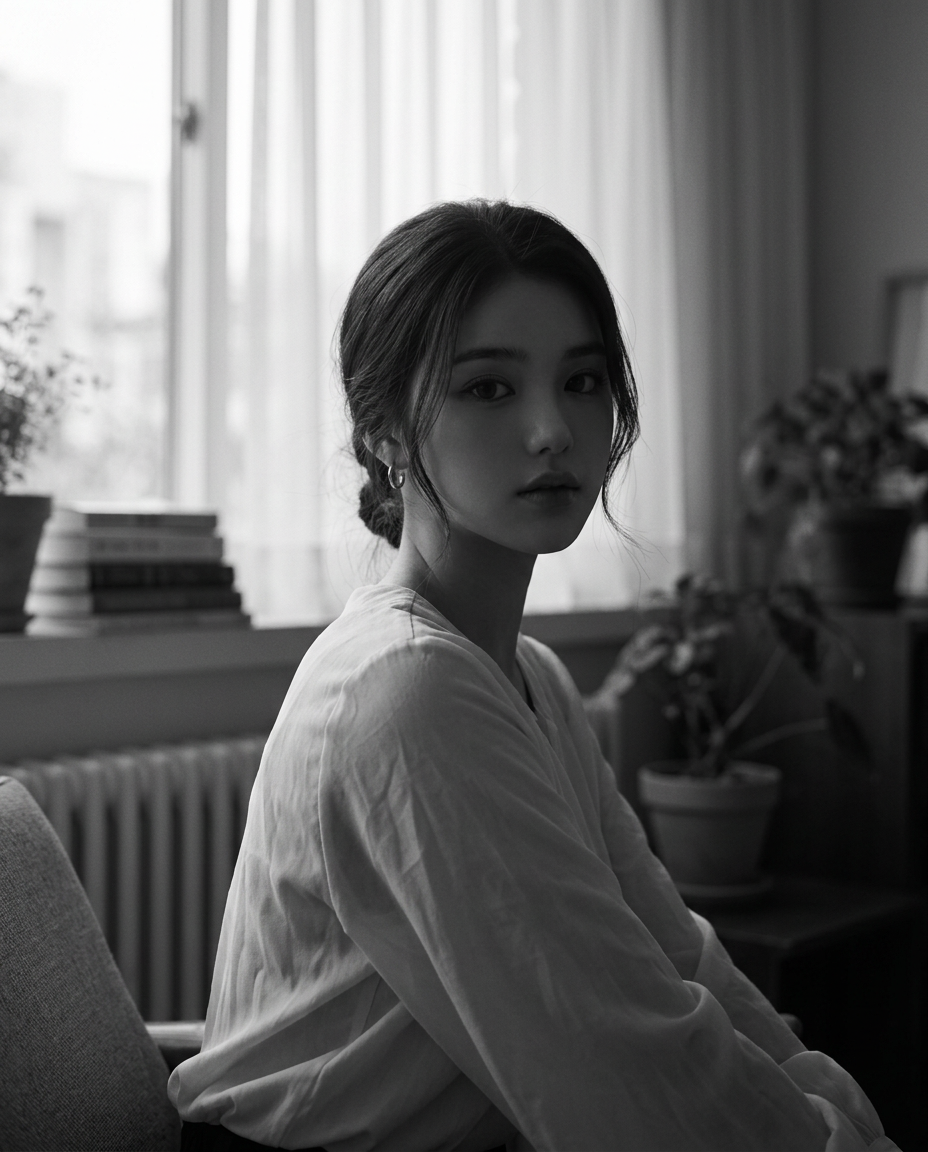
Create a black-and-white photographic portrait. Closely matches the facial identity of the reference image (accurate face matching, preserve facial structure, proportions, and expression). A young woman seated indoors near a large window, softly lit by natural diffused daylight through sheer curtains. Producing a darker, low-key exposure while retaining visible facial detail. The tonal range is soft and low contrast, with no harsh highlights or crushed shadows, creating a quiet, intimate, contemplative mood. She is turned slightly to the side but looks calmly toward the camera with a neutral, introspective expression. Natural hairstyle, minimal makeup, small hoop earrings. She wears a light, airy long-sleeved blouse with subtle folds and a relaxed fit. The background is softly out of focus, showing a cozy interior with stacked books, potted plants, a radiator beneath the window, and shelving in the distance. The composition feels natural and unposed, with shallow depth of field and a timeless fine-art editorial photography style. Style: monochrome, low-key lighting, soft tonal range, fine grain, cinematic softness, realistic photography Constraints: preserve facial identity, realistic proportions, no stylization, no exaggerated features Aspect ratio: 4:5 85mm Portrait The brightness of the image is very low. Average brightness: ≈ 27.8 / 255 No warm color tone
Any aspect ratio
Overview
The "Shadows and Light" AI Image Editor template specializes in crafting evocative monochrome portraits. Designed with the nano-banana-2 model, it faithfully replicates the nuances of the reference image while delivering a soft, atmospheric snapshot. This template is ideal for photographers seeking to emphasize natural lighting and intimate mood in their fine-art editorial photography.
What It Does
This template creates a black-and-white portrait that achieves accurate face matching. It maintains the facial structure and expression of the subject, casting them in a serene, contemplative light. The image benefits from a low-key exposure with a soft tonal range, avoiding harsh highlights or exaggerated shadows. Every detail, from the subject's minimalist accessories to the cozy interior background, contributes to an authentic, timeless scene.
Who It's For
The "Shadows and Light" template is perfect for photographers, artists, and visual storytellers who wish to explore monochrome portraiture. It's also suited for use in fine-art projects, magazine editorials, and even social media campaigns focusing on a classic, cinematic approach. Whether you are a seasoned professional or an emerging artist, this tool helps enhance your portfolio with refined, thoughtful imagery.
Summary
To achieve stunning results, the "Shadows and Light" template leverages low-key lighting techniques, monochrome style, and a soft tonal range to create realistic and mood-rich portraits. Users benefit from its capacity to preserve facial identity and maintain natural proportions, producing imagery that's both authentic and artistically compelling. Explore additional capabilities with our AI Image Generator or integrate dynamic visual elements using the Image-to-Video tool.
How To

Customize

Generate

Use Cases
Fine-Art Photography
Editorial Features
Social Media Content
Best Practices
Reference Image Quality
Select a high-resolution reference image to ensure facial details are clear and accurately rendered.Lighting Consistency
Consider the natural lighting in your reference. Images with soft, diffused light will best match this template's capabilities.Accentuating the Mood
Adjust compositions subtly to enhance the quiet, introspective expression that defines this portrait style.