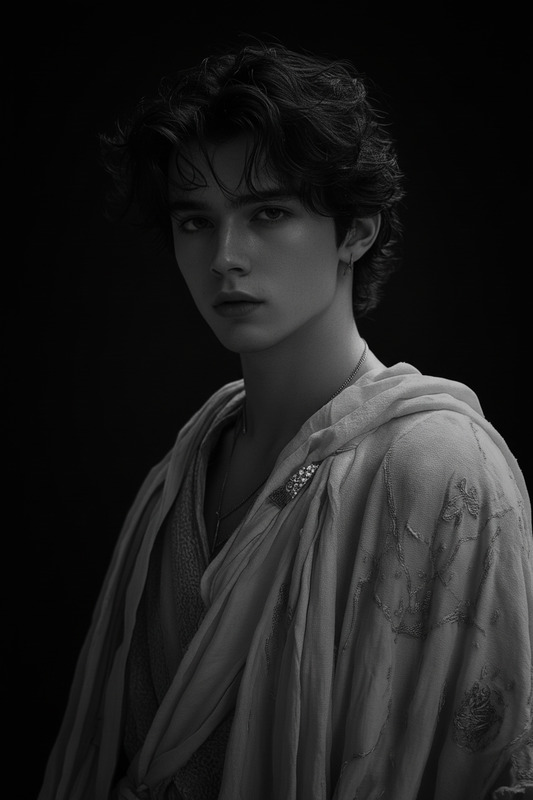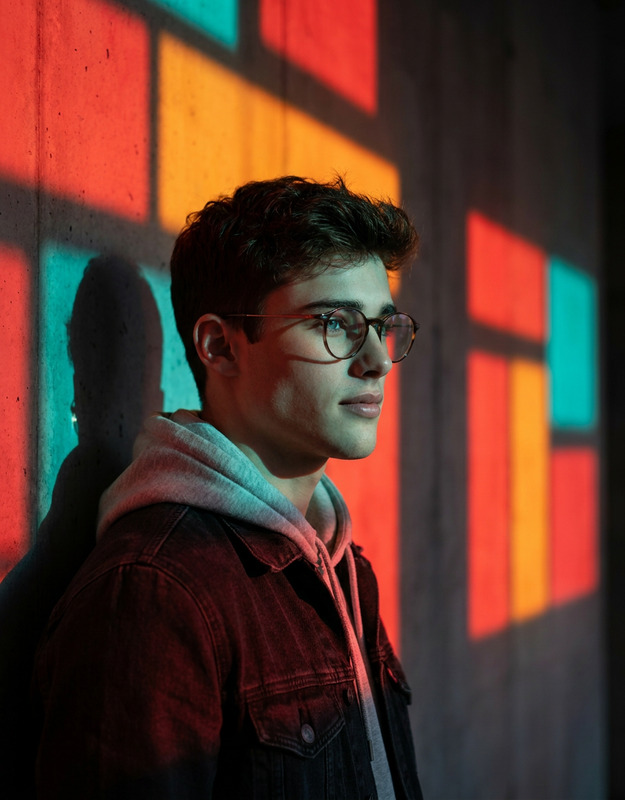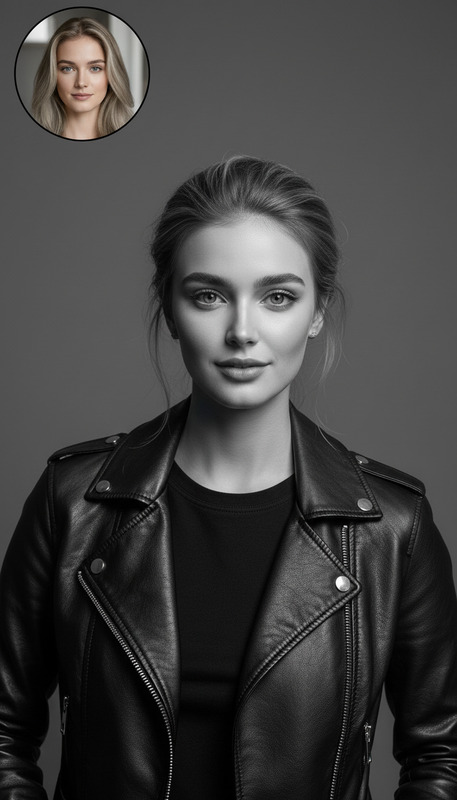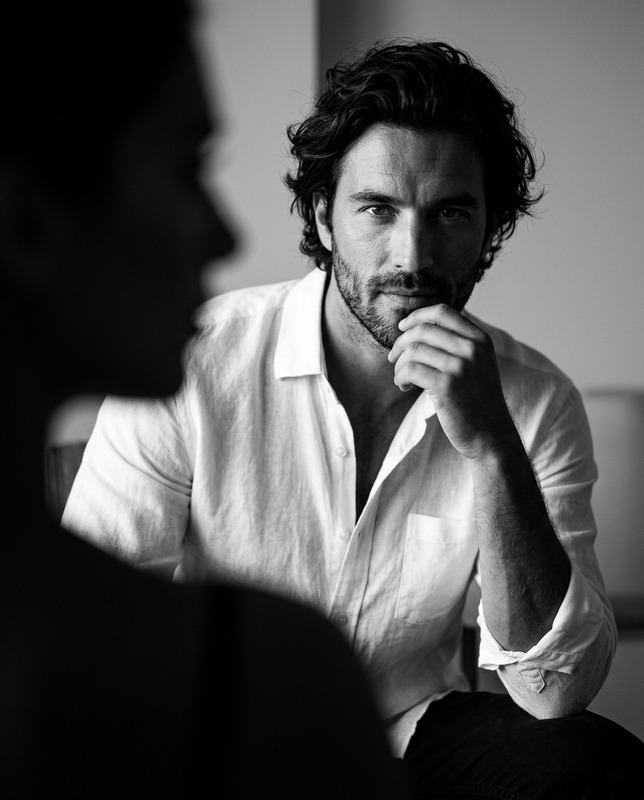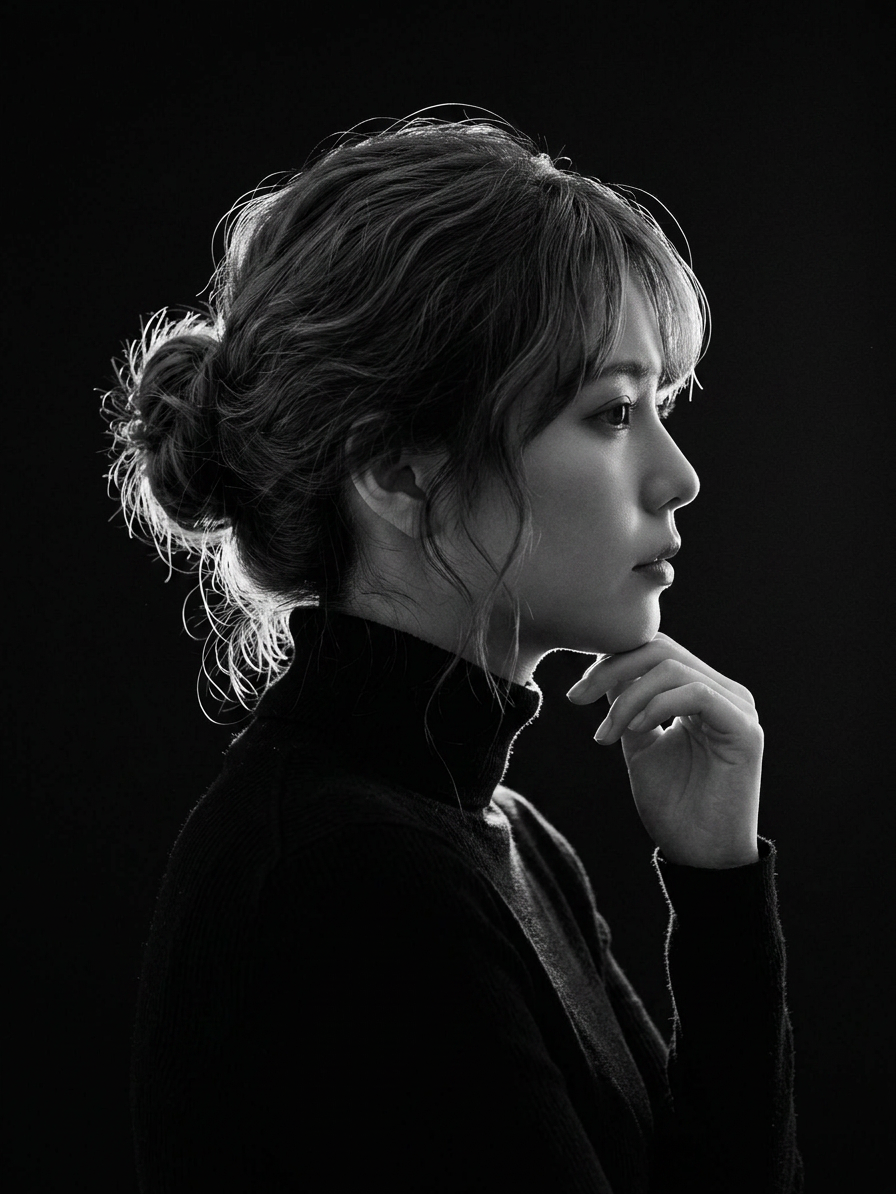
Black Turtleneck Profile Rim Lighting
- Model
- Nano Banana 2
- Image
- 896 × 1194 px
Prompt
Create a black and white cinematic portrait of photo attached in profile view, wearing a black turtleneck. Studio dramatic rim lighting (backlighting) sharply outlines her silhouette, casting a bright glow along the edge of her wavy hair, nose, and lips, while her face remains softly illuminated in low-key shadows. Pure solid black background, high contrast, fine detail, professional photography.
Any aspect ratio
Overview
The Black Turtleneck Profile Rim Lighting template is a professional-grade option within our AI Image Editor tools. Designed to create stunning black and white portraits, this template highlights the finest details through dramatic rim lighting, offering a sophisticated touch to any profile photo.
What It Does
This template utilizes the power of the AI Image Editor to transform a simple profile photo into a cinematic masterpiece. By applying studio-style dramatic rim lighting, it achieves a high-contrast effect that accentuates the outline of the subject. A pure black background adds a professional touch, making the portrait suitable for a wide range of applications.
Who It's For
This template is ideal for photographers, influencers, and anyone looking to enhance their profile photos with a polished, dramatic look. It's especially beneficial for those in creative industries, such as social media advertising, where striking visuals are key. Additionally, creators involved in content development will find this tool invaluable for producing high-quality assets.
Summary
With the Black Turtleneck Profile Rim Lighting template, users can achieve a breathtaking studio-quality portrait without the need for expensive equipment or lighting setup. This AI Image Editor tool is perfect for anyone aiming to make a powerful visual statement with minimal effort.
How To
Choose Your Template

Customize the Details

Generate Your Portrait

Use Cases
Professional Photography Portfolios
- High-contrast images
- Professional-grade quality
Social Media Profiles
- Increased engagement
- Sophisticated look
Creative Marketing Campaigns
- Eye-catching profile shots
- Enhanced visual storytelling
Best Practices
Focus on Lighting
Ensure the subject's profile is clearly visible to optimize the rim lighting effect.Detail Oriented
Use high-resolution images to highlight fine details, especially in hair and facial features.Black Background
Maintain a pure black background to accentuate the silhouette effectively.