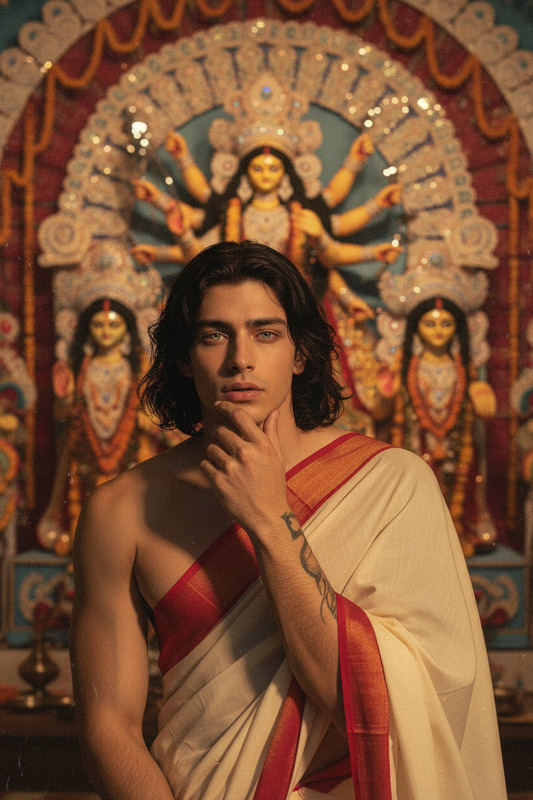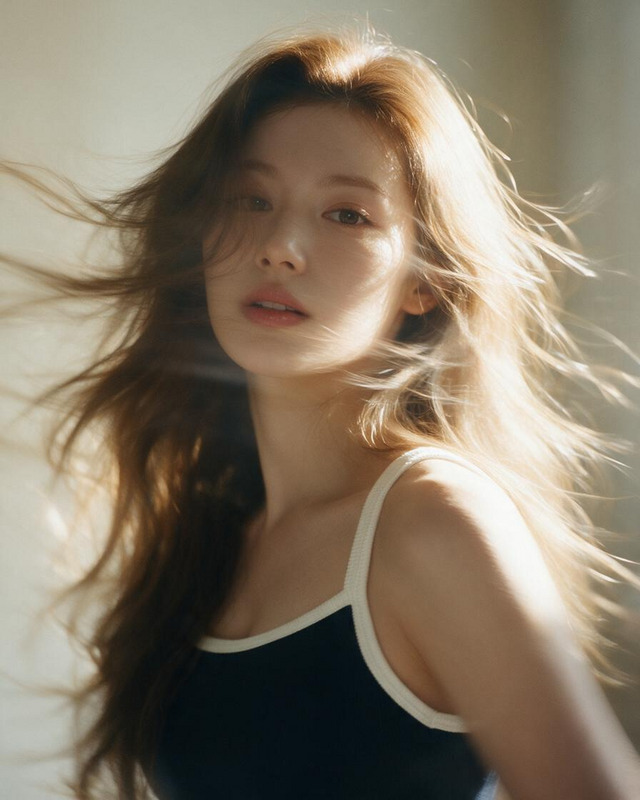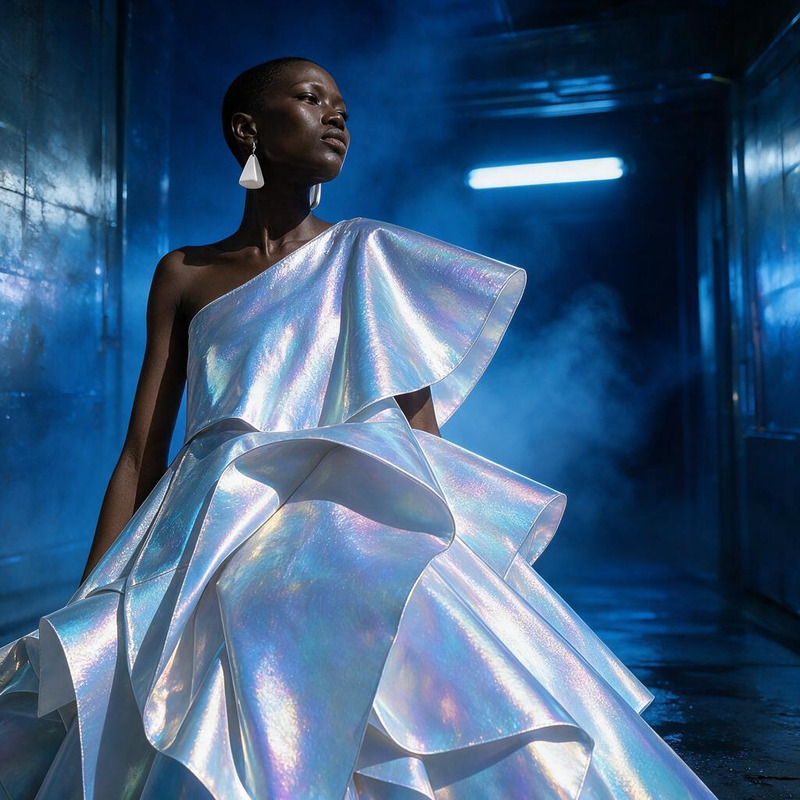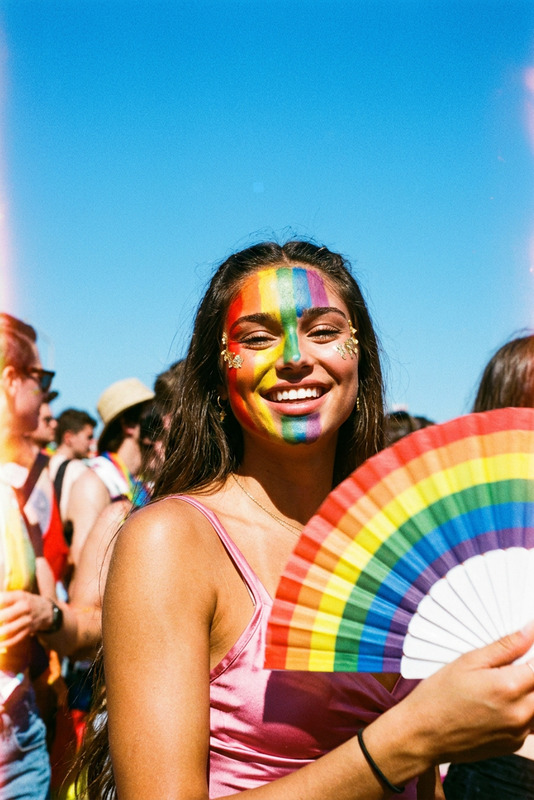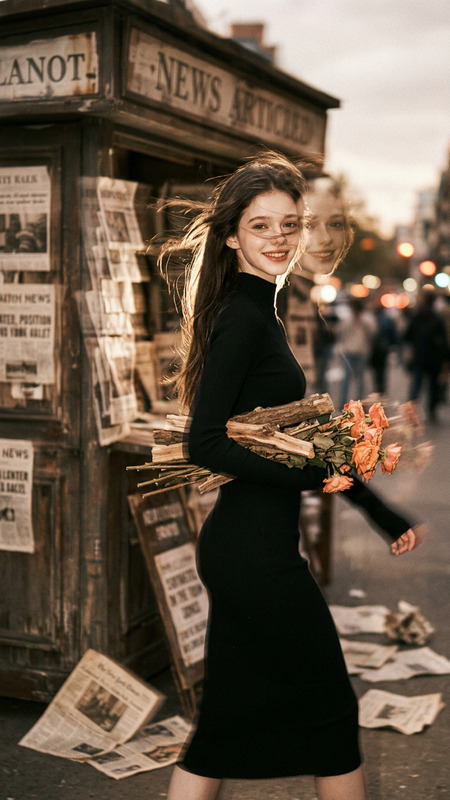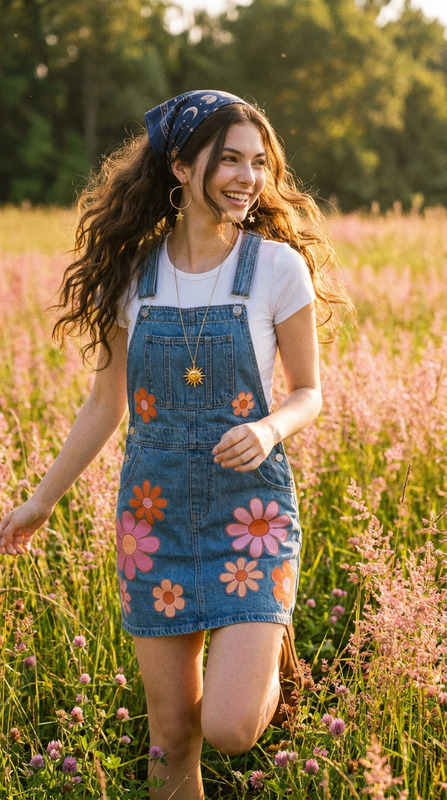
Retro 90s golden saree
- Model
- Seedream 4
- Image
- 679 × 1024 px
Prompt
Convert the image into a retro 90s film-style look. Add grainy texture, slightly faded tones, and a bright vintage aesthetic. Dress the subject in a black saree. Use warm golden sunset lighting with a solid deep-colored wall background. Soft focus, nostalgic mood, subtle film imperfections, cinematic feel.
Any aspect ratio
Overview
Dive into the nostalgic era of the 90s with the Retro 90s Golden Saree template, part of our versatile AI Image Editor. Transform everyday images into cinematic moments with vintage charm. Incorporating the aesthetics of old films, this template offers a journey back in time with elements like grainy textures, warm tones, and subtle imperfections.
What It Does
This template recreates the essence of 90s cinema by adding a grainy texture and a sense of warmth to your images. Using the powerful Seedream v4 model, it enhances the subject's attire by dressing them in a black saree, bathed in a golden sunset glow. The background consists of a deep-colored wall, contributing to its nostalgic film quality and creating a soft, focused cinematic feel.
Who It's For
This template is ideal for photographers, content creators, and anyone looking to add a touch of vintage class to their projects. Whether you are curating your own aesthetic for social media or working on a product video, the Retro 90s Golden Saree delivers timeless elegance that can make any image stand out.
Summary
Incorporate the Retro 90s Golden Saree template into your editing toolkit to transport your visuals back to a time of classic elegance and warm nostalgia. Explore other features on Magic Hour like the AI Clothes Changer to extend your creative palette. This template bridges past and present, giving your visual content the storied, romantic feel characteristic of films from the past decades.
How to Use
Choose Your Template

Customize Your Image

Generate Your Style

Use Cases
Social Media Content
- Unique Instagram posts
- Vintage-themed stories
Product Photography
- Fashion catalogs
- E-commerce platforms
Marketing Campaigns
- Brand storytelling
- Ad visuals
Best Practices
Focus on Subject Lighting
Ensure the subject is well-lit with warm lighting to enhance the golden sunset effect.Choose Simple Backgrounds
A solid, deep-colored wall background emphasizes the film-like quality.Adjust Film Grain Intensity
Tailor the grain effect to match the desired level of retro aged appearance, balancing subtlety and style.