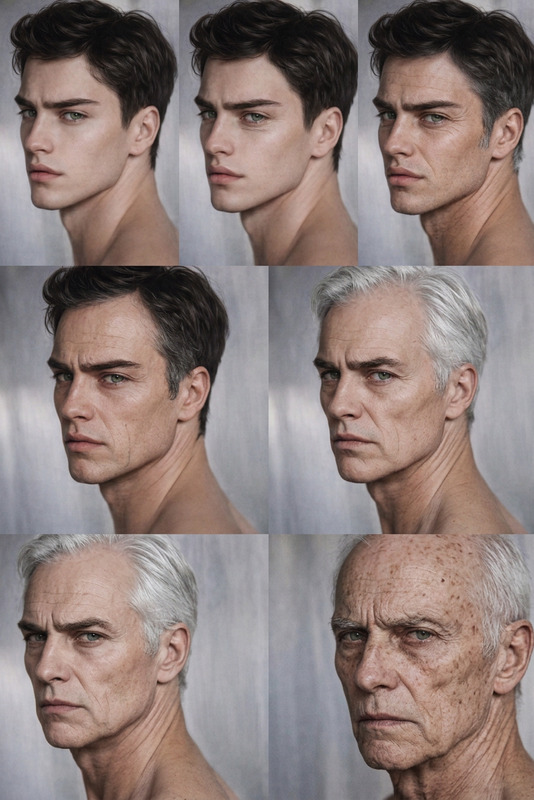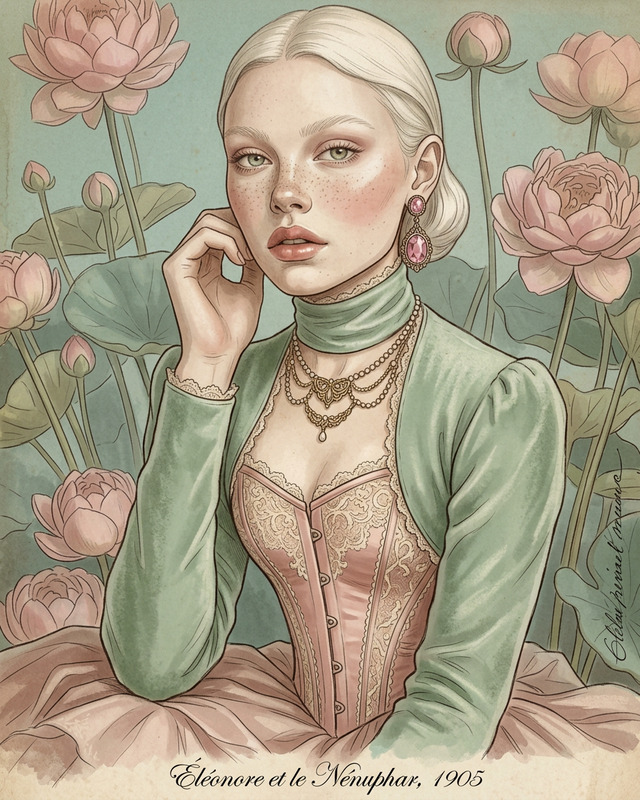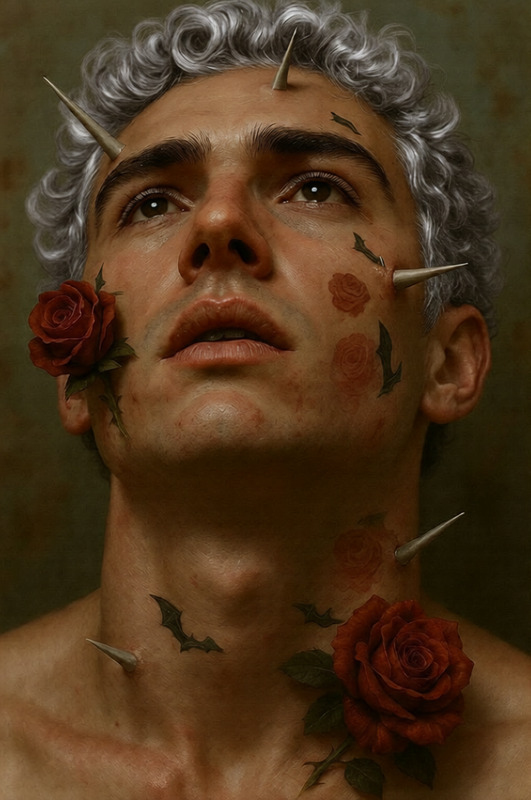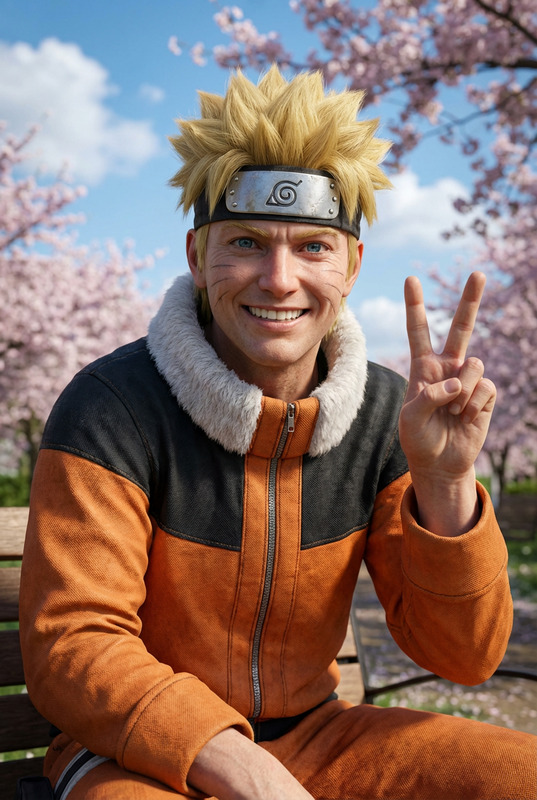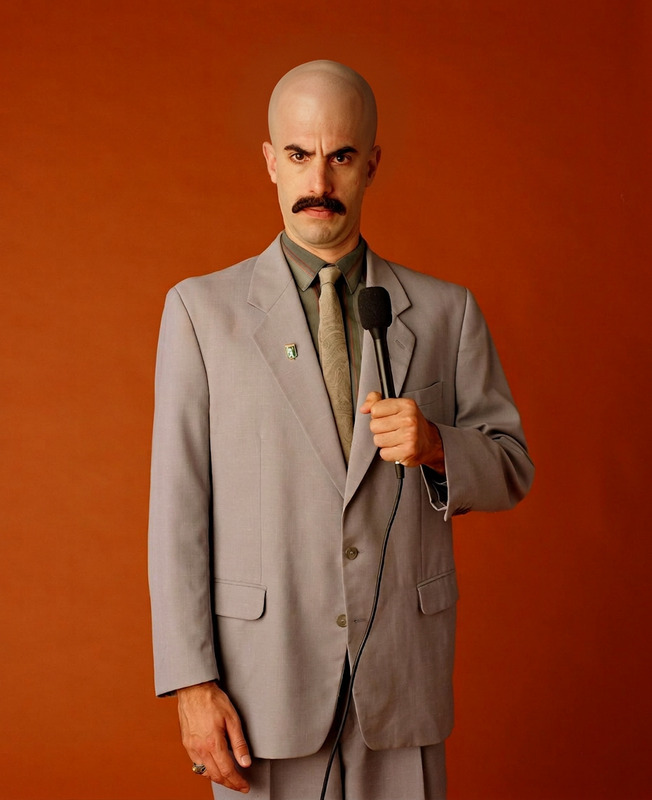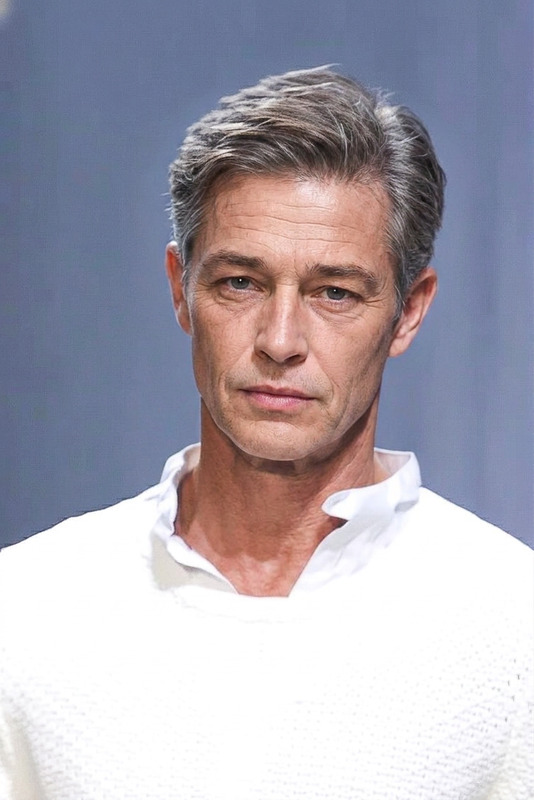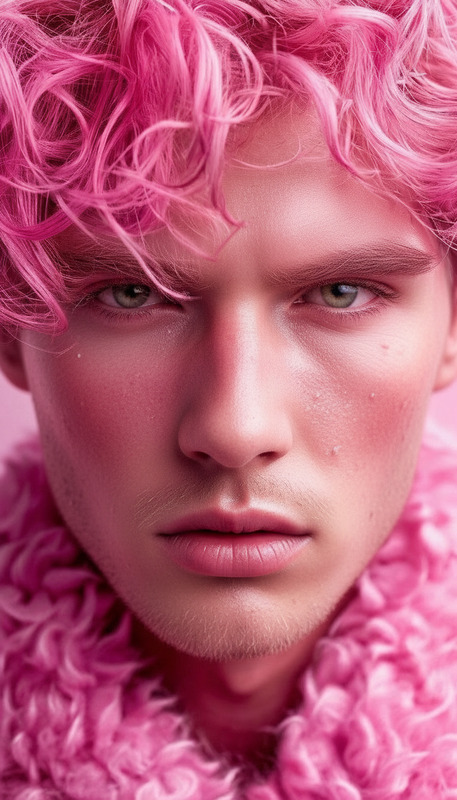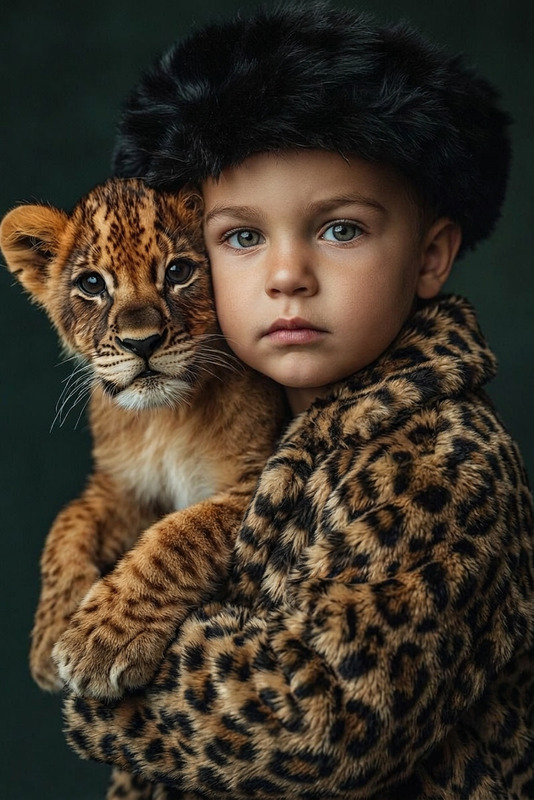
Realistic Aging Preservation
- Model
- Nano Banana 2
- Image
- 843 × 1264 px
Prompt
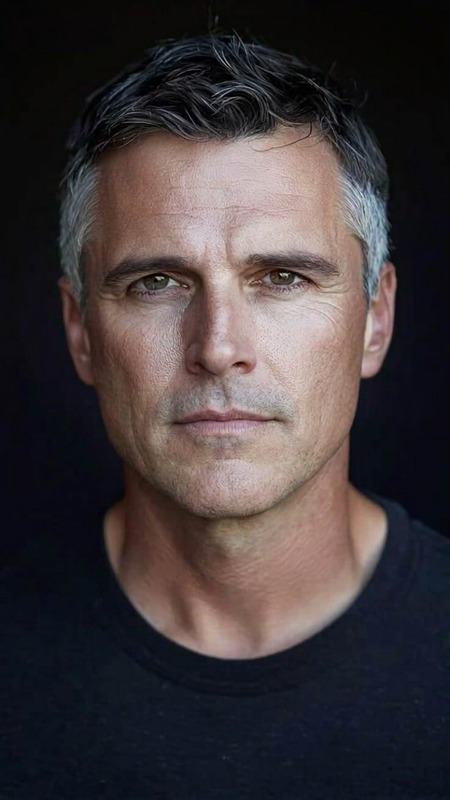
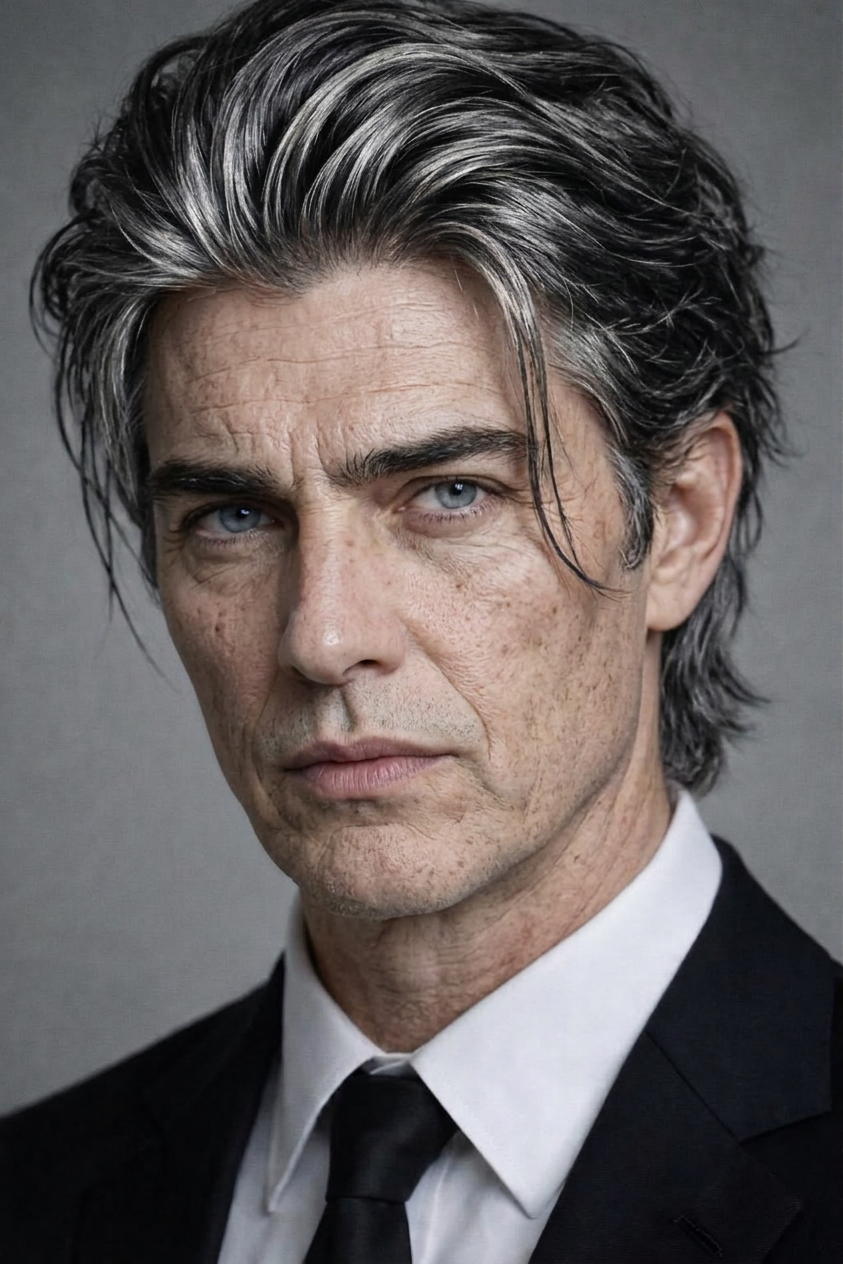
Apply a realistic aging transformation to the subject while strictly preserving the exact facial structure, proportions, and spacing. Maintain the original gender expression, soft facial traits, and emotional tone. Ensure strong visual similarity to the input face—no generic replacements or template-like changes. Gradually age the skin with natural texture changes (fine lines, wrinkles, slight sagging), subtle shifts in facial fat distribution, and realistic pores. Update the hair to match age (e.g., graying, thinning, or texture change) while keeping the original hairstyle identity. Use natural lighting, high detail, and photorealistic rendering to create a believable aged version of the same person.
Any aspect ratio
Overview
Enhance your photos with the Realistic Aging Preservation template available in our AI Image Editor. This tool lets you apply an impressive aging transformation to any portrait while maintaining the subject's unique features and personality. Utilize the nano-banana-2 model to achieve high detail and photorealistic aging effects without losing the original essence of the face.
What It Does
The Realistic Aging Preservation template applies a transformation that ages the subject face with accurate texture changes such as fine lines and wrinkles. It maintains the subject's exact facial structure and expression. Additionally, hair modifications such as graying and thinning are performed while preserving the original hairstyle's integrity. The result is a highly detailed, believable aged version of the person, achieved through advanced rendering technologies.
Who It's For
This template is ideal for photographers, digital artists, and anyone in media production who seeks tools to create realistic aged versions of people. Whether for film, marketing, or personal projects, the Head Swap tool might also be useful in conjunction with aging to experiment with different looks, making it a versatile option for professionals and hobbyists alike.
Summary
The Realistic Aging Preservation template is a potent addition to your digital toolkit, offering a seamless way to portray aging in photos while maintaining individual identity. By leveraging the capabilities of our AI Image Editor, you can achieve stellar results that are both photorealistic and true to the original image, ensuring a familiar likeness in every aged transformation.
How To
Choose the Template

Customize Your Image

Generate and Download

Use Cases
Film and TV Production
- Prepare aged versions for flash-forward scenes
- Enhance storytelling with visually accurate timelines
Marketing and Advertising
- Design transformative before-and-after visuals
- Capture audience attention with unique concepts
Personal Archiving
- Create a family timeline showcasing generational changes
- See possible future adaptations
Best Practices
Select High-Quality Images
For the best results, upload clear, high-resolution images so that facial features remain distinct after aging transformations.Adjust Age Setting Appropriately
Experiment with different levels of aging to find the most realistic and satisfying outcome.Preserve Emotional Expression
Ensure that any editing adjustments maintain the authentic emotional tone of the original image.