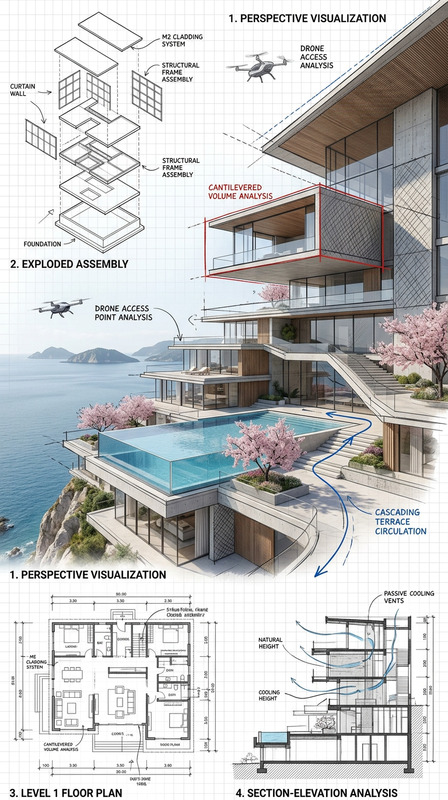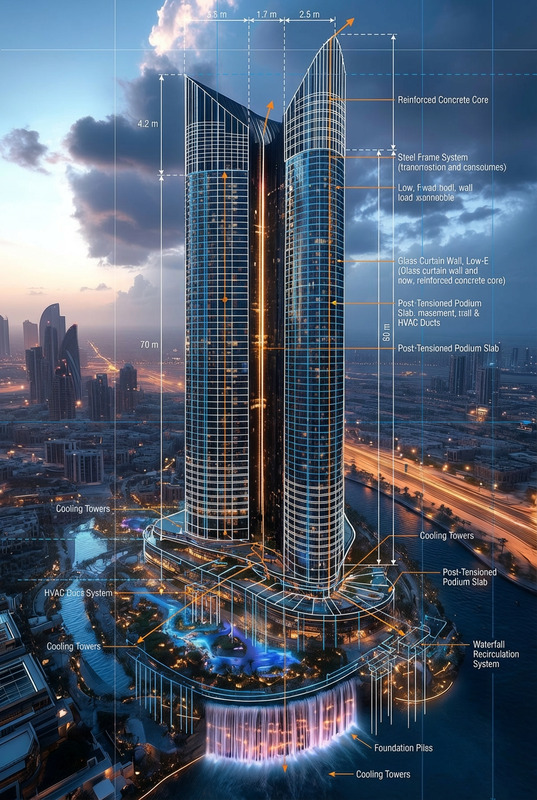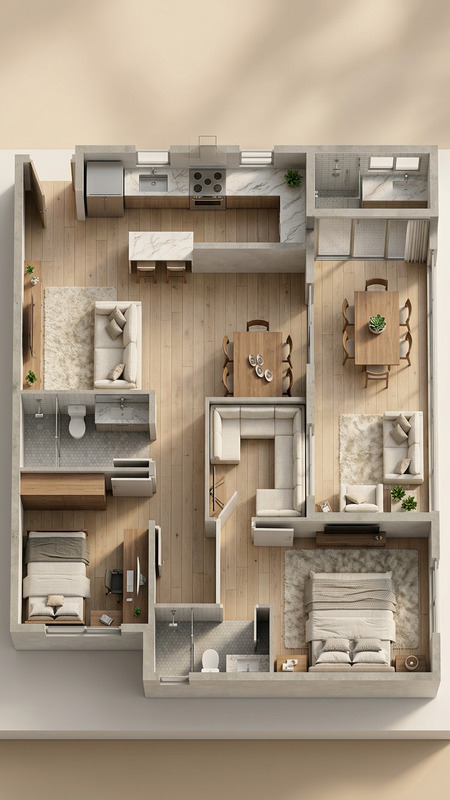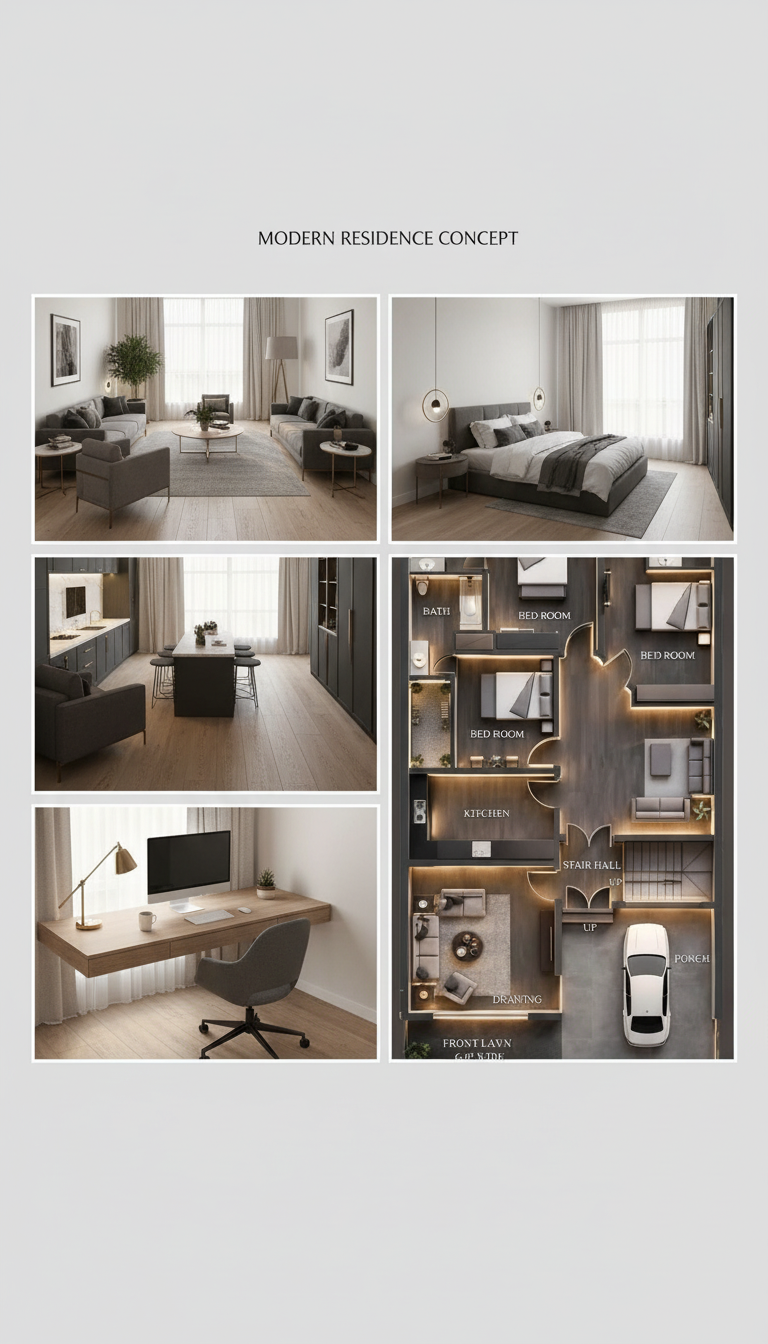
Modern interior presentation board
- Model
- Nano Banana
- Image
- 768 × 1344 px
Prompt
generate a cohesive presentation board including: a main perspective view, a bedroom view, a workspace view, and a top-down rendered 3D plan. Use a modern design style with consistent materials, colors, and lighting across all views. Clean layout, architectural visualization quality, realistic textures, soft natural lighting, and professional presentation aesthetics.
Any aspect ratio
Overview
The Modern Interior Presentation Board template is designed for architects and interior designers who need to create compelling visual presentations quickly. By leveraging the capabilities of the AI Image Editor and the nano-banana model, this template facilitates the creation of cohesive and visually appealing boards tailored to modern design aesthetics.
What It Does
This template allows users to generate a comprehensive presentation board featuring four key views: a main perspective view, a bedroom view, a workspace view, and a 3D floor plan. Each view maintains consistent materials, colors, and lighting, assembled in a clean, professional layout with realistic textures. The result is an architectural visualization that maintains high-quality presentation aesthetics.
Who It's For
Ideal for interior designers, architects, and design students, this template is a powerful tool for anyone aiming to present interior design concepts effectively. It is also suitable for design agencies needing to produce client-ready presentation boards swiftly and with professional polish. Learn more about high-quality image processing with our AI Image Generator.
Summary
Our Modern Interior Presentation Board template streamlines the process of creating sophisticated design boards. It ensures that each element aligns with current design trends, providing a platform for professionals to showcase their work attractively. This template is part of a broader suite of tools, including the AI Photo Relighting feature, that enhances image quality and lighting control.
How-To
Choose Your Template

Customize Your Inputs

Generate and Download

Use Cases
Architectural Design Projects
- Includes perspective views and detailed plans
- Consistent design narrative
Interior Styling Presentations
- Cohesive style across different rooms
- Professional-grade visuals
Student Portfolios
- Demonstrates understanding of lighting and materials
- Supports design education
Best Practices
Maintain Consistency
Use the same color palette and materials across all views for a cohesive look.Focus on Lighting
Ensure that the lighting is soft and natural to enhance realism in presentations.Choose Accurate Textures
Select textures that replicate real materials to add authenticity to your designs.